Managing Linked Apps
Linked Apps shows the desktop and mobile apps authorised to access your CreeperPanel account. It is useful when you replace a device or want to check where you have signed in.
- Open the account menu in CreeperPanel.
- Choose Profile → Linked Apps.
- Review the device name, app version and device ID. Last-seen information is shown where available.
- To revoke an app's access, select its remove button and confirm the removal.
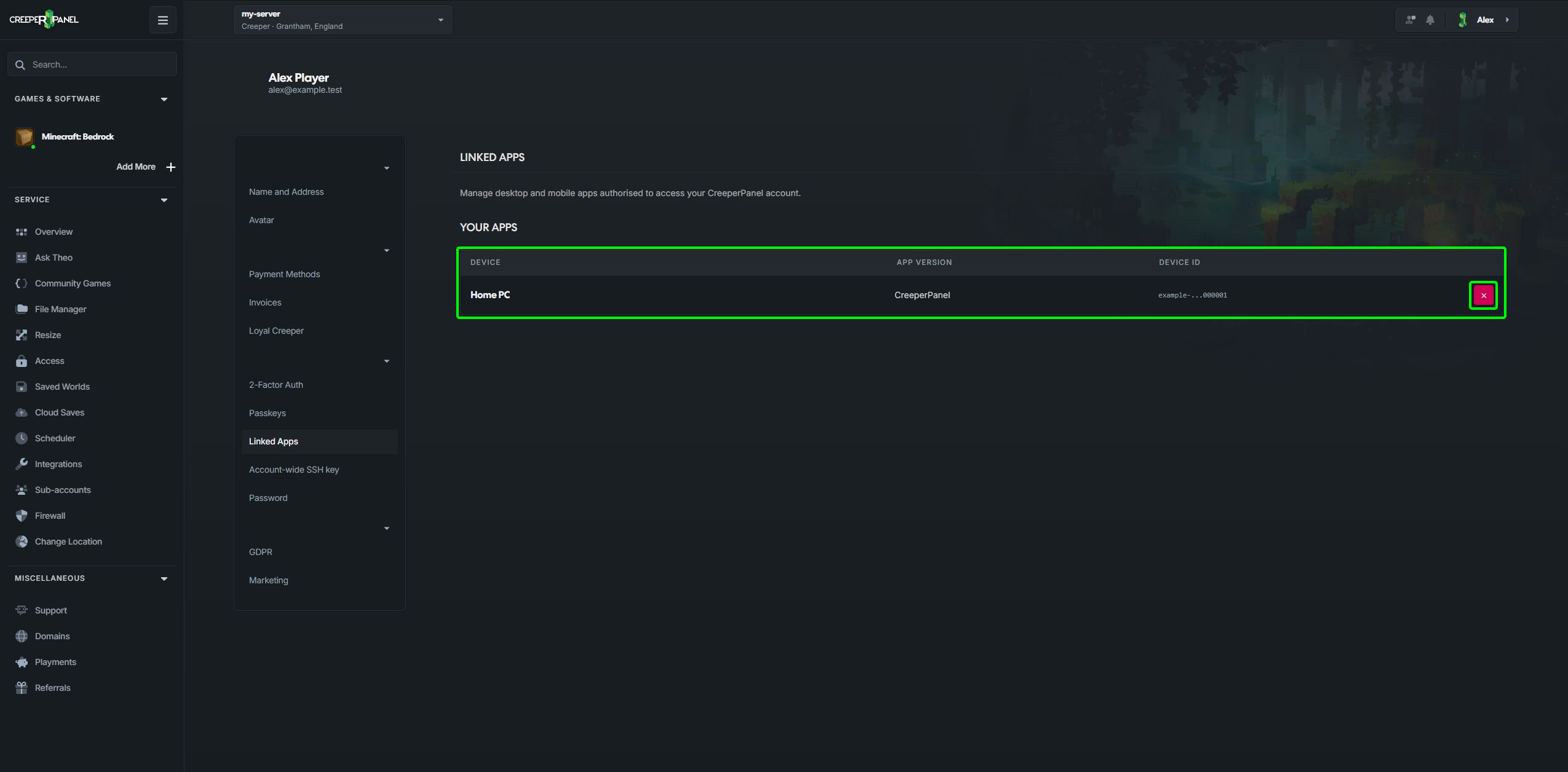
Removing an entry revokes that app's authorisation. It does not uninstall the app from the device. You can authorise it again by signing in through the app.
If you do not recognise a device, remove its access and review your account security and activity logs.
Download apps from CreeperPanel Apps. An authorised app can also make you eligible for the bonus prizes shown on Loyal Creeper.