CreeperPanel desktop and mobile apps
The CreeperPanel apps bring the main panel to your desktop or phone. You use the same account and manage the same services as in your browser.
Install an app
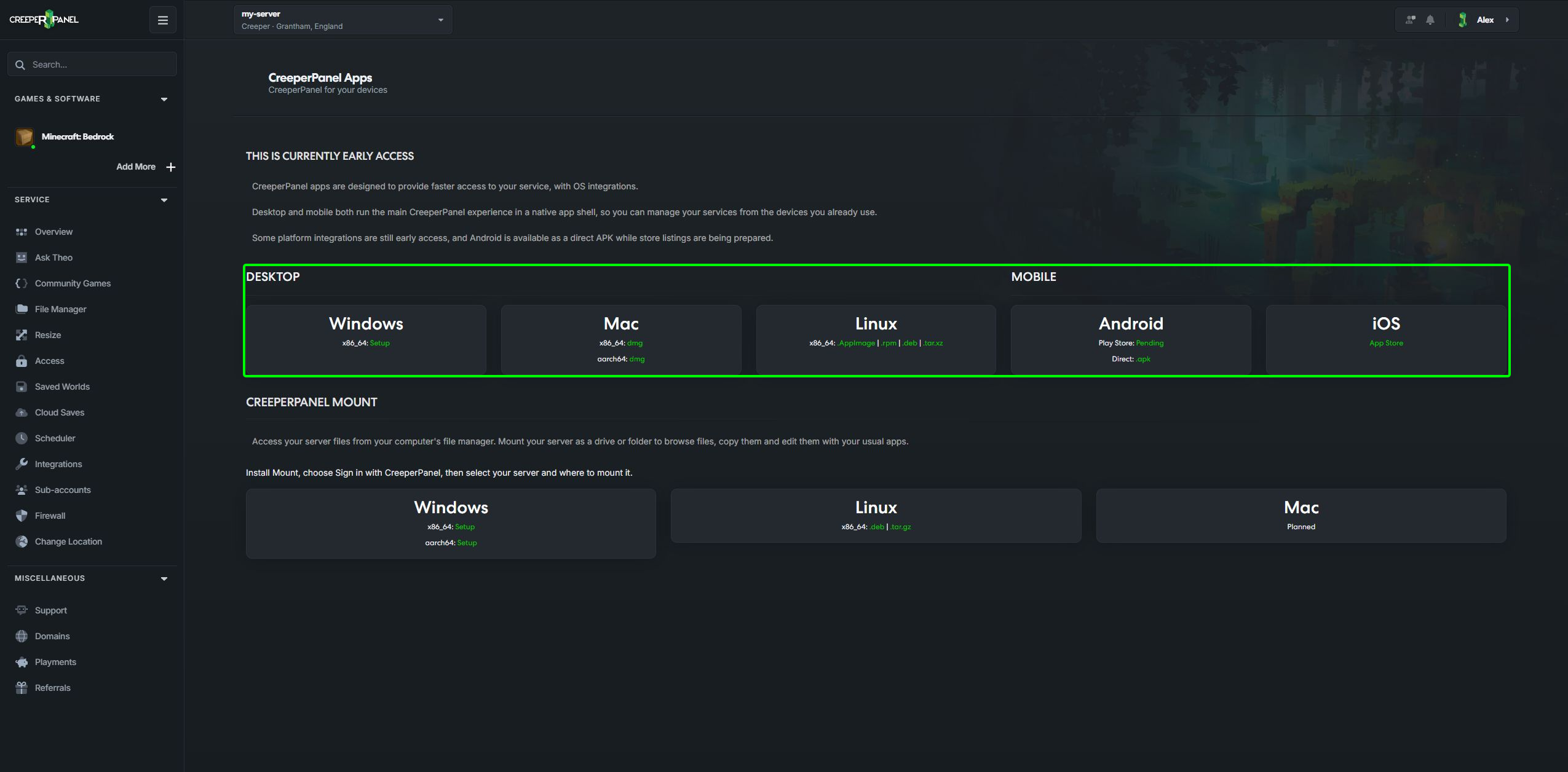
- Sign in to CreeperPanel, open the account menu and choose About → Explore our apps.
- Choose a download for your operating system and architecture.
- Install the downloaded package, then open CreeperPanel.
- Follow the sign-in prompts and authorise the app for your account.
- Select your server and use the panel as usual.
Windows and Linux desktop downloads are listed on the Apps page. Android is available as a direct APK: use the download from that page, then follow Android's prompt if it asks you to allow that download source to install apps.
The apps are in early access. Store listings, macOS and iOS downloads are not yet available. If an Android download says Loading, wait for it to finish; if it says Unavailable, try again later.
Use the Apps page to find the currently offered packages. Manage authorised devices under Profile → Linked Apps, where you can revoke an app's access.
Keep the app up to date
When the desktop app offers an update, choose Update immediately or Update on exit. Finish any uploads and save open files before restarting it.
On Android, choose Download update when prompted. The download opens in your browser, then Android asks you to confirm installation. Later postpones the update.
Access files from your own file manager
CreeperPanel Mount is a separate app for mounting server files as a drive or folder. Choose it when you want to browse and edit files with your usual desktop tools.