Installing Additional Software
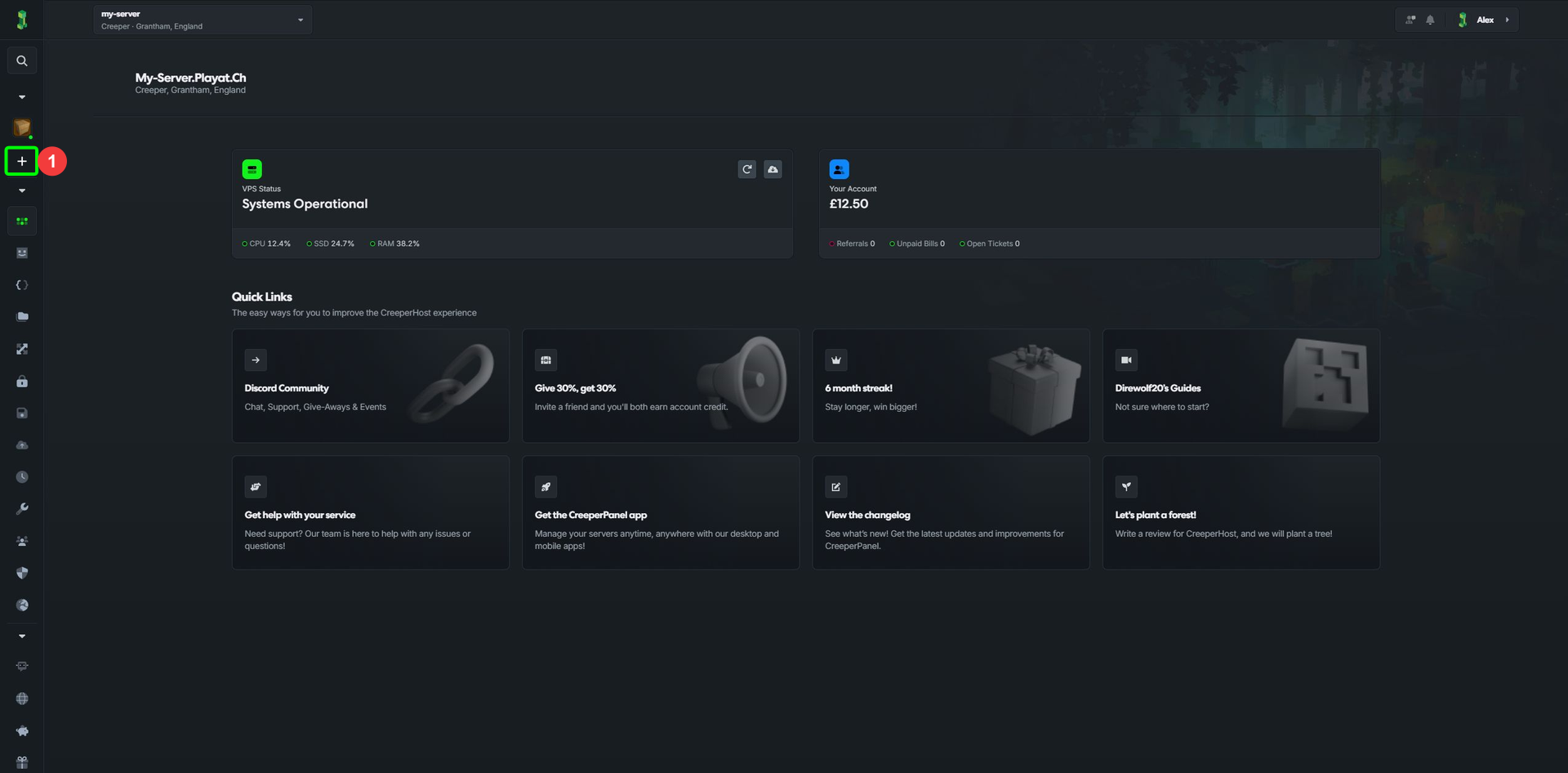
- To install additional software on your service, click on the
Add morelink in the sidebar.
In compact navigation, use the + button.
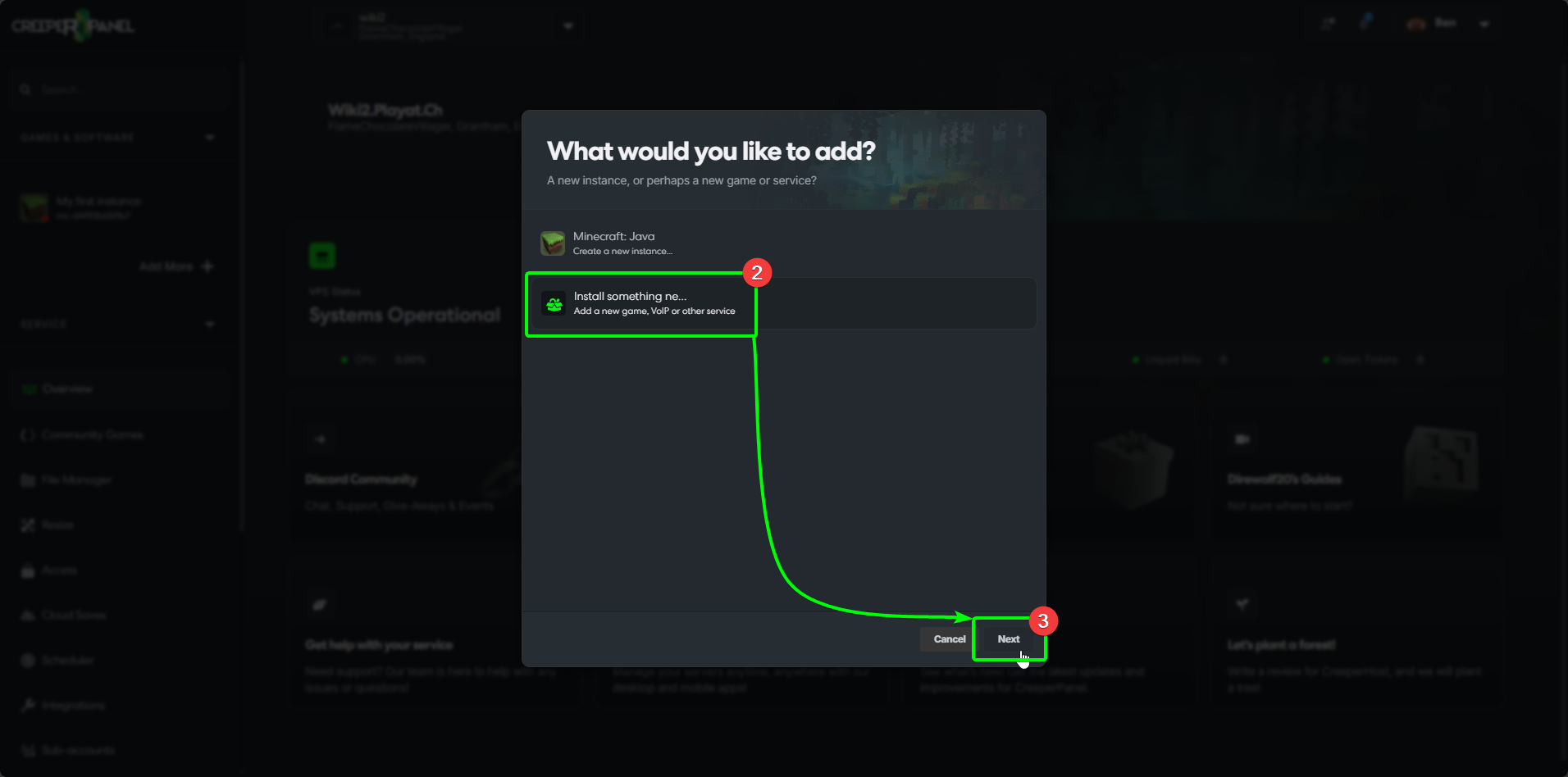
- The CreeperPanel will open a popup; if you can't see what you want immediately, select
Install something new.... Otherwise, select the game/ application you wish to install, then skip to Step 7. - Click
Next.
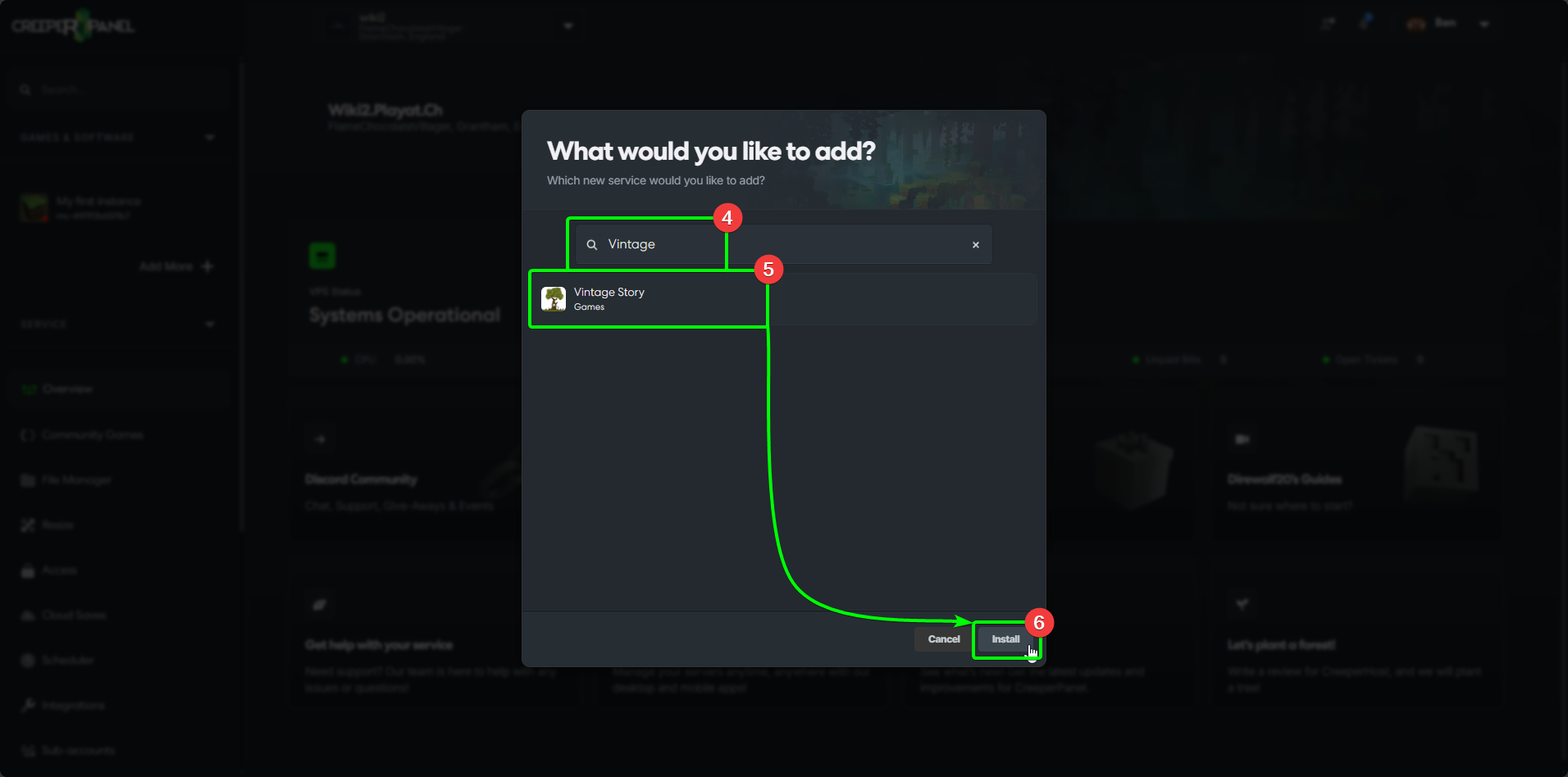
- In the search box, enter the name of the game/ application you wish to install - the results will auto-populate as you type.
- Select your game/application from the list.
- Select
Install.
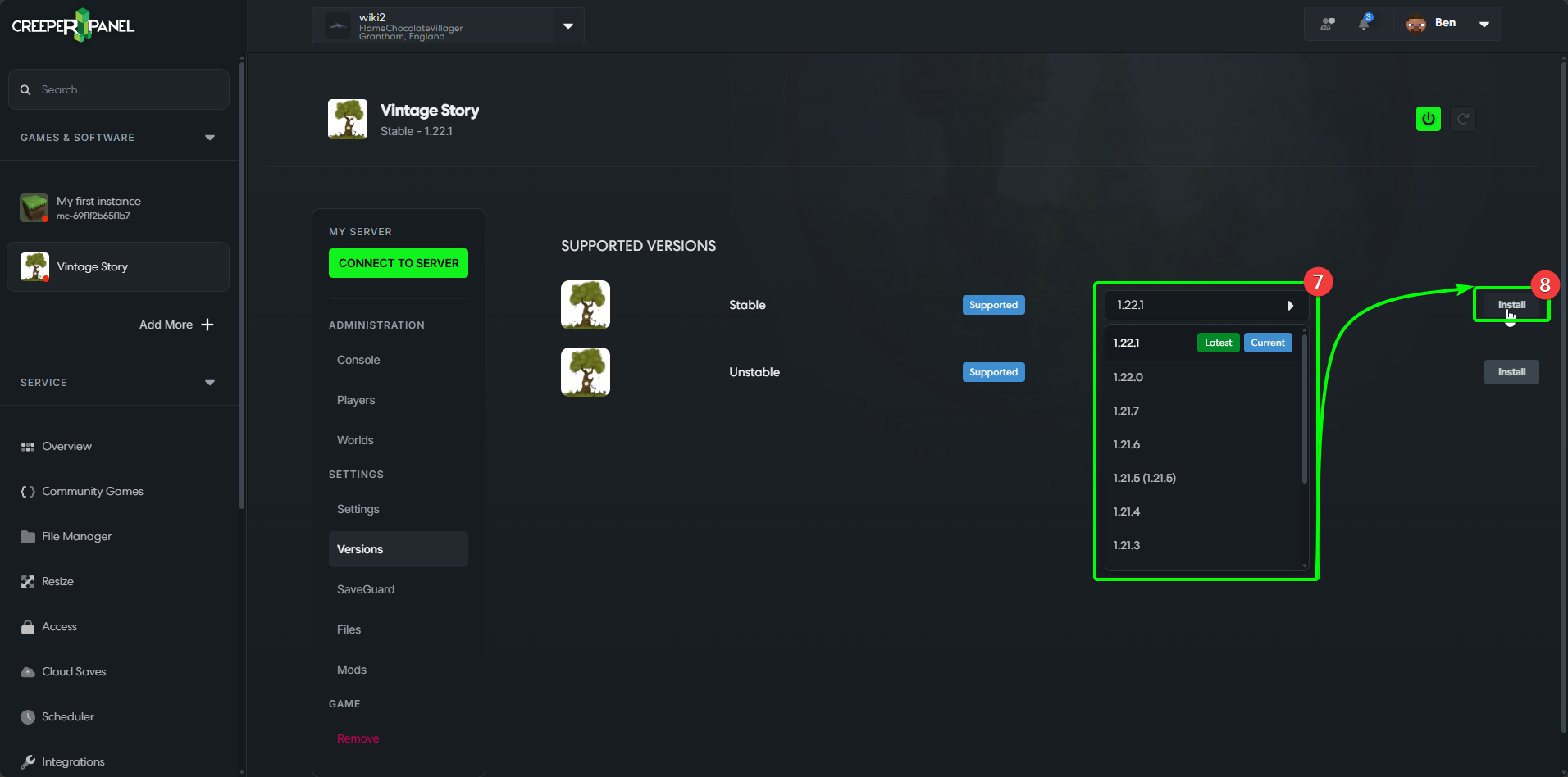
- Select the version you wish to use from the drop-down list.
- Select
Install.
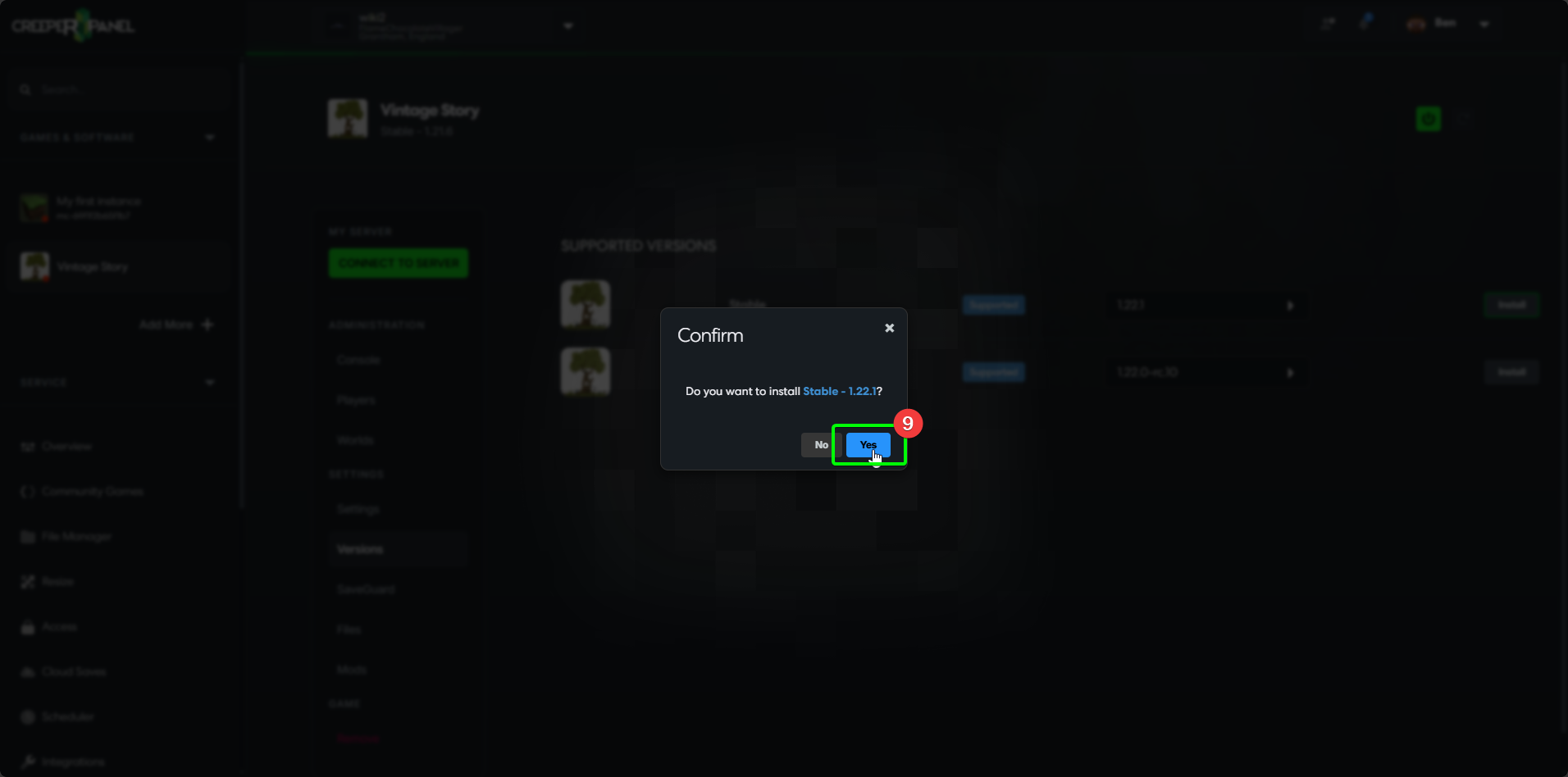
- Select
Yesin the pop-up to confirm the installation.
You're now an installation master! You will need to follow this same process any time you install a new game or application.