Setting Sub-account permissions
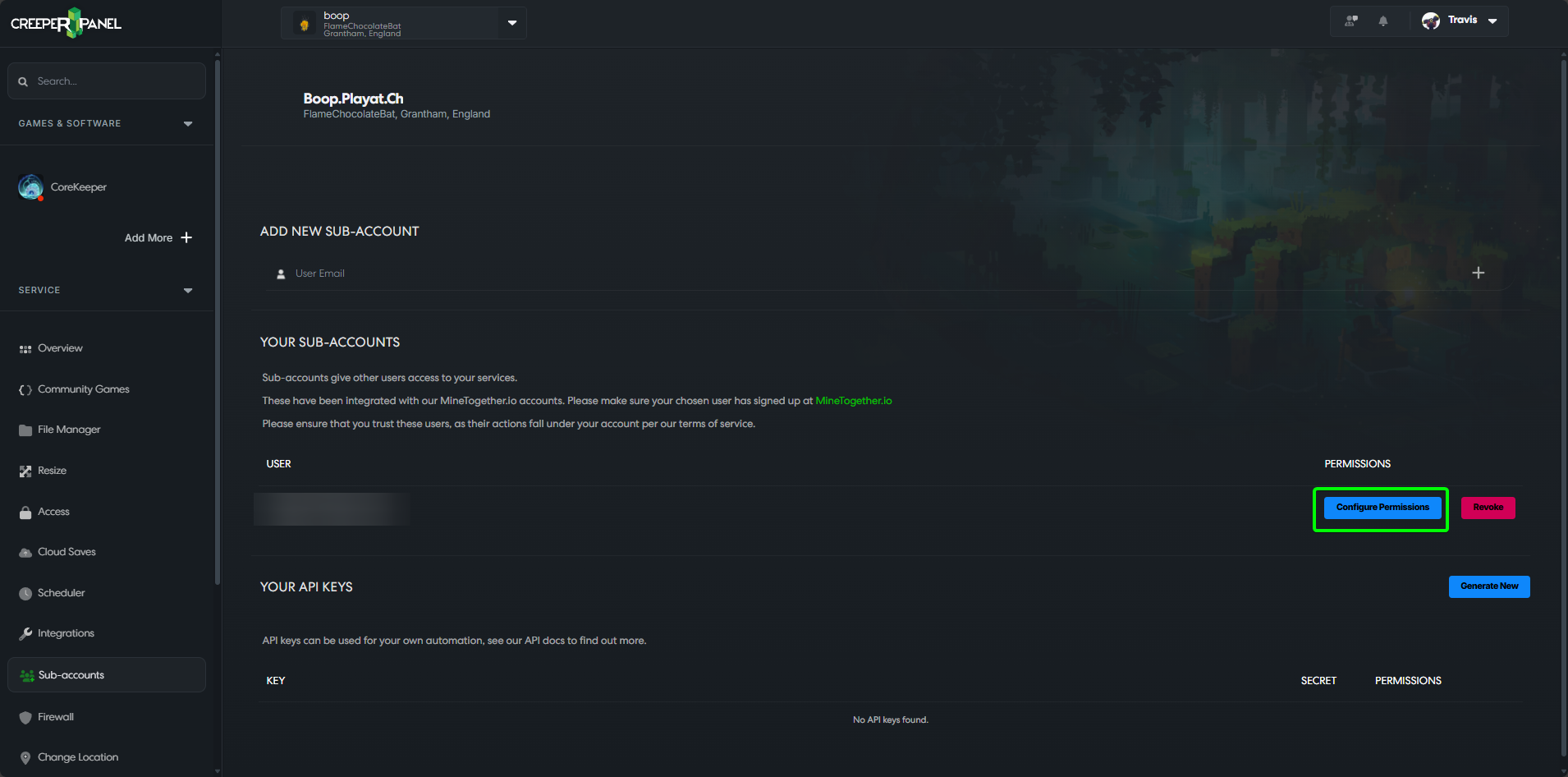
To configure the permissions for a Sub-account, click on Configure Permissions next to the user you want to configure the permissions for.
You will now be taken to a page where you can grant or revoke permissions for specific features and games/instances.
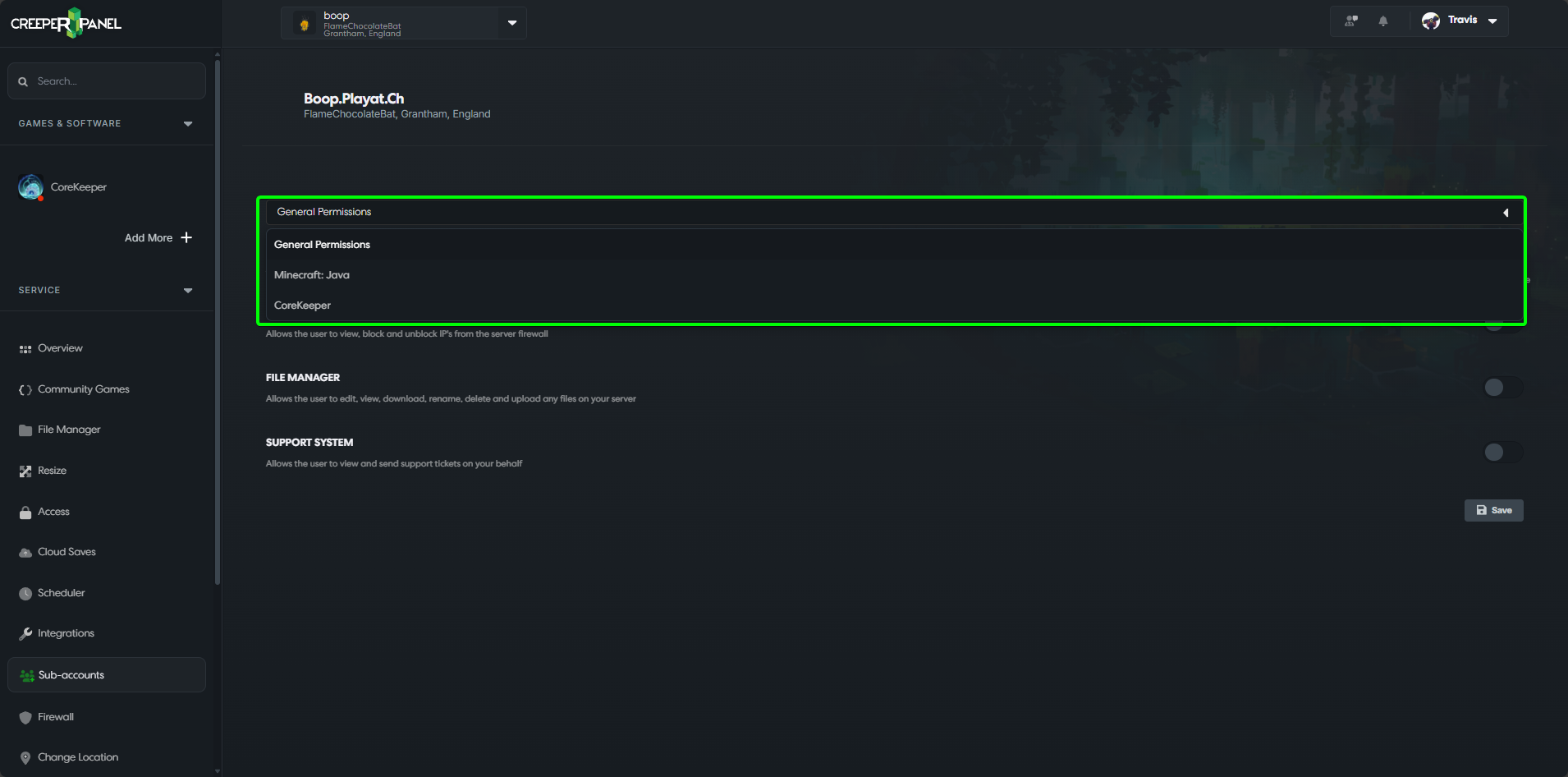
You can grant permissions to the user easily; click on the toggle switch next to the relevant permissions you wish to grant, then select Save after you are done. (The sub-account user may need to log out of the panel and back in to see the new features they have been granted).

You can select a different game/feature by clicking on the dropdown box; this will bring up a list of the different games/features you have installed on your service.