Config Layers
info
Config Layers is available on supported NeoForge instances running Minecraft 1.21 or later, with Config Layers enabled. Look for Mod Settings in your instance menu; the Minecraft version alone does not guarantee availability.
Our Config Layer System lets you change mod settings through a simple GUI, without altering the original files. When you update your modpack, your settings are preserved and re-applied automatically.
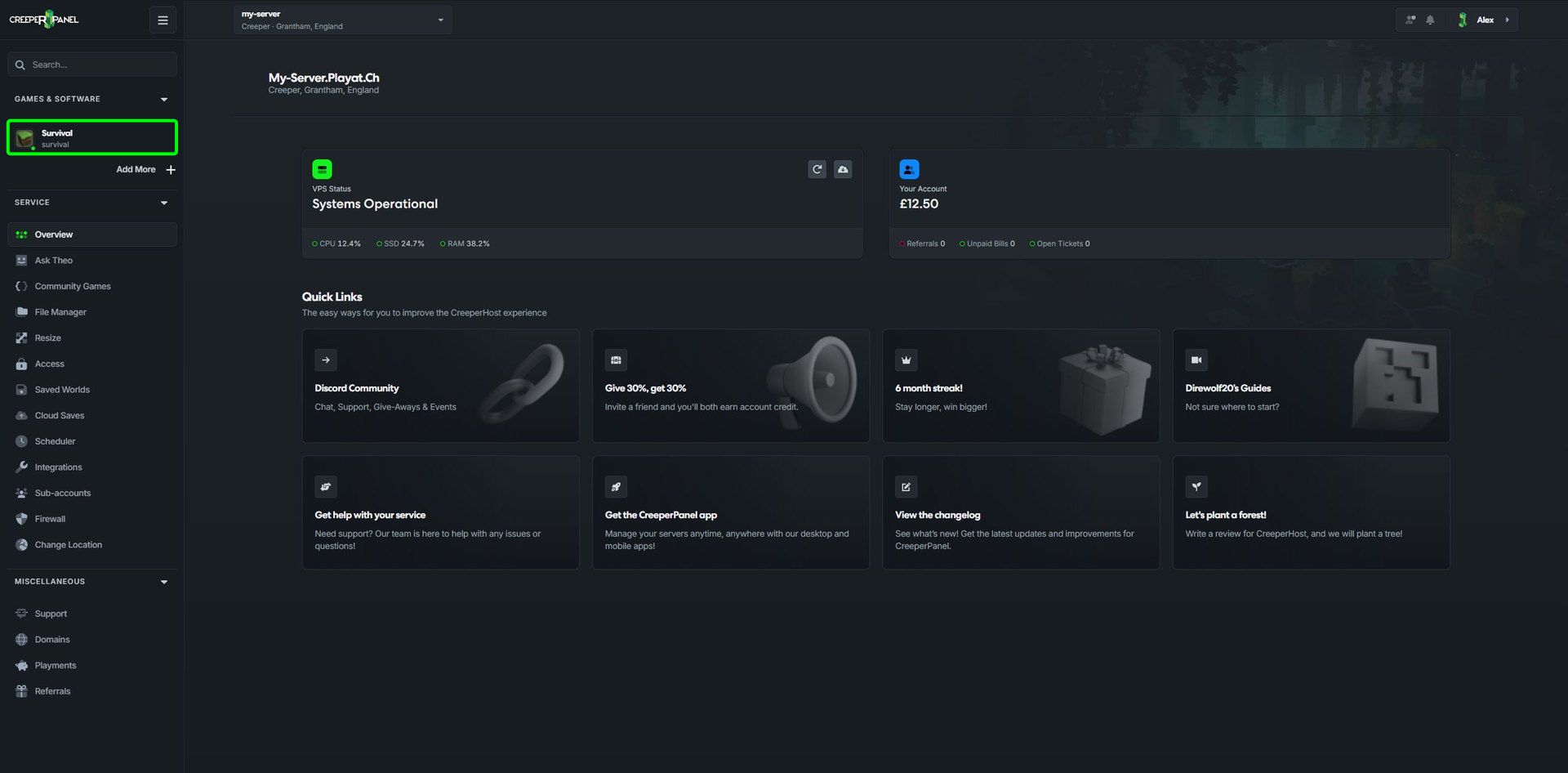
- Select your instance.
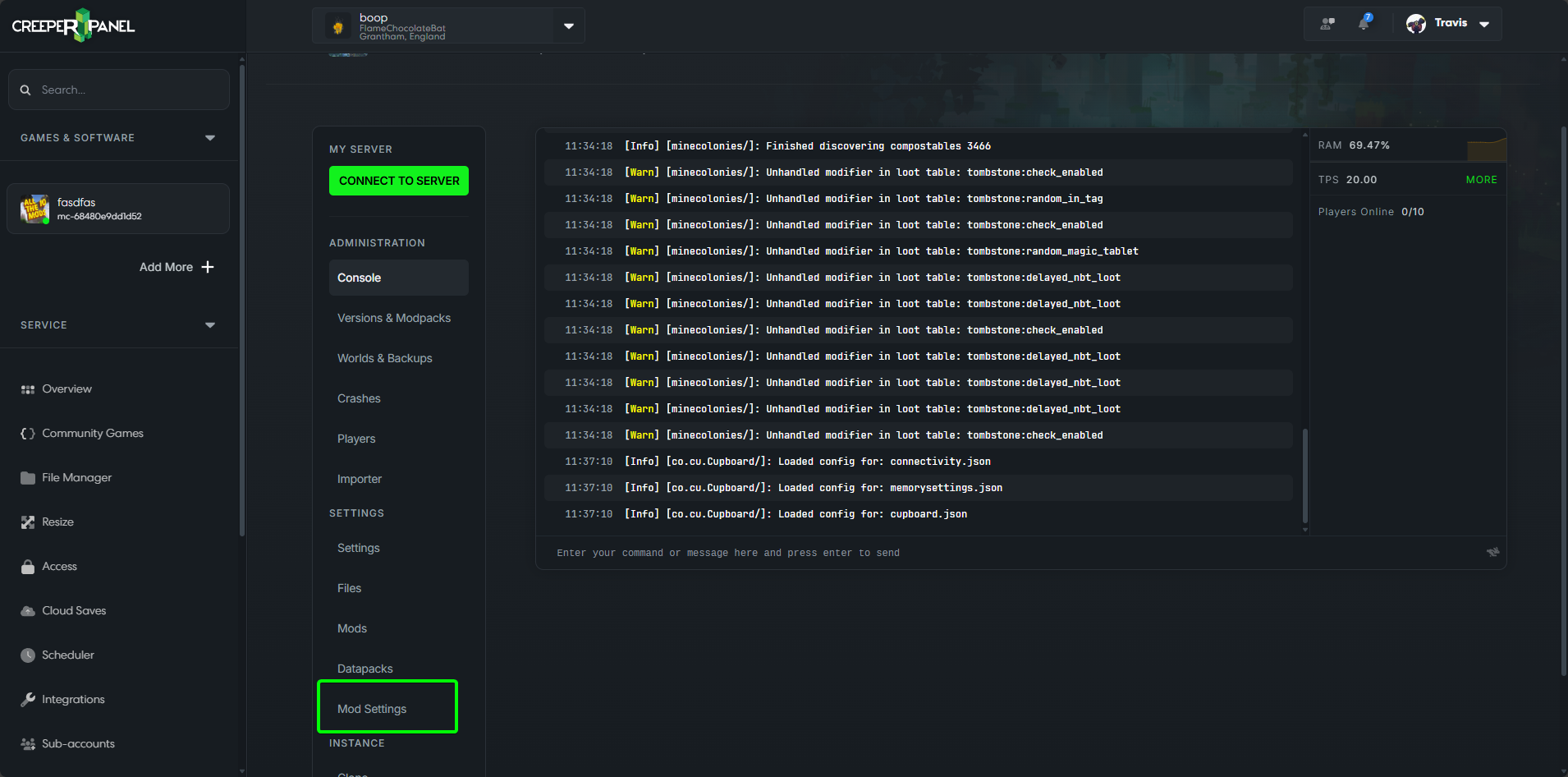
- Select Mod Settings.
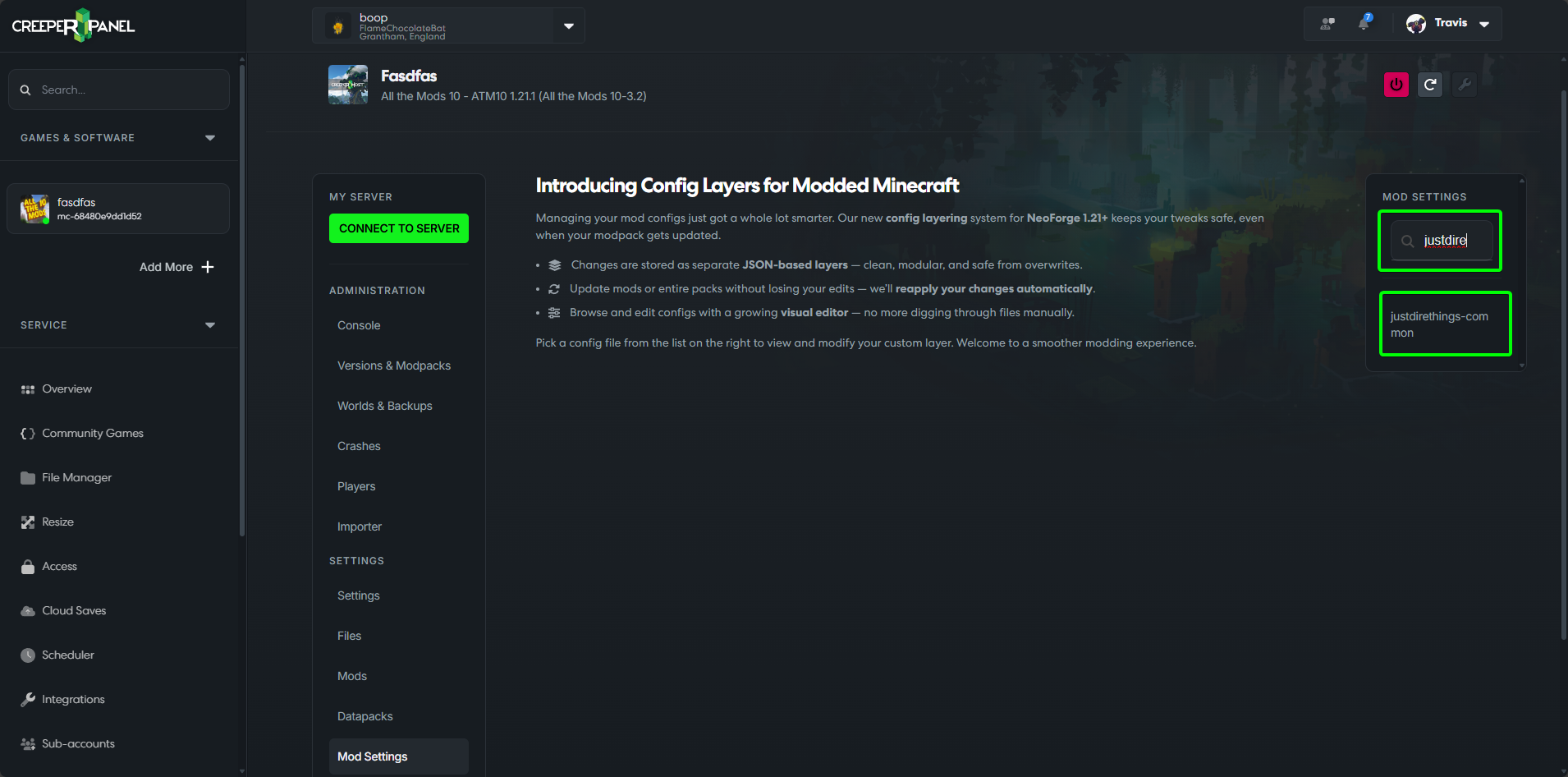
- Find the config from the mod you wish to edit.
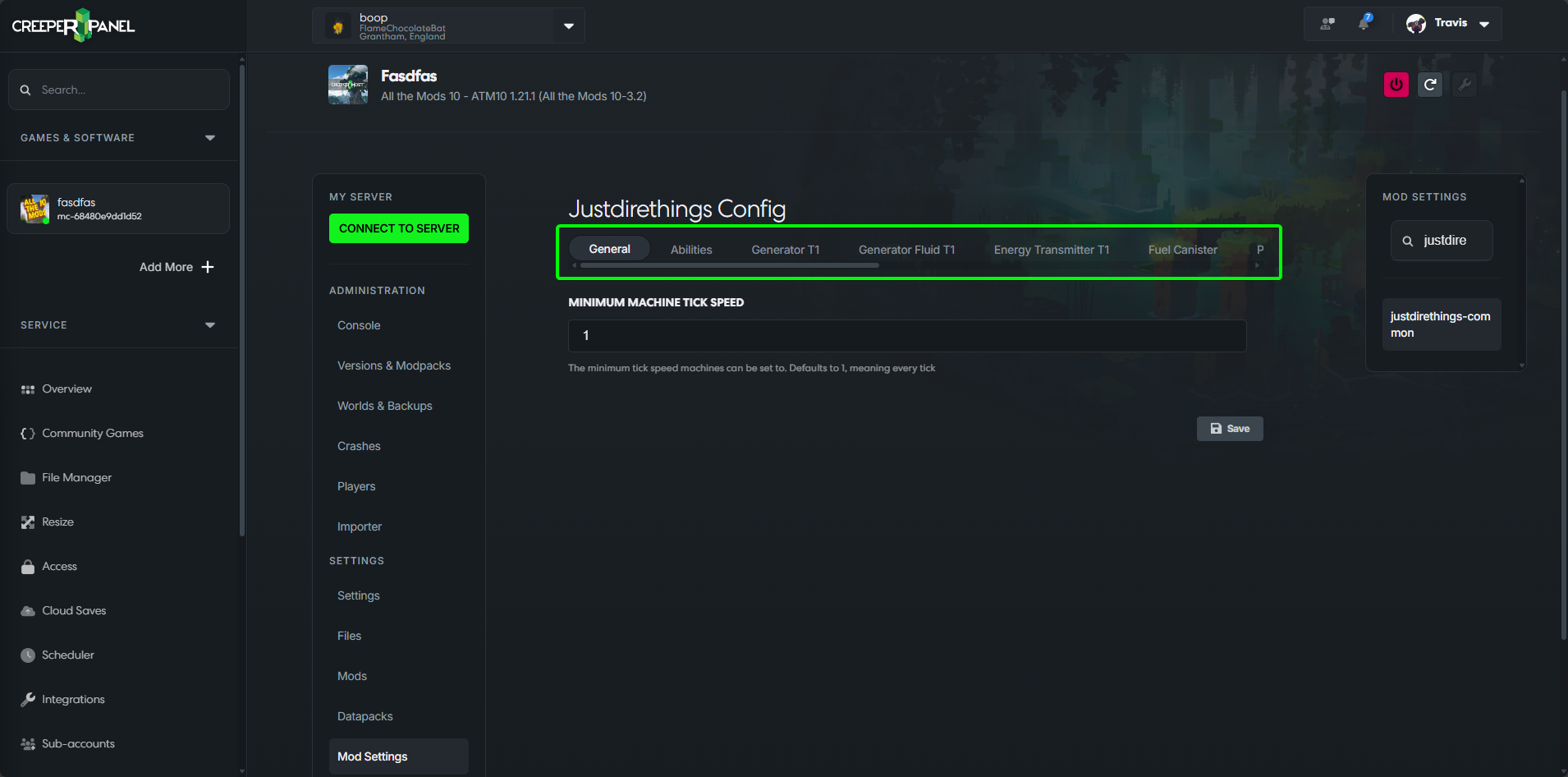
- Categories in the config file are split up into tabs to make them easier to find.
- Make the changes that you want.
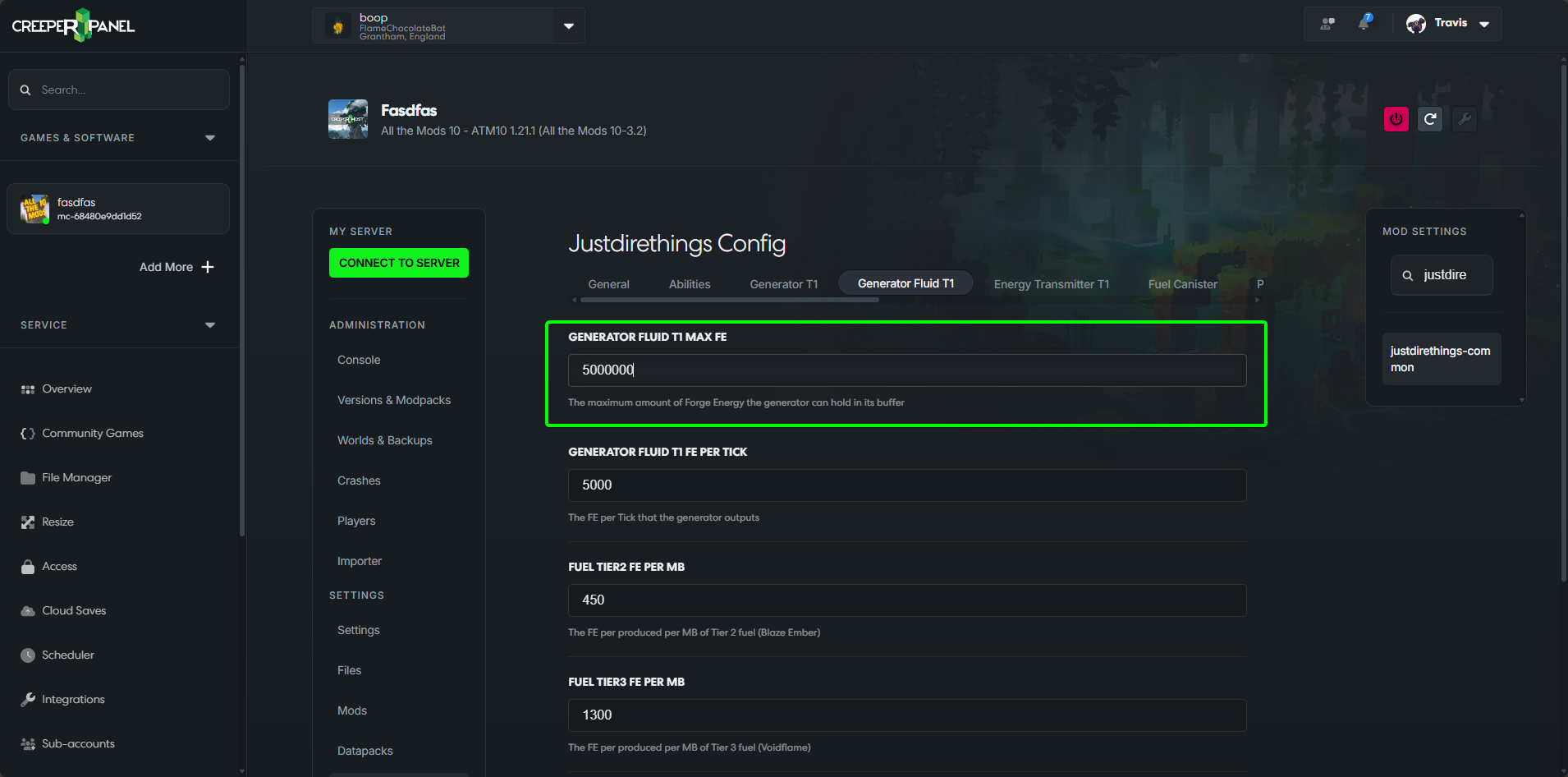
- Scroll to the bottom of the page and press save.
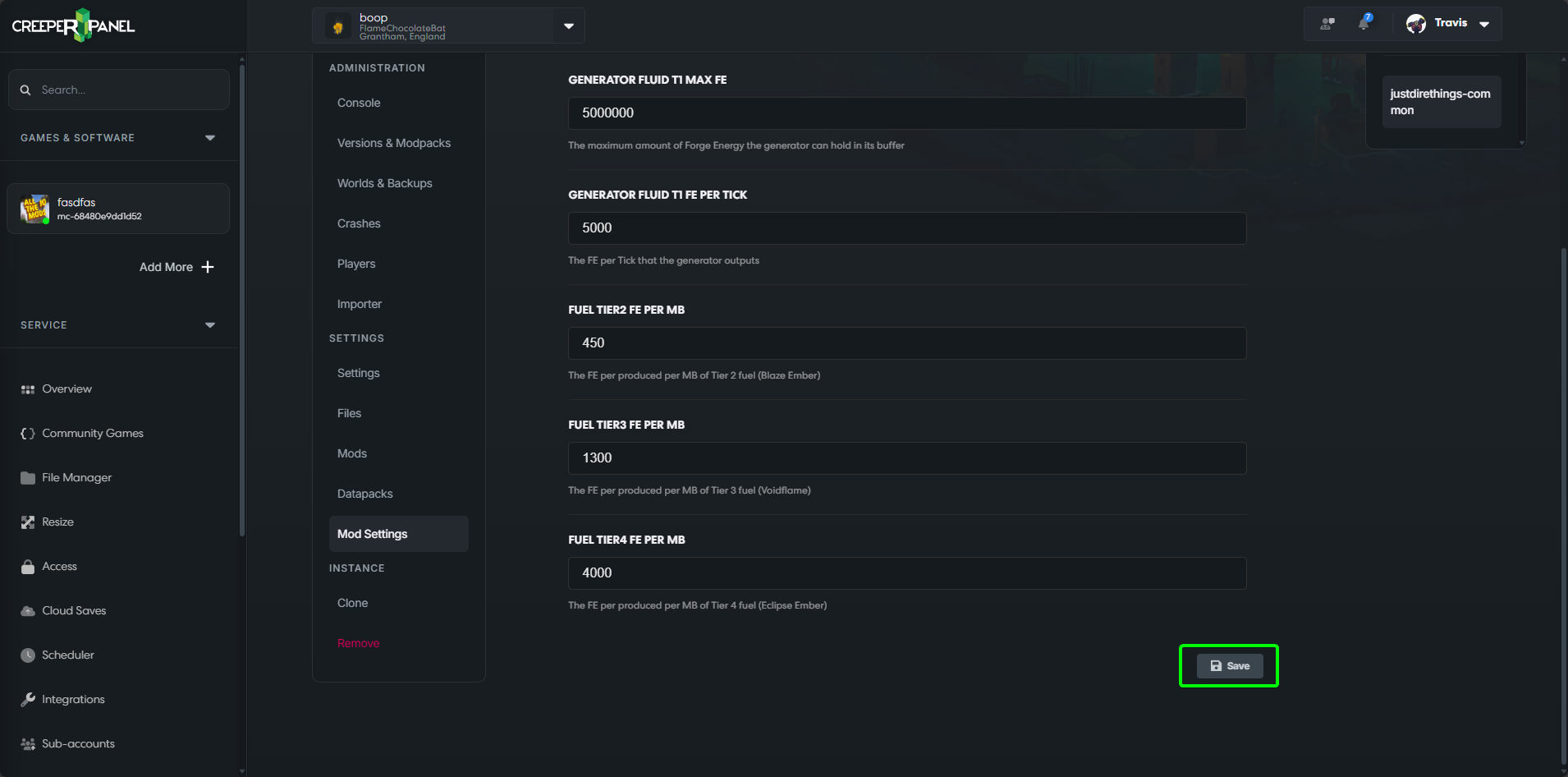
- That's it! Your config changes are now saved; the last thing to do is restart the server.
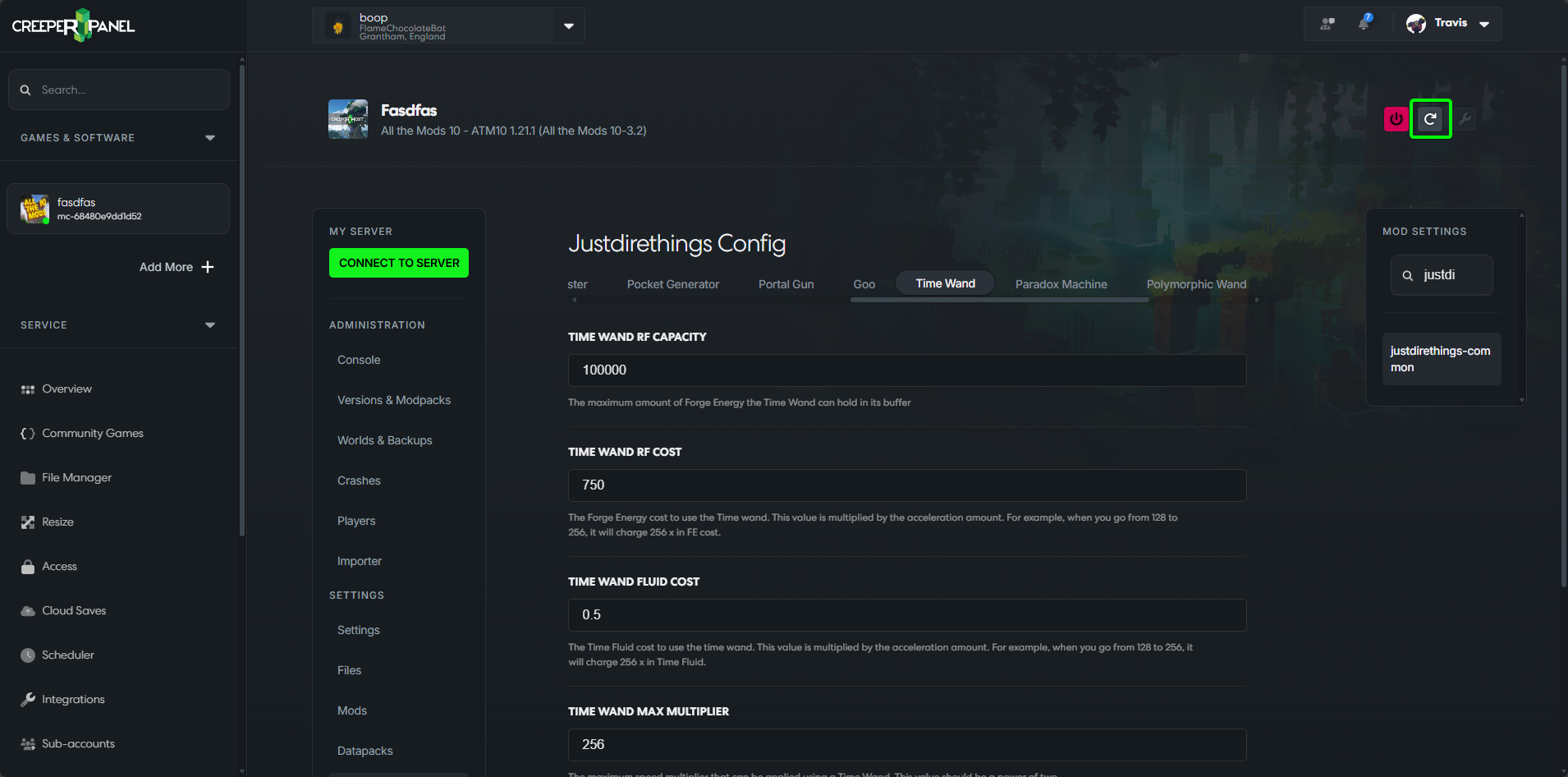
That's it! You're all set; your config changes are now saved, and will not be overwritten by a modpack update.