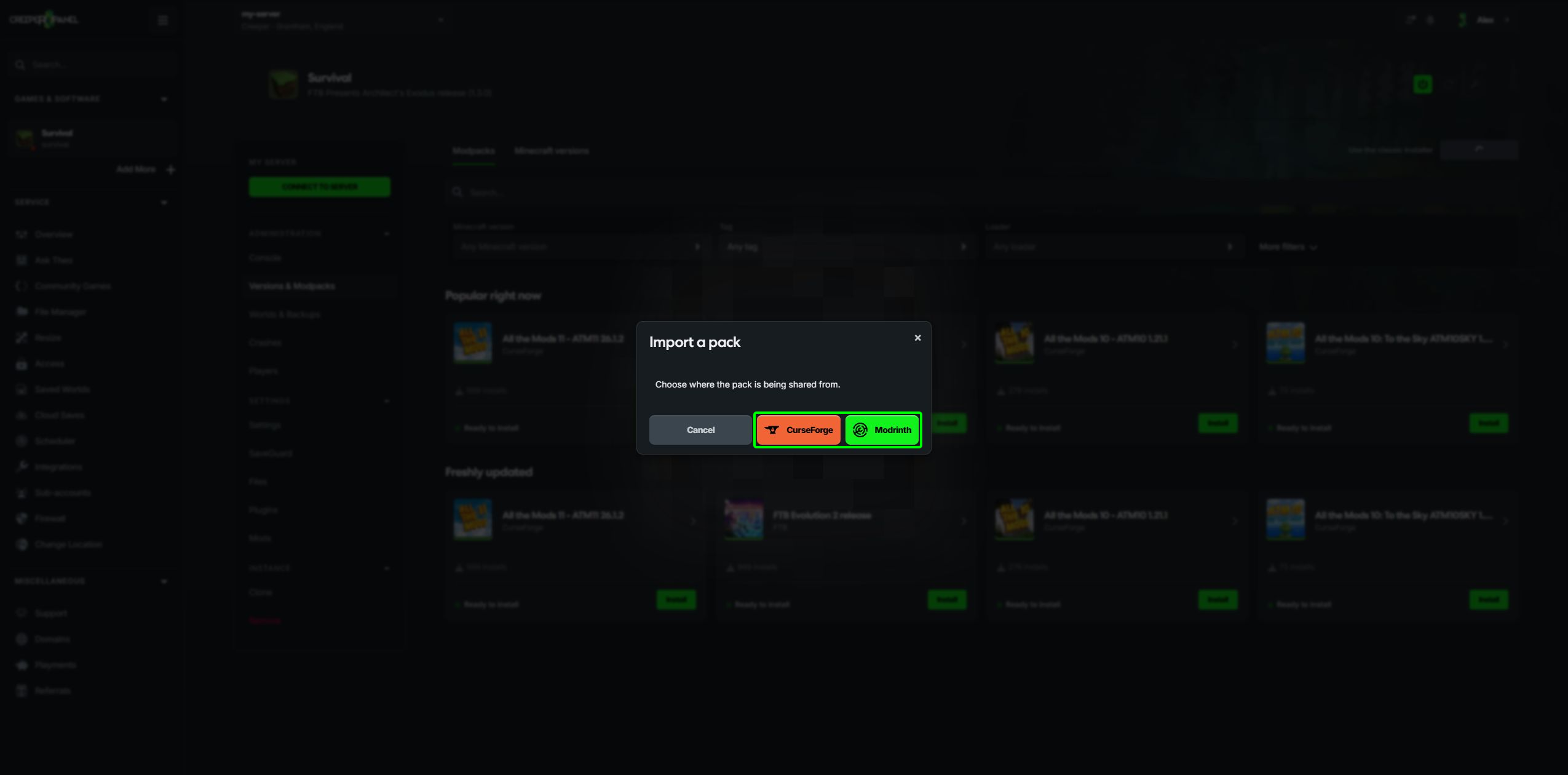
Importing a shared Modrinth instance
You can install a Modrinth instance shared with your Modrinth account directly through CreeperPanel. Have that shared instance available in Modrinth first; installing a public pack from the catalogue is a separate option in Versions & Modpacks.
Choose the destination
Select the Minecraft instance you want to use, then stop it and take a backup. The import goes into the instance you have selected. If you want to keep your existing setup, create another instance first.
- Open Versions & Modpacks and select Import a Pack.
- Choose Modrinth.
- If prompted, select Connect Modrinth, then sign in and authorise the connection in the window that opens.
- Choose the shared instance from the list. Check its name and owner, then select Install Pack.
- Wait for the import to finish. Start the server and check the Console before joining with the matching client setup.
If the login window is blocked, allow pop-ups for CreeperPanel and try again. If no instances are listed, check that the instance has been shared with the Modrinth account you connected.
Update a shared instance
When the shared instance has a newer version available to your connected account, the Console can show an update notice. Take a backup, then select Update Now and check the version in the confirmation.
Updating a running instance stops it and starts it again afterwards. An instance that was stopped stays stopped until you start it. The update is a deliberate action; changing the shared instance does not silently replace your running server.