Installing Hytale on your service
To begin hosting your Hytale adventure, log in to the CreeperPanel.
- Select
Add More +from the side-bar. - Select
Install something newin the pop-up. - Select
Next.

- Now, search for
Hytalein the search box. It will auto-populate the results as you type. - Select
Hytale. - Select
Install. The Panel will now take you to the versions page.

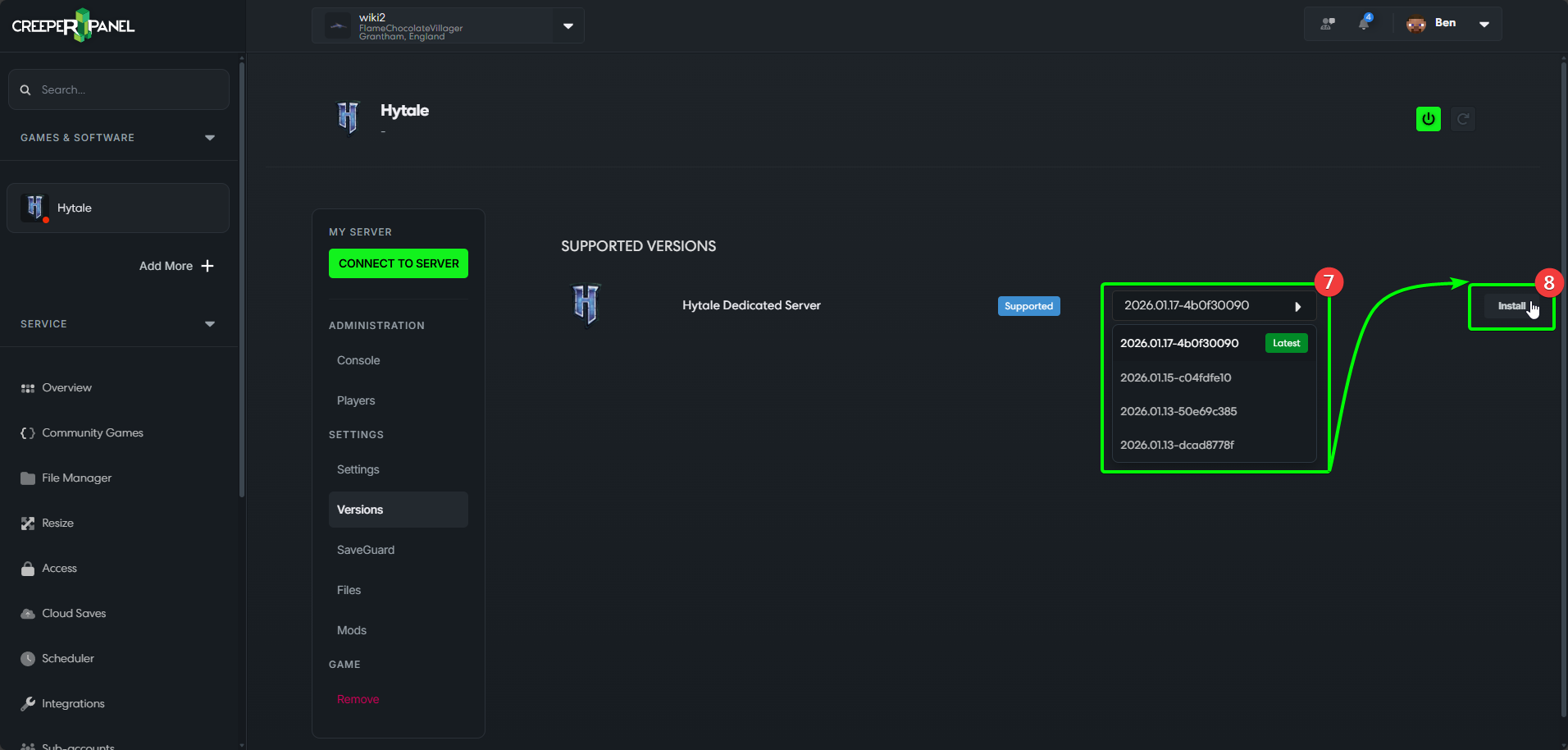
- From the drop-down list on the versions page, select the version of Hytale you wish to install.
- Select the
Installbutton.
- Select
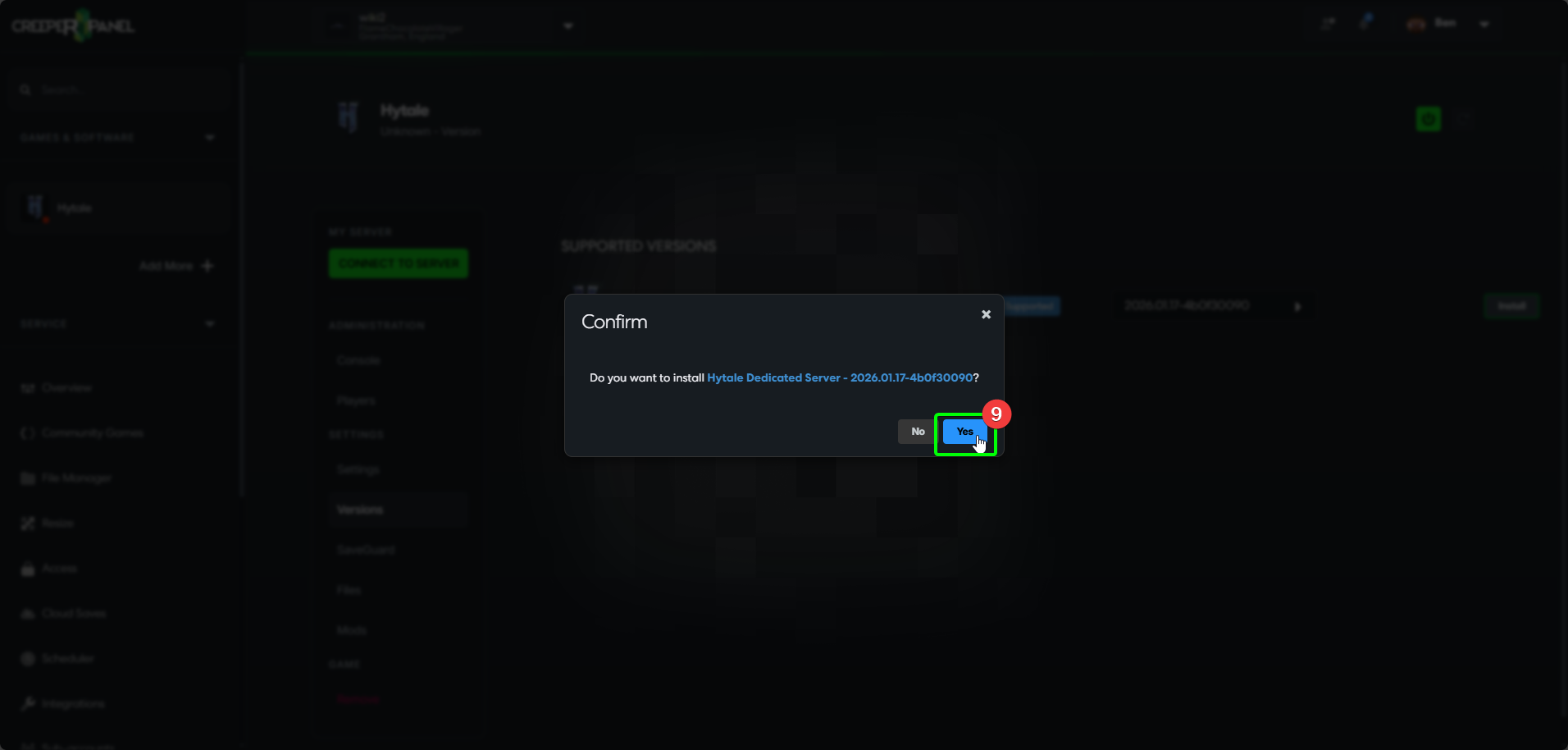
Yesto confirm the installation; when the Panel has finished, you will be taken to the console page for Hytale - that should be it!