Setting spawn location
info
By default, Vintage Story will select a random location the first time your world is created to use as Spawn.
You can change the default spawn on your server using the /serverconfig setspawn [x, y] command
This can be done via the server console or by an admin on the server.
Console
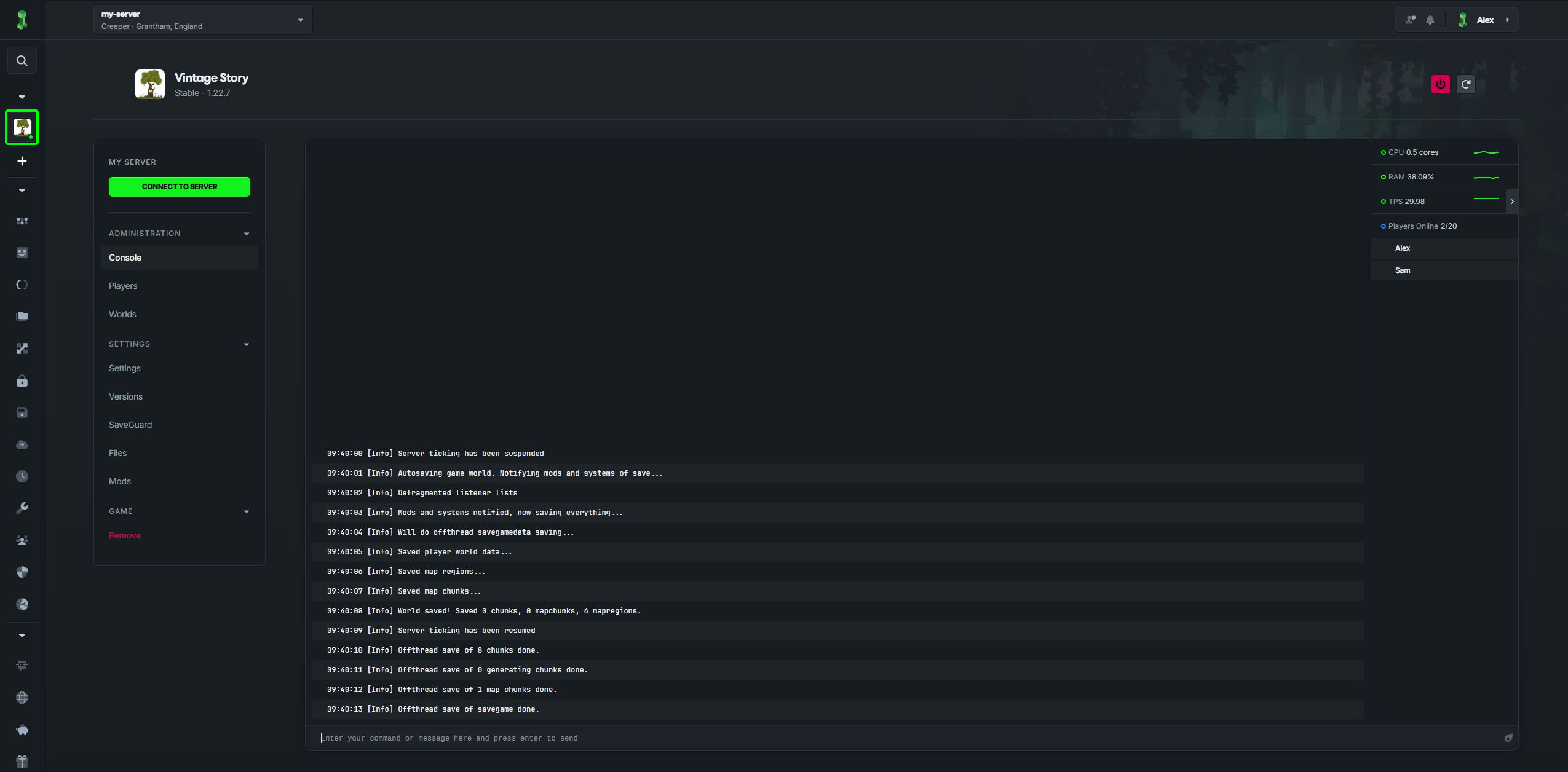
- Select Vintage Story in CreeperPanel, then open Console.
- Type the command
/serverconfig setspawn x yand press return, The x and y should be the x and y position you want to spawn in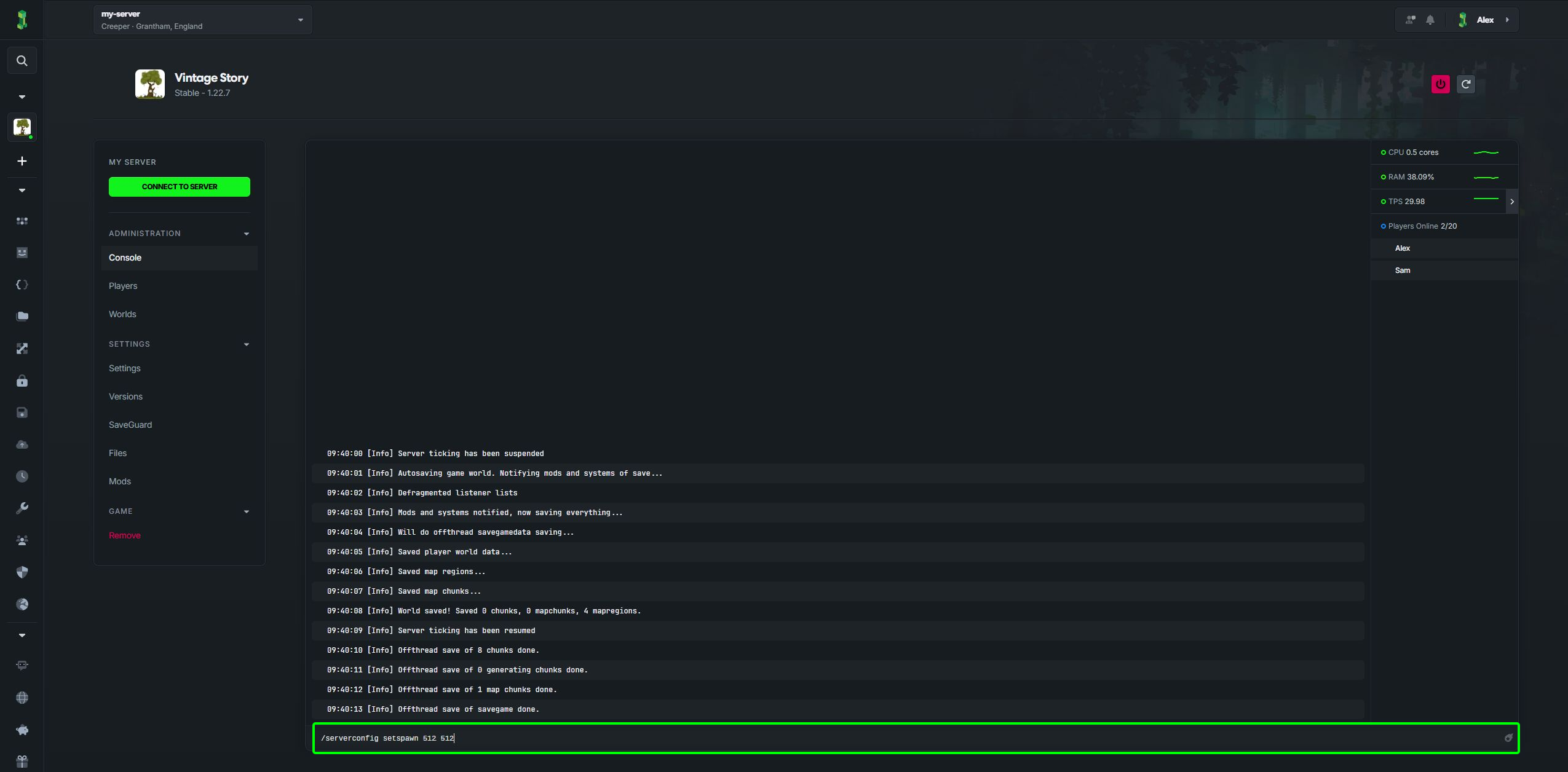
- You should see a message in the console showing your new spawn location.
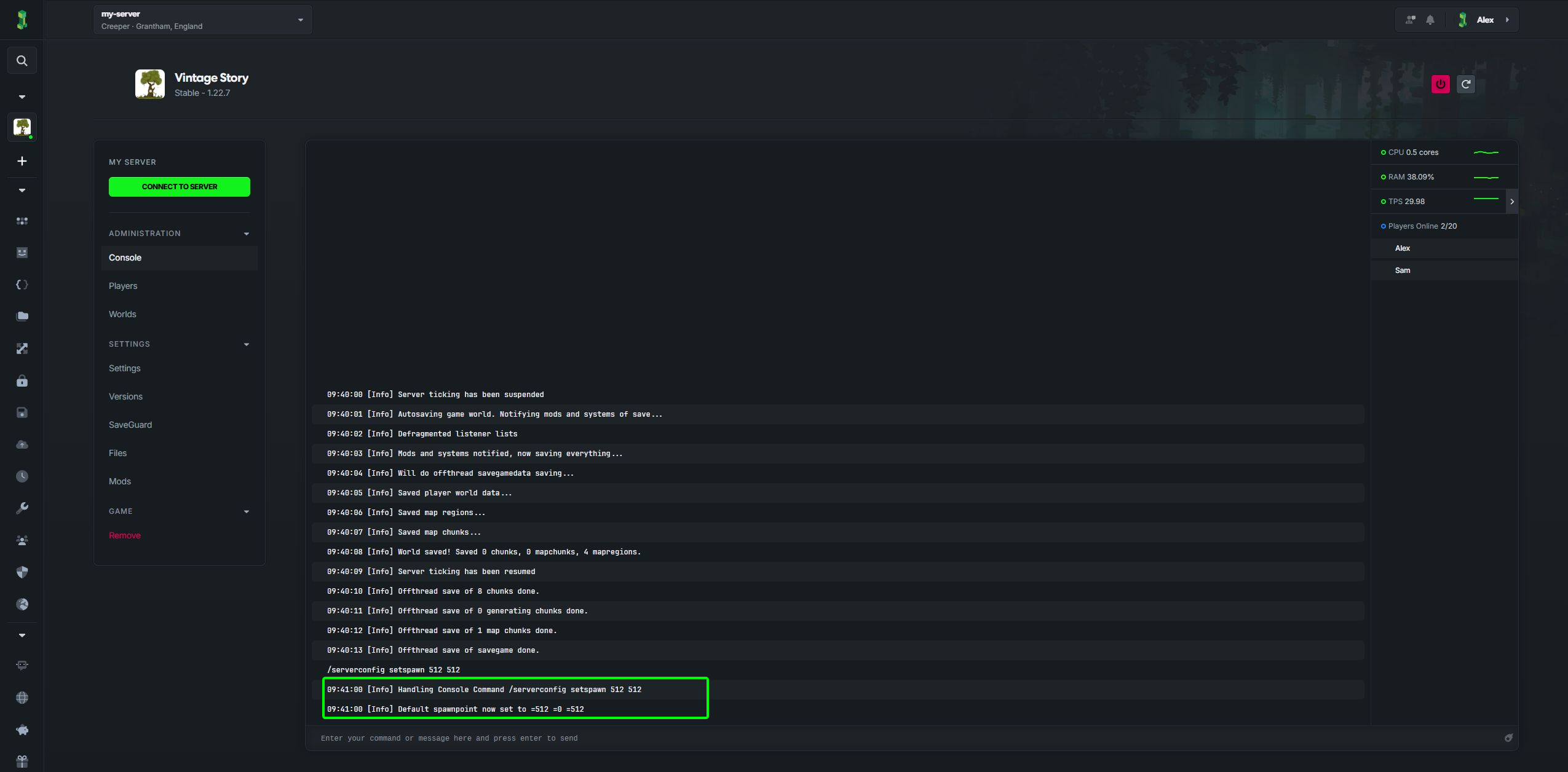 That's it your new spawn point is now set