Finding your instance ID
If you are using sFTP to upload files to your Minecraft server, it will be necessary for you to find the ID of the instance you want to upload files to. This guide will cover 2 methods of locating your instance ID(s).
First, you will need to navigate to the instance you want to get the ID of. If you need help locating your instances in the CreeperPanel, check out our guide.
Method 1
Once you have selected the instance you want to fetch the ID of click on the instance name such as the one highlighted in the image below. This will copy the instance ID to the clipboard of your computer.
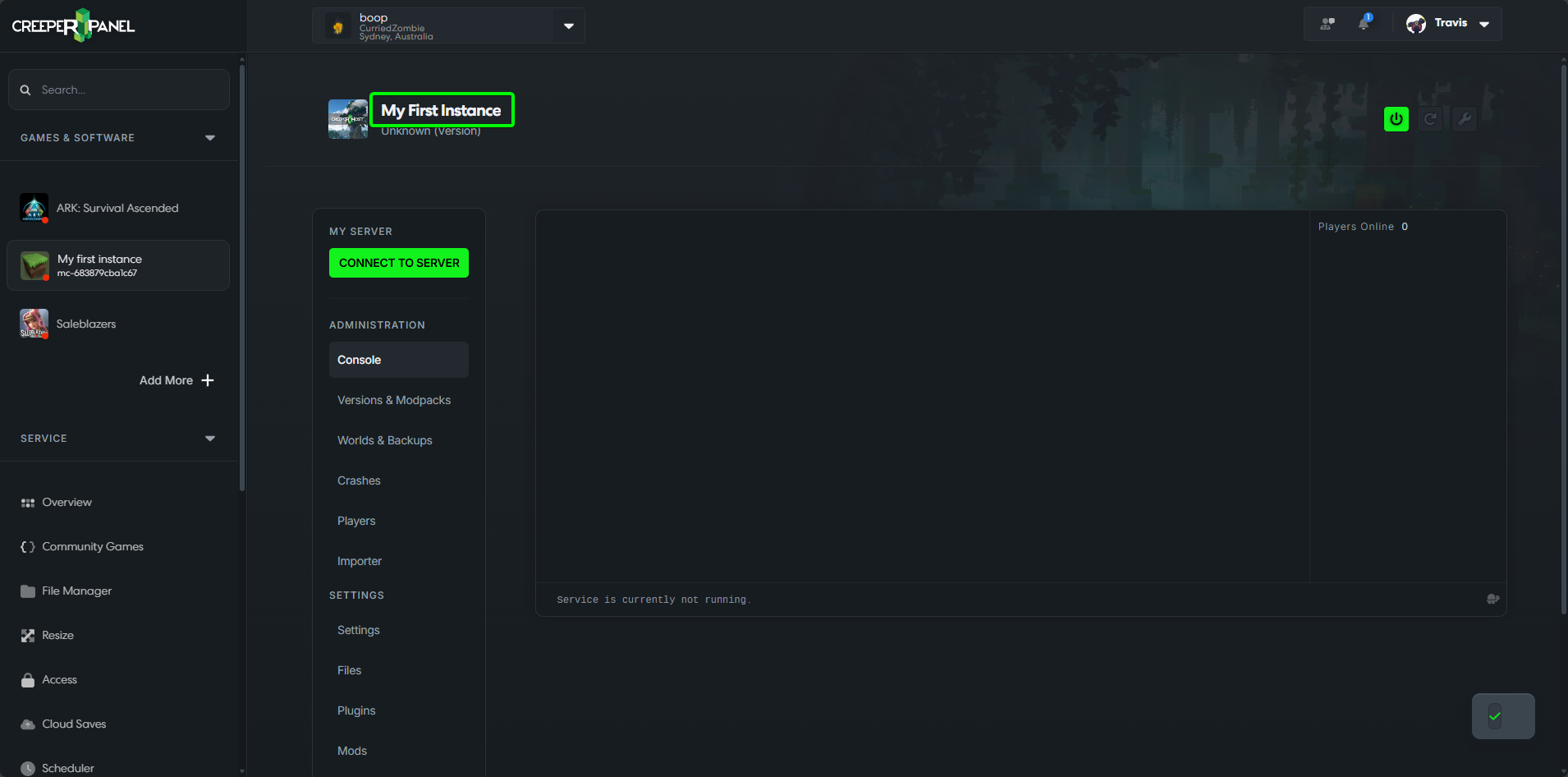
You can now paste it in Notepad or elsewhere if you need to refer back to it.
Method 2
After selecting the instance you want to get the ID of, you can find the ID in the URL bar of your browser. The id of your instance will look similar to the one highlighted in the image below.
