Connecting to your Unturned instance
To begin connecting to your Unturned instance, you'll need some connection information from the CreeperPanel. First:
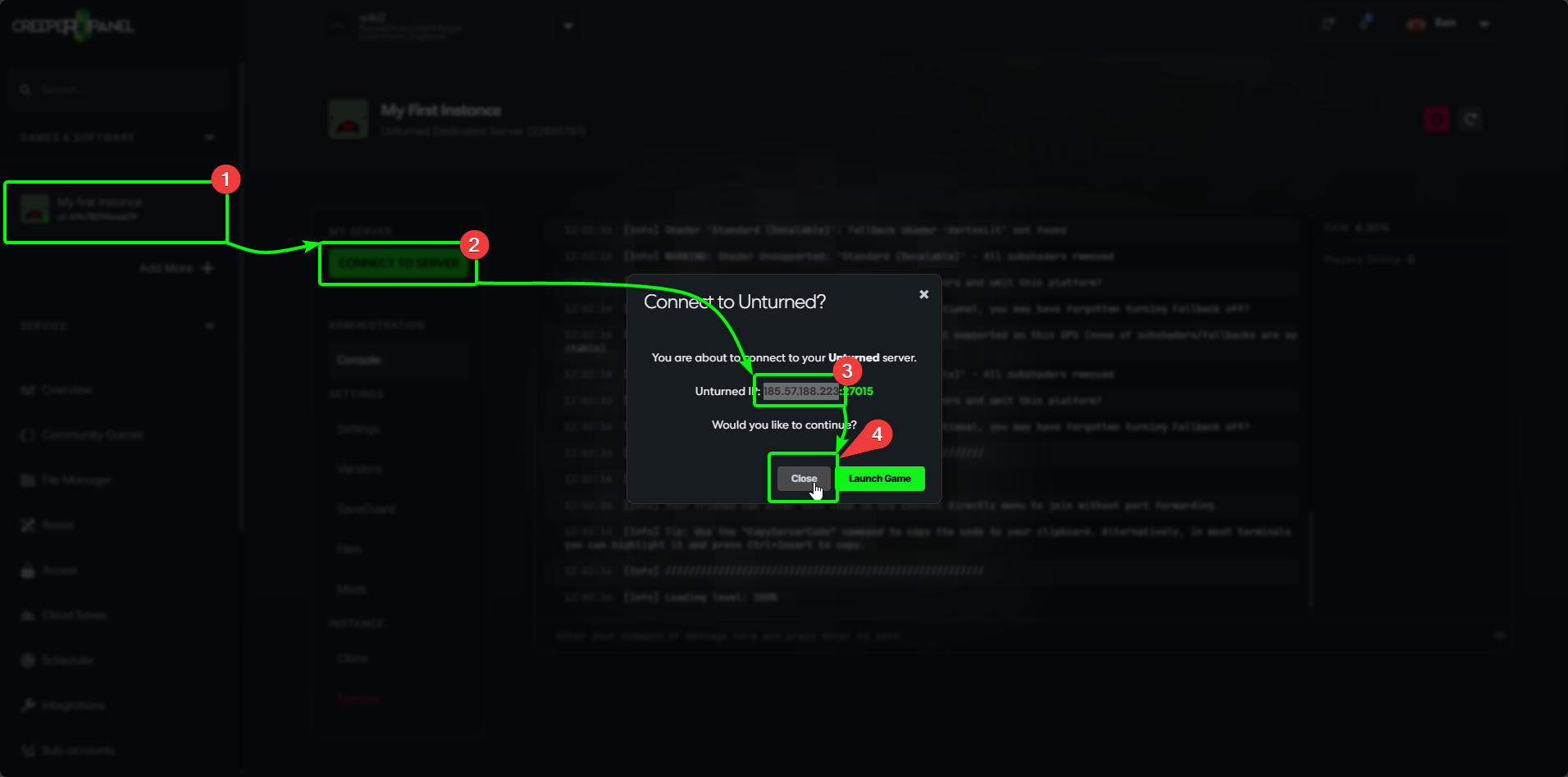
- Select
Unturnedfrom theGames & Softwaremenu. - Click the green
Connect to Serverbutton in the main window. This will open a pop-up with your connection information. - Copy your IP address and Port to your clipboard.
- Select
Closeto close the pop-up.
Now, launch Unturned on your PC. In the main menu:
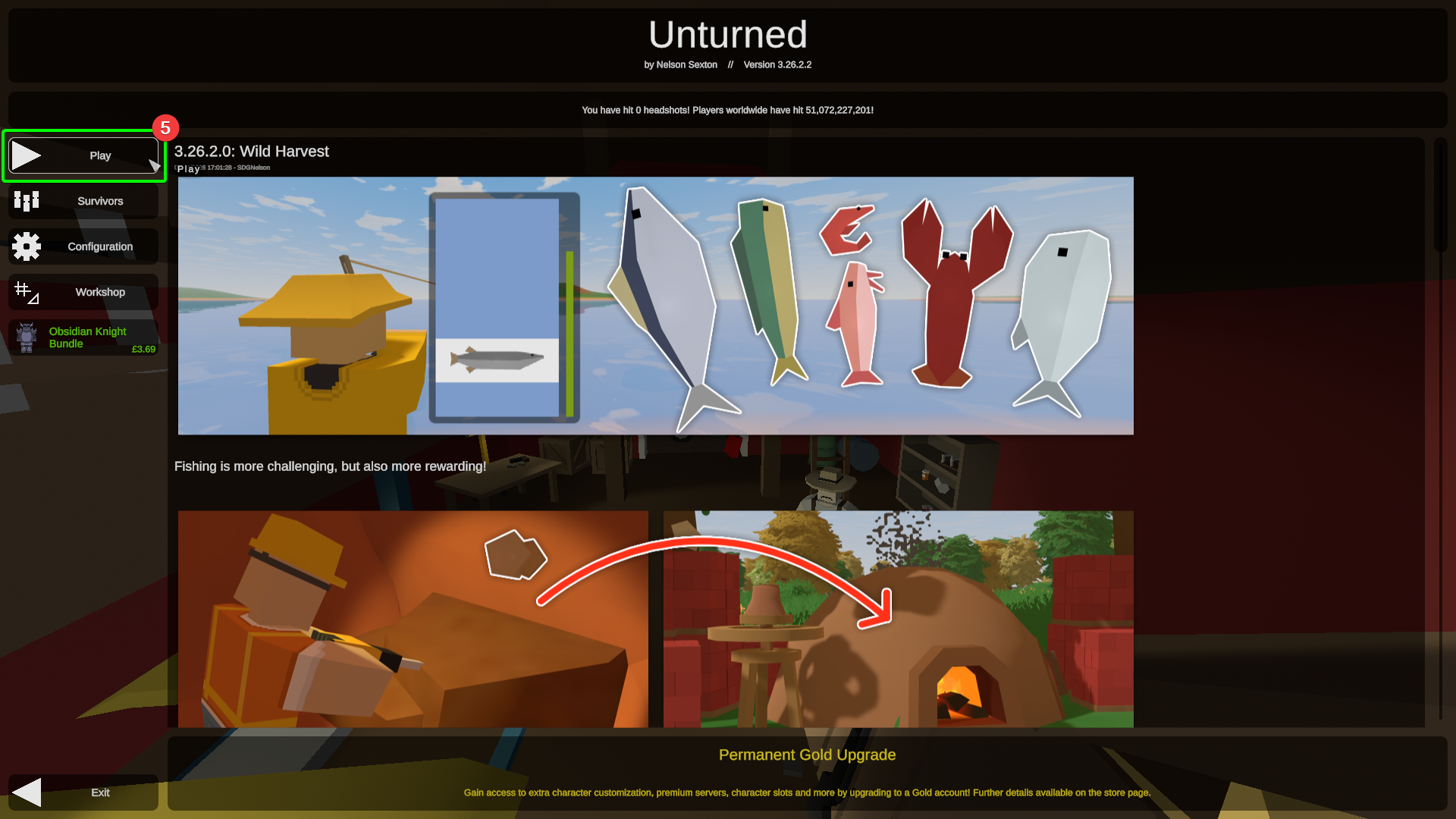
- Select
Play.
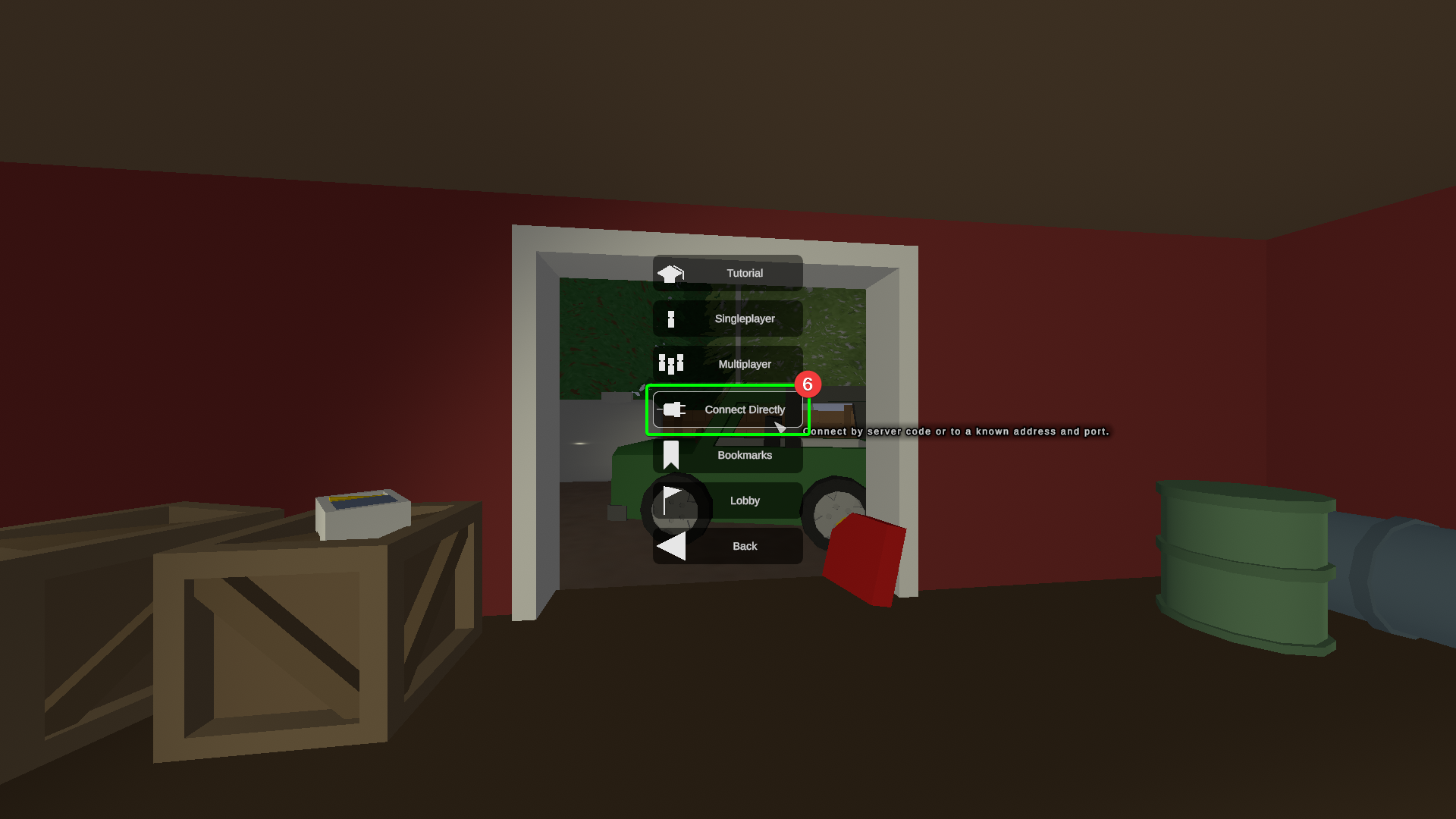
- Select
Connect.
-
In the server connection window, enter your IP address, port number, and password (if applied) into their respective fields
-
Select
Connectonce you have entered your connection details.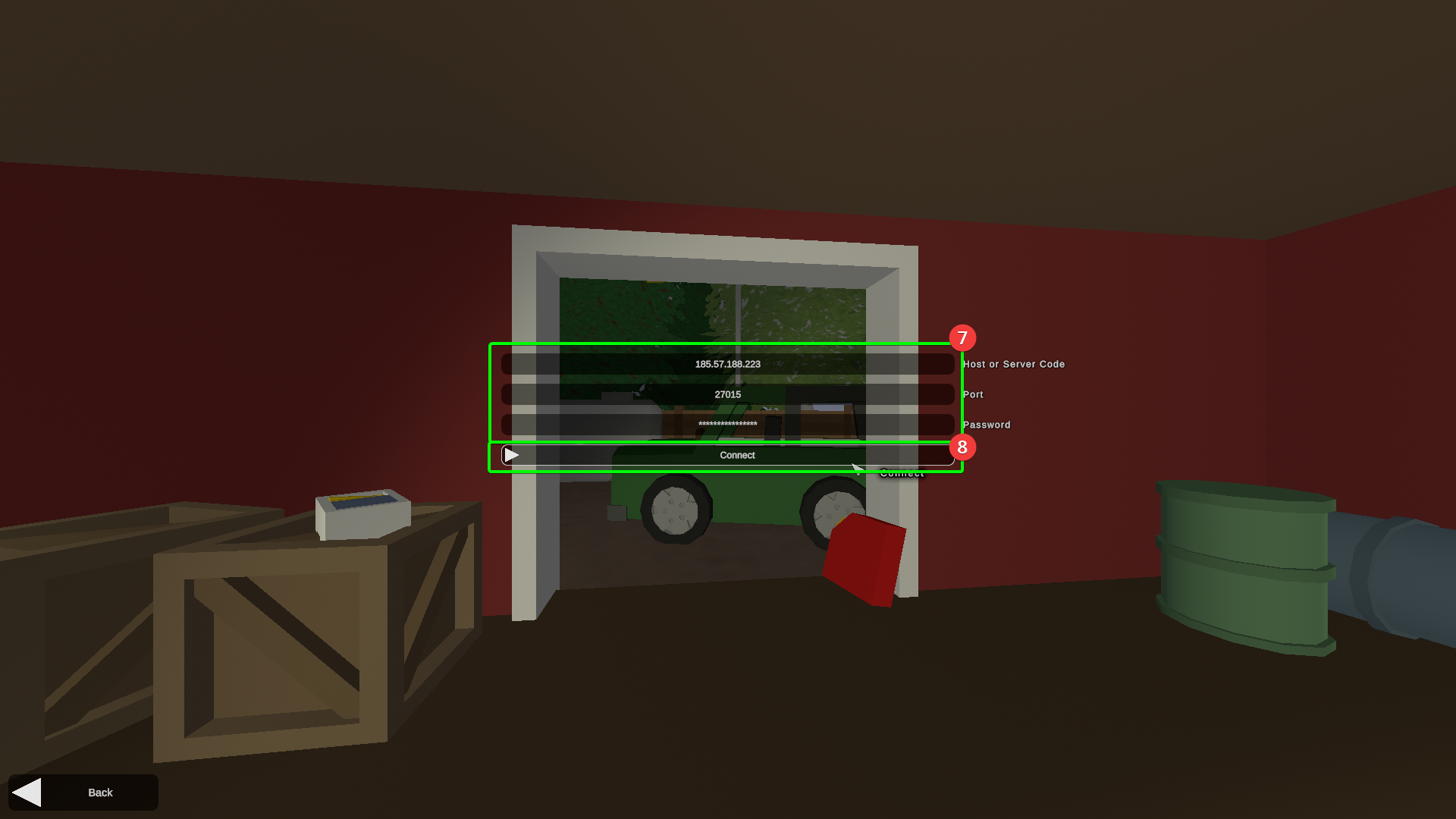
-
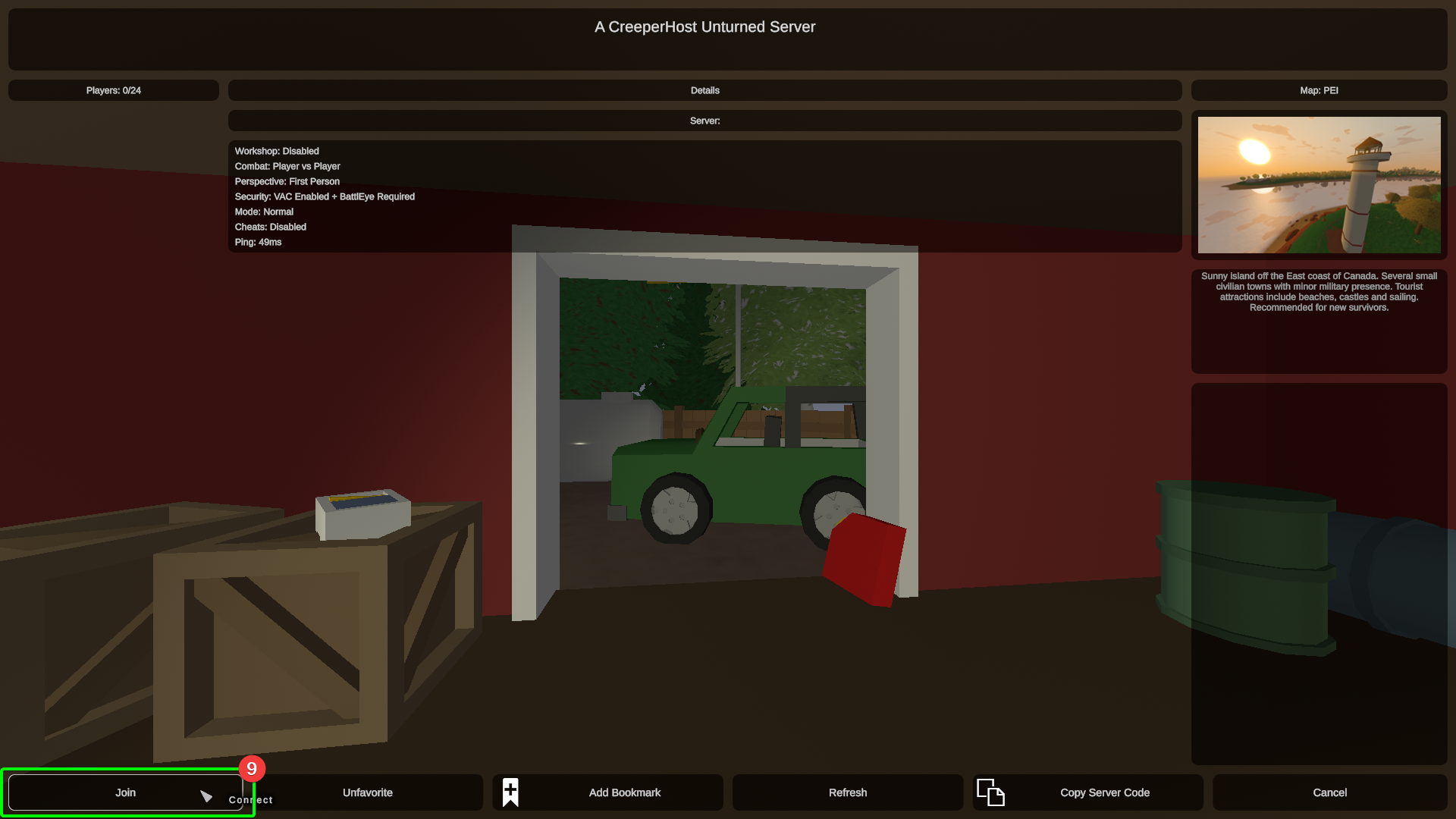
You'll now be viewing the server details - select
Joinin the bottom left when you're ready to connect.
You should now be joining your server! Get ready to scavenge!