Updating your server
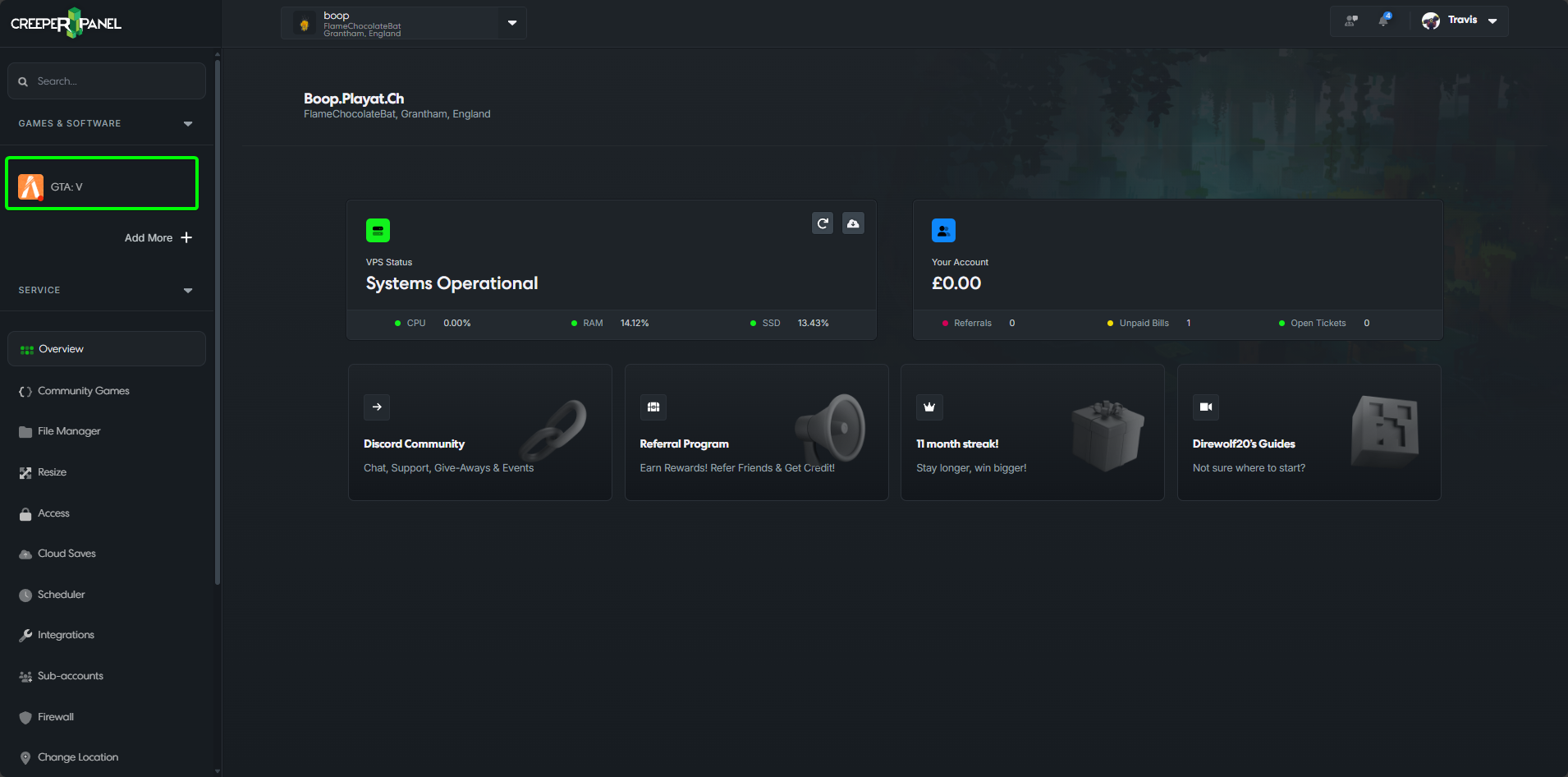
- Click on
GTA:Vin yourGames & Softwaretab, found in the CreeperPanel's sidebar.
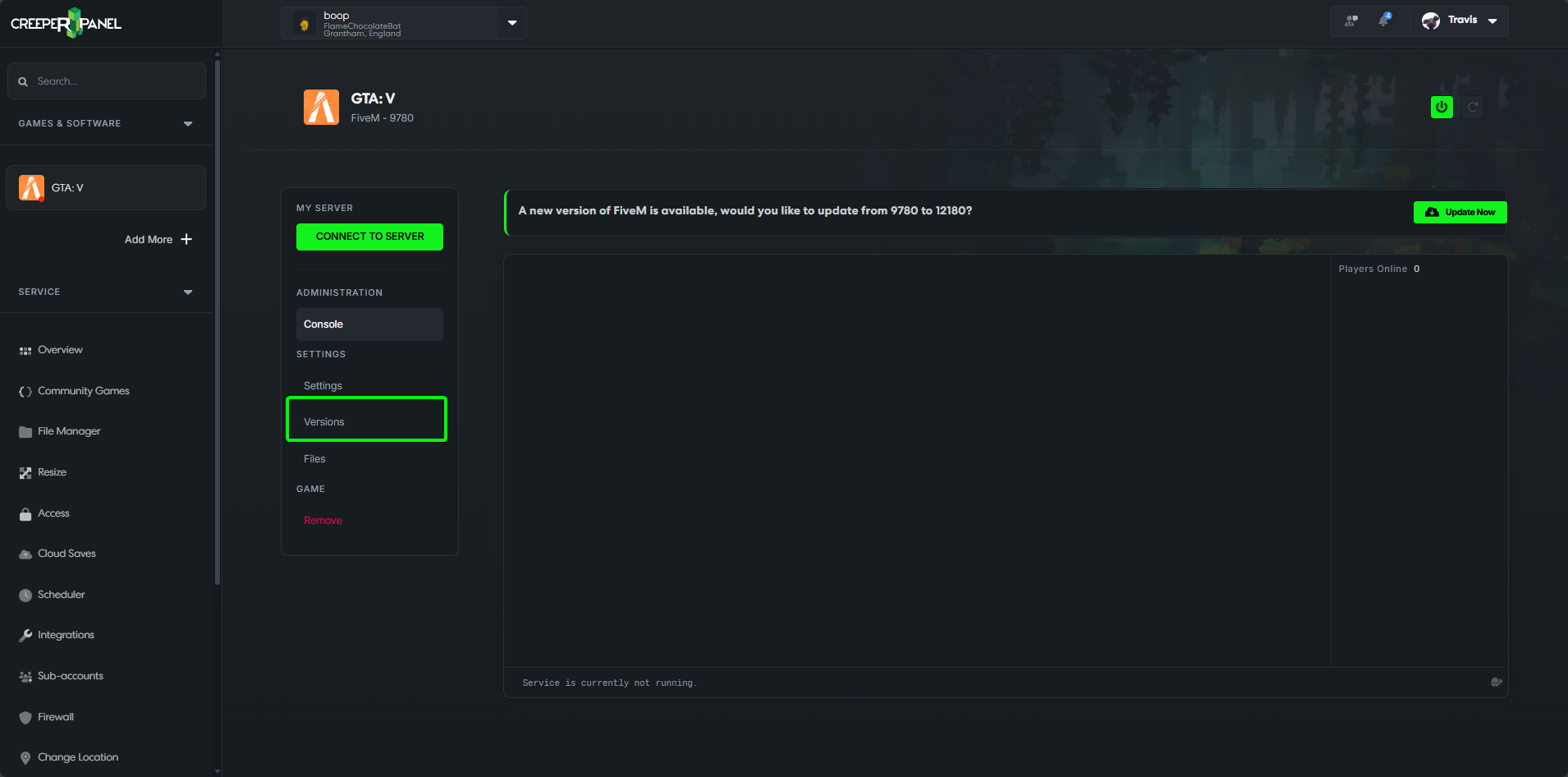
- Click on
Versions.
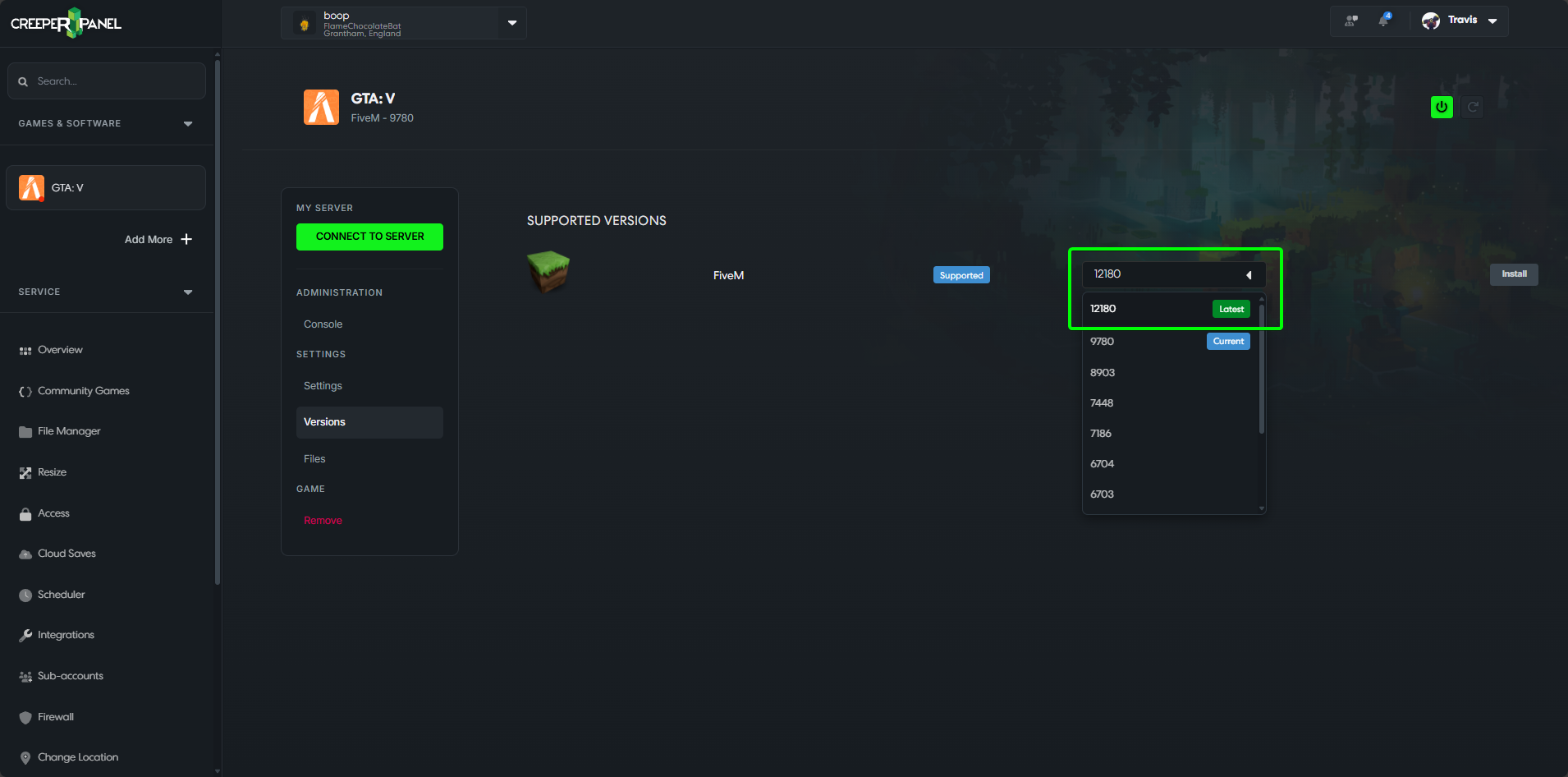
- Make sure the latest version is selected in the dropdown (If the latest version of the software is not listed, do let us know).
-
Click on the
Installbutton next to the dropdown to install the selected version. -
Once you get a notification saying it's finished installing, you can start your server up again.