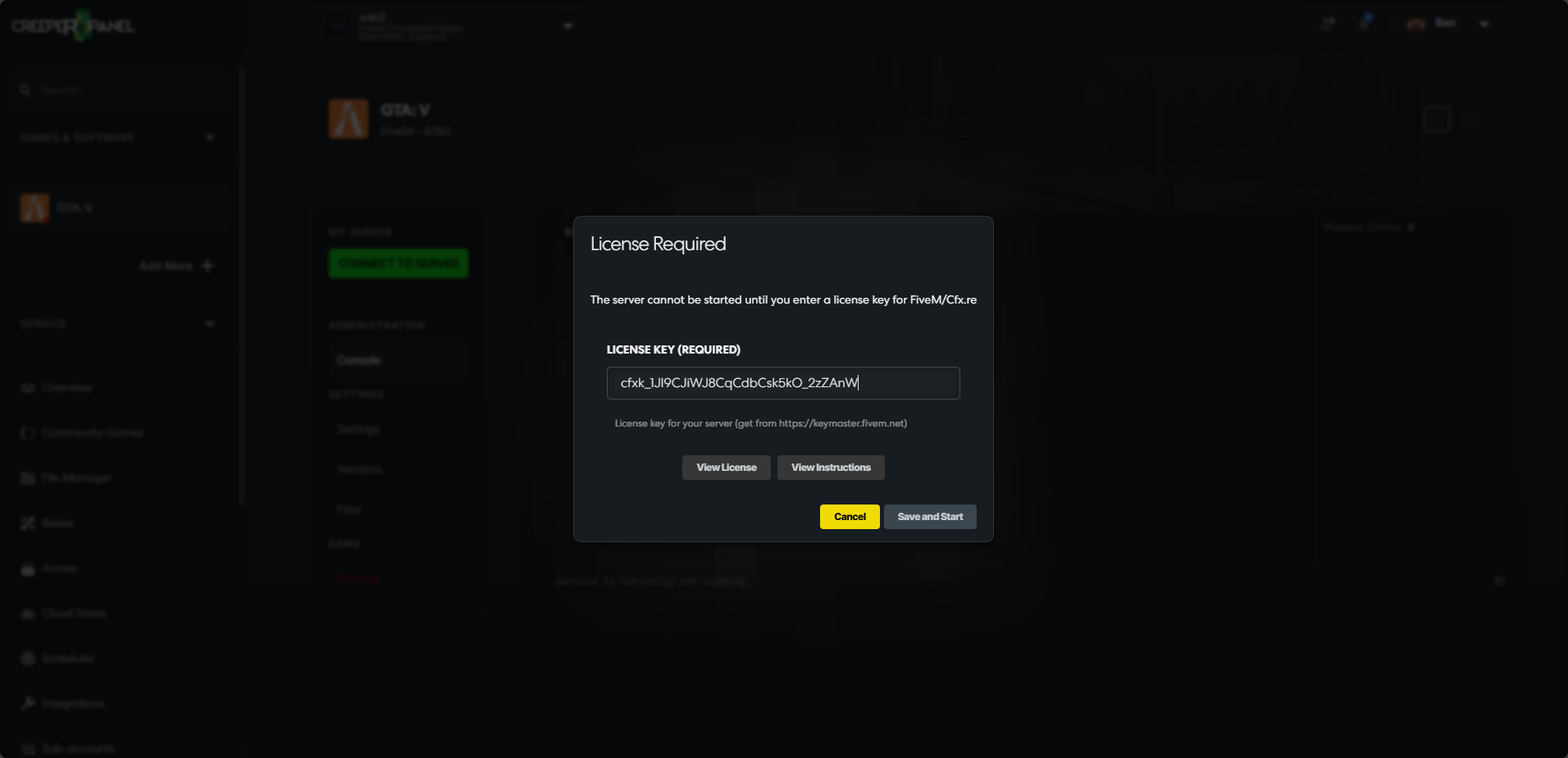
Getting a Licence key
FiveM and RedM servers require you to get a licence key from the FiveM website, the guide below will show you how you can generate a licence key to use on your server.
-
Go to https://keymaster.fivem.net/ then click on
Sign in.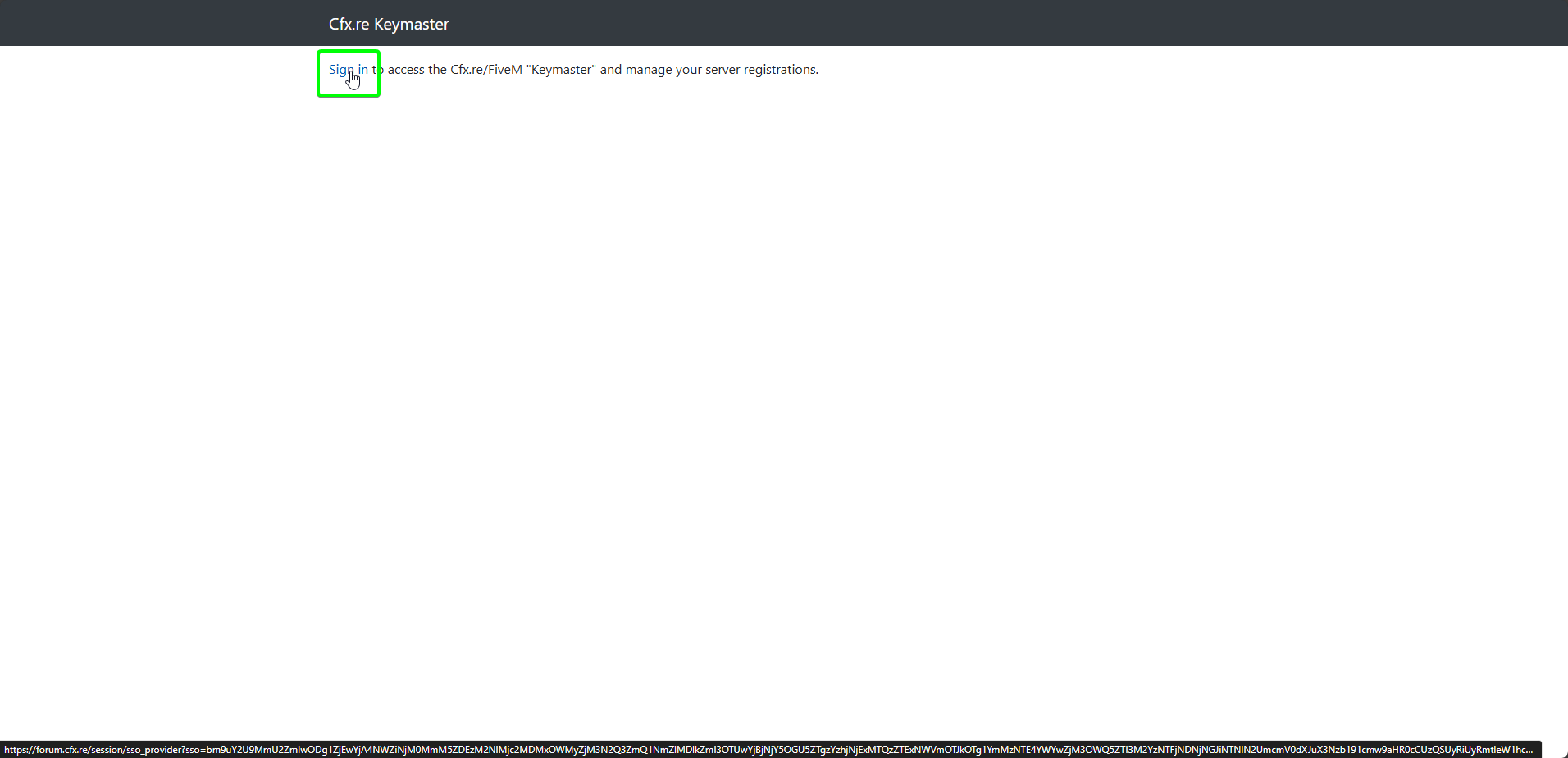
-
In the next window, log in if you already have an account. If you don't, select
Sign Upand follow the account creation process.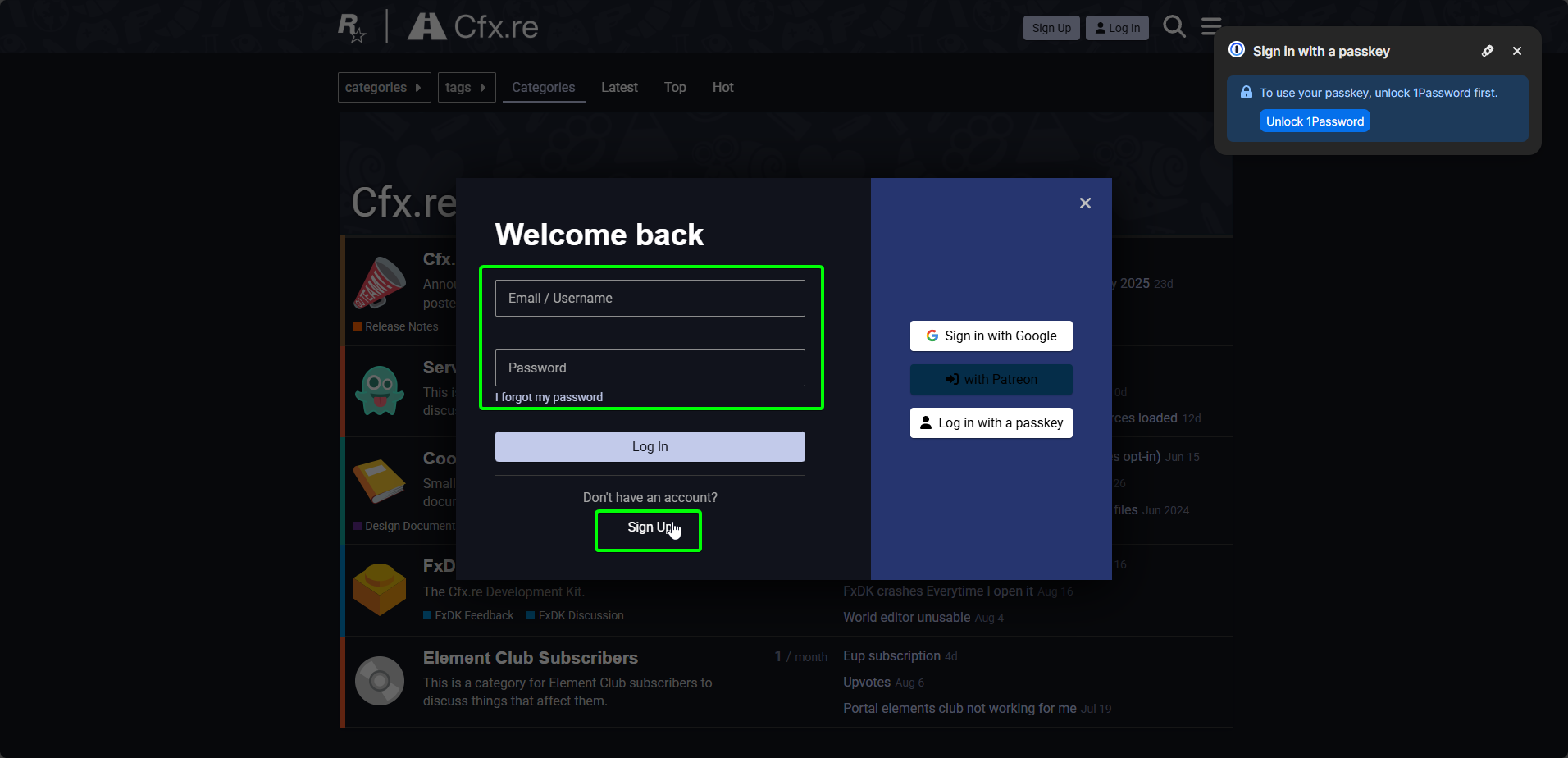
-
On the Keymaster home page, select
Register a new server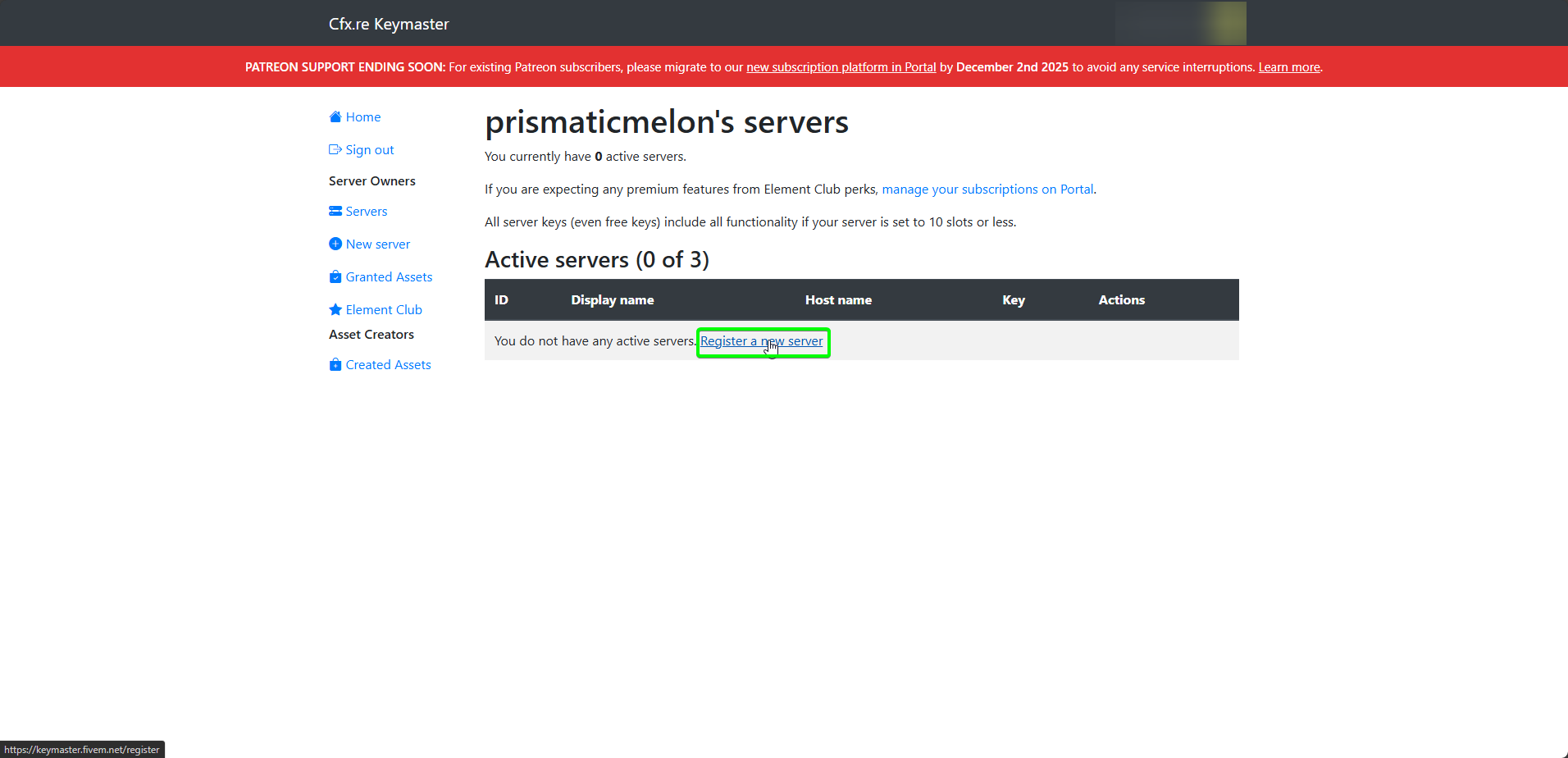
-
Enter your server's display name, and complete the Captcha. Next, select
Generate.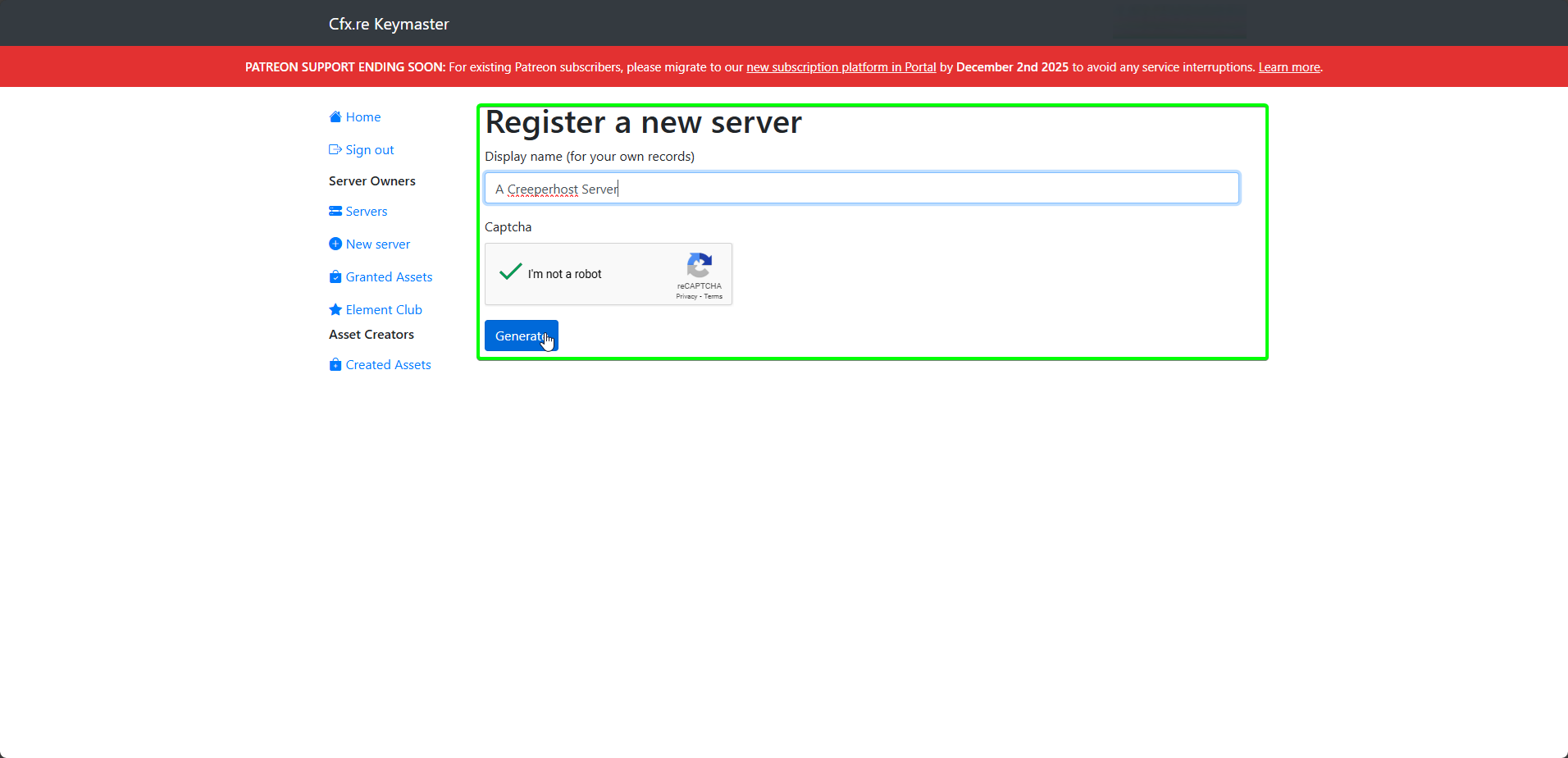
-
You will be redirected to the new details page. Your licence key is blurred by default. Select
Copyto copy it to your clipboard.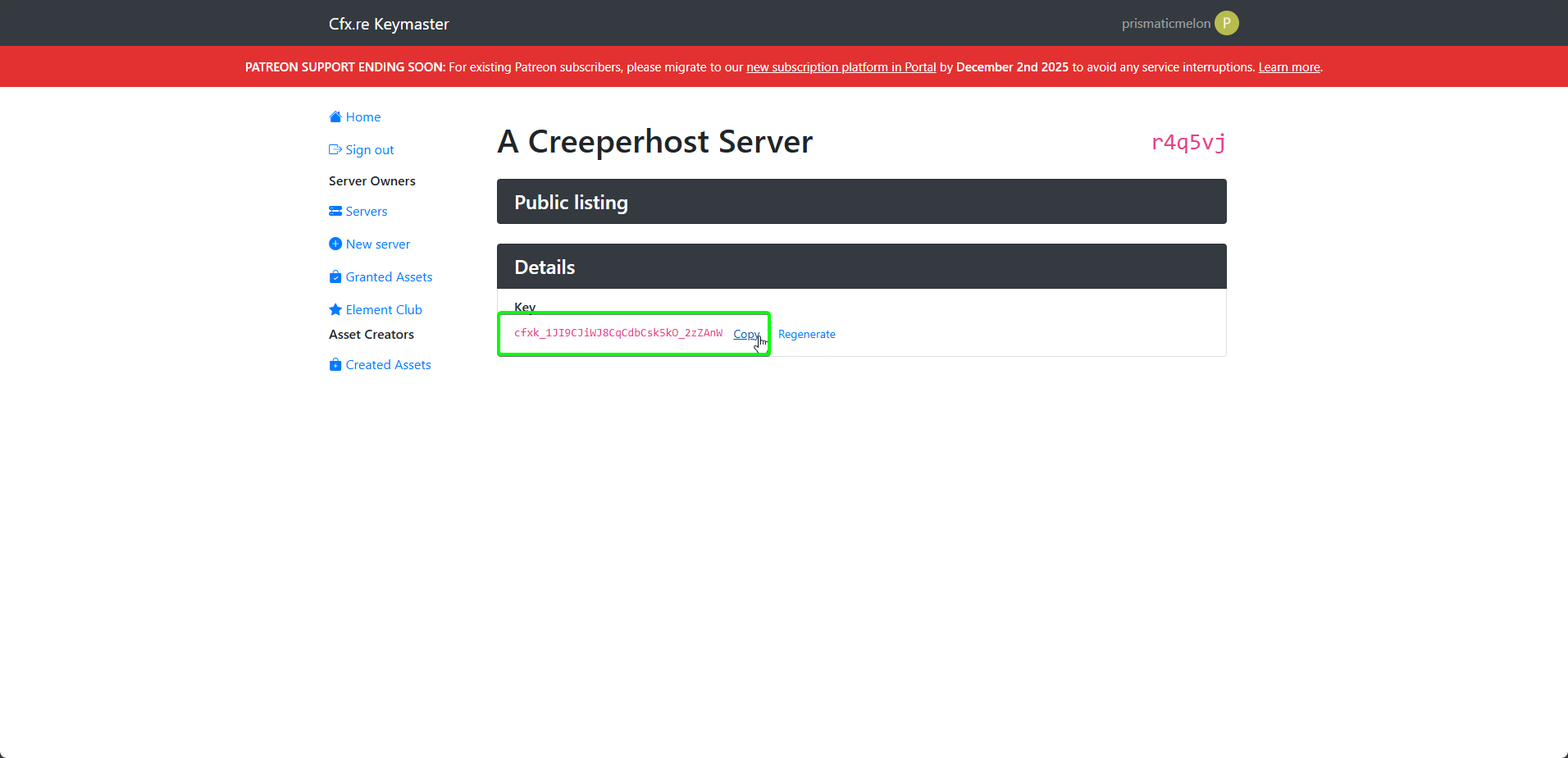
-
Head back to the CreeperPanel and turn on your FiveM instance. On their first start, you will be asked to provide a licence key. Paste the key you just copied, and select
Save and Start. The Panel will start the launch process.