Importing Your World
Use Importer on your Enshrouded service to upload an existing world from your PC or another server.
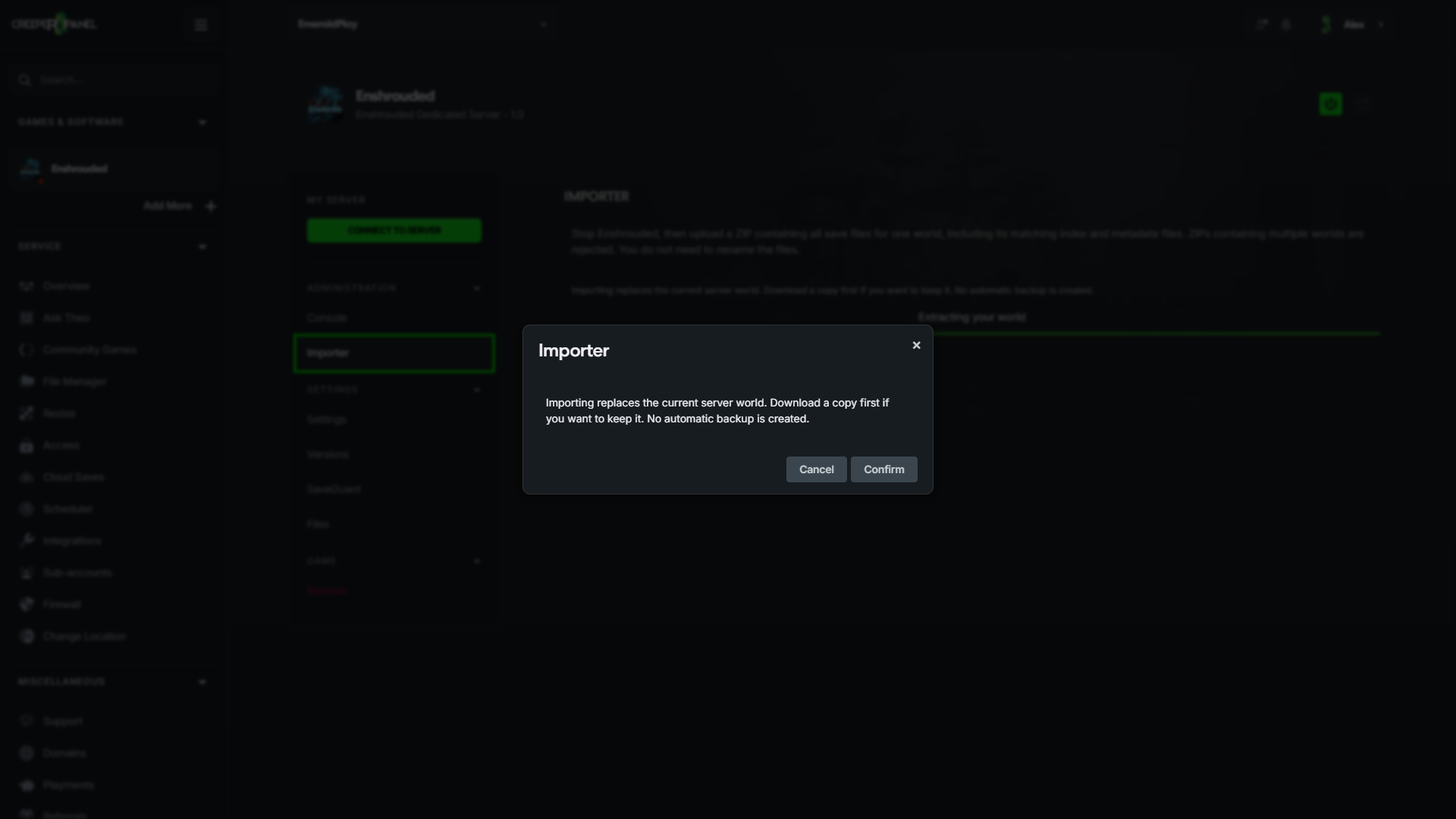
Importing replaces the current server world and its rolling saves. No automatic backup is created. If you want to keep the current world, stop the server and download its savegame folder before importing.
Prepare one world ZIP
- Close Enshrouded, or stop the server you are copying from, so it finishes saving.
- Find the save files:
- Local saves:
%USERPROFILE%\Saved Games\Enshrouded - Steam Cloud saves:
Steam\userdata\<your Steam ID>\1203620\remote - Another dedicated server: its
savegamefolder.
- Local saves:
- Select all files belonging to one world. World 1 uses the prefix
3ad85aea; world 2 uses3bd85c7d. Include the world data, its numbered rolling copies, matching-indexfiles and any_infometadata files. Keep their original filenames. - Compress those files into a ZIP. A containing folder is fine. Include only one world from one save folder; do not combine local saves and server backups. Character files are not needed.
For example, one world might contain:
3bd85c7d
3bd85c7d-1
3bd85c7d-2
3bd85c7d-index
3bd85c7d_info
3bd85c7d_info-index
The exact numbered files vary. Include every file with your chosen world's prefix rather than picking a numbered copy yourself. The index identifies the active save, which may be a numbered file. See Keen's save management guide for the complete world-slot list.
Upload to CreeperPanel
- Stop your Enshrouded server and wait for any installation or update to finish.
- Open Enshrouded → Importer.
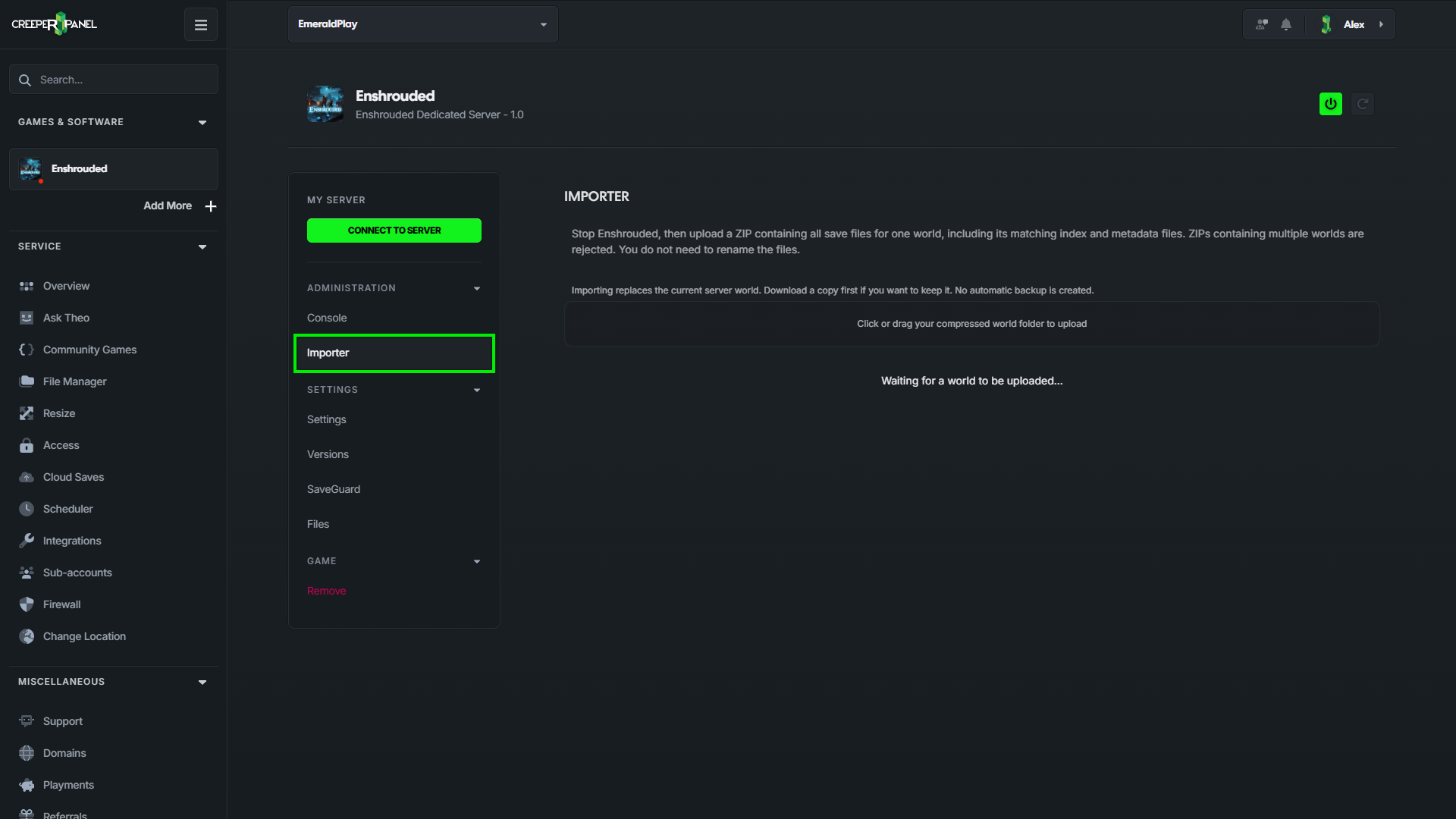
- Upload your ZIP and wait for analysis, download and extraction to finish. Import one ZIP at a time.
- If a
savegamefolder already exists, read the replacement warning and confirm to replace it. Cancelling keeps the current world unchanged.
- Wait for World import complete, then start the server and check your world in game.
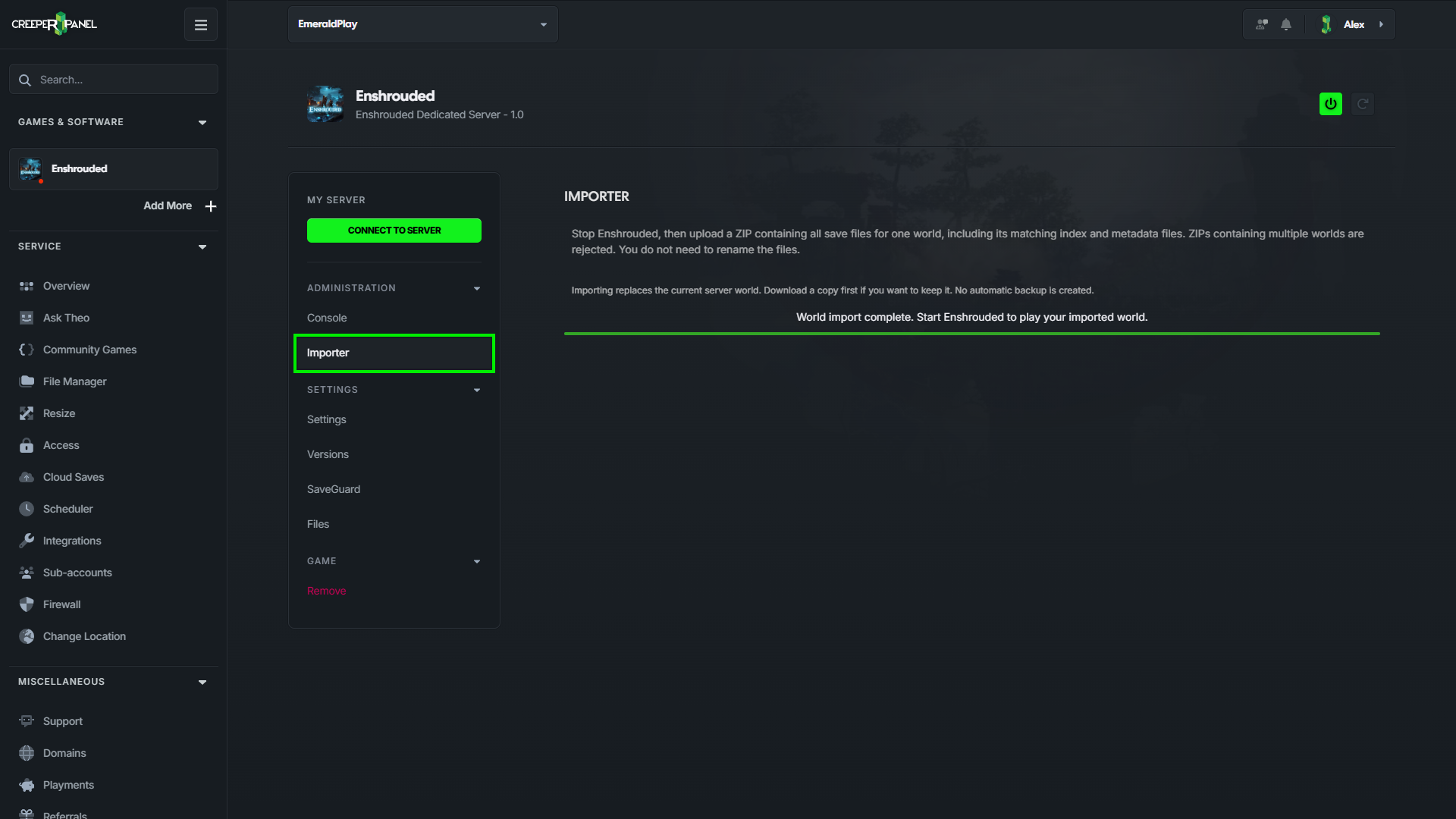
The importer arranges the files and renames the selected world's prefix to 3ad85aea, the server's world slot. You do not need to rename anything yourself. Character progression remains on each player's PC.
If an import is rejected
- Multiple worlds or copies: create a new ZIP containing only one world's files from one save folder.
- Missing active save or index: include all files with the world's prefix, especially its matching
-indexfiles and numbered saves. - Invalid ZIP: use ZIP format; RAR, 7z and loose save files are not accepted by this importer.
- Server must be stopped: stop Enshrouded, wait for any installation to finish, then try again.
If installation fails after extraction, check Files before starting the server. The uploaded world remains in its world-... staging folder for recovery; there is no automatic backup of the previous world.