Connecting to your Valheim server
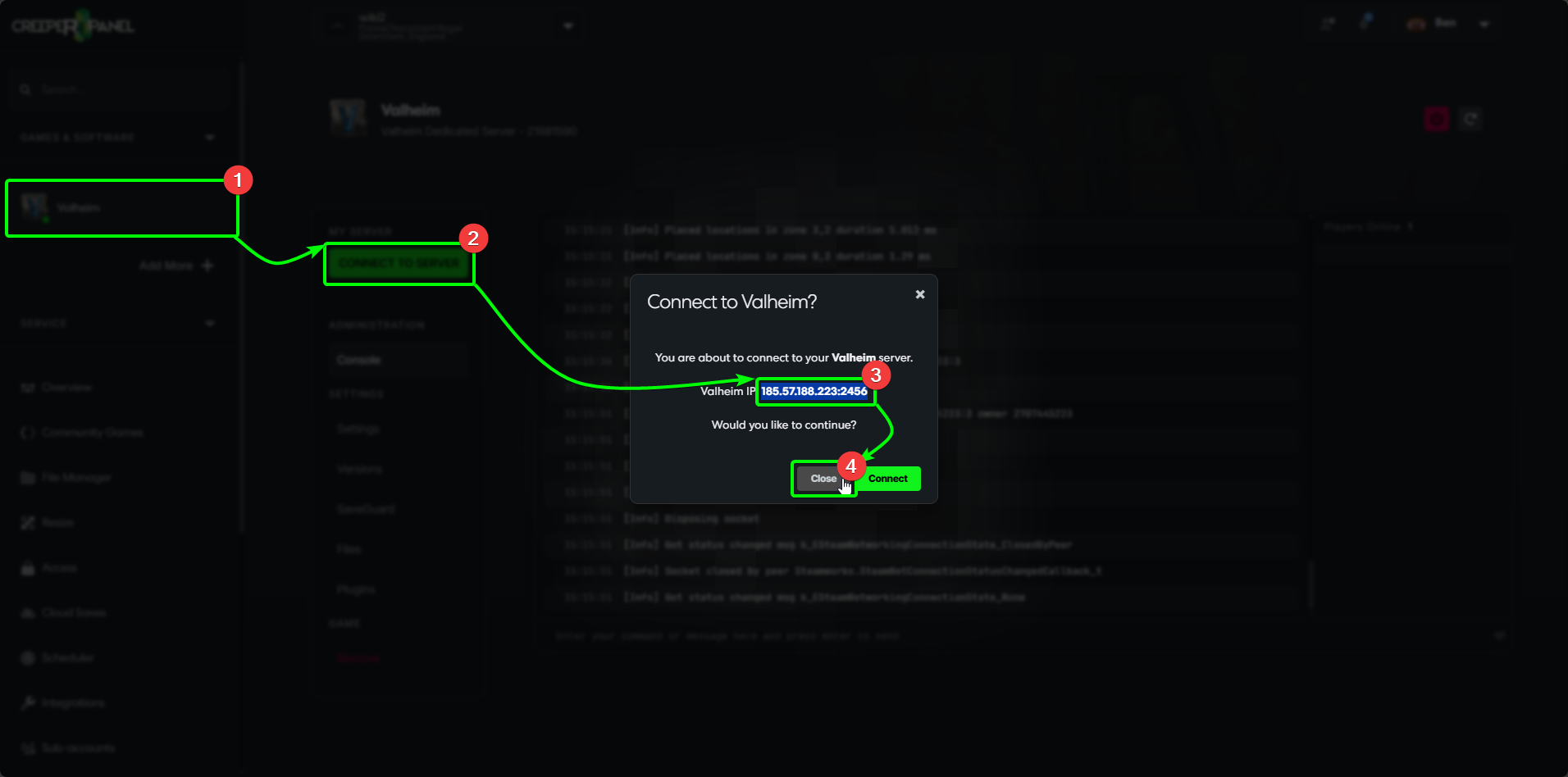
To get connected to your Valheim server, we'll need some connection information first. Start by logging into the CreeperPanel, then:
- Select
Valheimfrom yourGames & Softwaretab, then - Select the green
Connect to Serverbutton - this will open a pop-up with your connection information. - Copy your IP and port number to your clipboard. You'll need this in a moment.
- Select
Closeto close the pop-up.
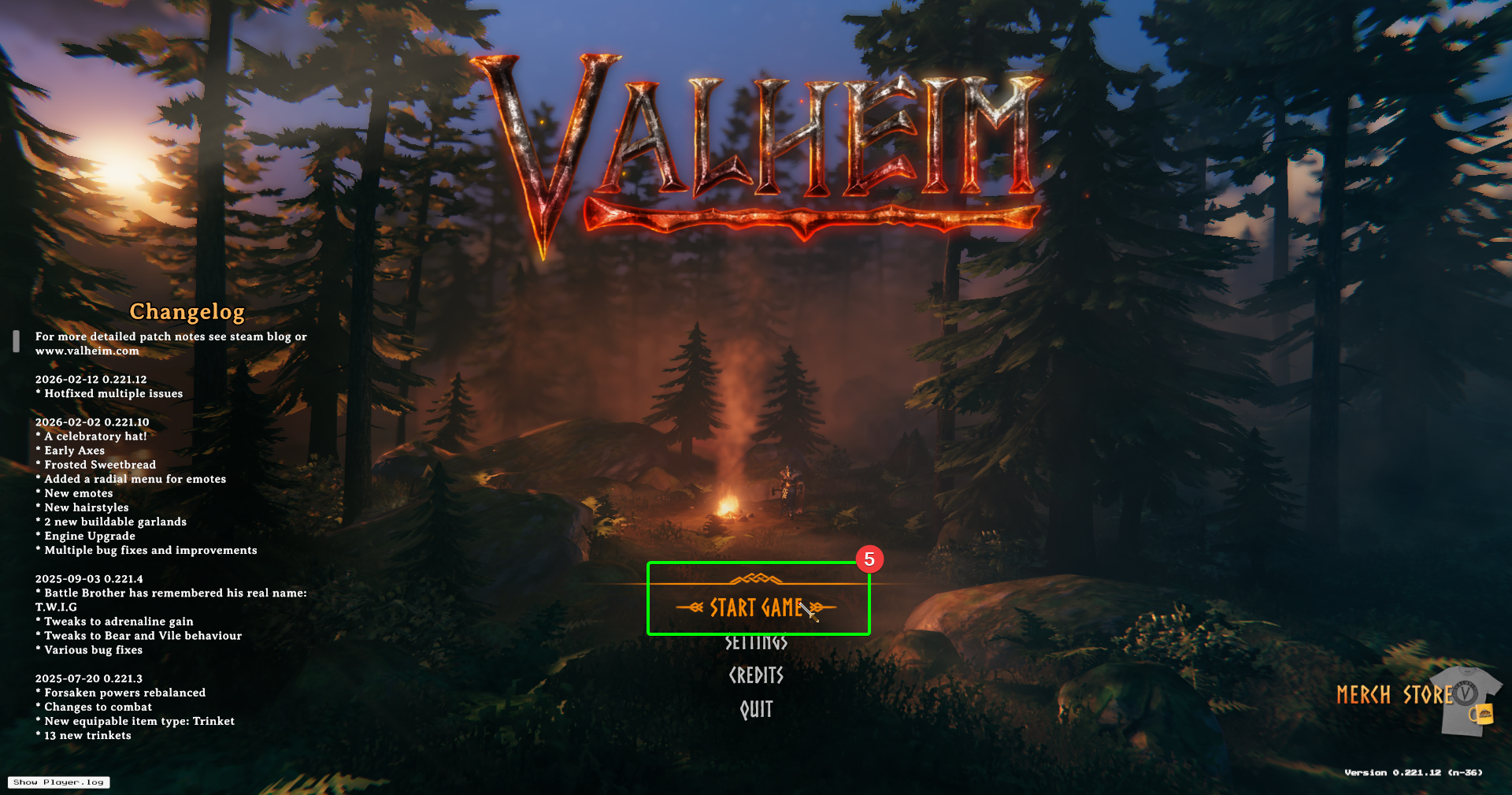
Now, load up Valheim on your client machine. In the main menu:
- Select
Start Game.
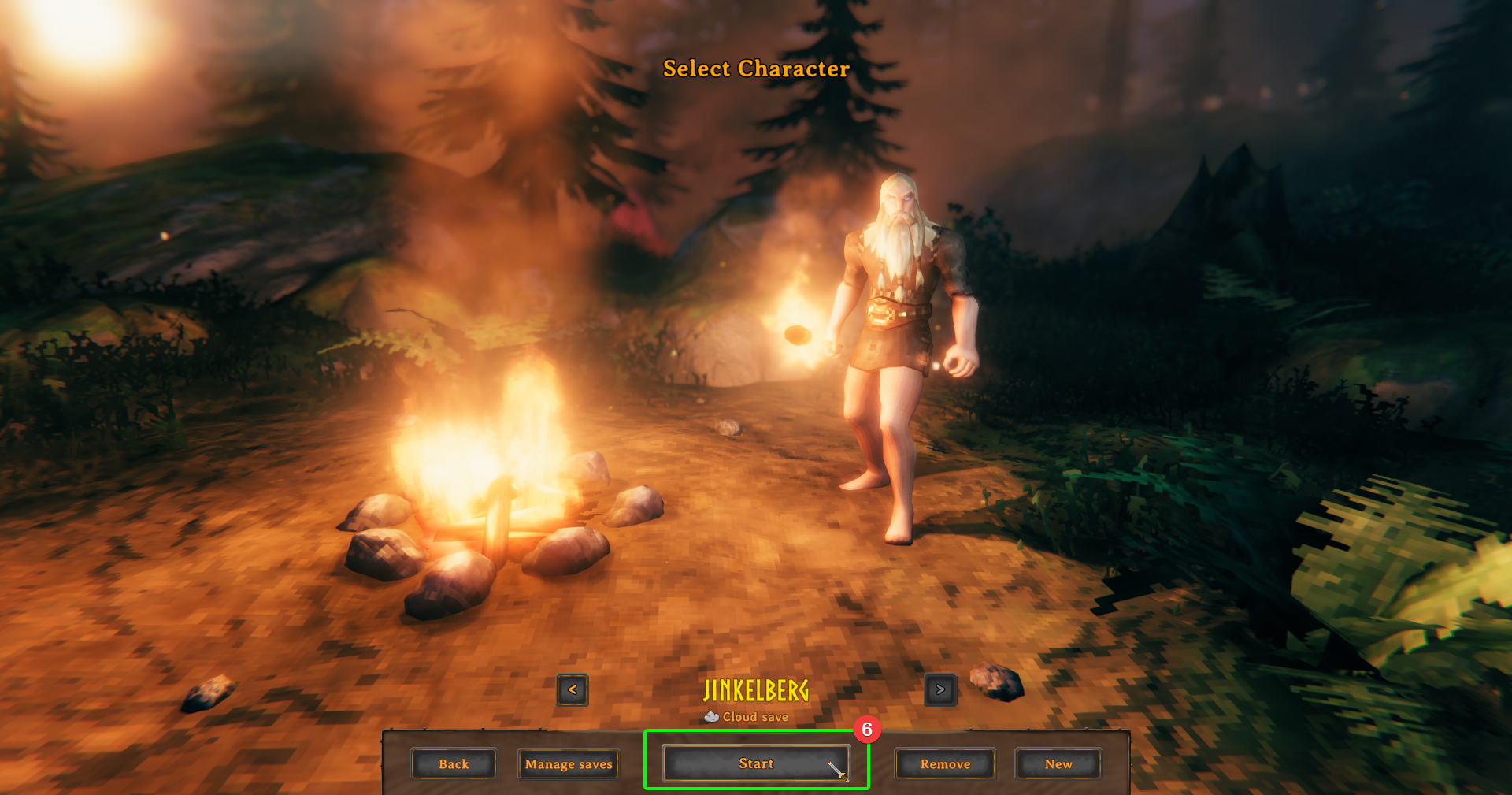
- In the next screen, select or create the character you wish to use, then select
Start.
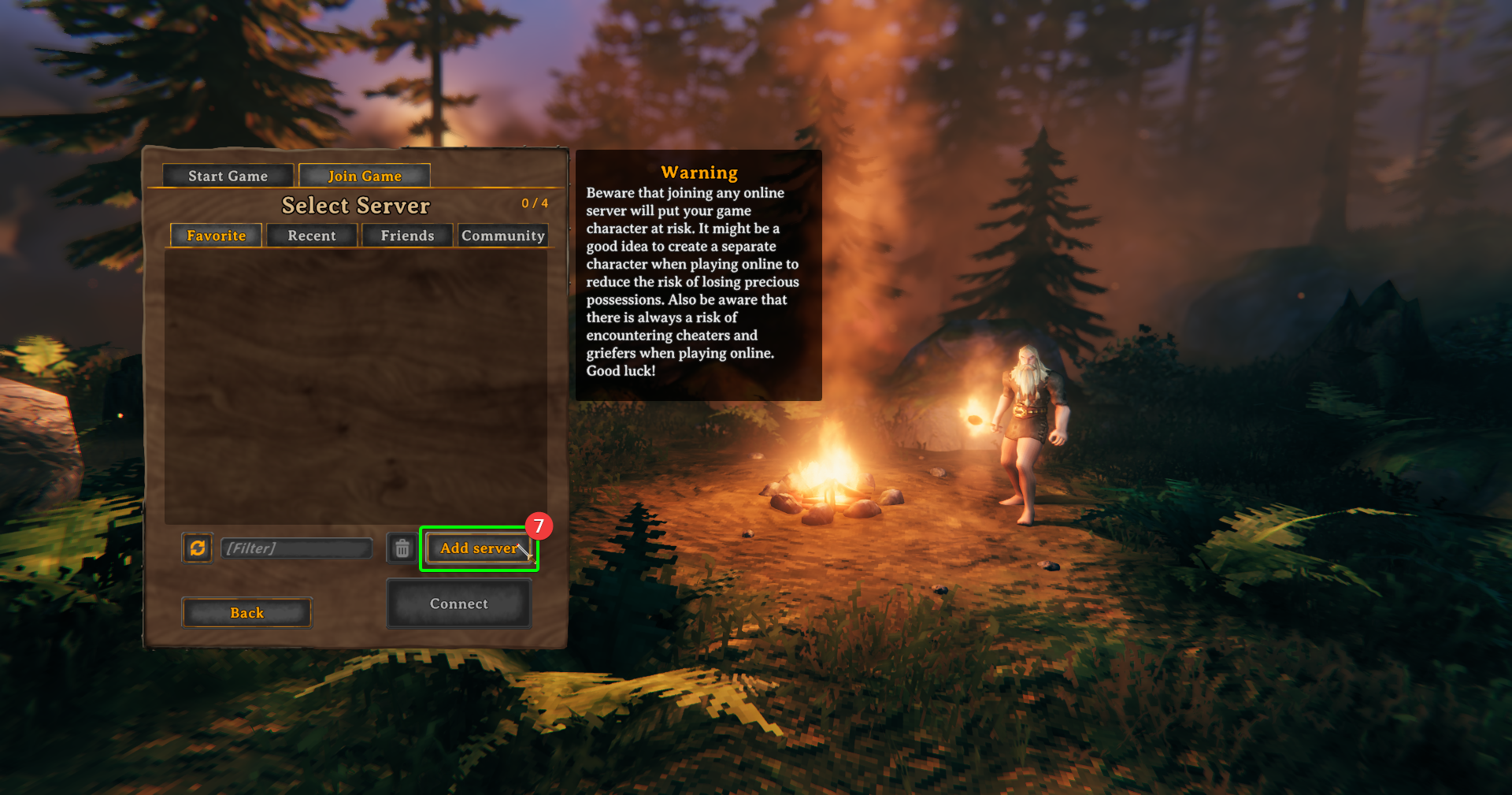
- In the server selection window, select
Add Serverto begin adding your server information.
- In the pop-up, paste your IP and port number into the field.
- Select
Add Server.
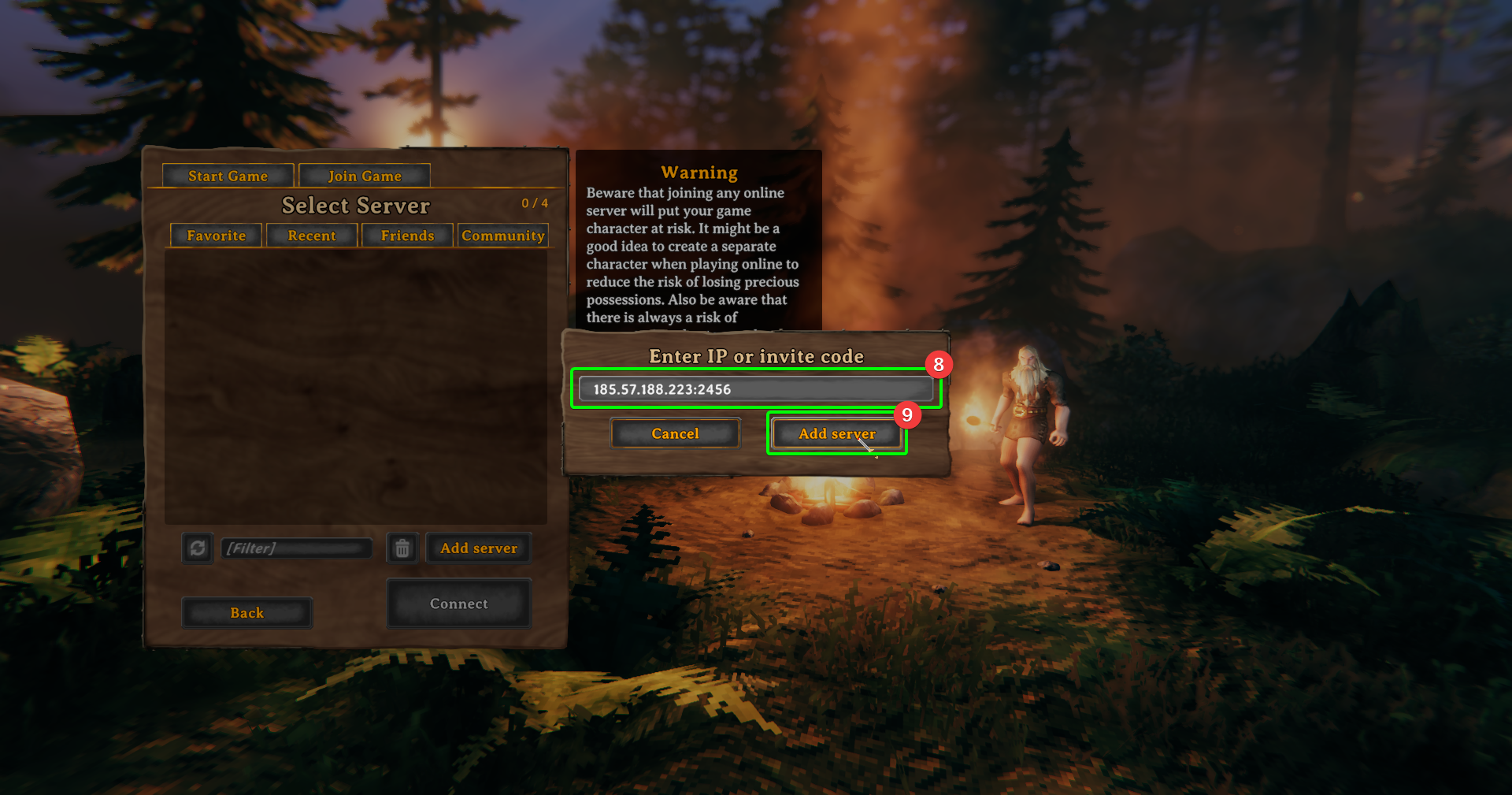
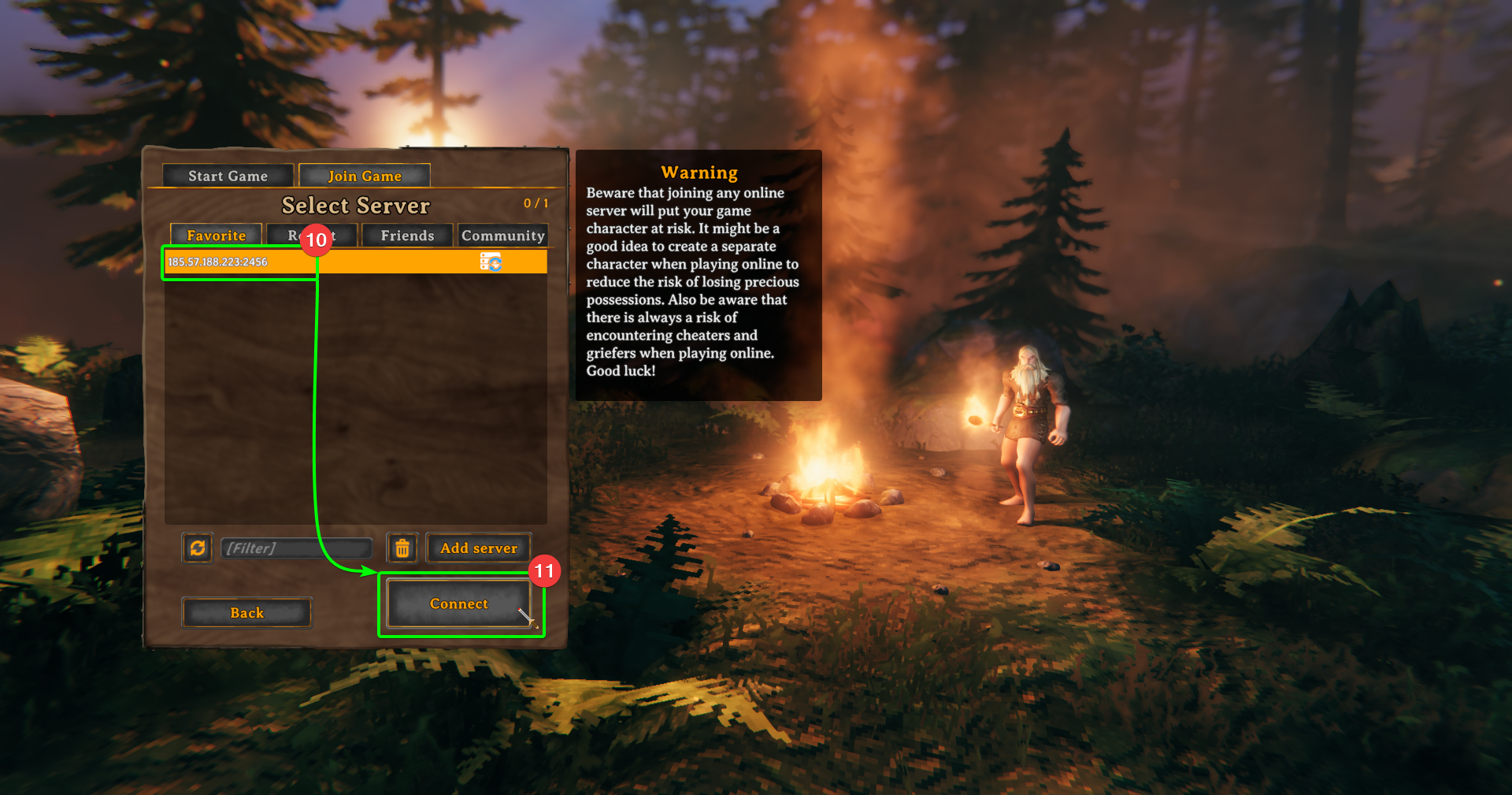
- You should now see that your server has been added to the
Select Serverwindow: - Select
Connect.
- Finally, you'll need to enter your password (if you have set one); once you've entered it hit return.
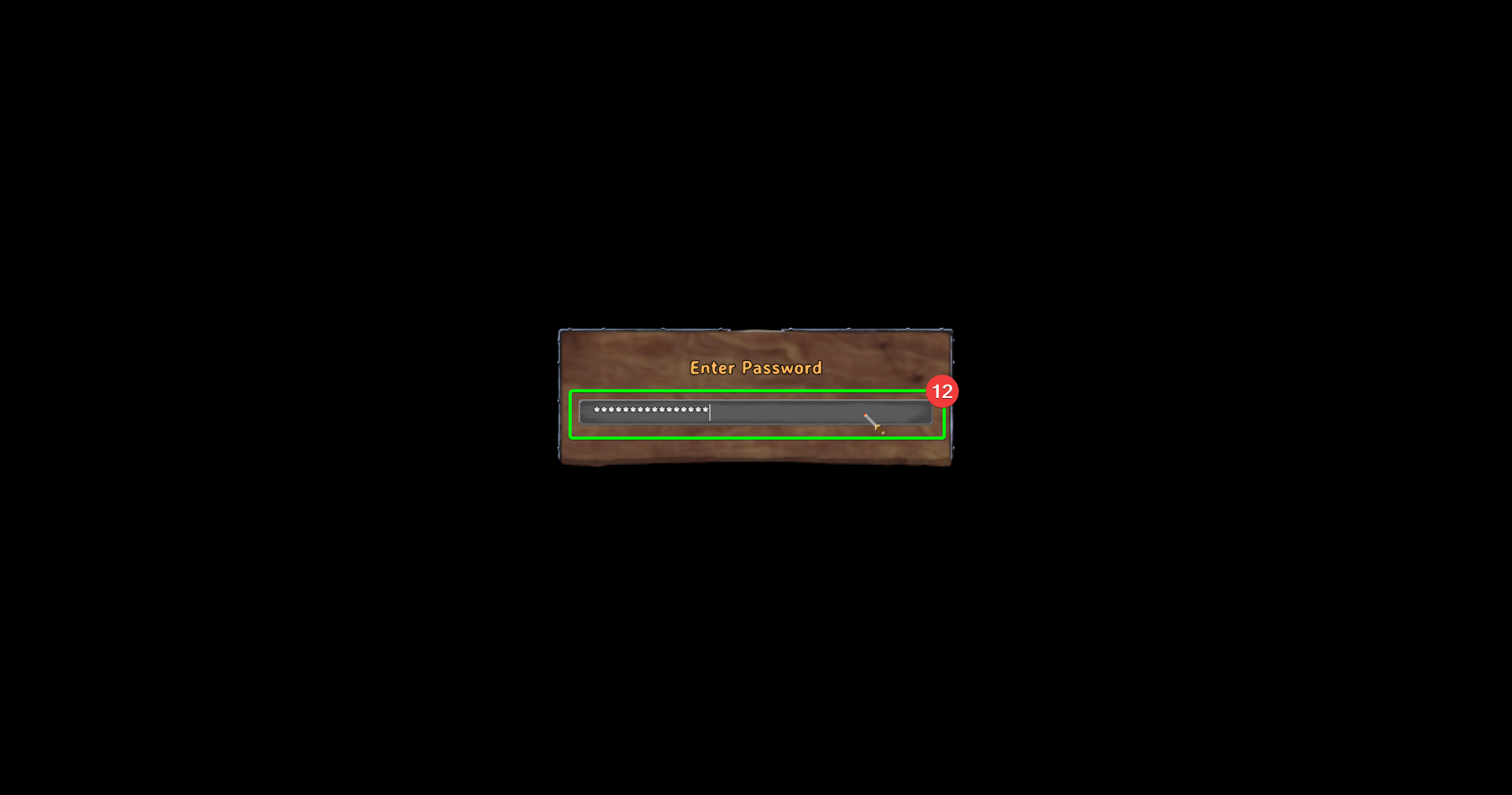
You should now begin connecting to your server! Time to unravel the mystery of Valheim!