Changing your StarRupture settings
info
Before changing any settings, make sure your server is switched OFF to prevent any corruption or data loss.
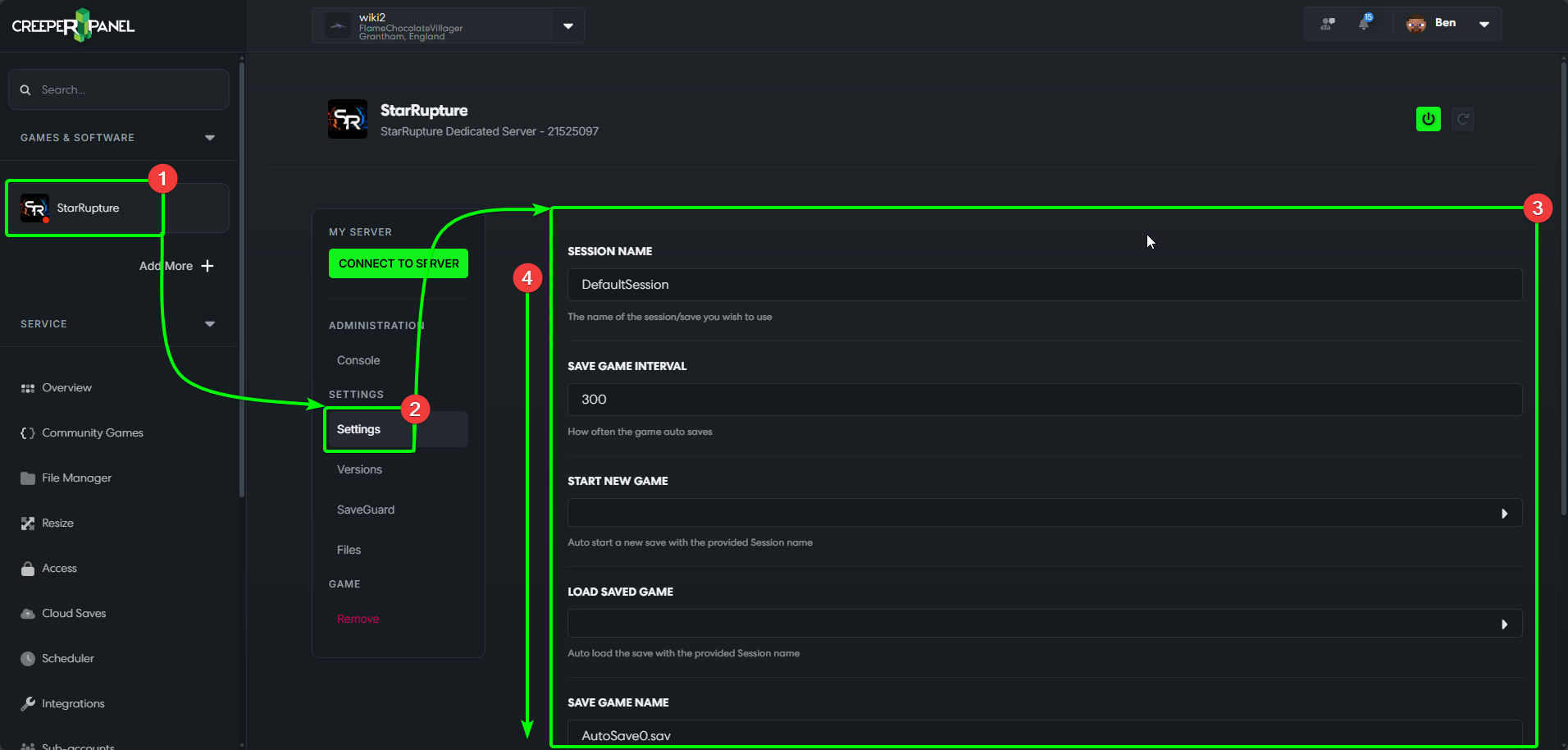
Changing your settings for StarRupture works the same as most games and services on the Panel. To begin:
- Navigate to your StarRupture instance's main page.
- Select
Settingsfrom the sub-menu, found underSettings. - You will be able to see the avialable settings for StarRupture.
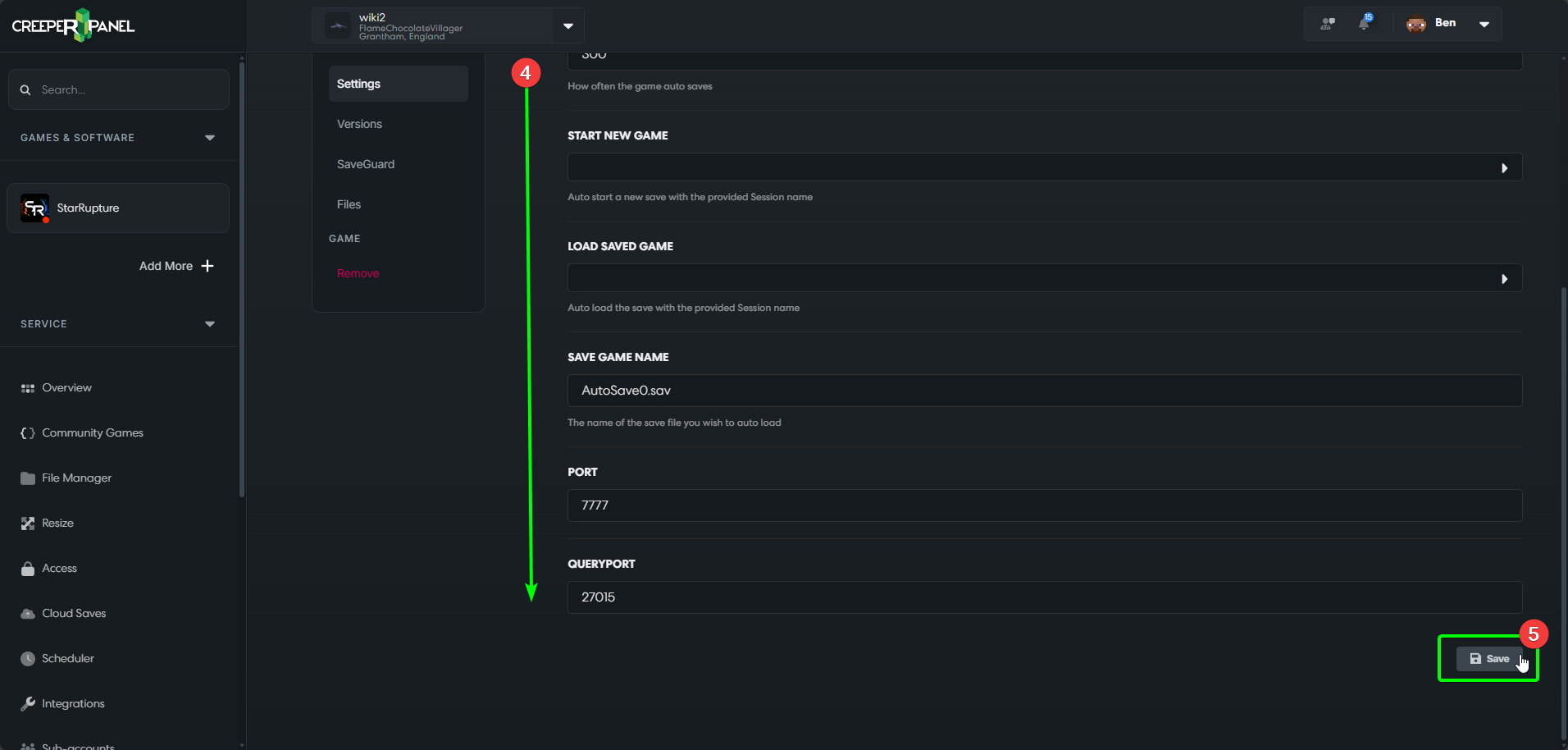
- Scrolling down will reveal more settings.
- At the bottom of the screen is where you will find the save button. Remember to save any changes you make before leaving the settings.
Remember - certain settings (such as your server password) are controlled through the in-game server manager!s
That's it for now! New settings are being added to our games all the time, so keep checking in.