Installing Project Zomboid
Installing Project Zomboid on the CreeperPanel is a lot less painful than fighting hordes of the undead. To begin:
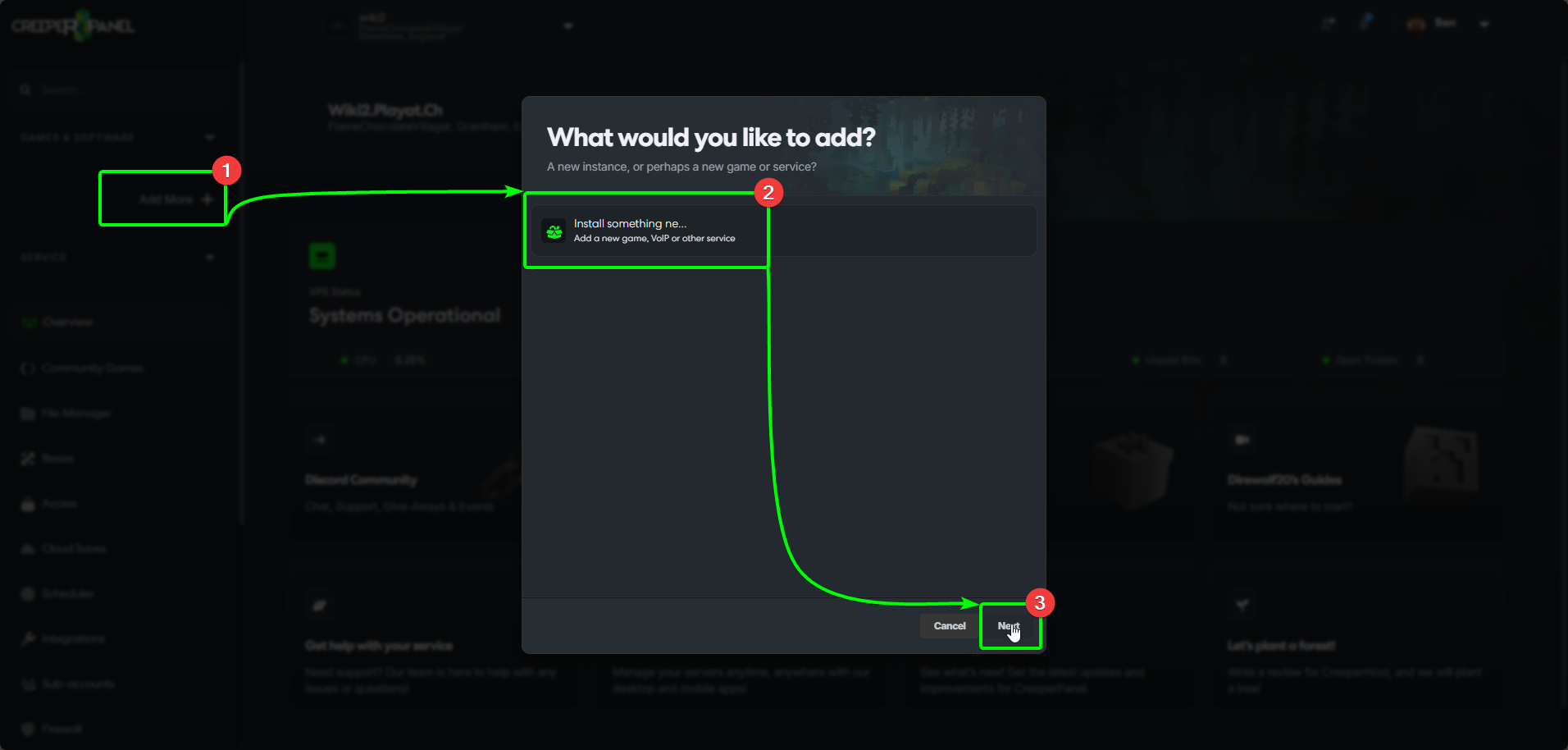
- Select
Add more +in the CreeperPanel's sidebar. - Select
Install something new, then, - Click
Next.
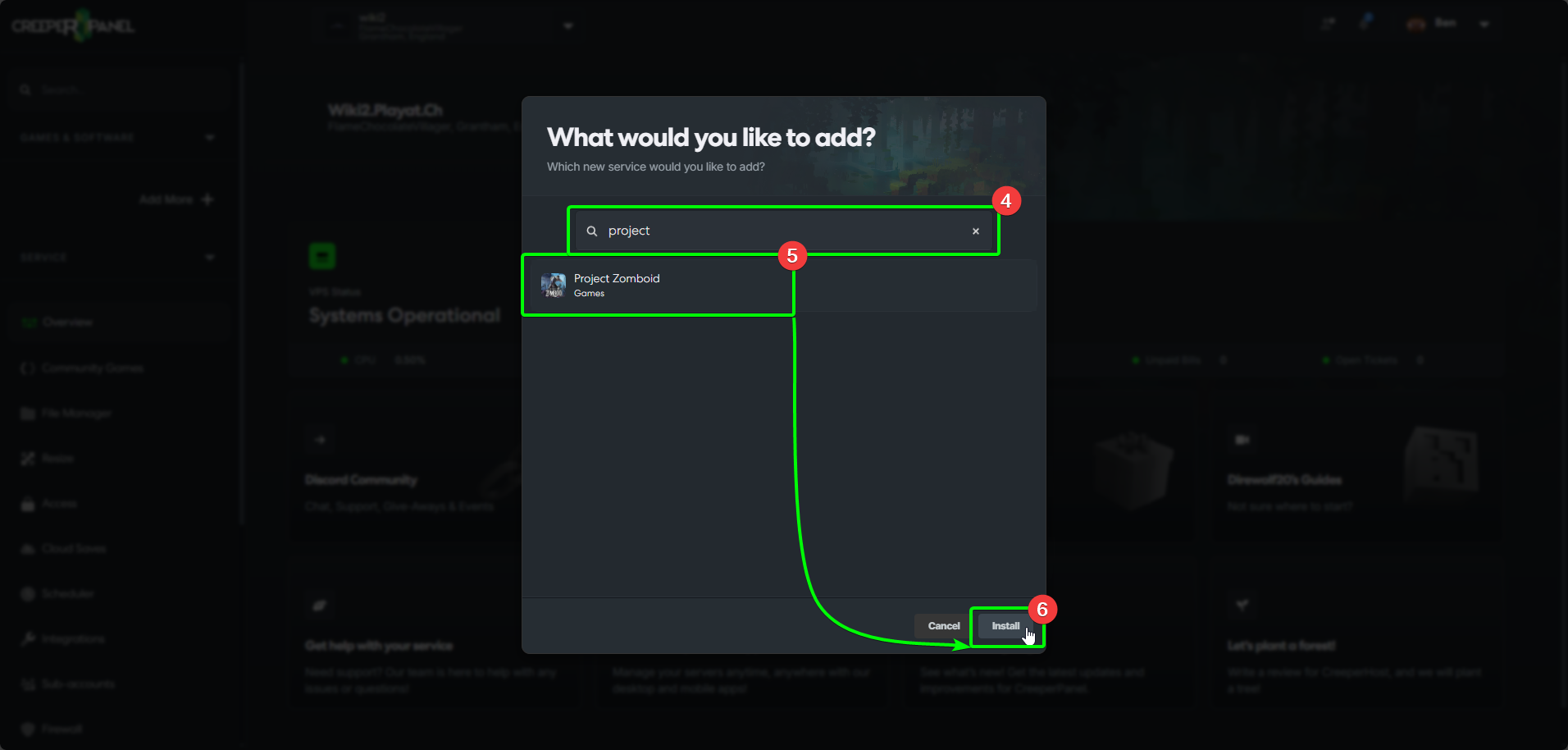
- Search for
Project Zomboidin the search box. The Panel will filter your search as you type. - Select
Project Zomboidfrom the list, then - Select
Install.
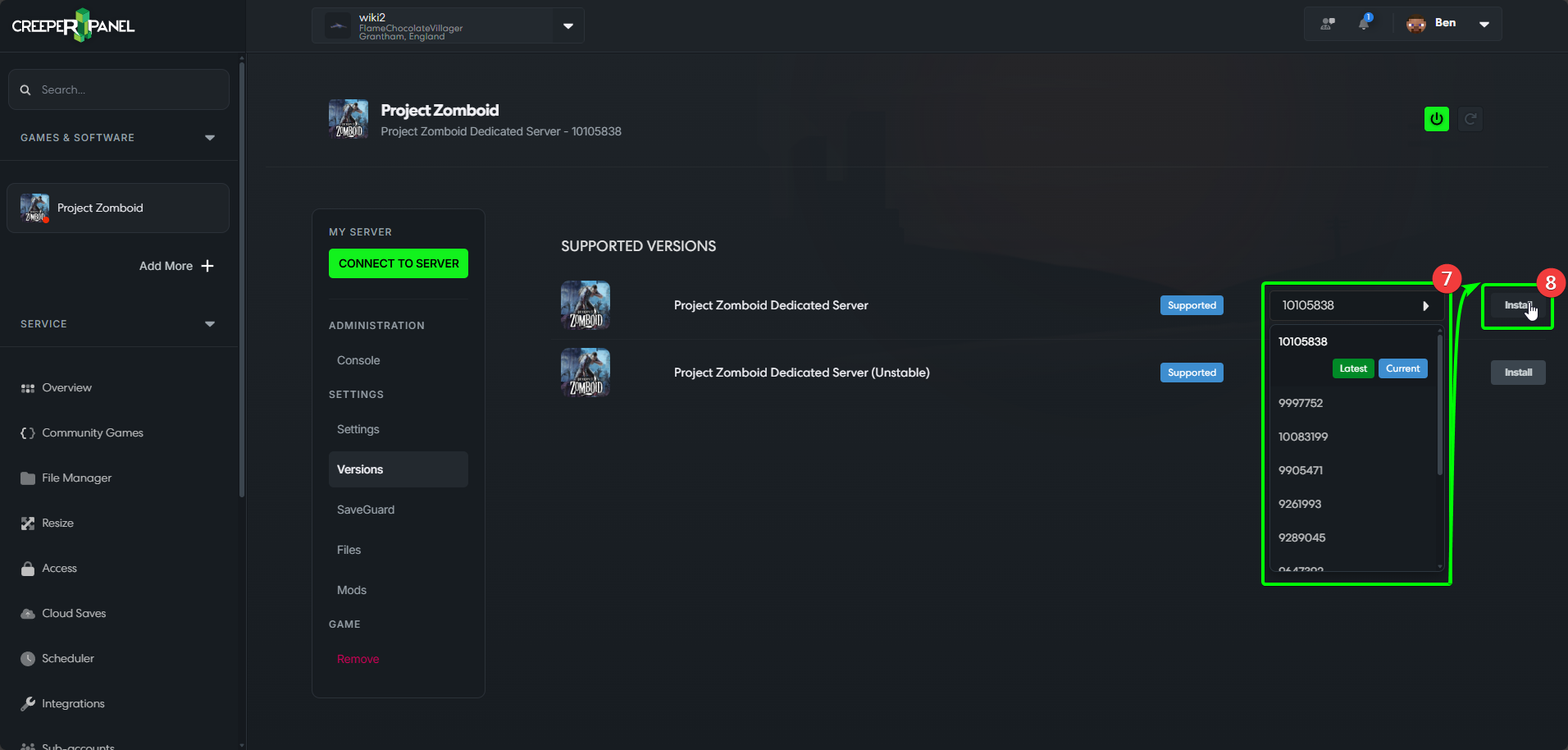
- Open the
Versionsdrop-down list, and select the version you wish to install. - Select
Install.
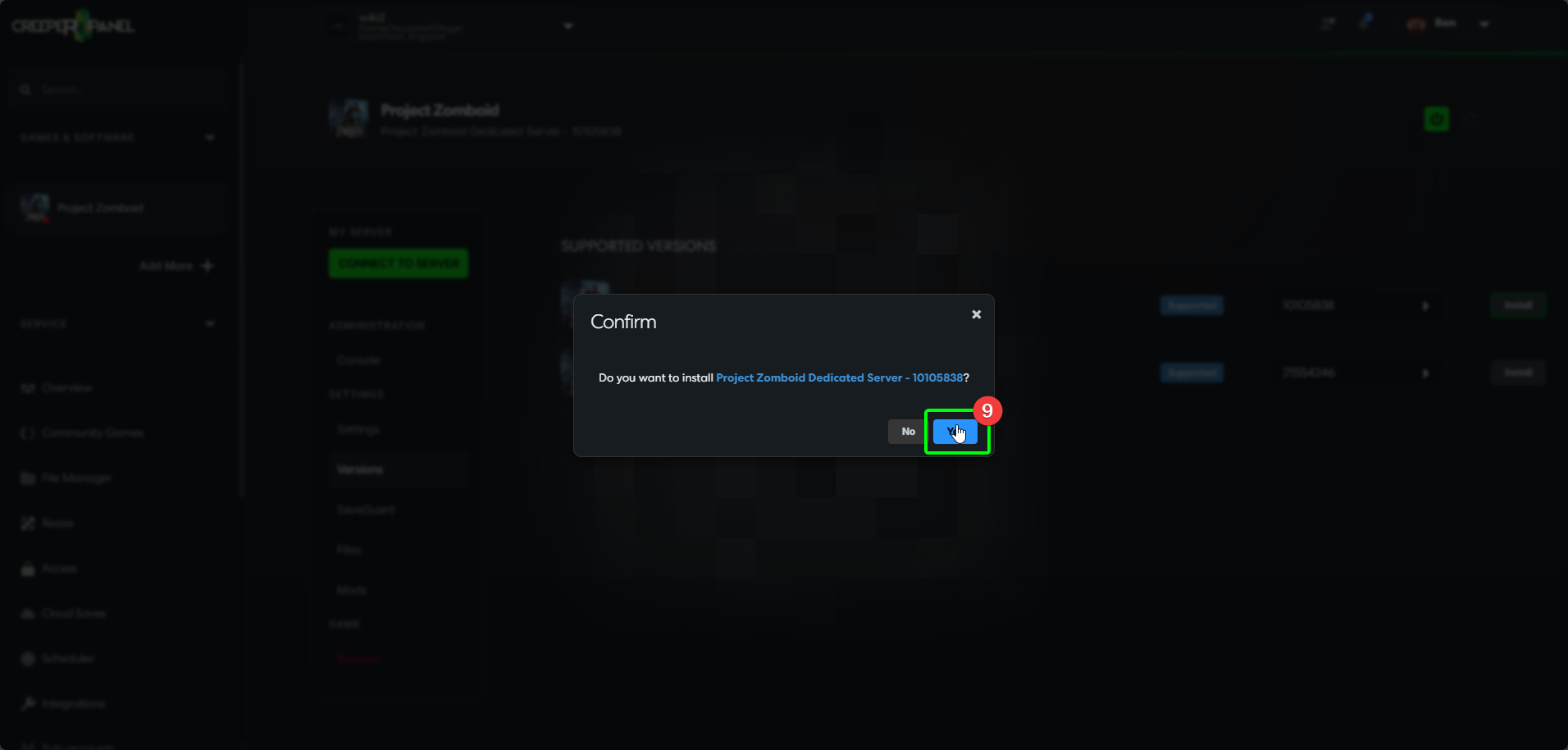
- Finally, select
Installin the confirmation box. The Panel will install the version you have selected. You are free to continue using the Panel whilst the installation takes place.