Changing Palworld settings
Stop your Palworld server, select it in CreeperPanel and open Settings. Choose a category, make your changes and select Save before leaving. Start the server again to apply them.
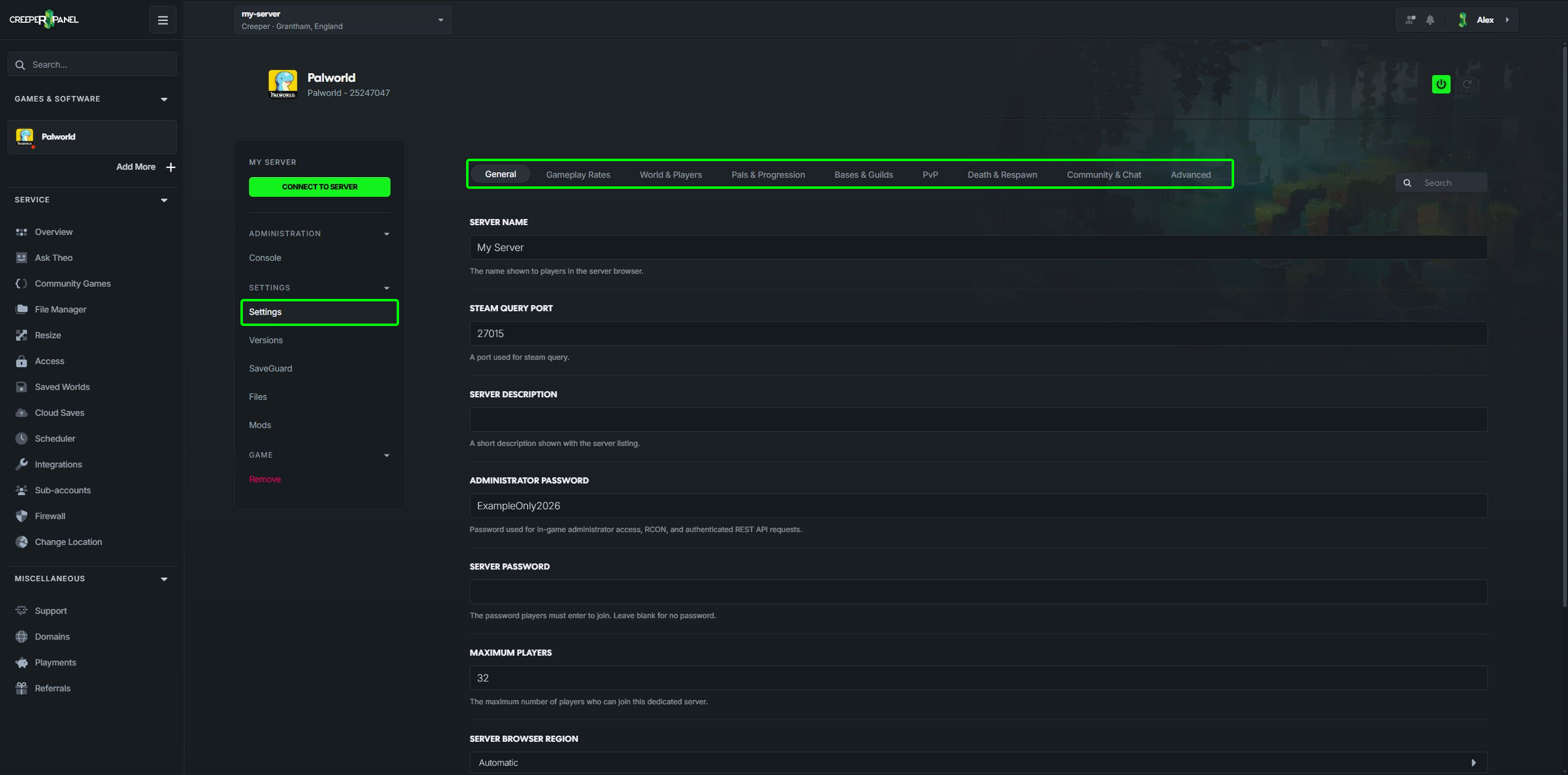
The current settings are grouped by what you want to change:
| Category | What you can change |
|---|---|
| General | Server name, password, player limit, client mods and automatic world backups |
| Gameplay Rates | Experience, resource quantities, hunger, stamina and time multipliers |
| World & Players | Difficulty, raids, travel and player progression rules |
| Pals & Progression | Capture, spawning, randomisers, breeding and Palbox transfers |
| Bases & Guilds | Base limits, worker Pals, guild limits and inactive-guild rules |
| PvP | Player damage, friendly fire and base defence rules |
| Death & Respawn | Item drops, respawn delays and Hardcore consequences |
| Community & Chat | Voice chat, chat limits and join/leave messages |
| Advanced | Crossplay platforms and administration connections |
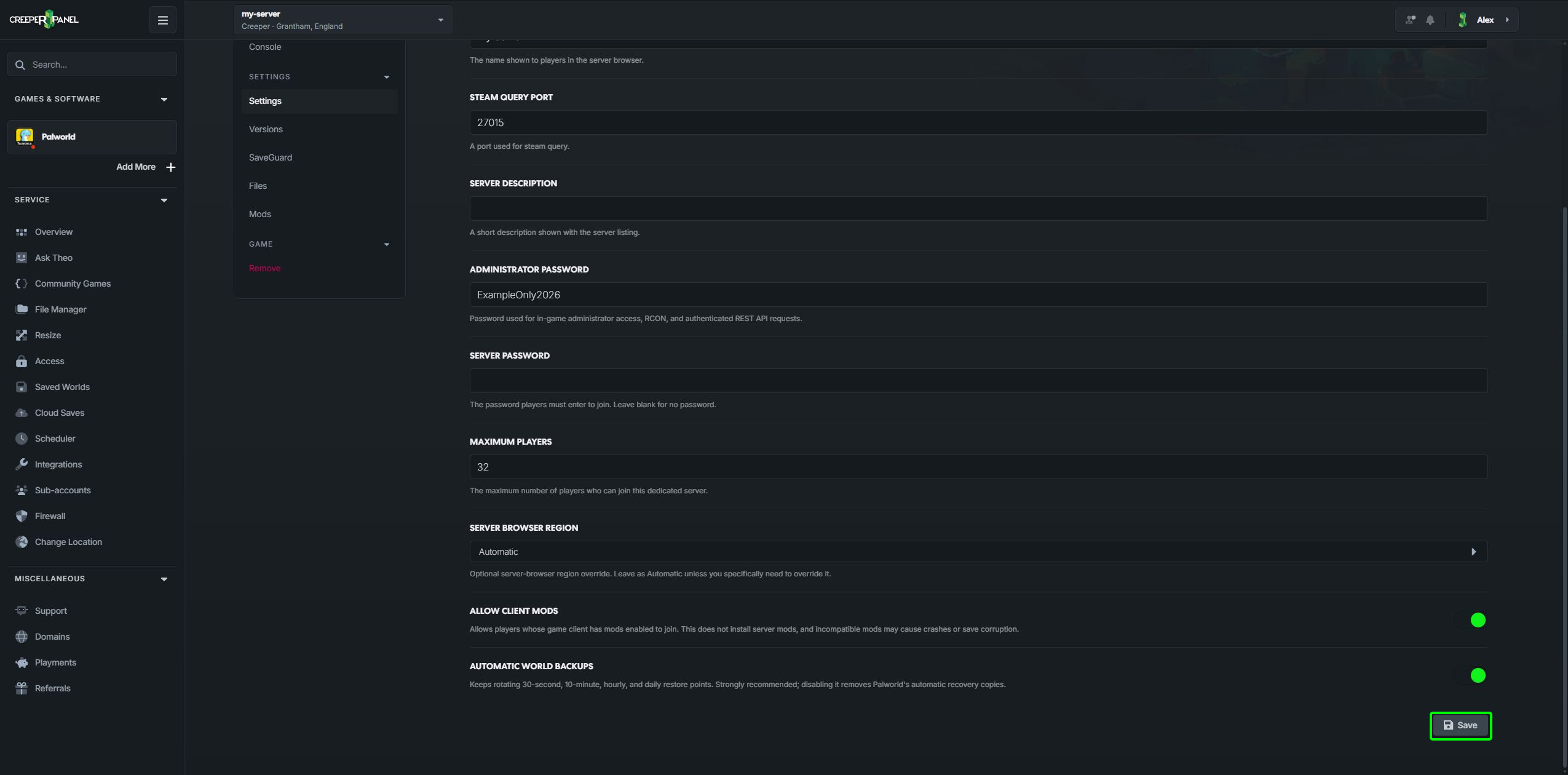
Select Save at the bottom of the settings page when you have finished.
A few useful starting points
Allowed Crossplay Platforms controls who can connect; disabling a platform prevents its players from joining. Voice Chat and its distance controls are under Community & Chat.
Keep Automatic World Backups enabled if you want Palworld's own rotating recovery copies. These are separate from CreeperHost's backup tools.
Check the descriptions before changing multipliers: a larger respawn interval means a longer wait, whereas a larger resource quantity means more resources. Higher Pal and base limits can also increase the work your server has to do.
Random spawns can now be configured under Pals & Progression. See random spawn rules.
If a control is greyed out, its related option may need enabling first. The Panel explains the dependency and checks values when you save. See saving game settings for validation and port warnings.