Installing mods on your Palworld server
Use mods that explicitly support your installed Palworld version. When upgrading the game, check your collection before starting an existing world.
Make sure to shut down your Palworld server before adding mods.
CreeperPanel
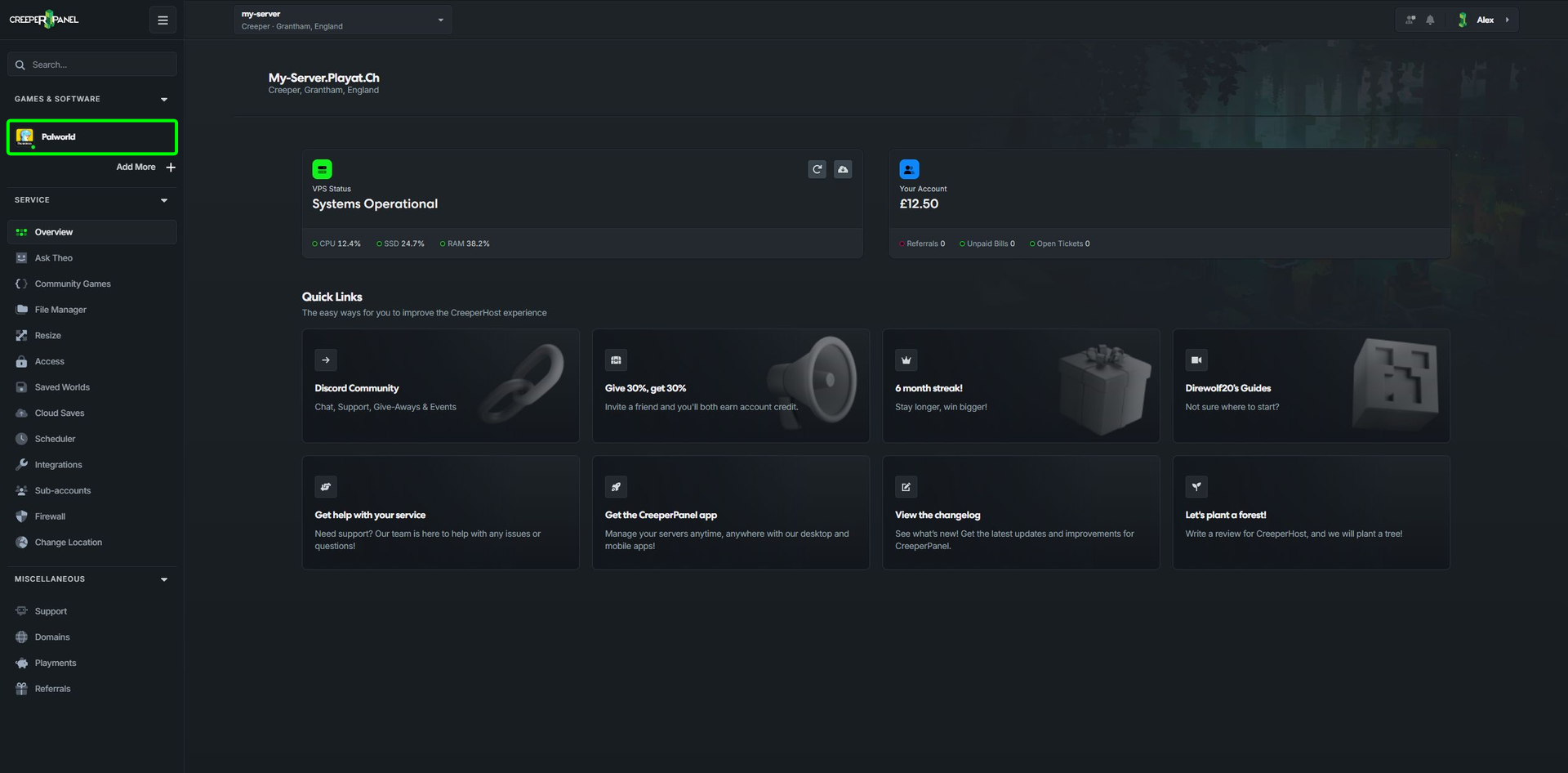
- Find and select your Palworld service.
- Select
Mods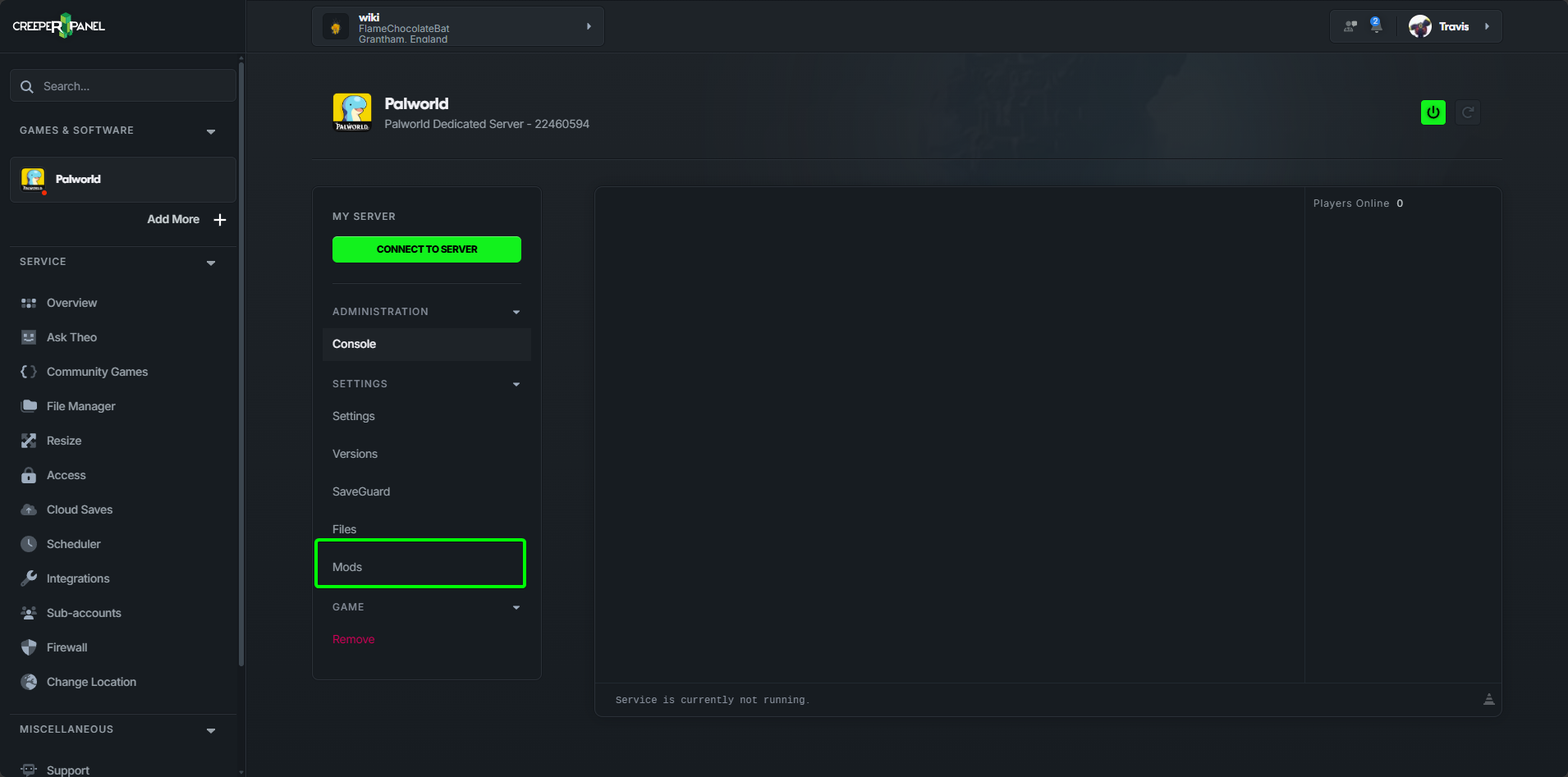
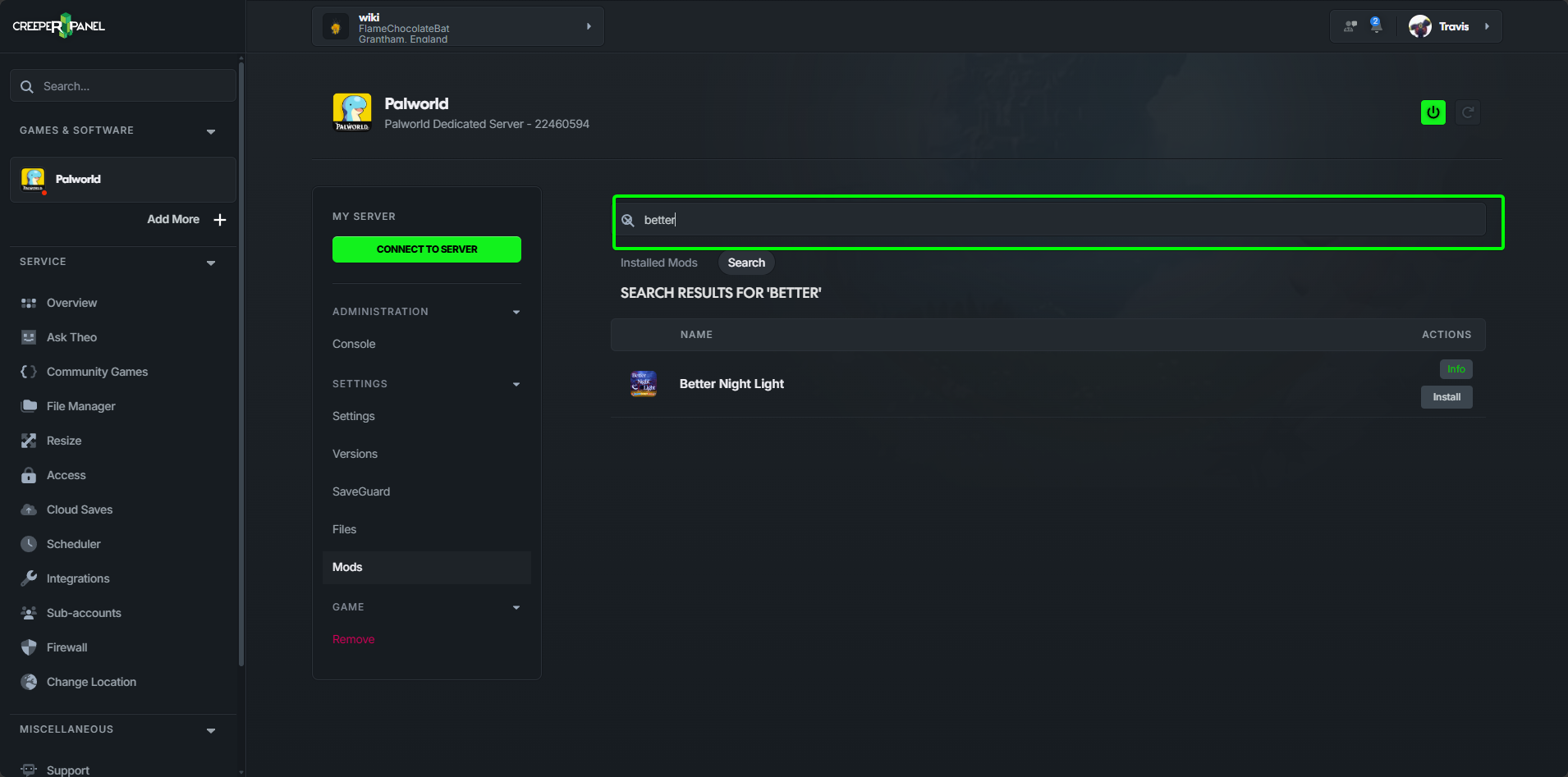
- Search for the mod you want to install
- Click
Install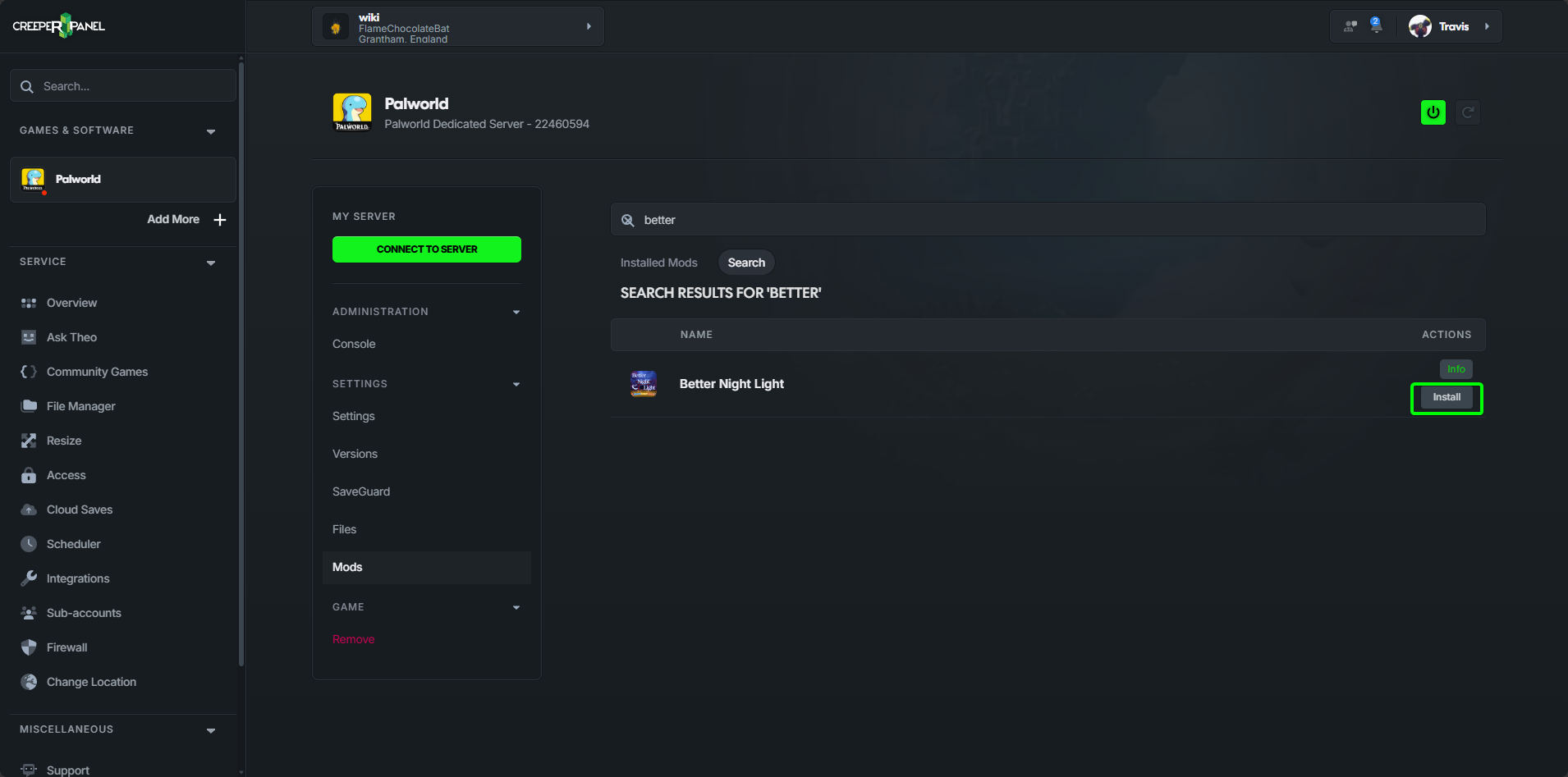
That's it, the mod is now installed and ready for you to start your server.
Upload a mod manually
You can find mods for Palworld on CurseForge
- Find a mod you wish to install and download the pak file.
- Place the mod in the folder
/palworld/Pal/Content/Paks/That's it, the mod is now installed and you can start your server.
Steam Workshop mods with Palworld UE4SS
The Palworld UE4SS service has a separate Workshop mod manager. Select that service when you want to use its Workshop packages; the regular Palworld Mods page is a different collection.
- Stop the Palworld UE4SS server and open Mods.
- Search Steam Workshop, check the package's requirements and select Install.
- Return to Installed Mods and check that the package is enabled.
- Start the server after installation finishes.
Use the switch beside an installed package to disable or re-enable it, and the remove control to delete it. Manage Workshop packages here rather than manually moving their installed files.
Check whether each mod also needs client-side installation. A Workshop listing alone does not guarantee compatibility with your game version or another mod.