Connecting to your Factorio Server
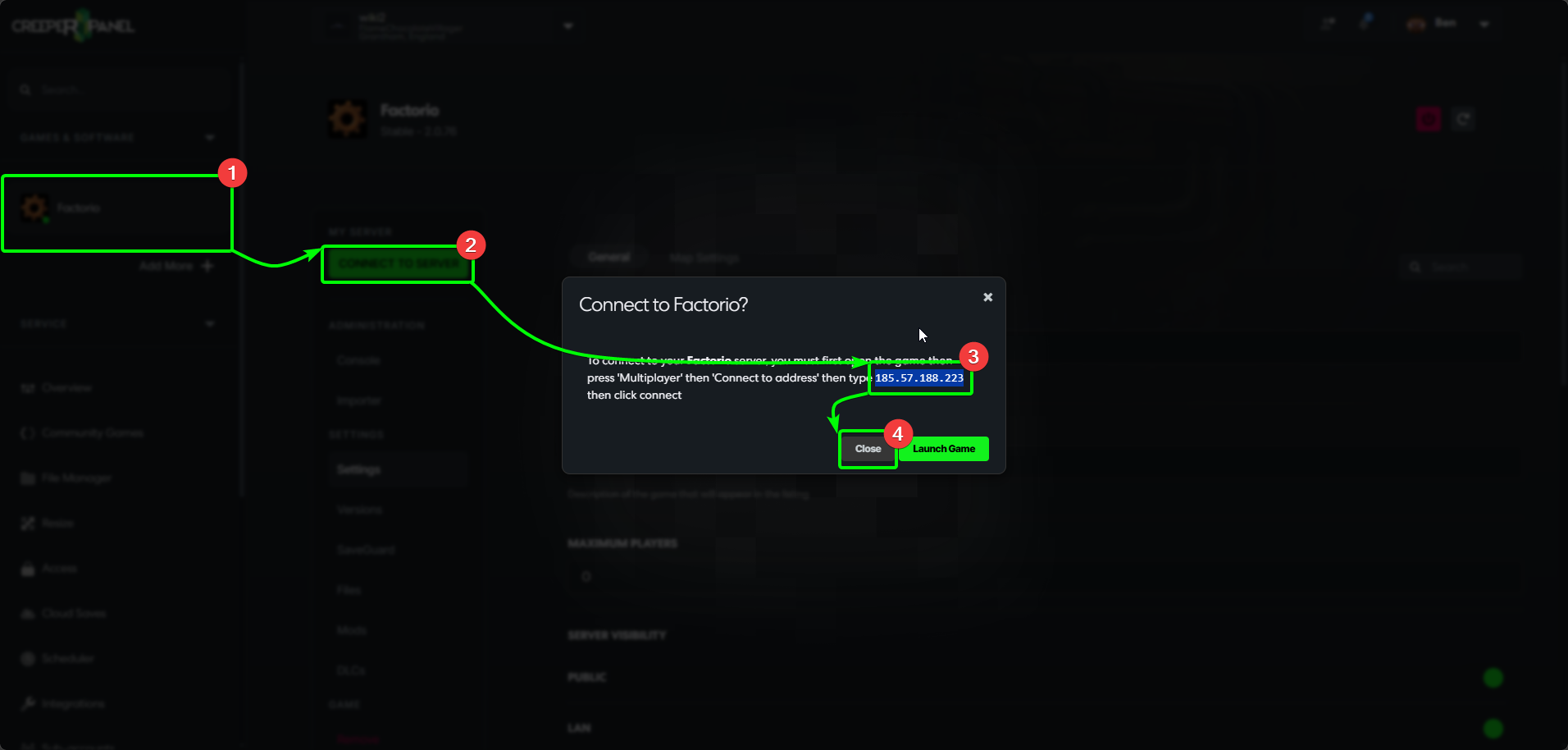
Before connecting to your Factorio server, you'll need to grab your server's IP address. To start:
- Select your Factorio instance in the CreeperPanel's sidebar.
- Select the green
Connect to Serverbutton. - Copy the IP address you will see in the pop-up.
- Close the pop-up by selecting
Close.
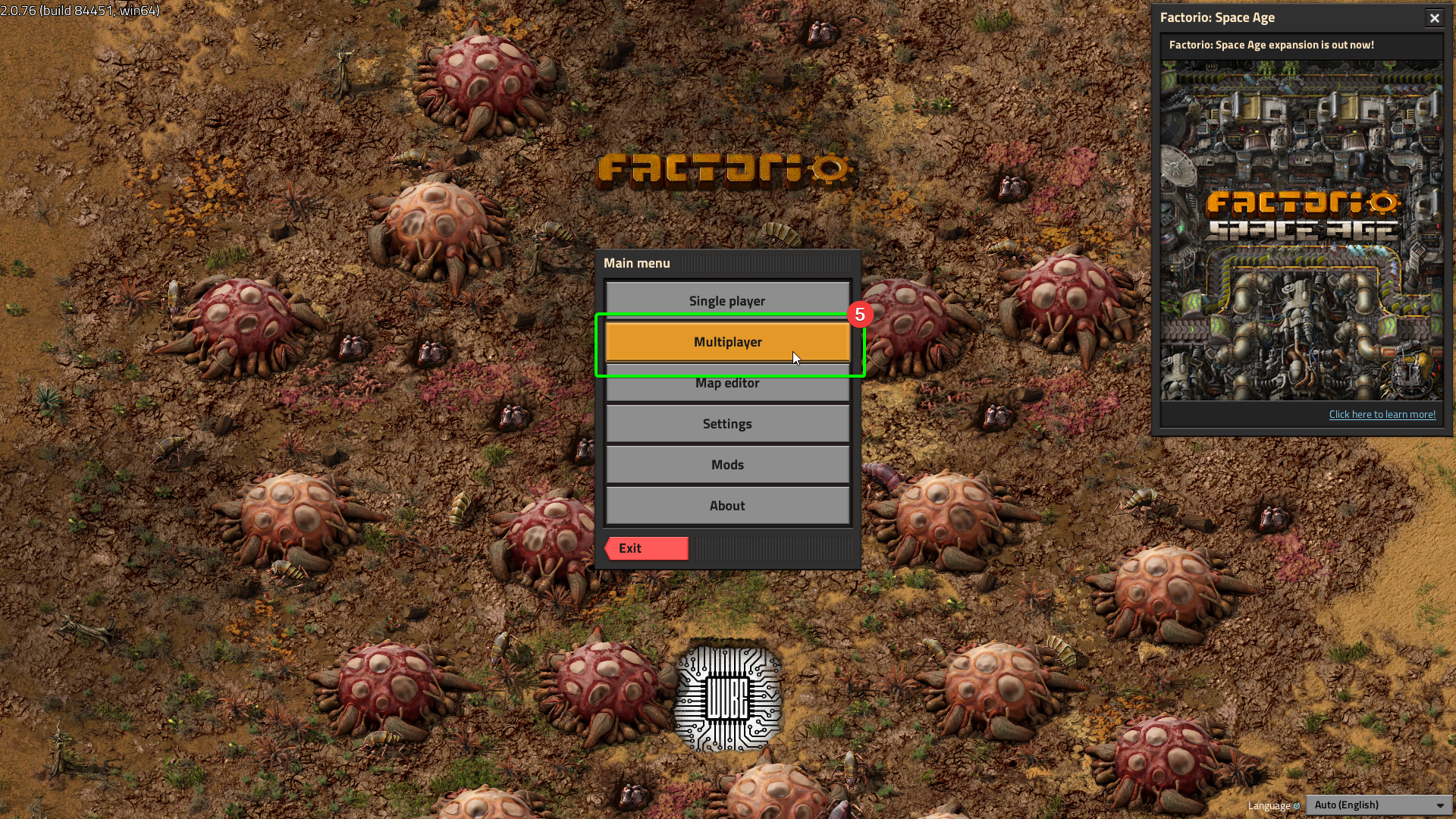
- At the main menu, select
Multiplayer.
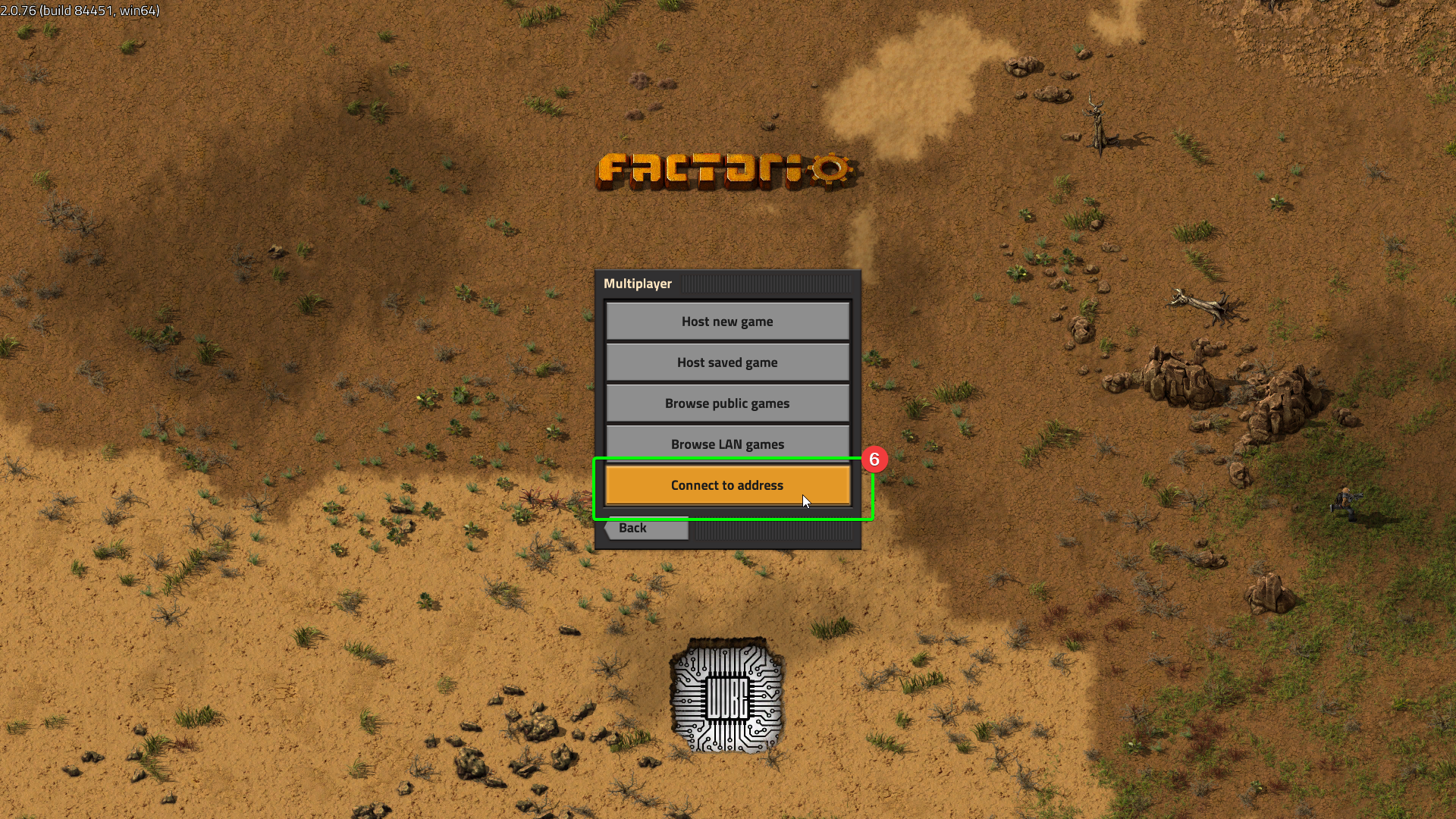
- In the next window, select
Connect to address.
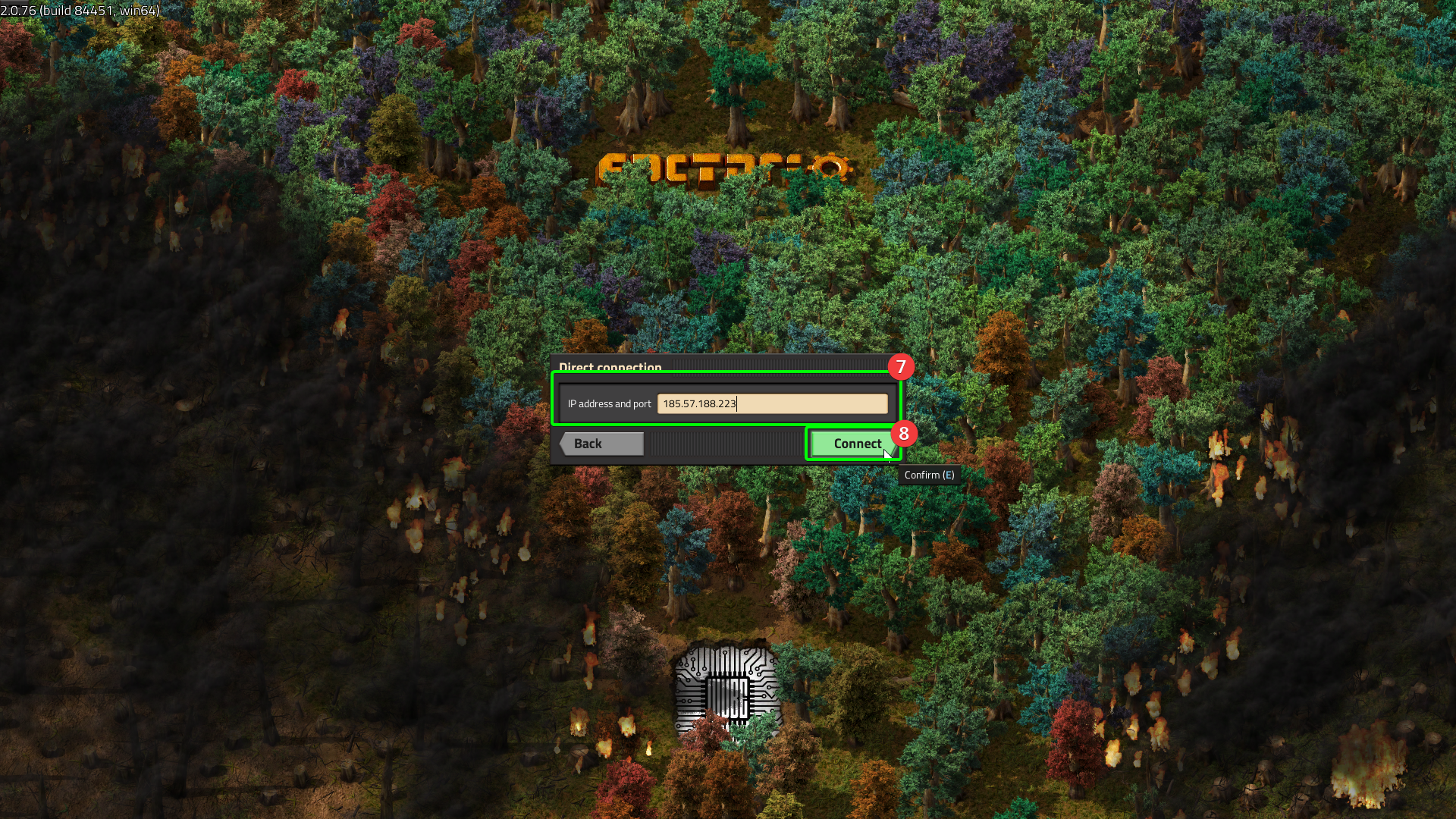
- You'll see a new field - you just need to enter the IP address into the
IP address and portfield. - Select
Connect.
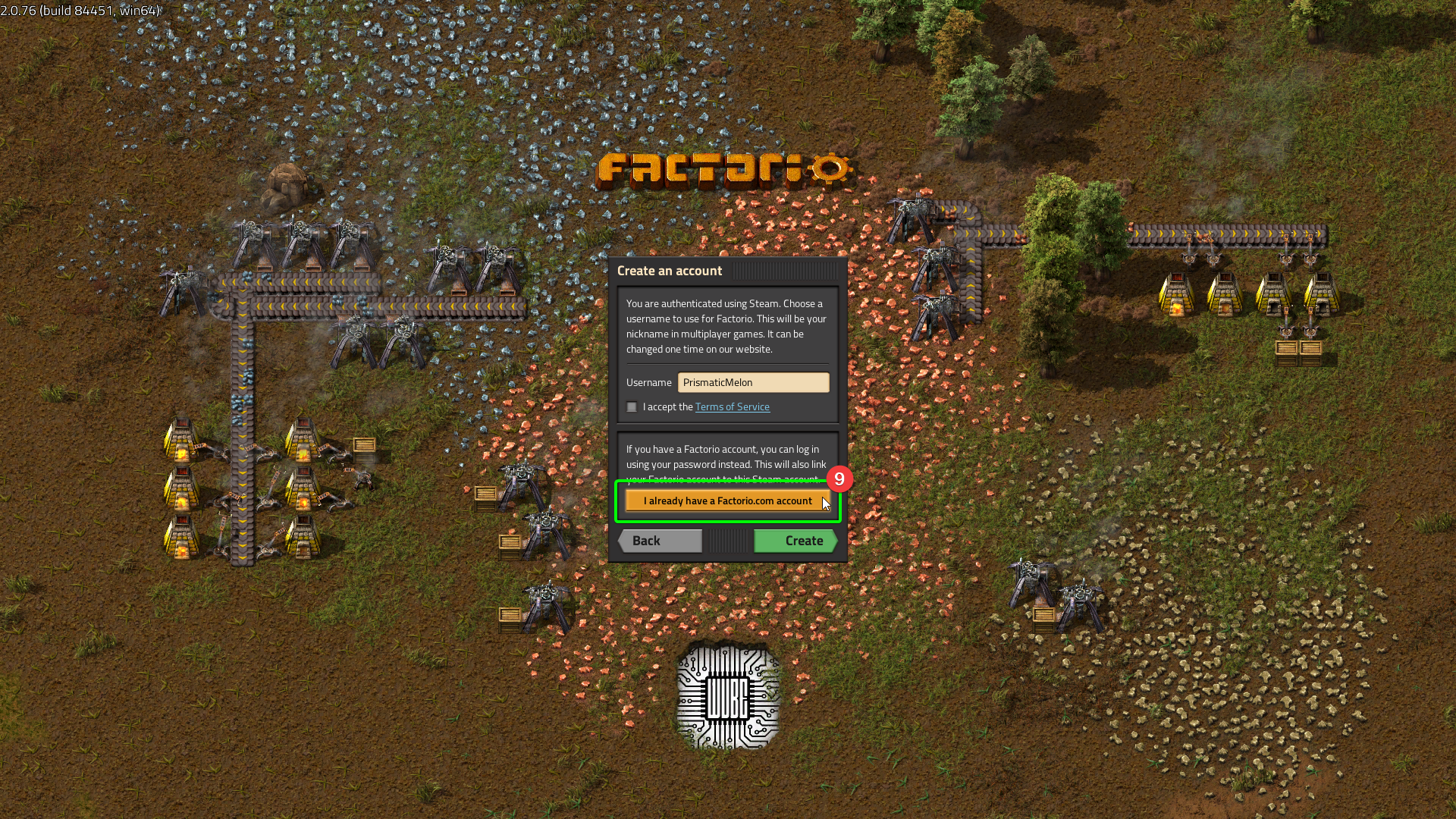
- If you have not created a Factorio account, you will need to do so. Once created, or if you already have an account, select
I already have a Factorio account.
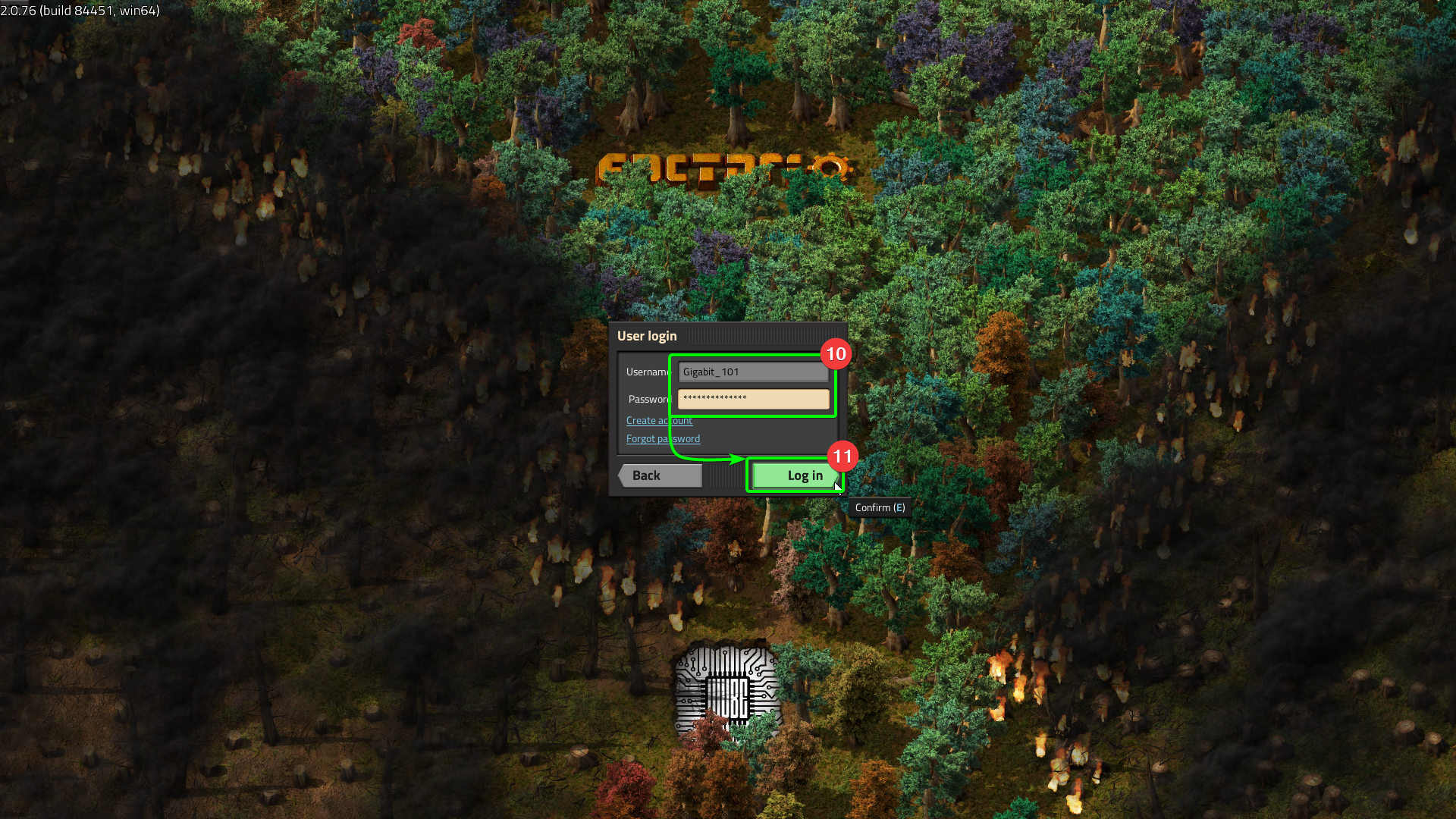
- Enter your account username and passwords in their respective fields.
- Select
Log in.
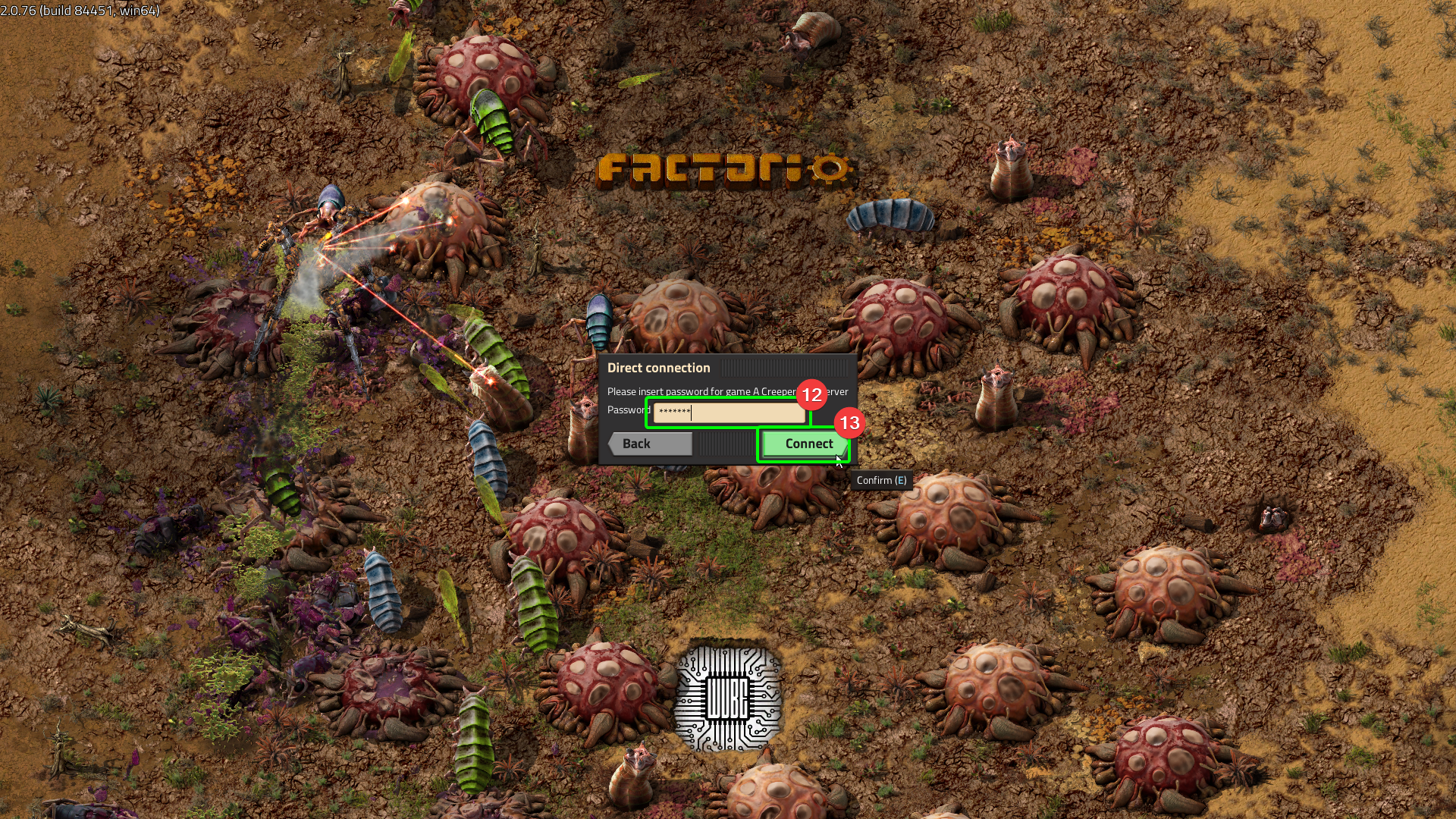
- If you have set a password for your server, you will need to enter it in the
Passwordfield. - Select
Connect.
You should now start connecting to your server!