How to update your Minecraft Bedrock Server
CreeperPanel
Update to latest version
- Select your
Minecraft: Bedrock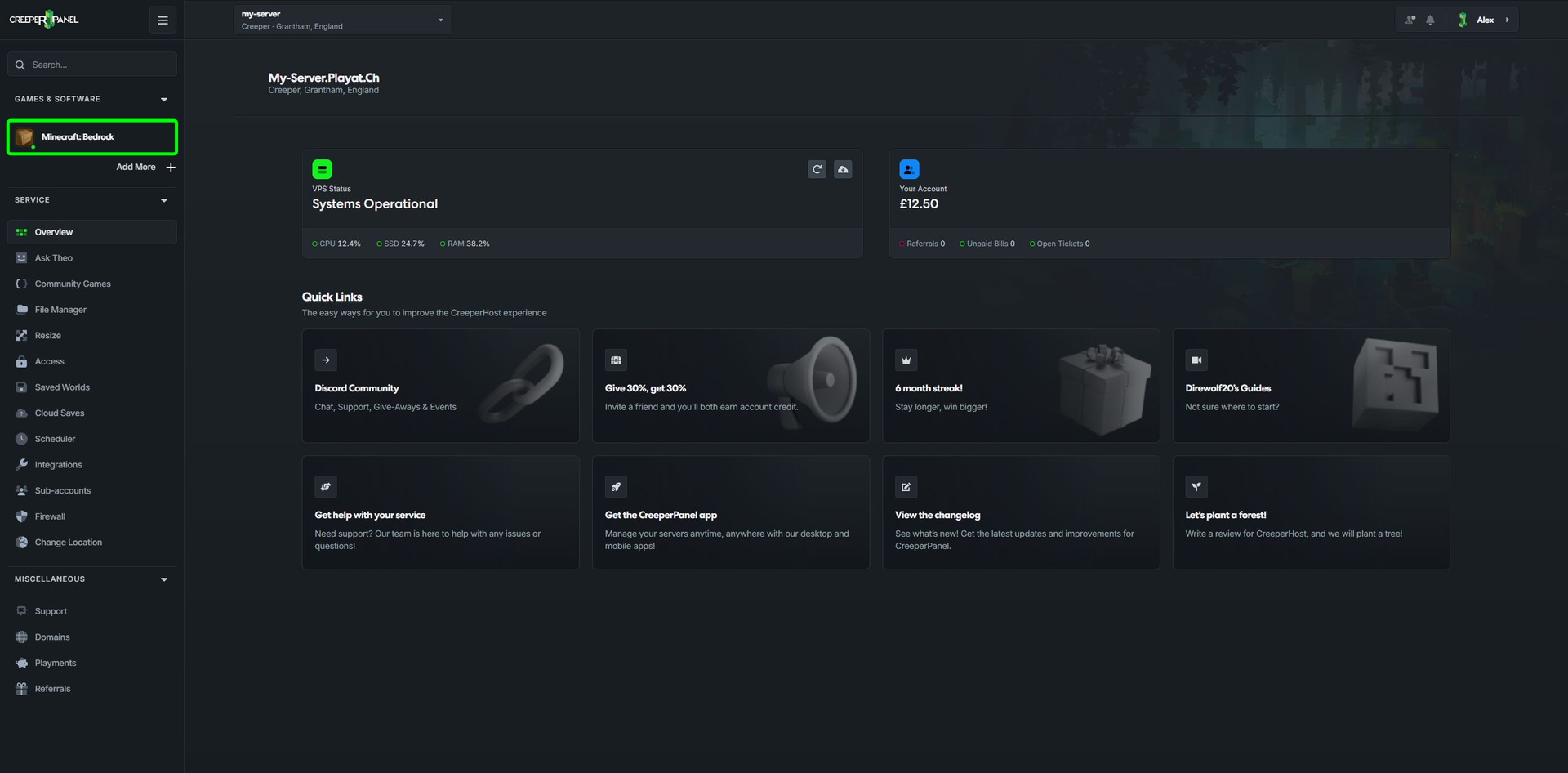
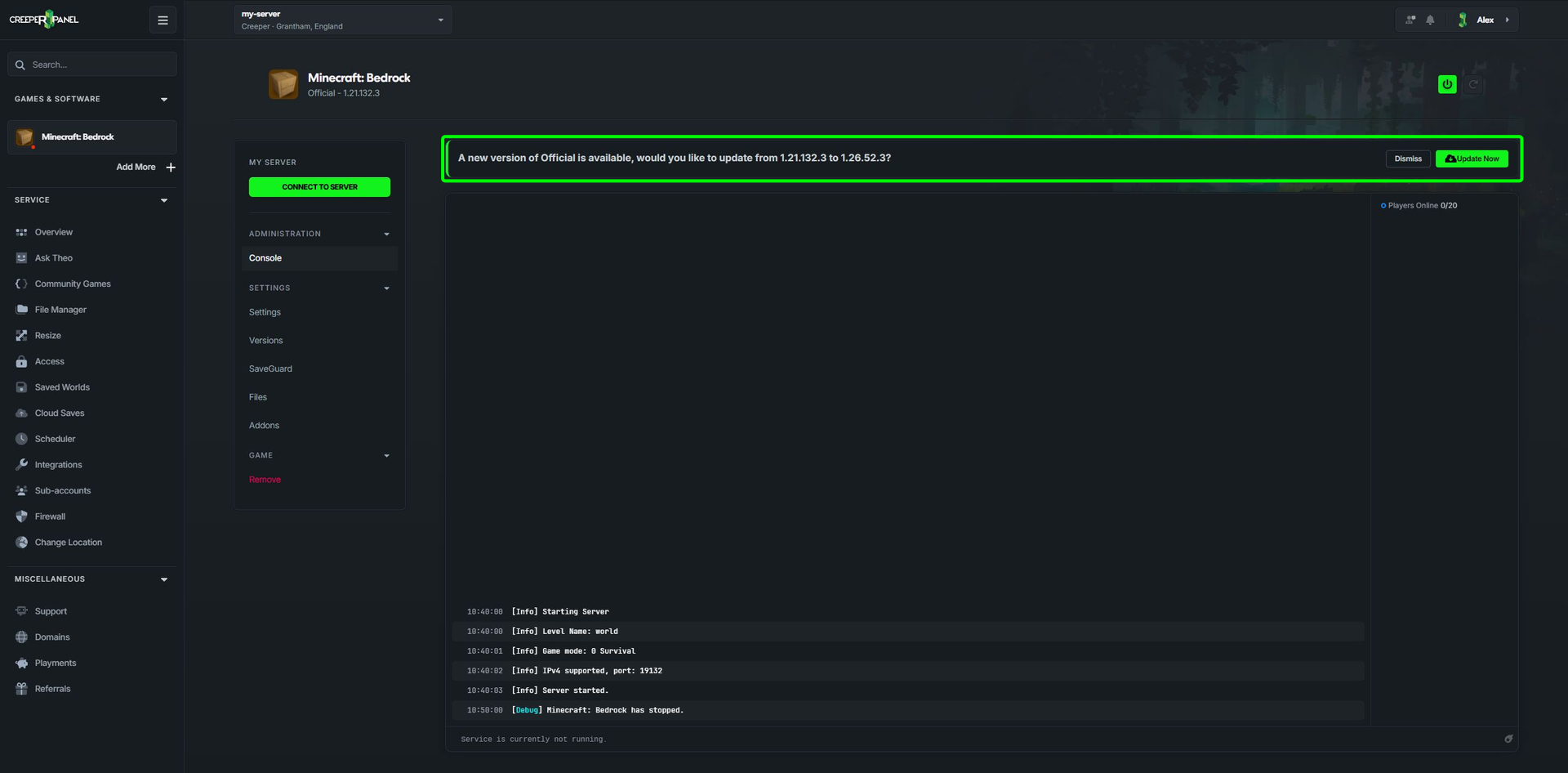
- When an update is available you should see a banner above the console showing you that an update for the game is available.
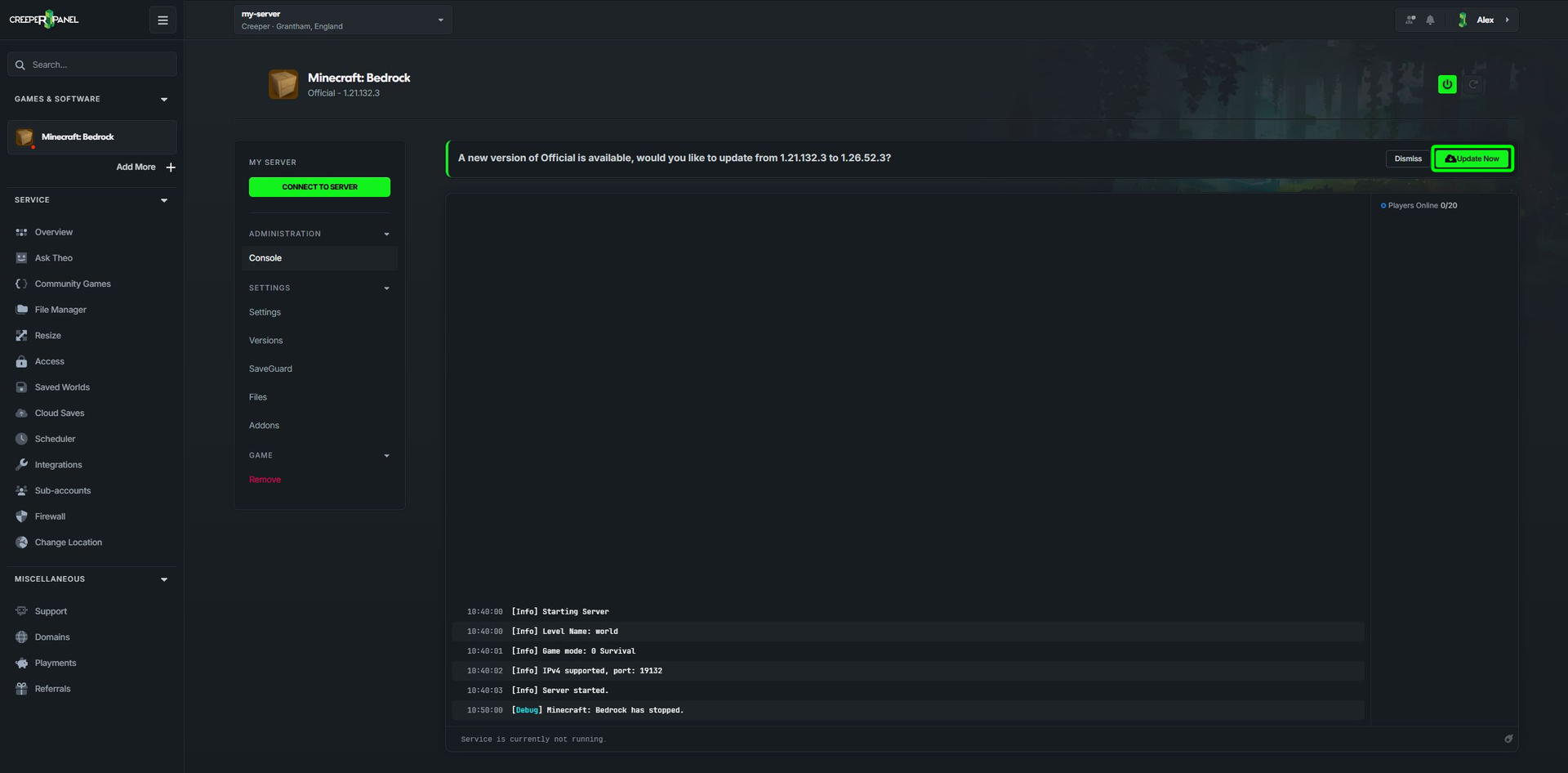
- Click on the Update Now button
- You will get a pop-up asking you to confirm you wish to update the server, Click on
Yes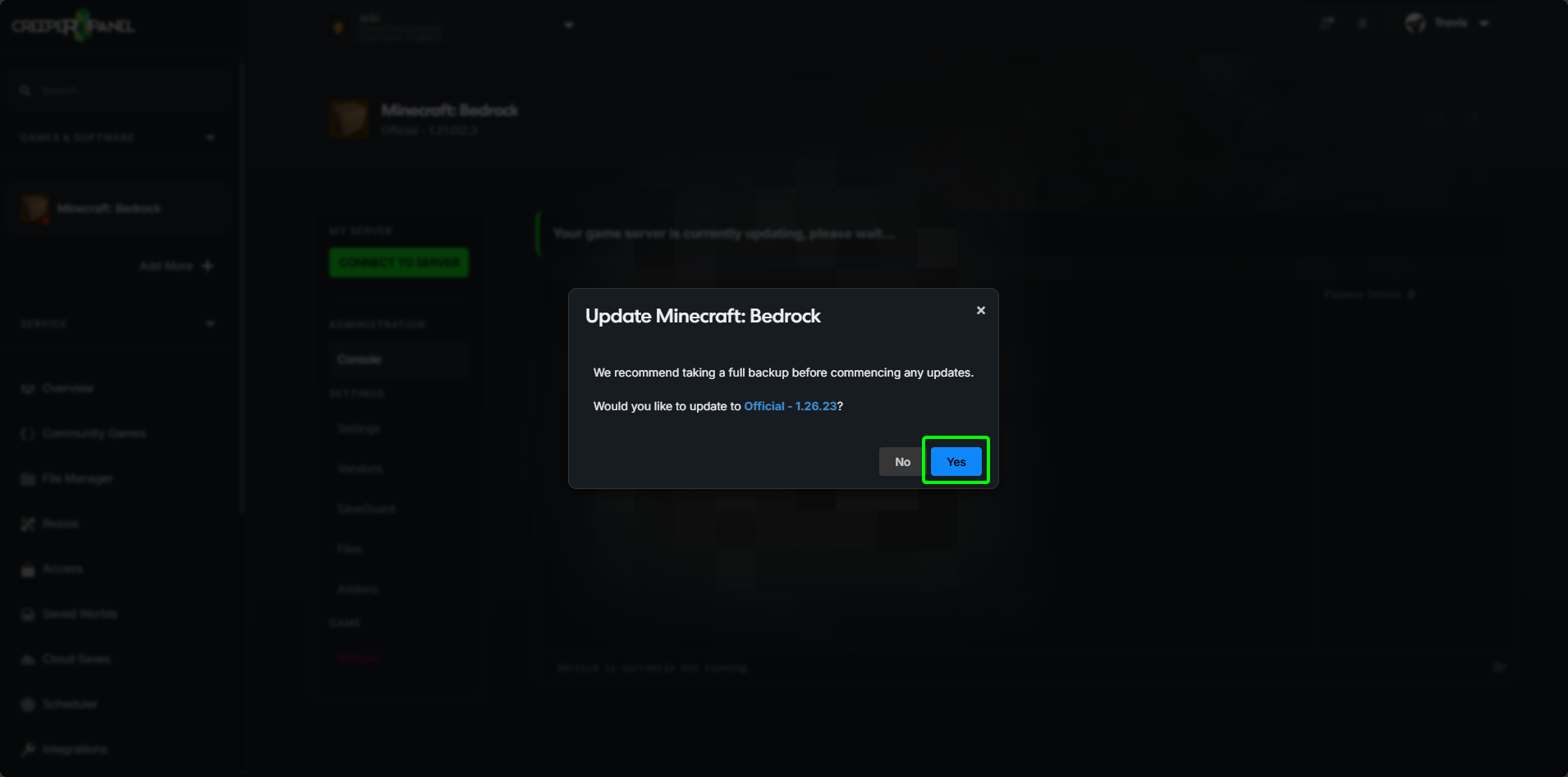
- The install has started. You will see an install screen while the game updates
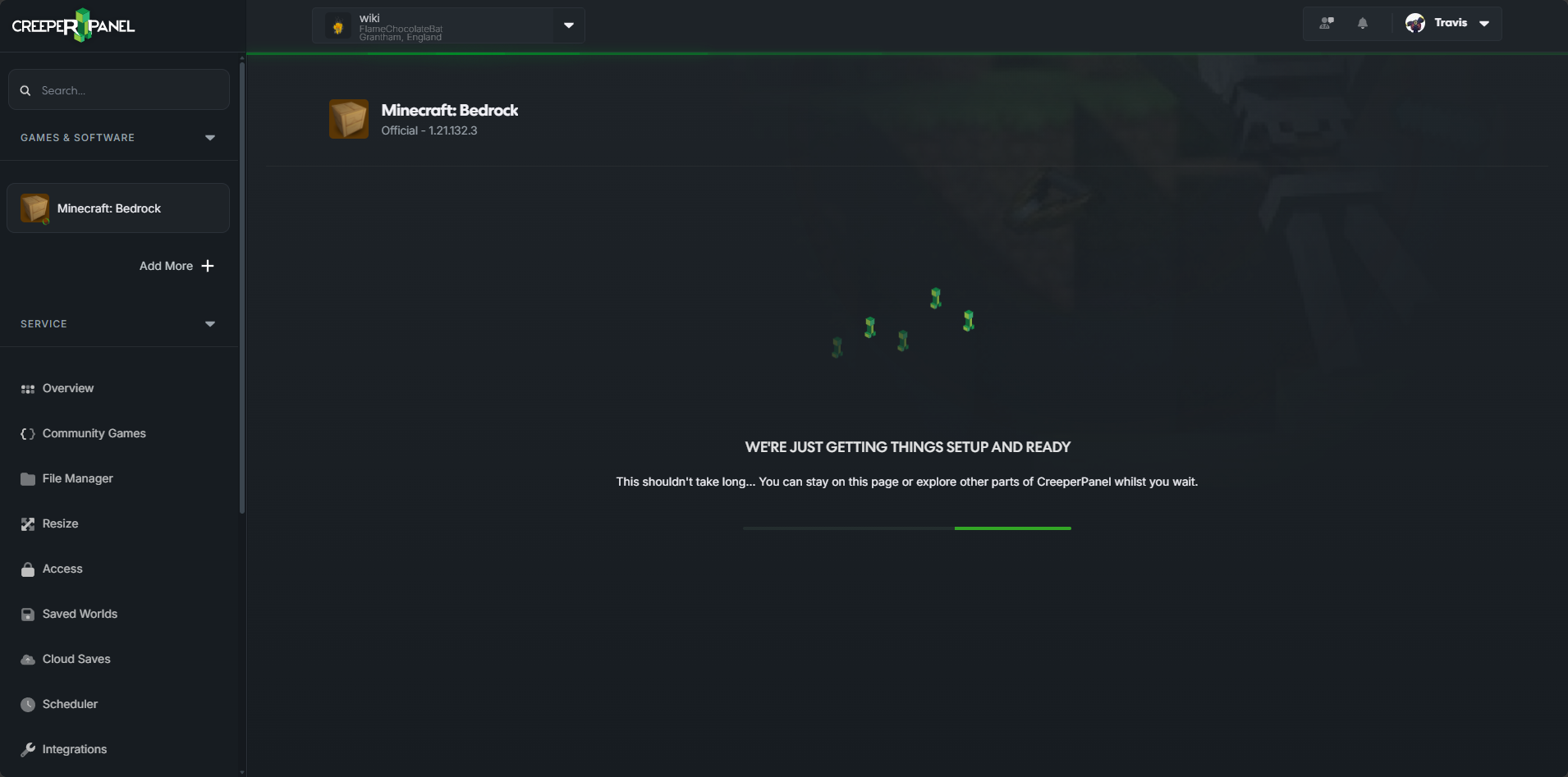
- Once it's finished you should see your server console again.
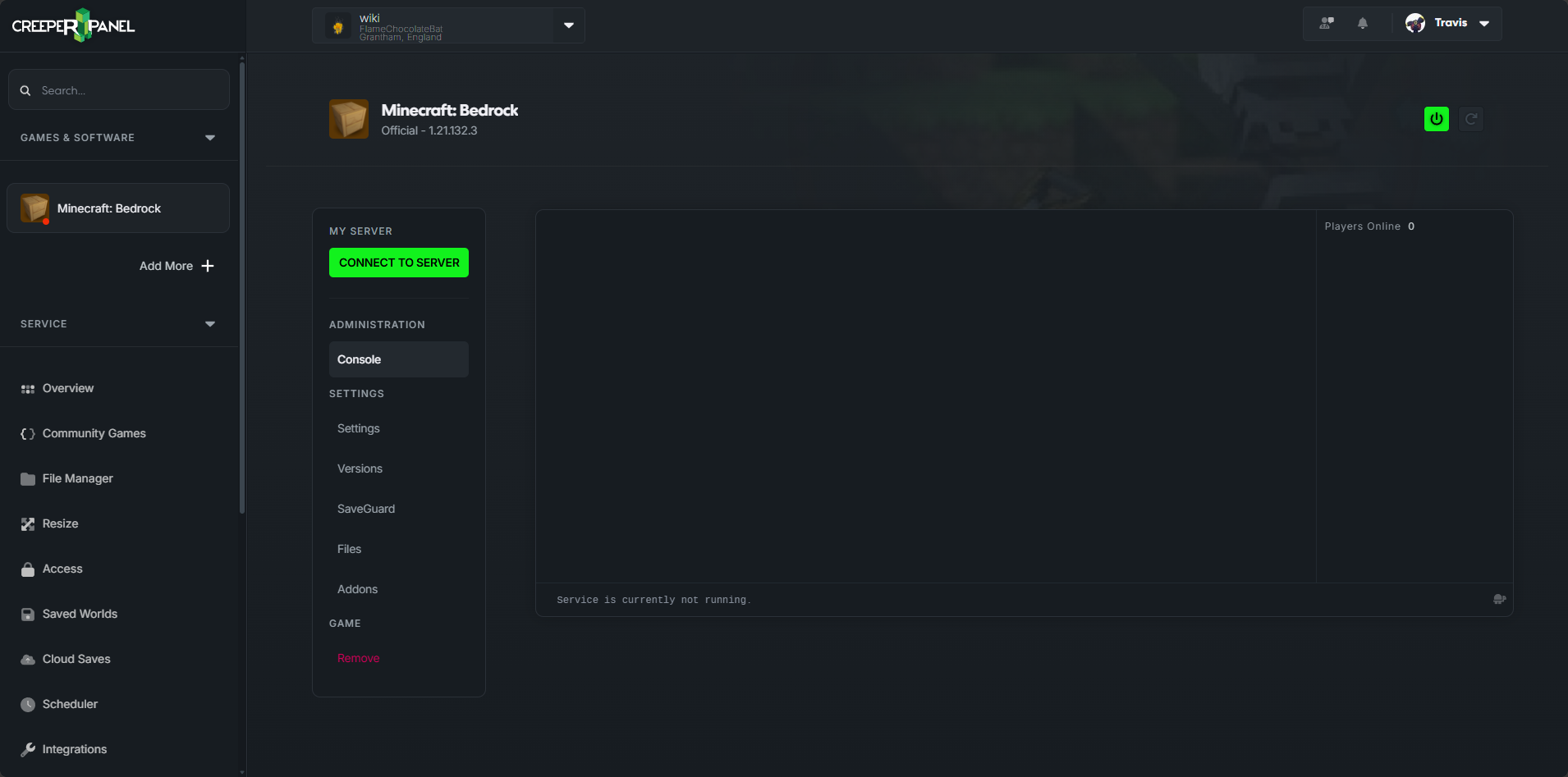
That's it. The server is now updated and ready to be started

Update to a specific version
- Select your
Minecraft: Bedrock - Select
Versions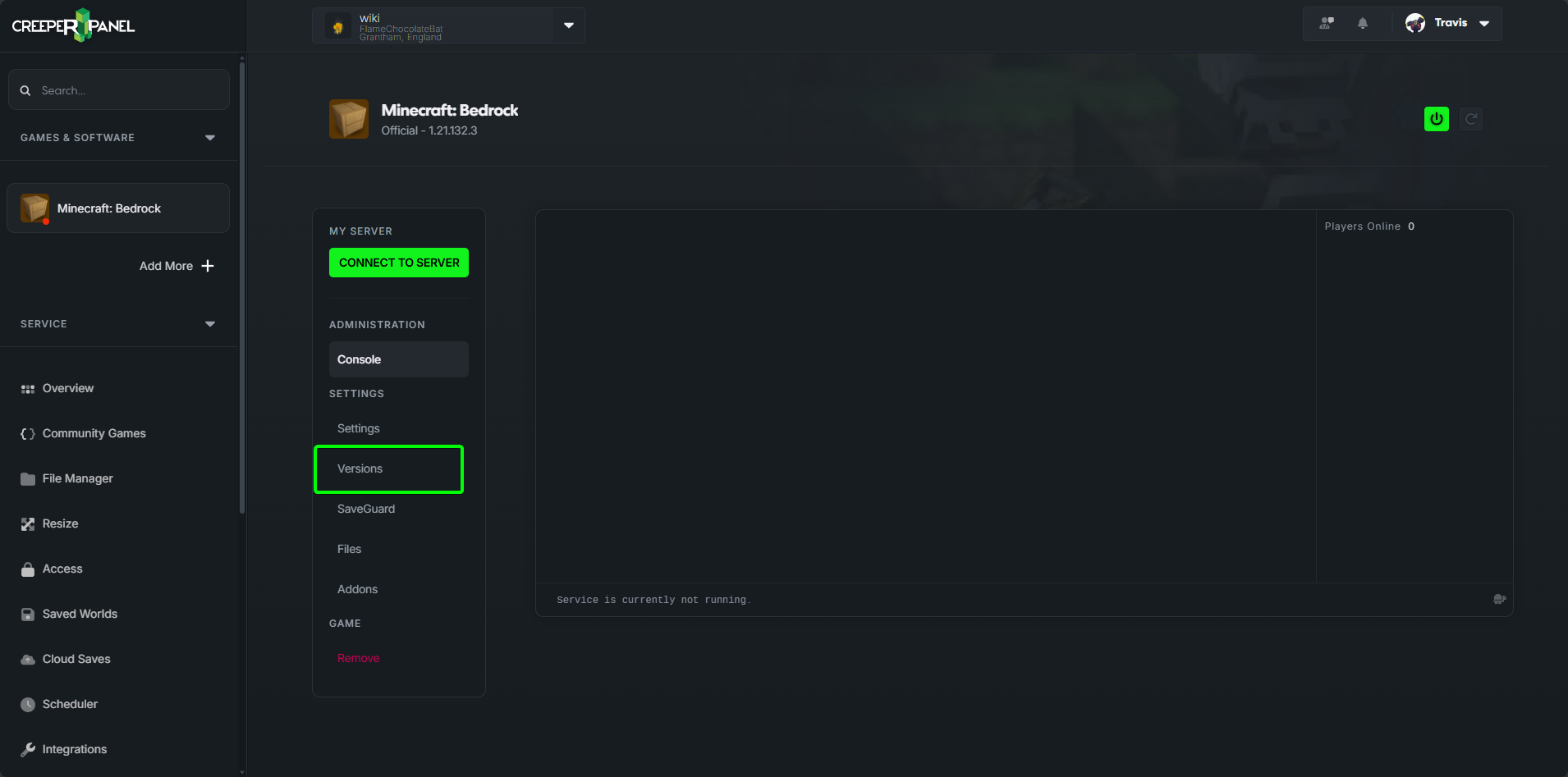
- Expand the version dropdown
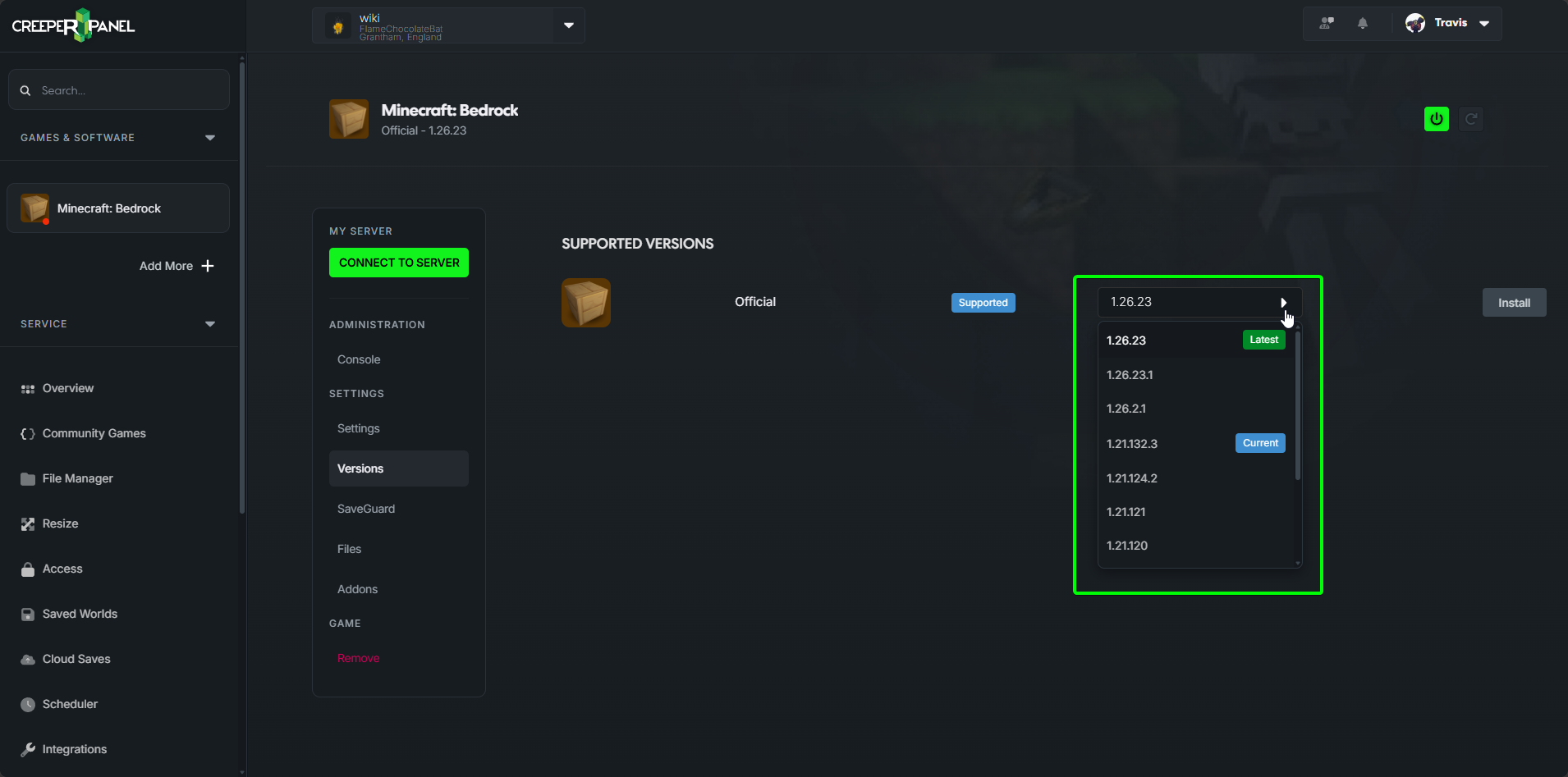
- Click on the version you wish to install
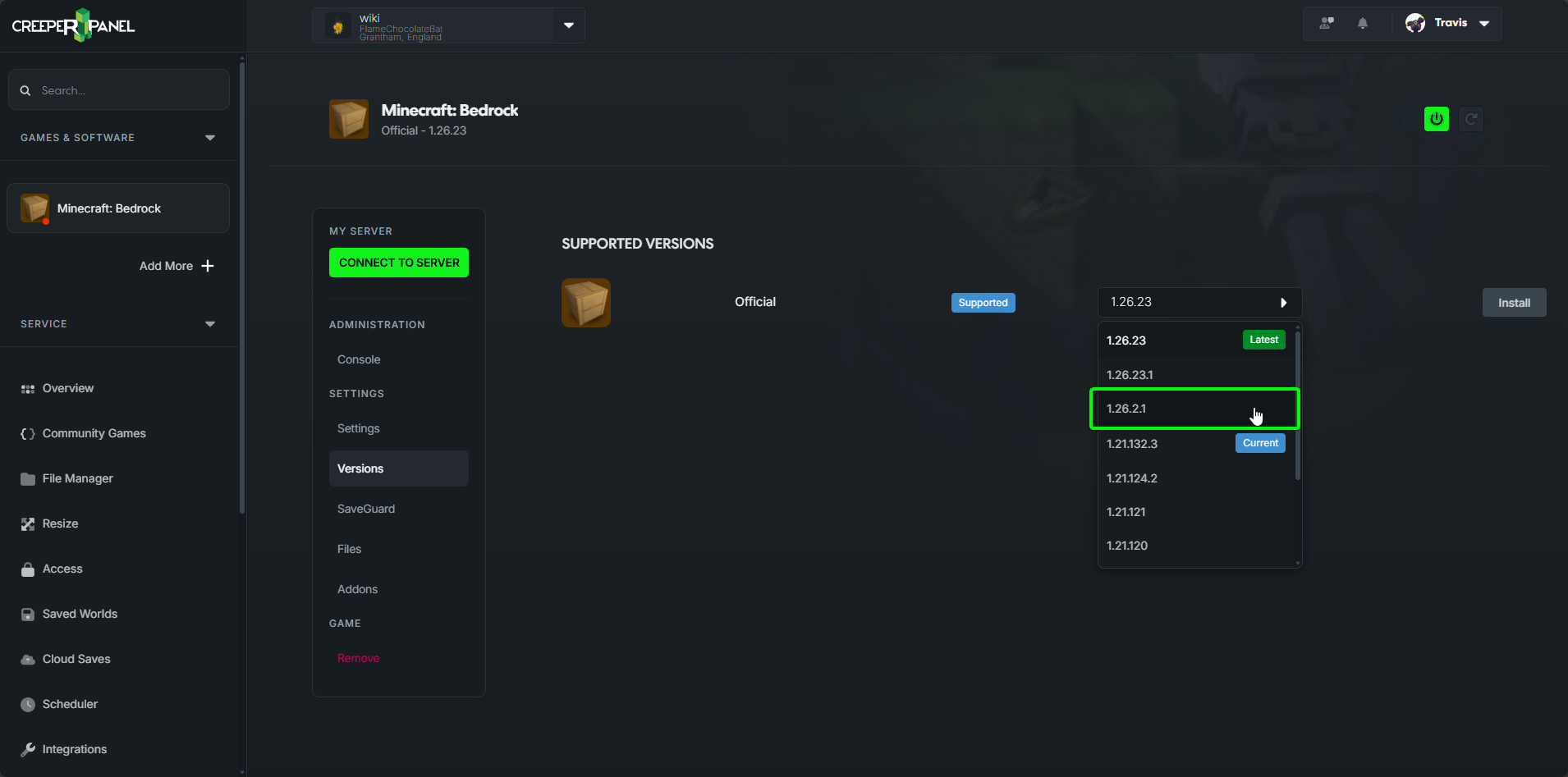
- Click on
Install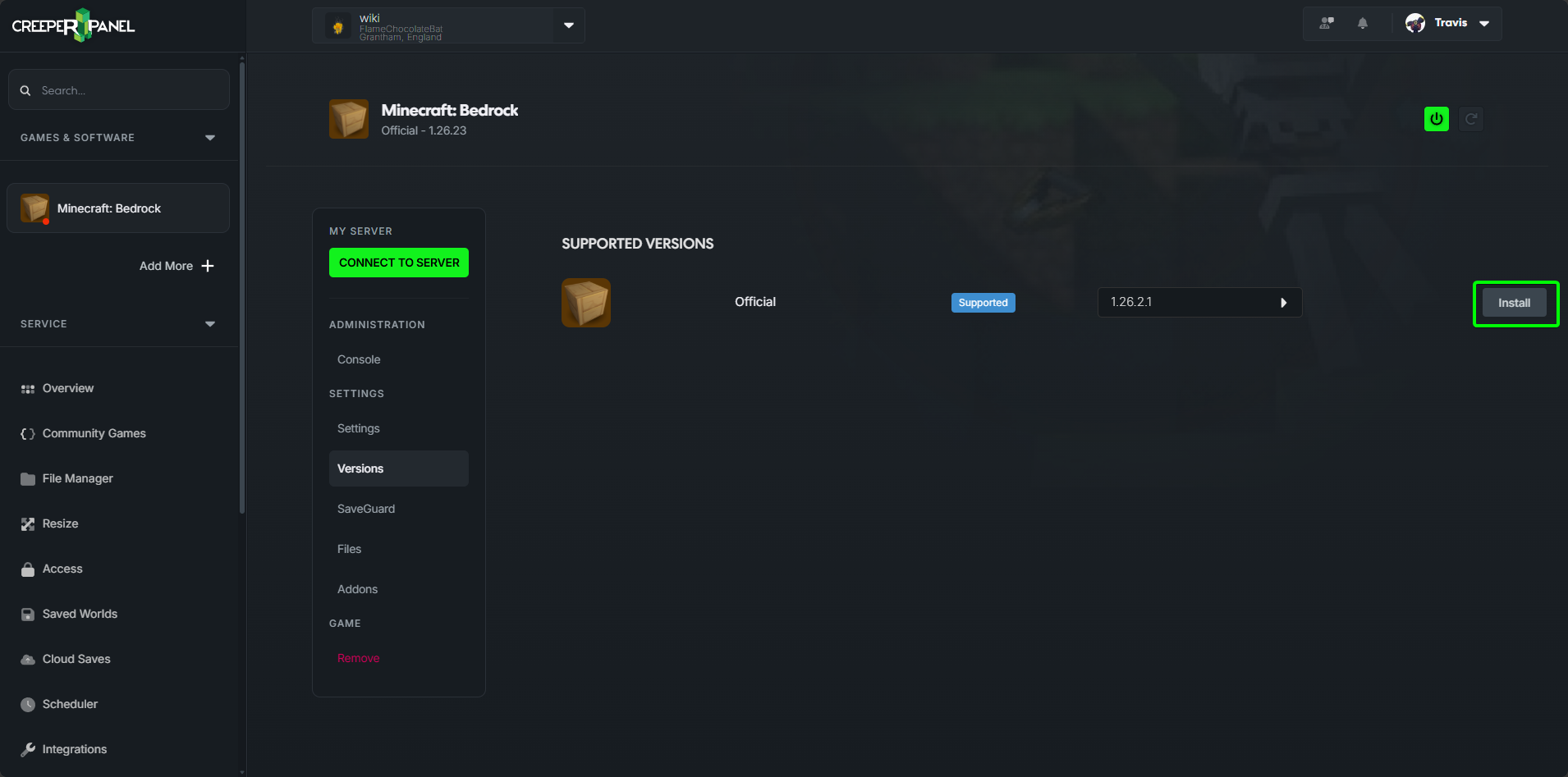
- You will get a pop-up asking you to confirm you wish to update the server, Click on
Yes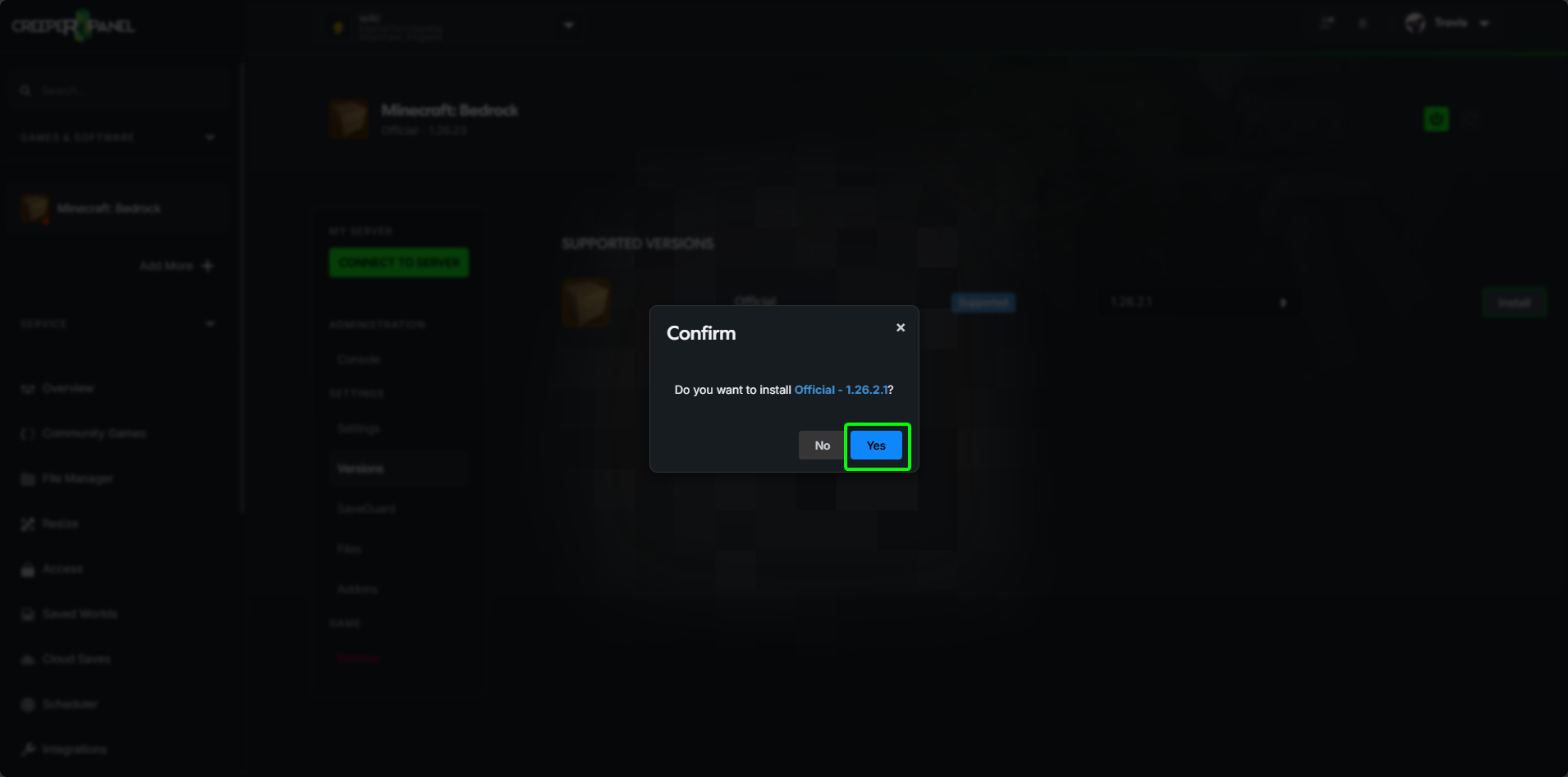
- The install has started. You will see an install screen while the game updates
- Once it's finished you should see your server console again.
That's it. The server is now updated and ready to be started
Manual
Updating Minecraft Bedrock Server on Linux
- Download the server files
Download the latest Bedrock Dedicated Server software from the official Minecraft website (or use
wgetto download the specific version directly). https://www.minecraft.net/en-us/download/server/bedrock - Extract the files
Use
unzipto extract the downloaded archive to your desired directory.unzip <filename>.zip -d bedrock-servercd bedrock-server - Set permissions
Ensure the server binary is executable.
chmod +x bedrock_server
- Launch the server
Run the server executable. It is recommended to use a terminal multiplexer like
screenortmuxso the process stays running after you disconnect../bedrock_server
Updating Minecraft Bedrock Server on Windows
- Download the server files Download the Bedrock Dedicated Server software from the official Minecraft website.
- Extract the files
Right-click the downloaded
.zipfile and select Extract All..., then choose your destination folder. - Launch the server
Open the folder where you extracted the files and double-click
bedrock_server.exe.
info
A command prompt window will open; this is the server console. Do not close this window while you want the server to remain online