OPing a player in Minecraft: Bedrock Edition
Via permissions.json
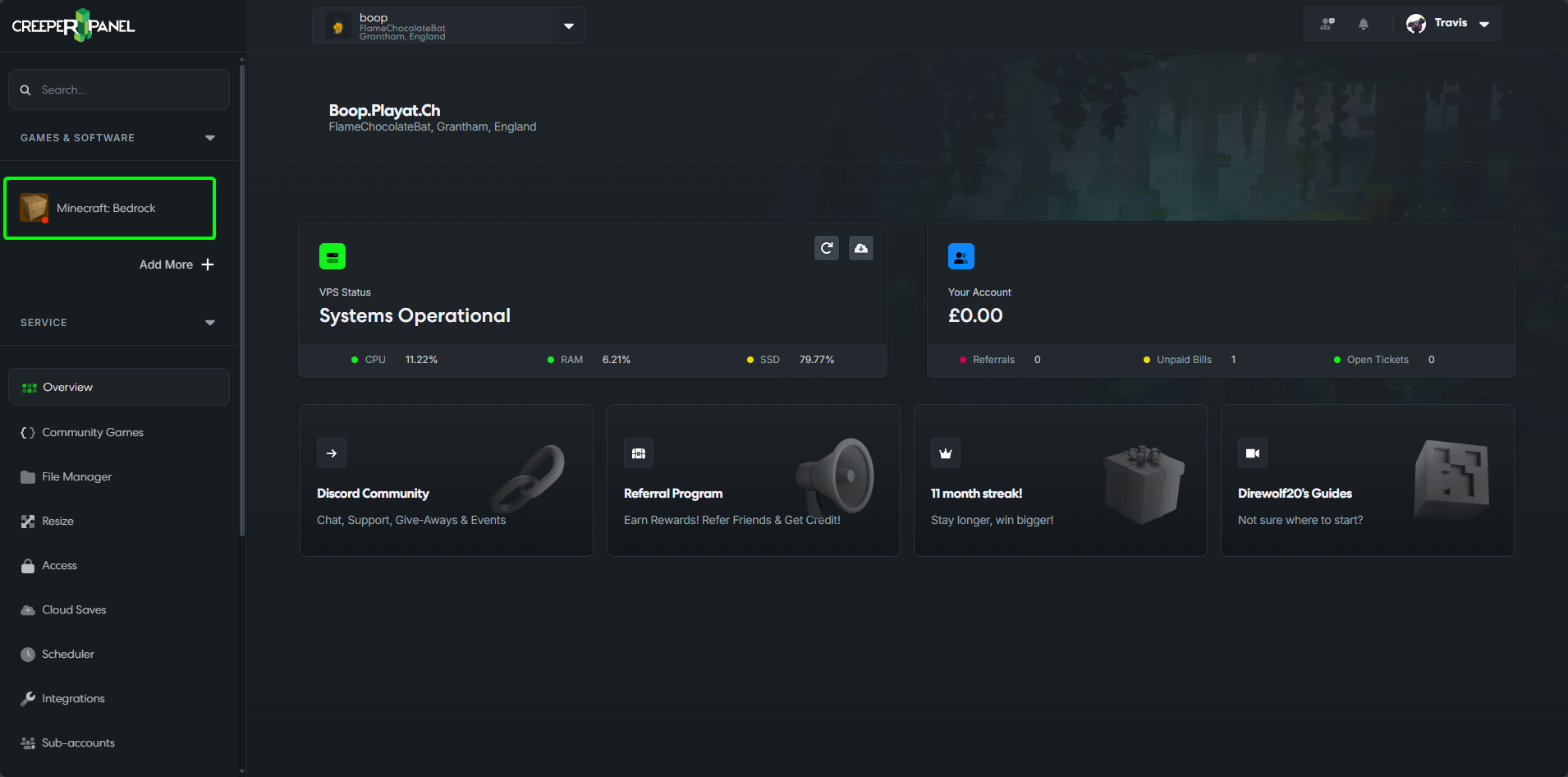
- Select
Minecraft: Bedrockin yourGames & Softwaretab.
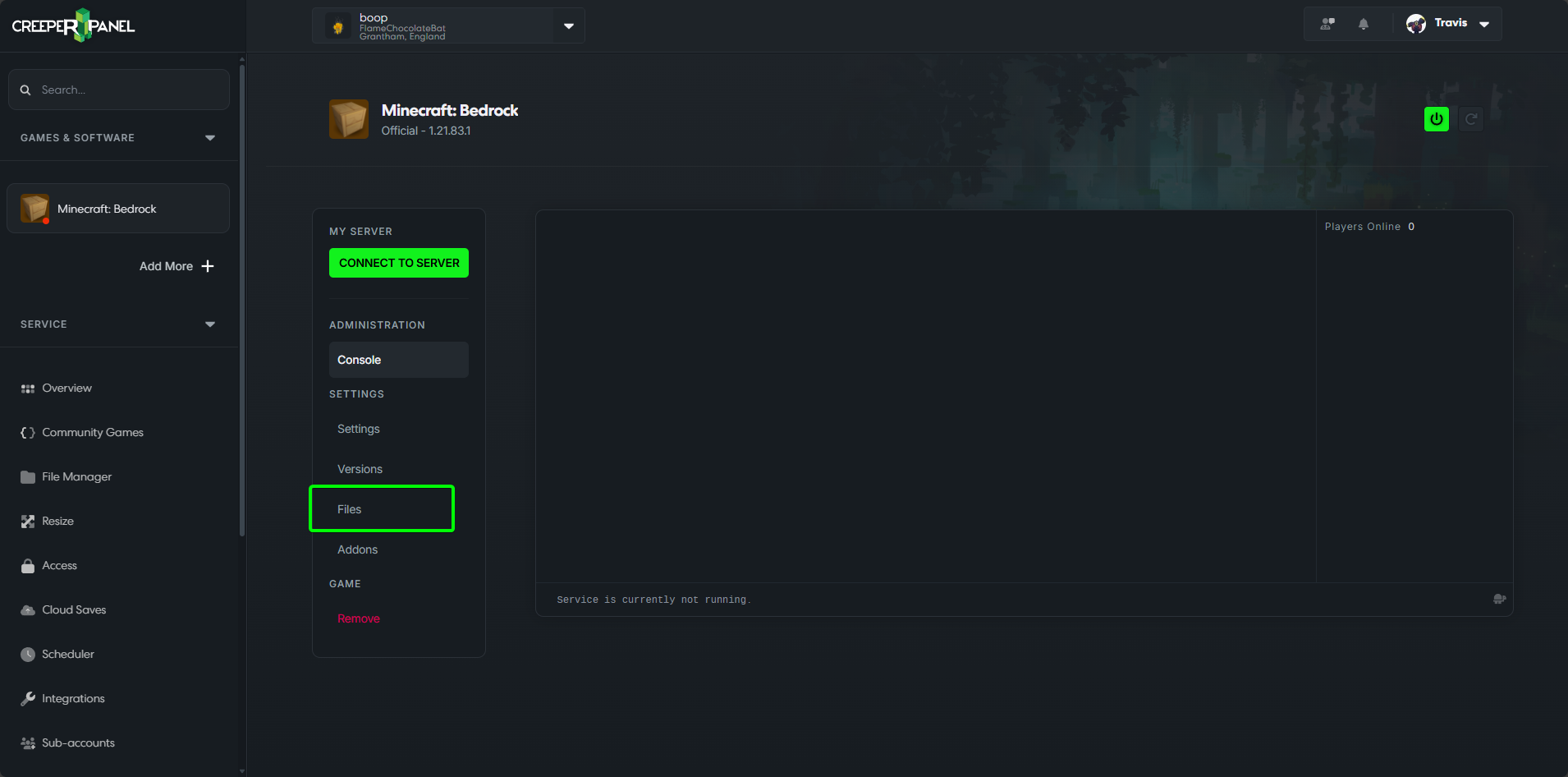
- Select
Filesin the instance's submenu.
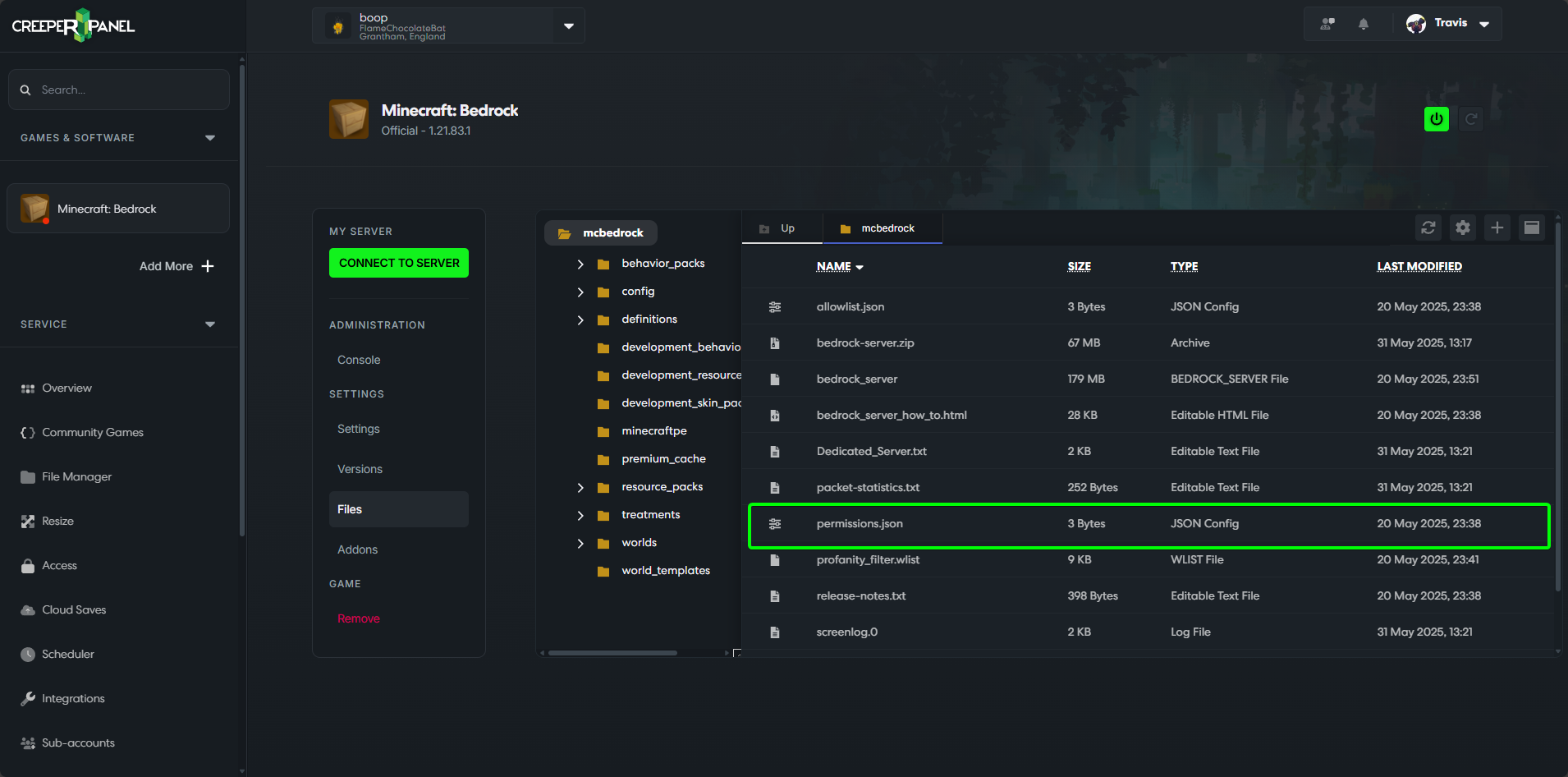
- Double-click on
permissions.jsonto open the file.
- Paste in the block code below, replacing the
<playername>with your in-game name, and thexuidwith your xuid.
[
  {
    "name": "<playername>",
    "permission": "operator",
    "xuid": "<xuid>"
  }
]
- Save your changes.
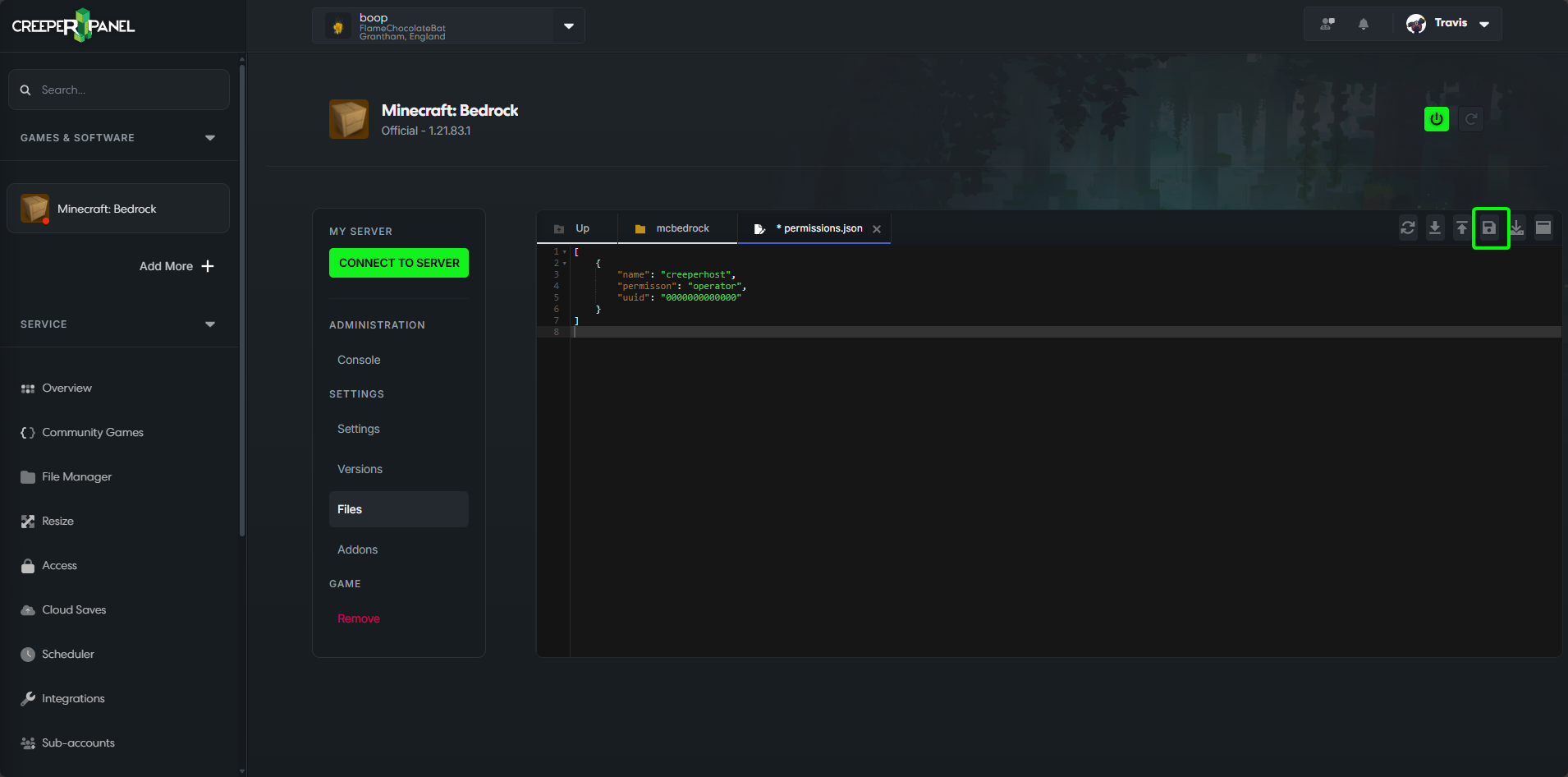
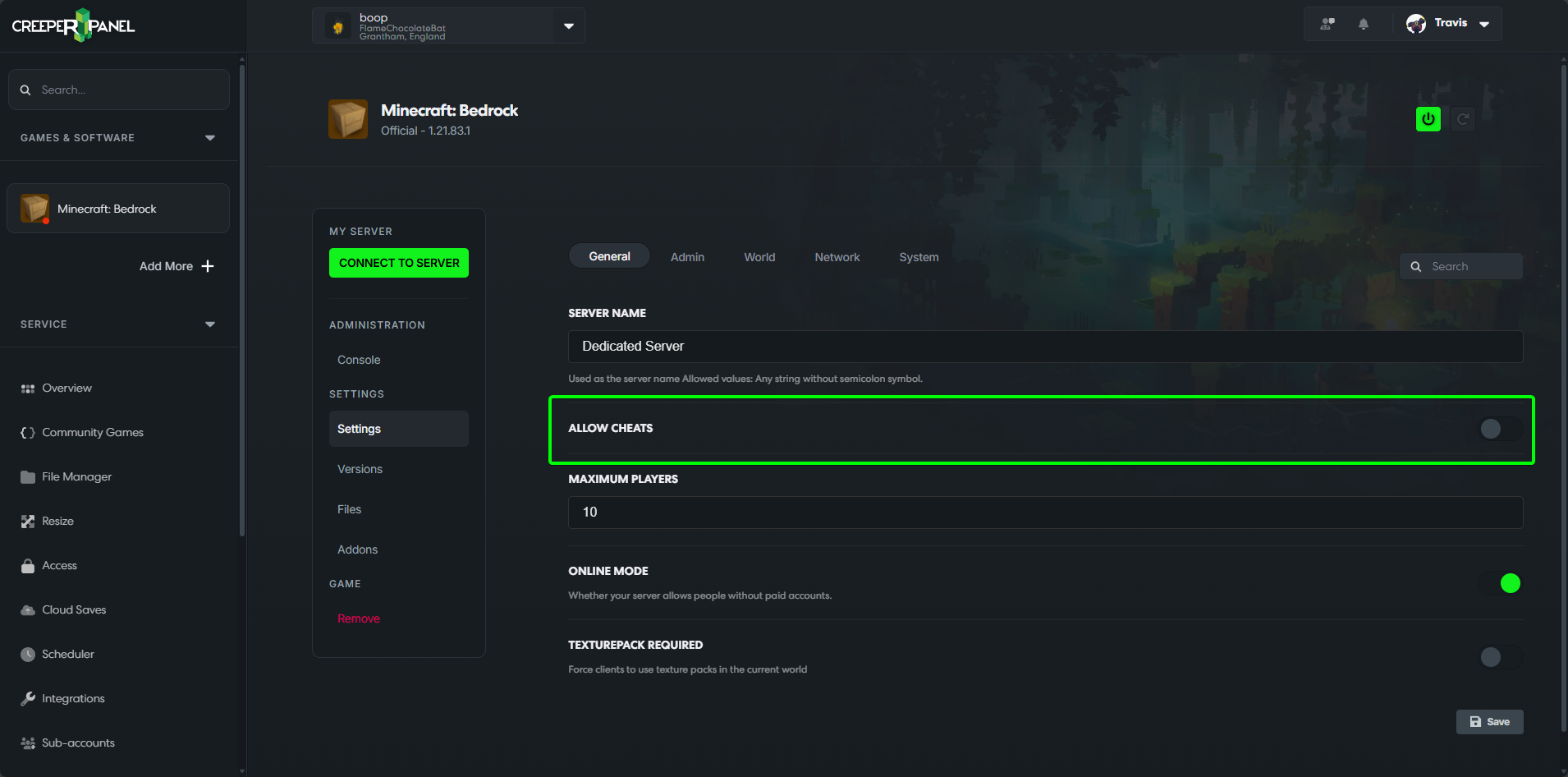
- You will also need to make sure that your server is set to allow cheats - this can be done via the
Settingstab
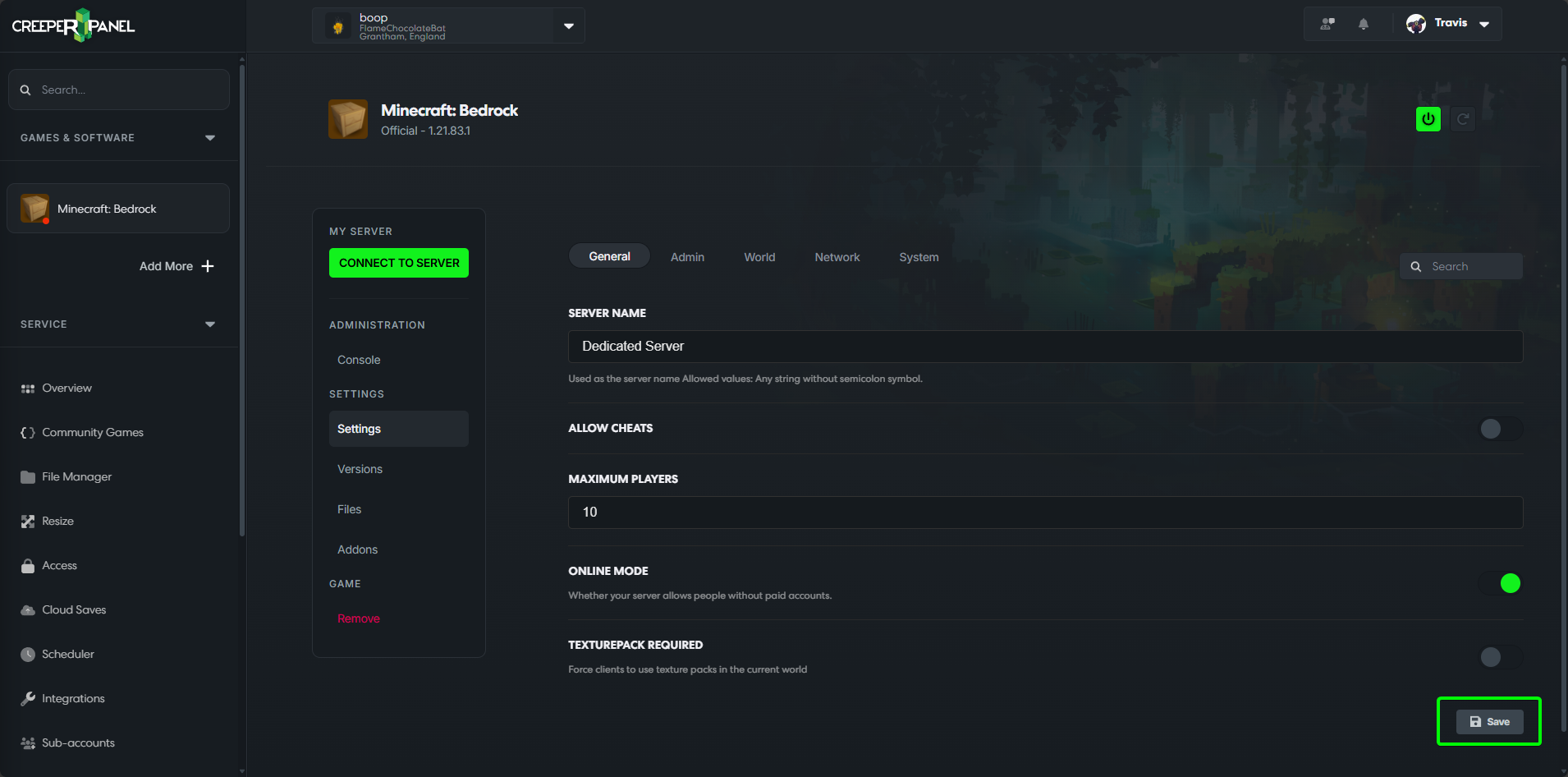
- Select save.
info
Once the settings have been saved you will need to restart the server for this to take effect.
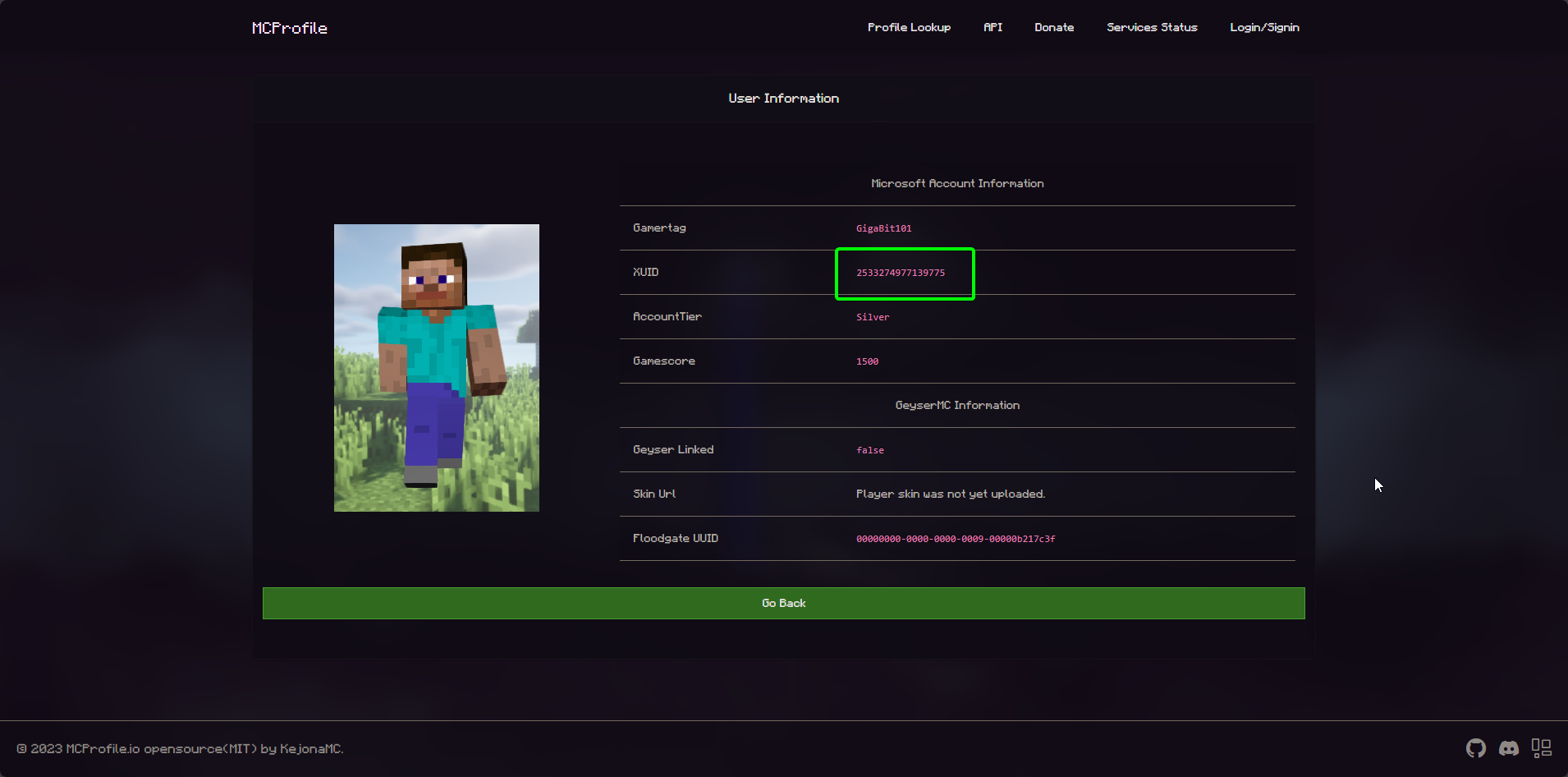
XUID
- Visit https://mcprofile.io/.
- Search the player's username.