Connecting to your V Rising instance
To begin connecting to your V Rising instance, load up V Rising on your client machine, then:
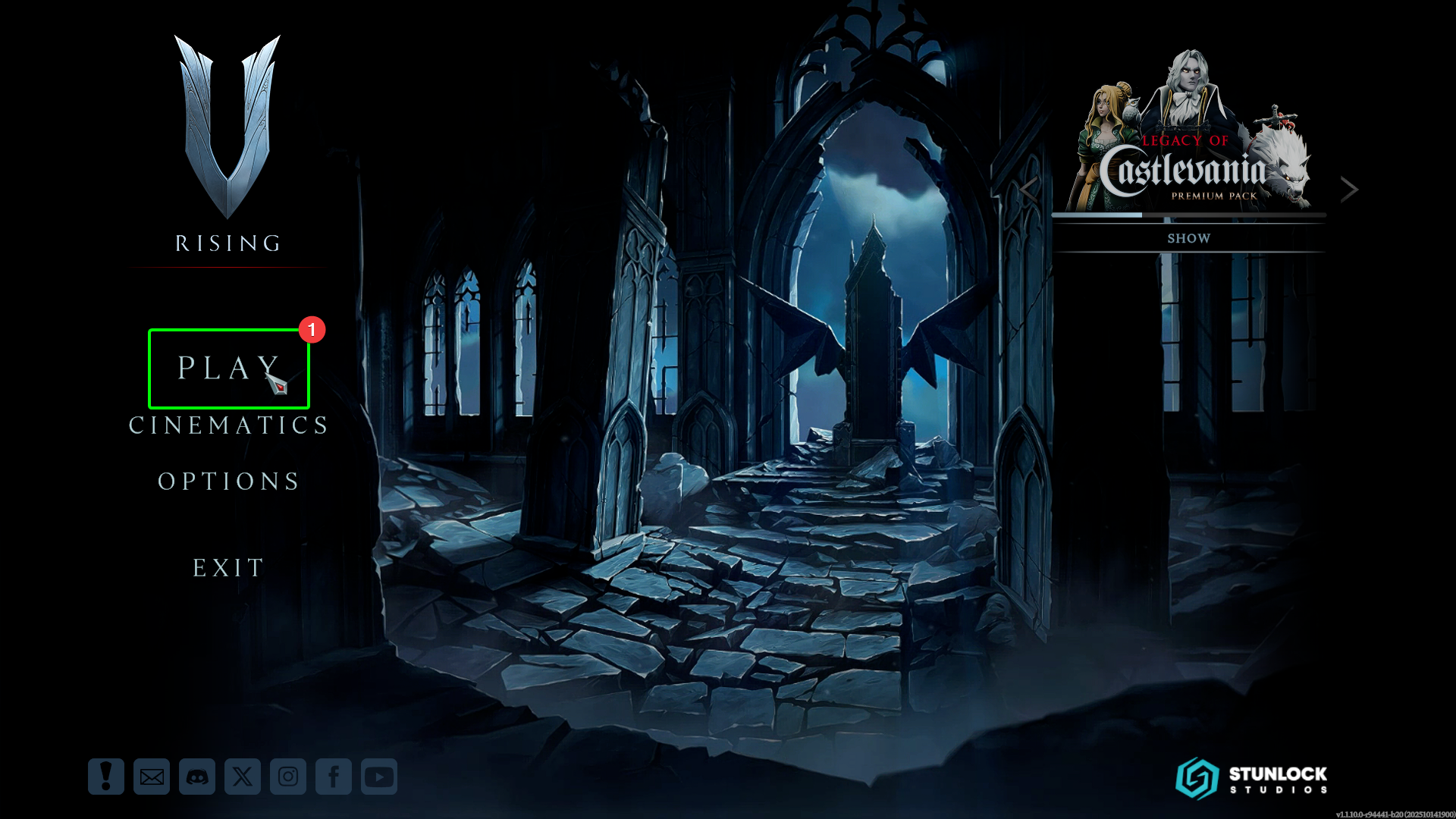
- Select
Playat the main menu, then
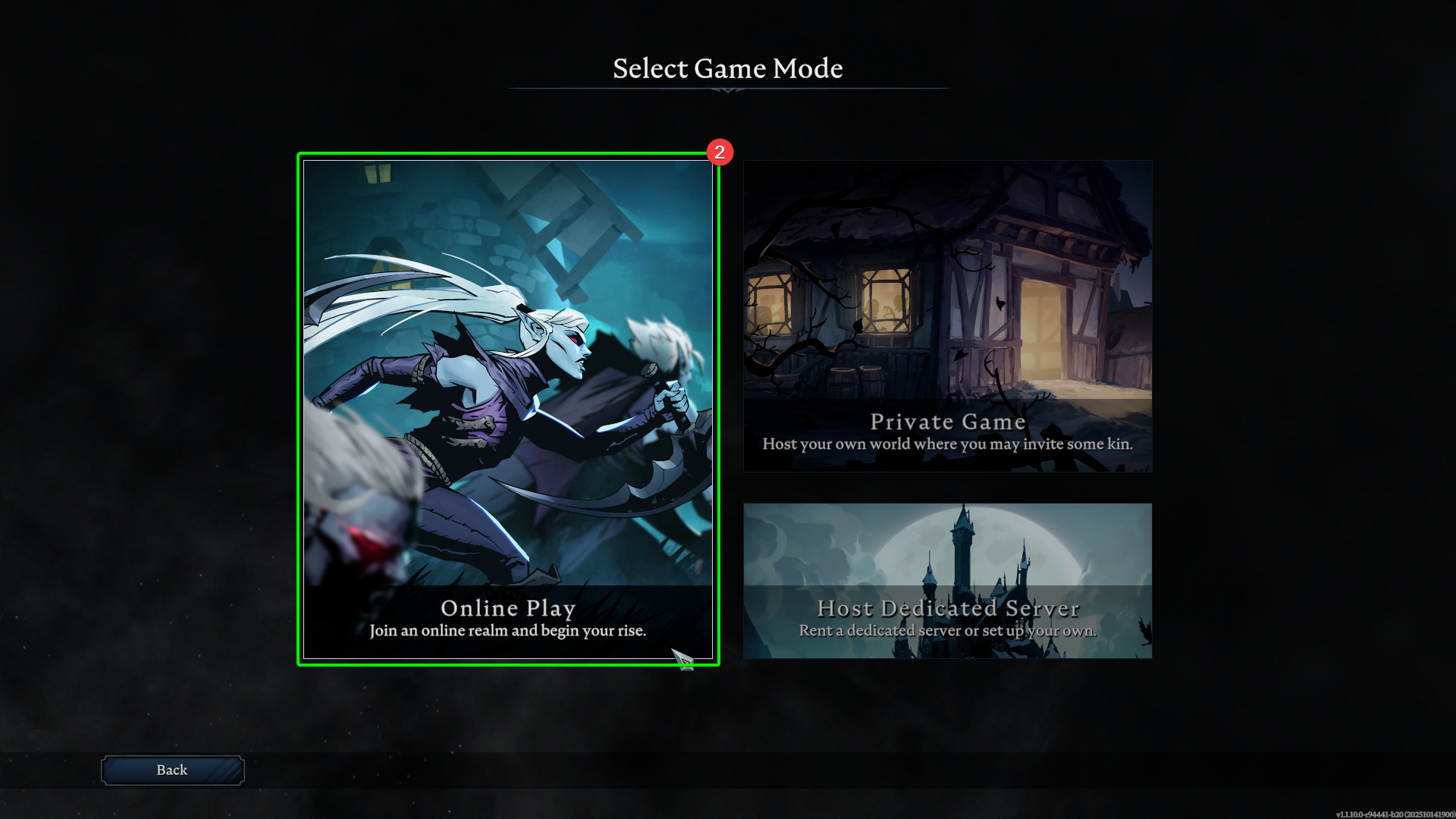
- Select
Online Play.
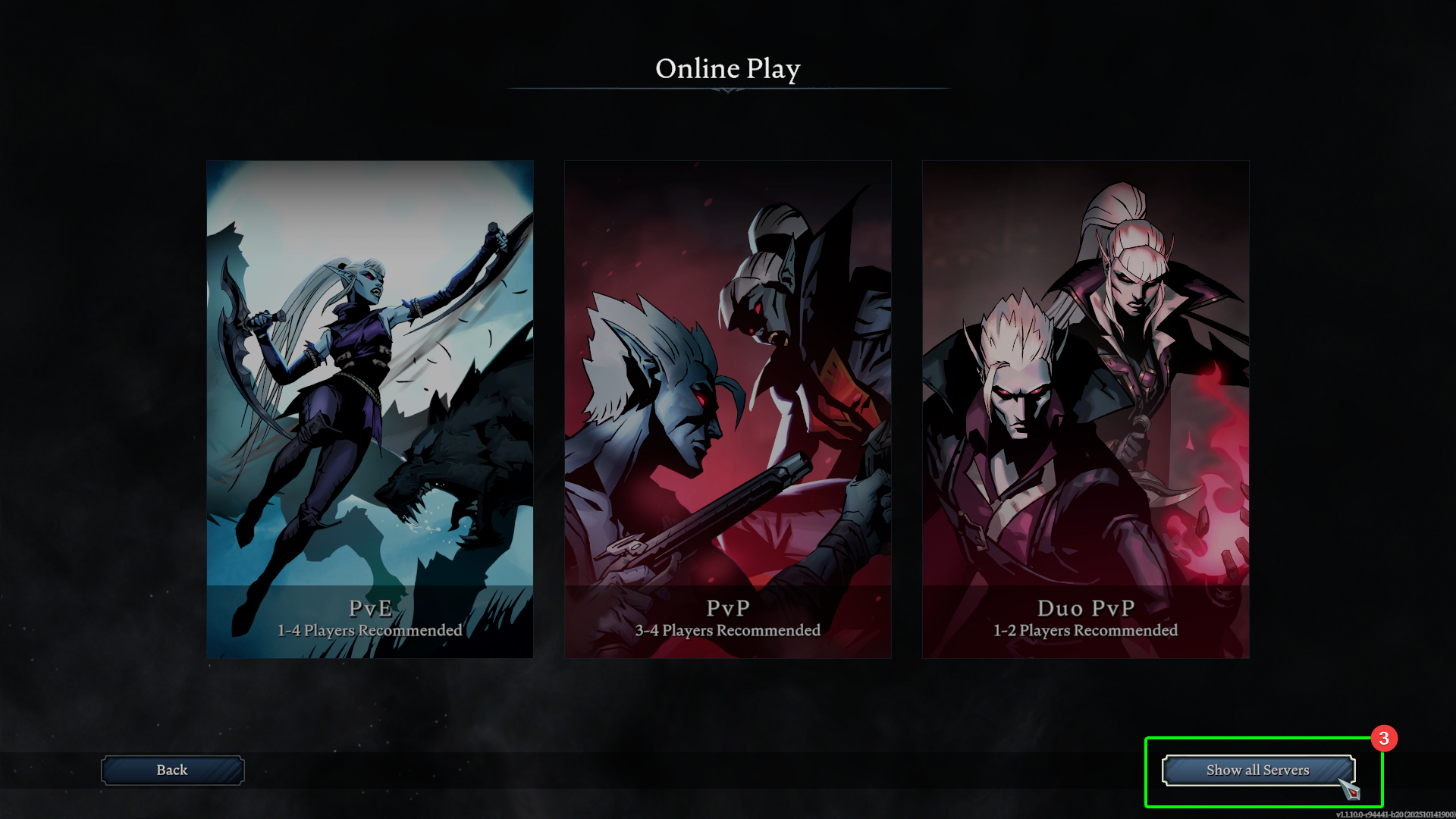
- On the next screen, select
Show all Serversin the bottom right.
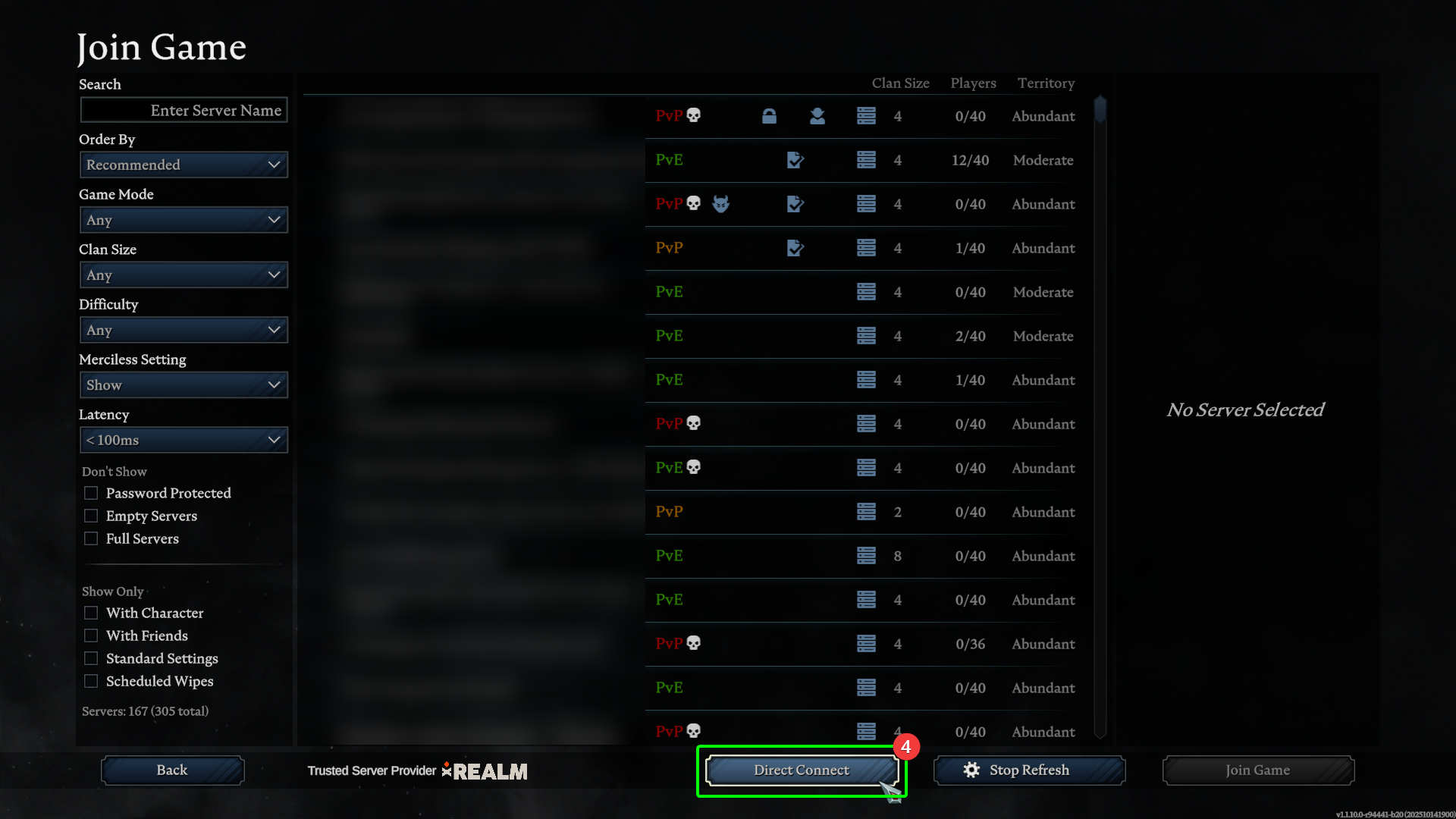
- In the server browser, select
Direct Connectat the bottom, which will open a connection box. Alternatively, you can search for your server's name.
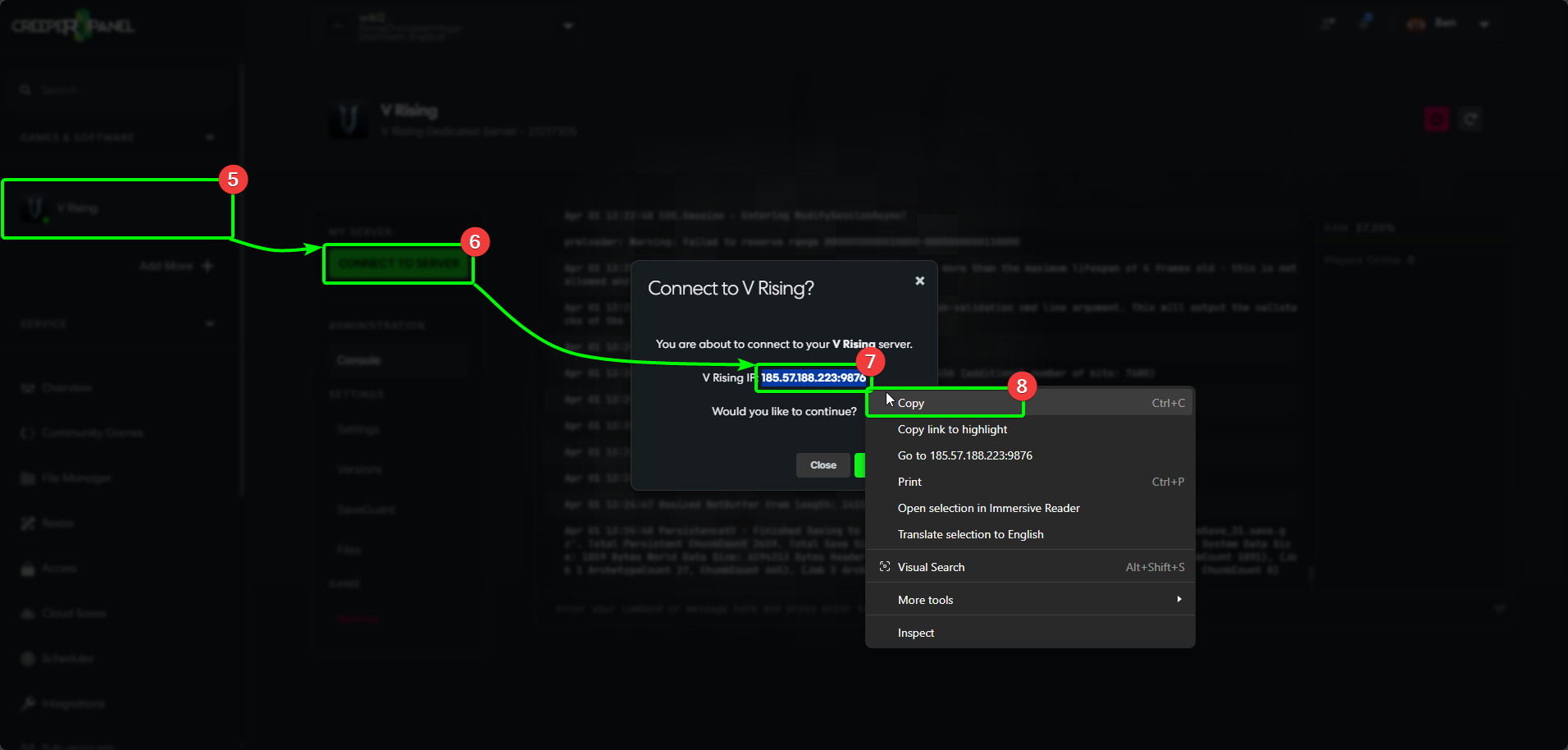
Now we will need our IP address and Port number. To locate them, head to the CreeperPanel, then:
- Select your
V Risinginstance from the CreeperPanel's side-bar. - Select the green
Connect to Serverbutton. This will open an in-window pop-up containing your connection information. - Highlight your IP and port in the window, and right-click, then,
- Copy the address to your clipboard.
Head back to V Rising, then;
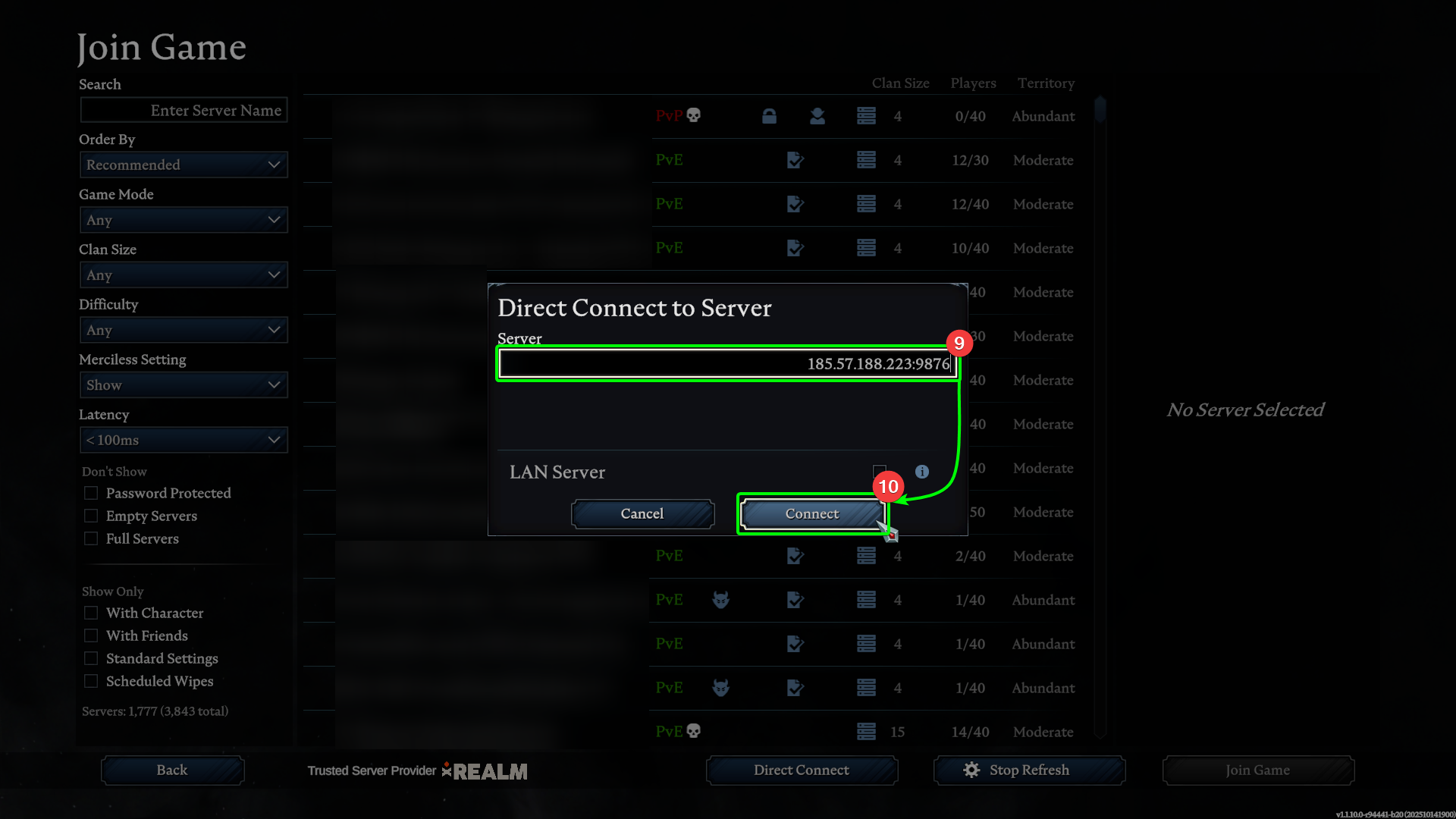
- Paste your IP address and port in the
Serverfield. - Select
Connect
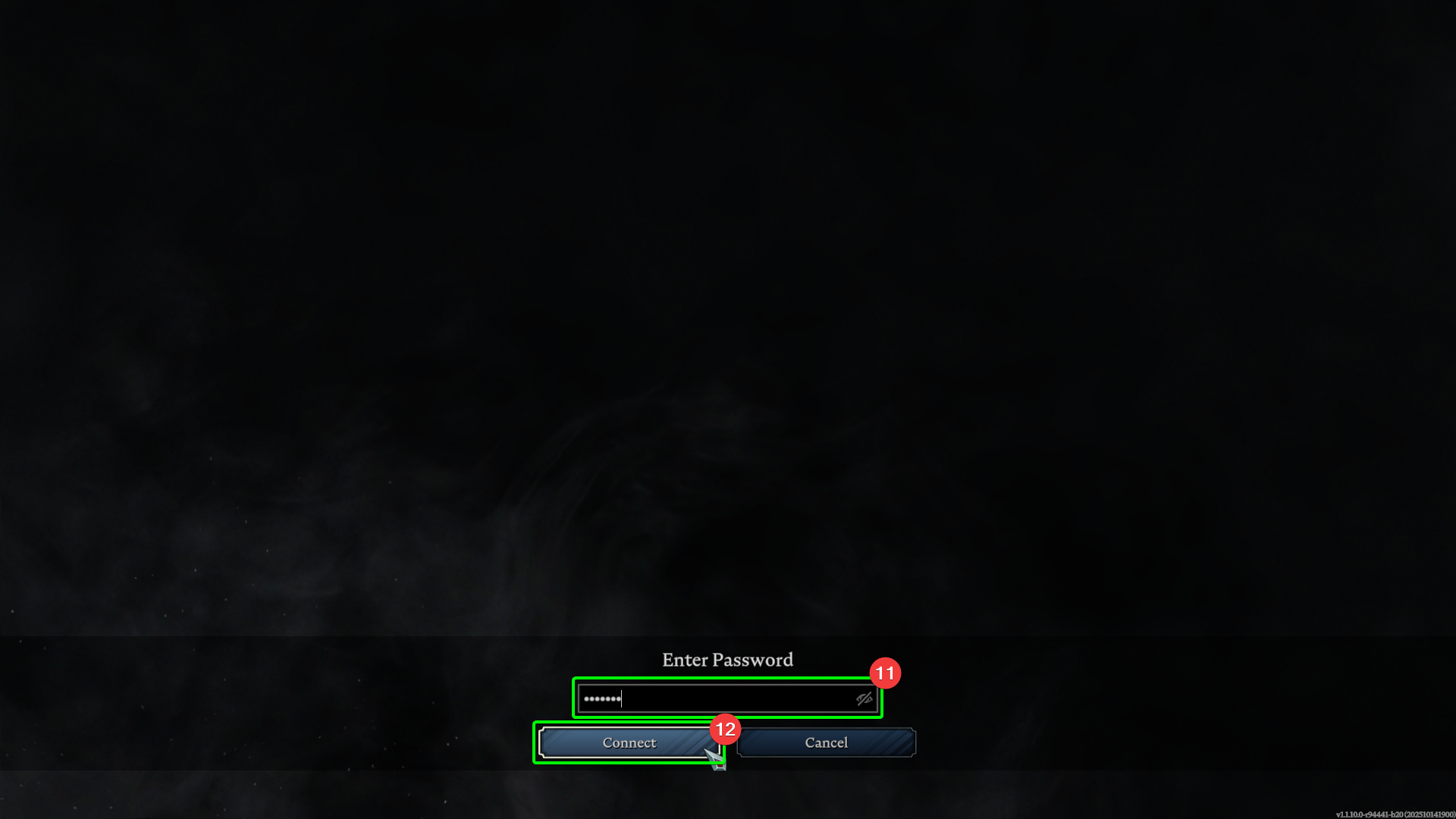
- If you have set a server password, enter it in the
Passwordfield, then, - Select
Connect.
You should now load into your V Rising server - time to become creatures of the night!