Connecting to your Terraria server
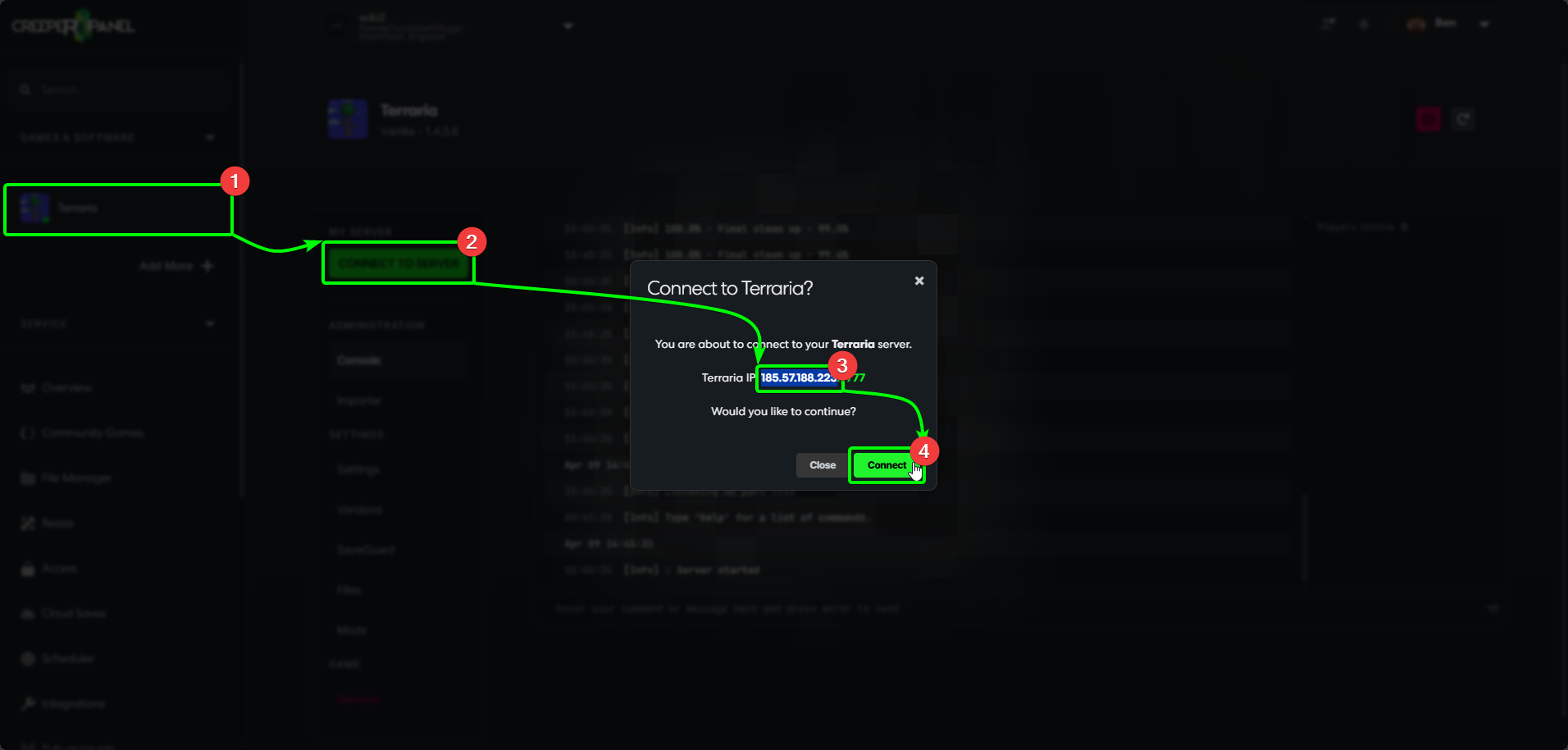
Before connecting to your Terraria server, you'll need to grab some information from the CreeperPanel first. To begin:
- Select your Terraria instance, then,
- Click the green
Connect to Serverbutton. This will open a pop-up with your access information. - Copy your IP address and port - we'll need these later.
- Select
Closeto close the window.
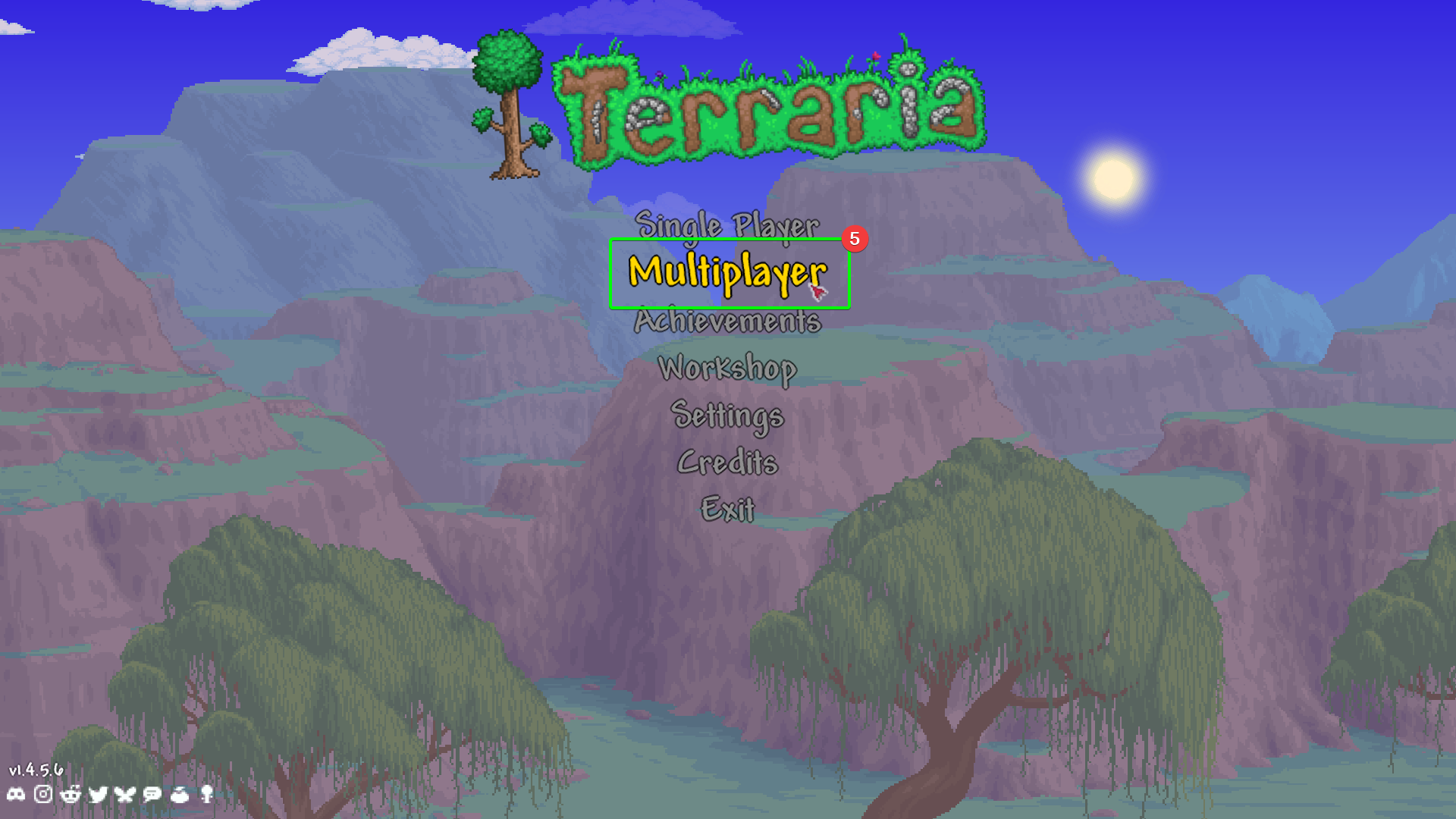
Next, you'll need to open your client-side installation of Terraria. Once it's loaded;
- Select
Multiplayerfrom the main menu.
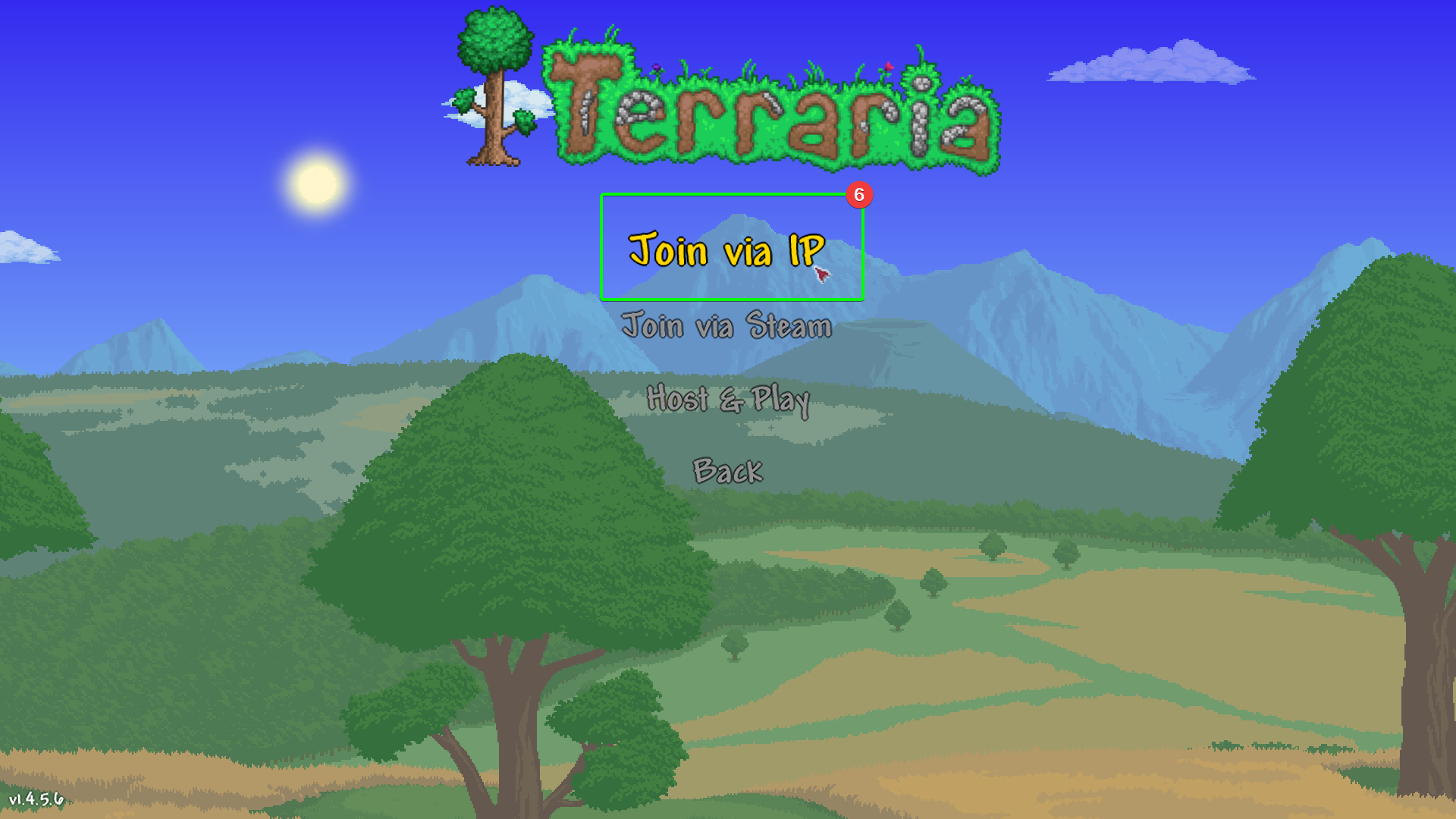
- In the next menu, select
Join via IP.
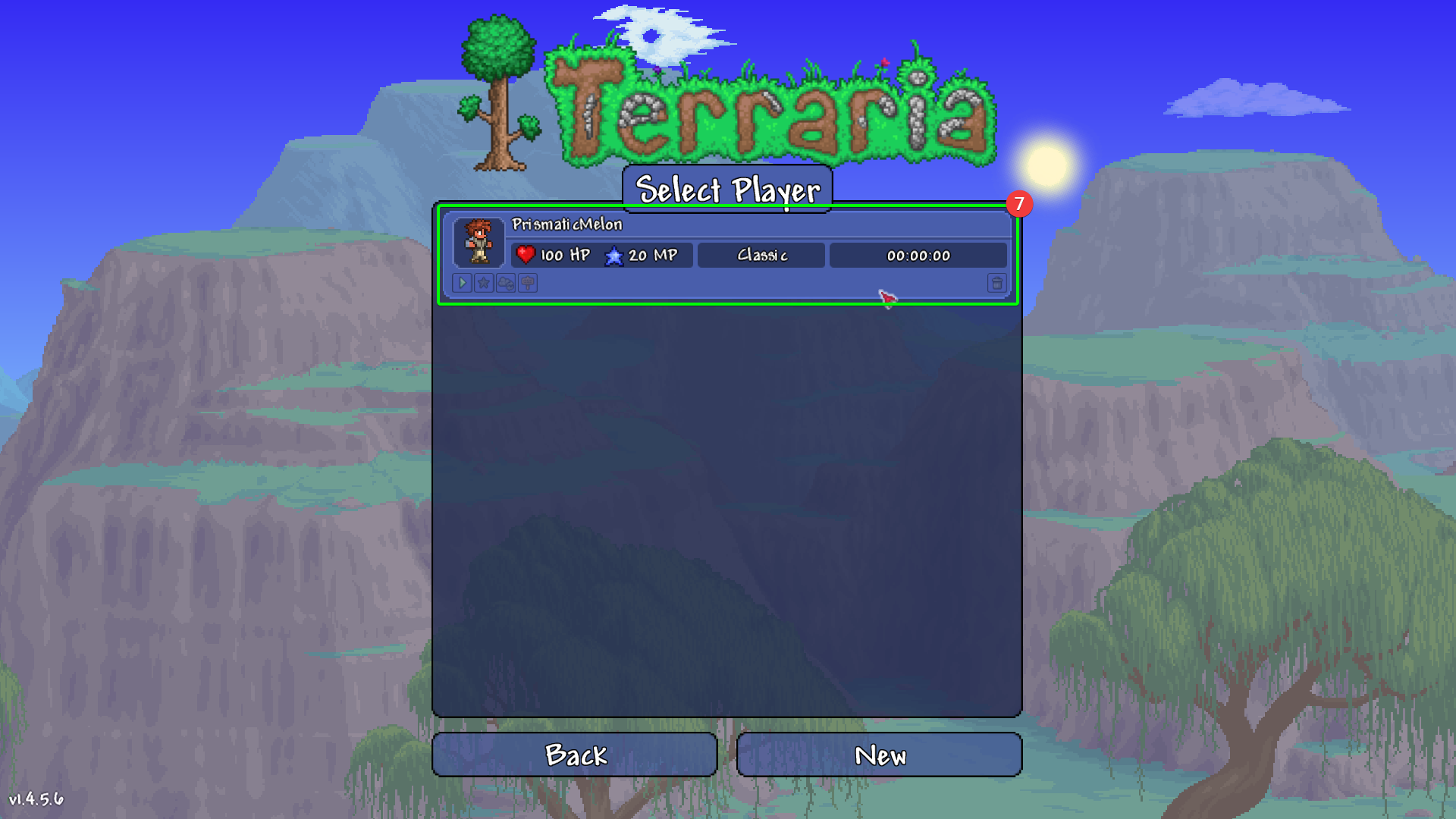
- Next, select your character you wish to use on your server, or create a new one.
- Next, you'll need to enter your IP address (found earlier in the Panel) in the IP field.
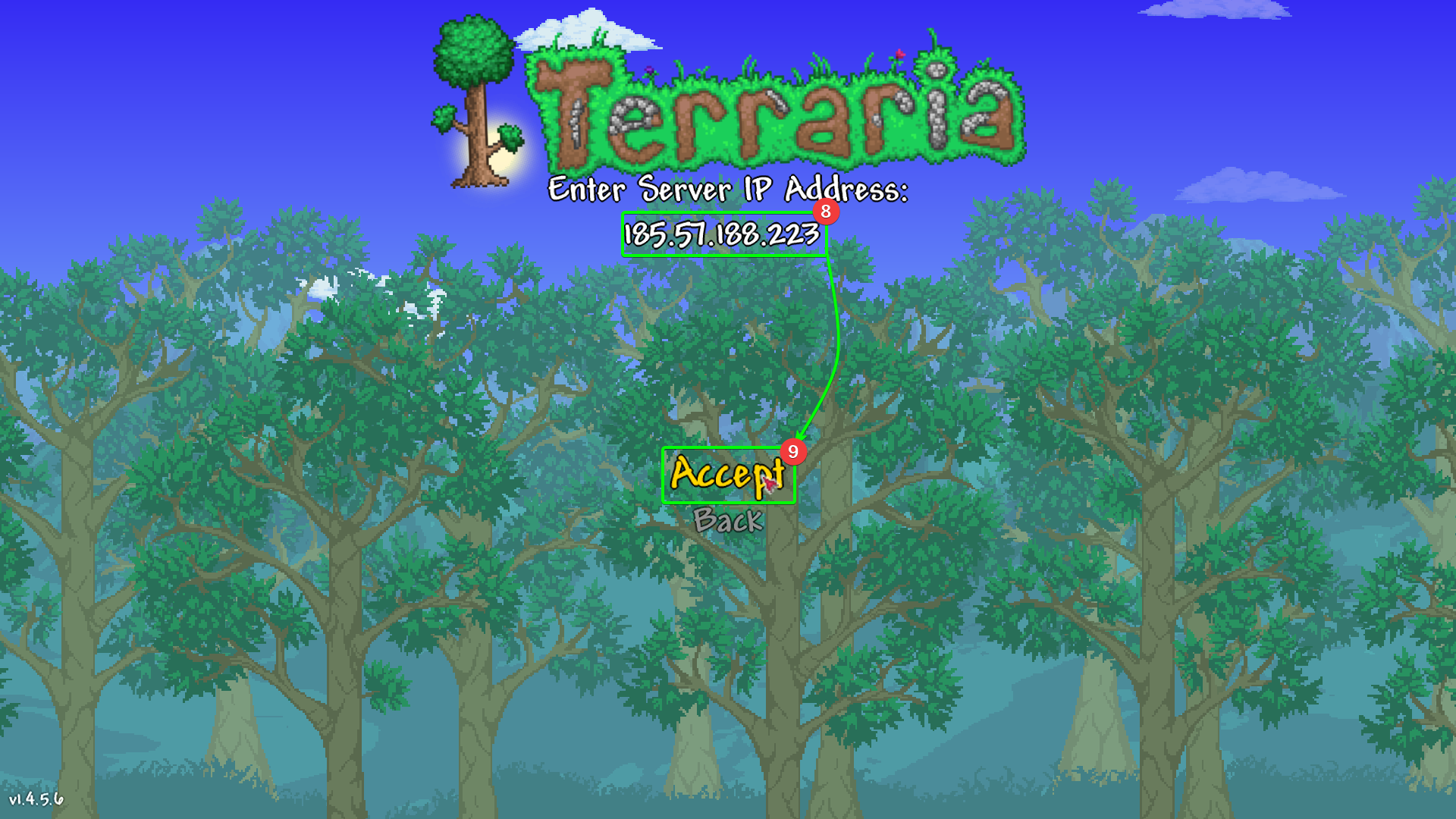
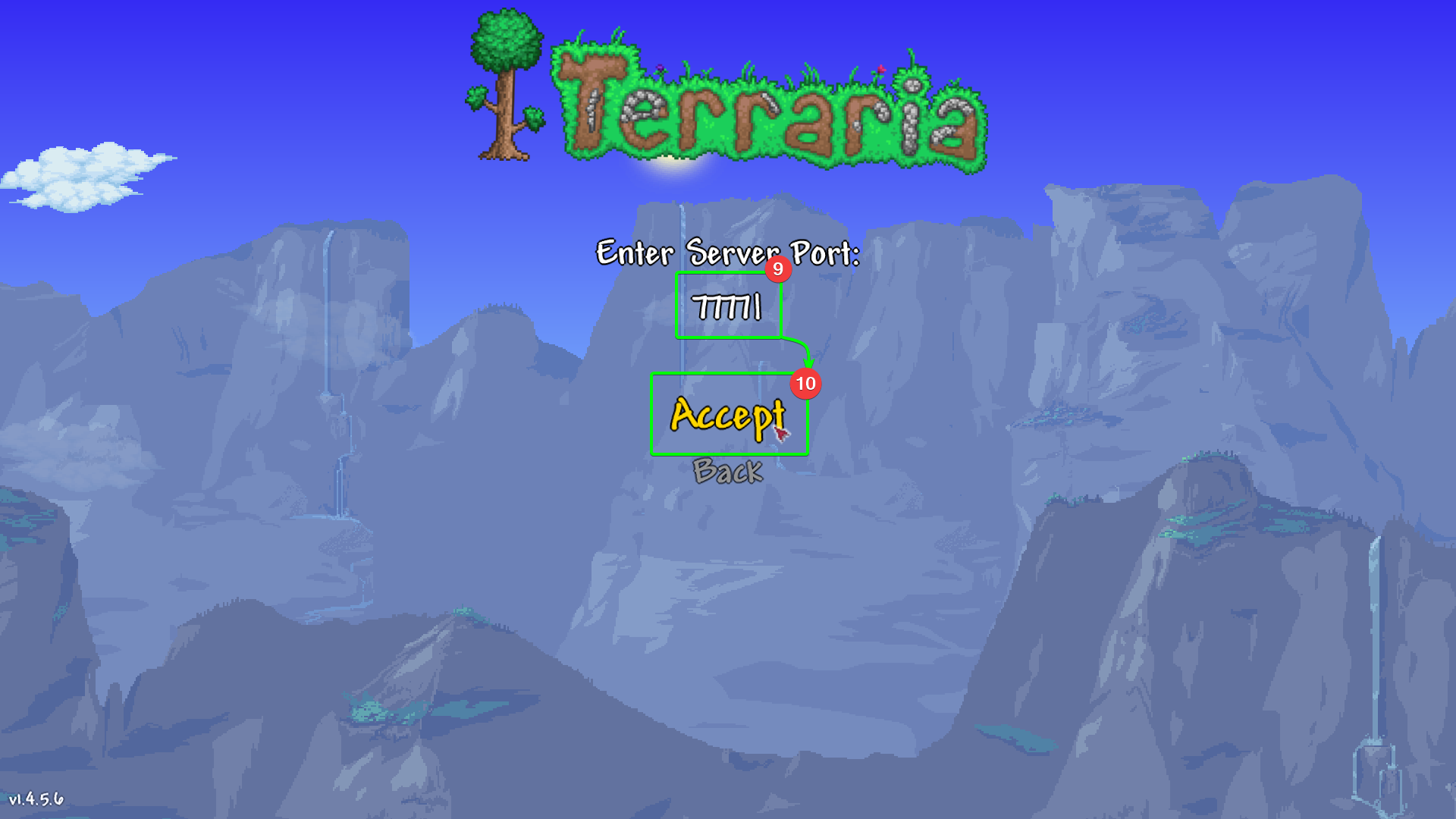
- Next, enter your port number. The default is
7777; if you have changed your port number, you will need to use that number instead. - Select
Accept
- Finally, if you have set a server password, you will need to enter your password on the next screen.
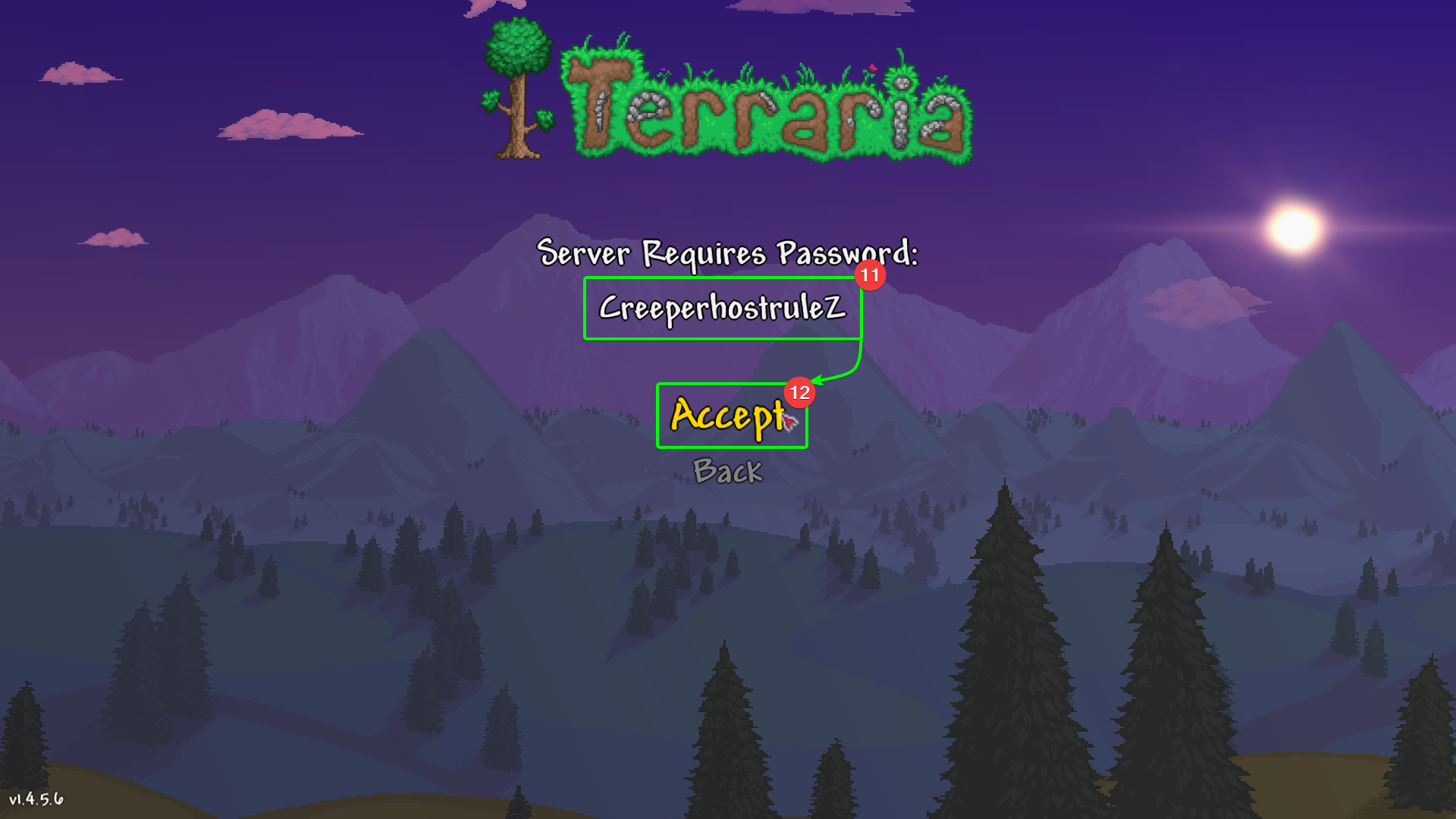
You should now start loading into your Terraria server! Nice!