Connecting to your Starbound Instance
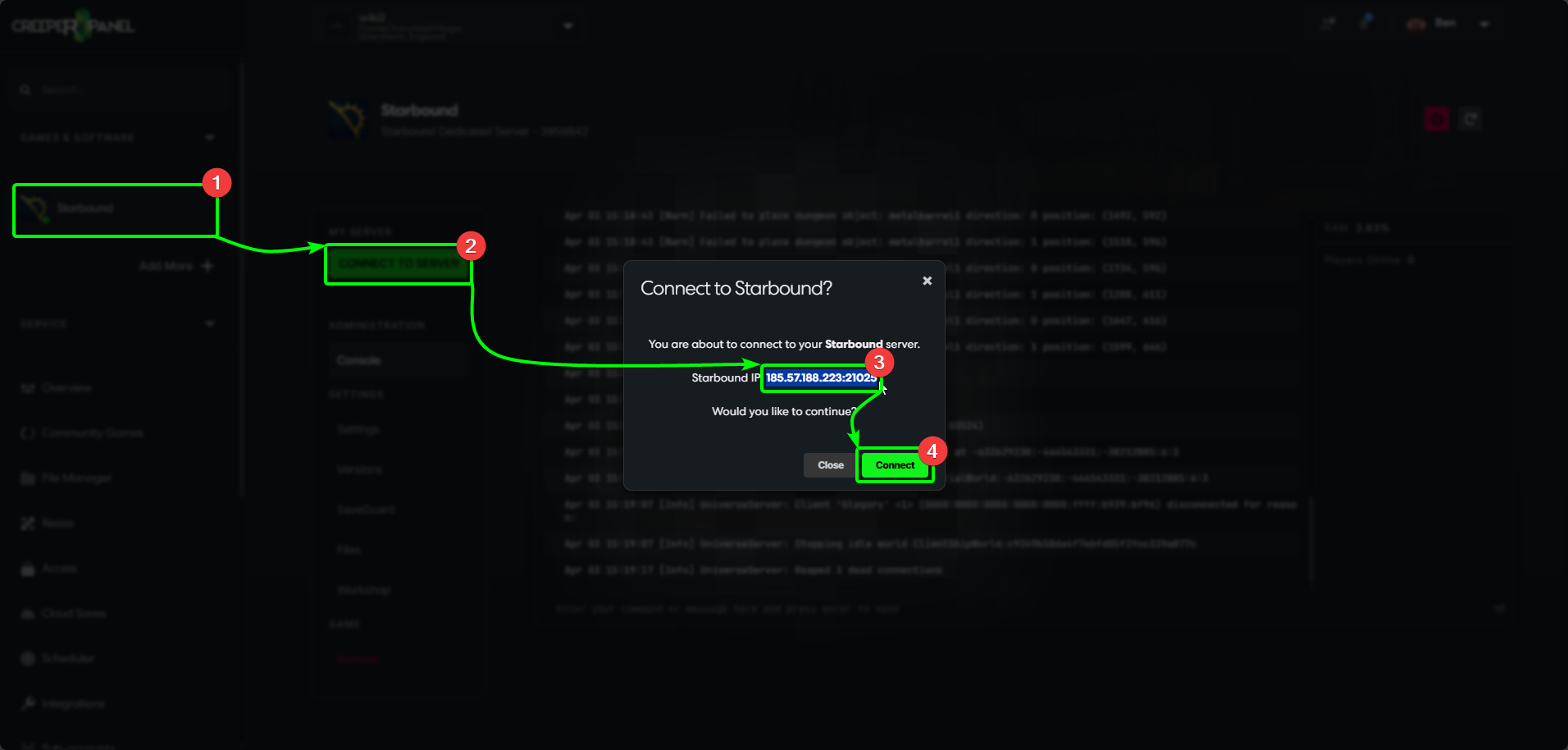
You'll need to get some connection details from the CreeperPanel before connecting to your server. To start:
- Select your Starbound instance from the CreeperPanel's side-bar, then,
- Select the green
Connect to Serverbutton in the main window, then, - Select and copy your IP address and port in the window that opens;
- You can then select
Closeto close the window
Now you've got your connection info, we need to make sure we can connect to the server by allowing Asset Mismatch. To do so:
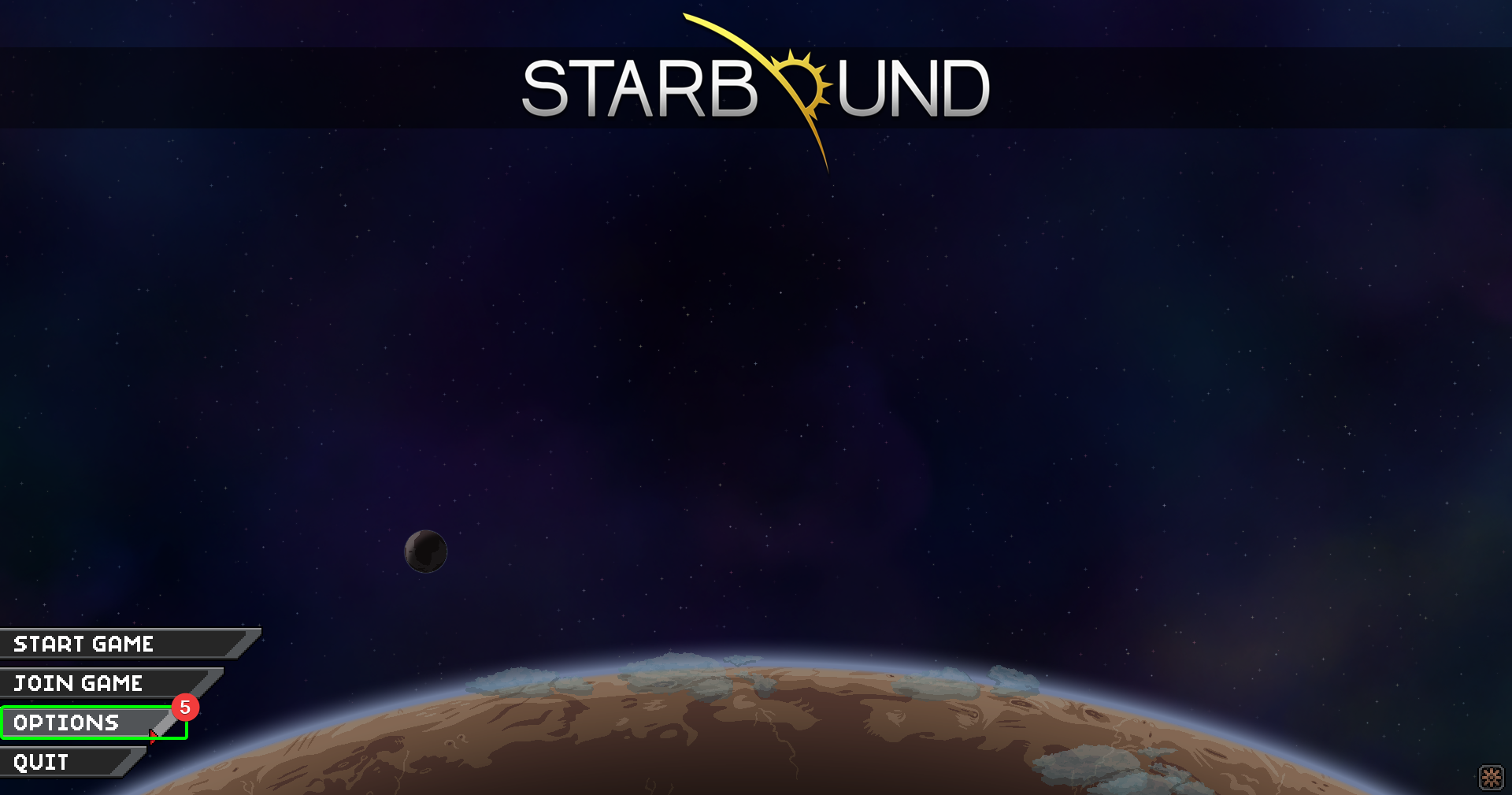
- Open Starbound on your client machine, and select
Optionsat the main menu.
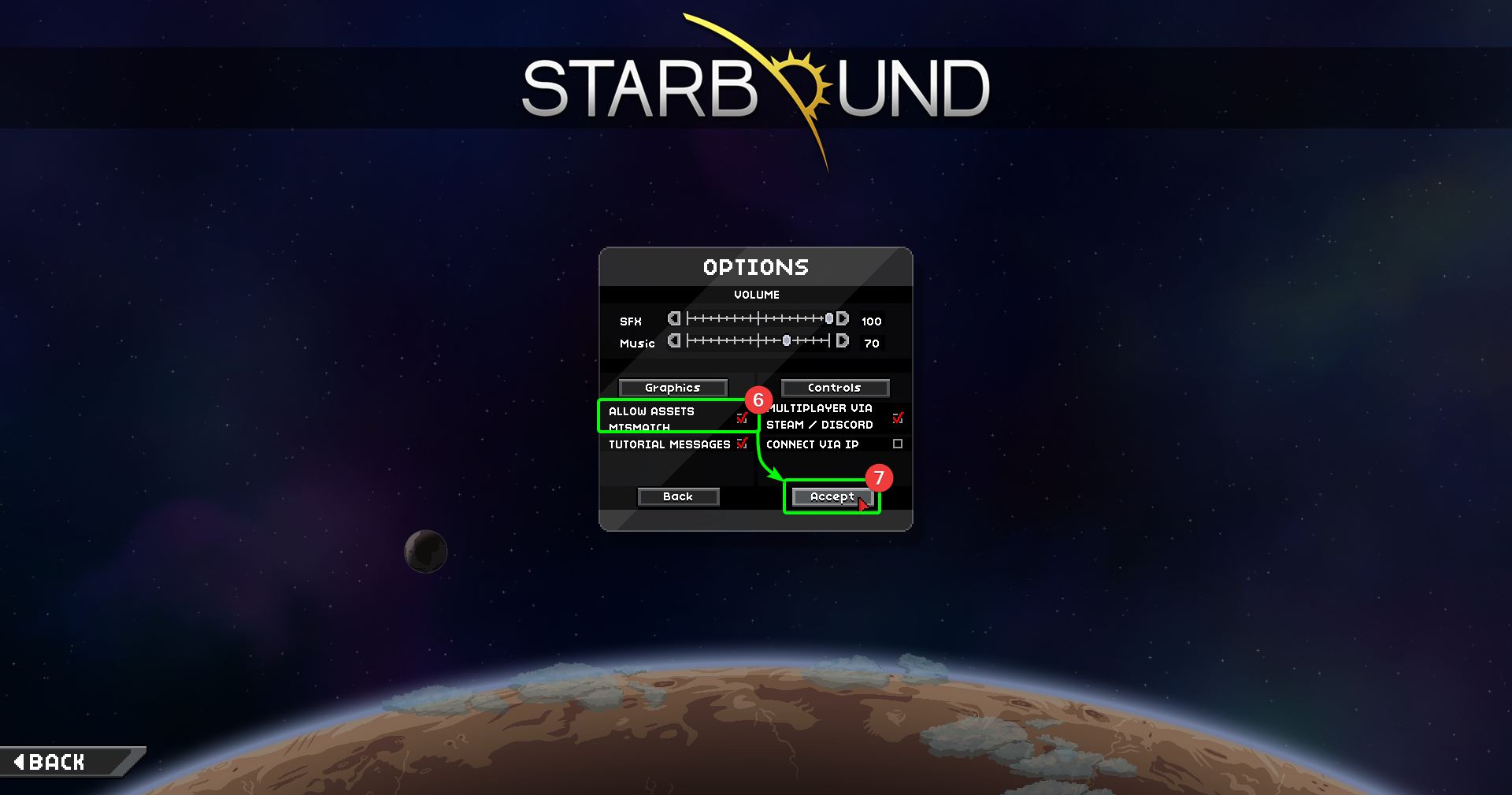
- In the Options window, ensure
Allow Asset Mismatchis ticked. - Click
Acceptto ensure the setting changes persist.
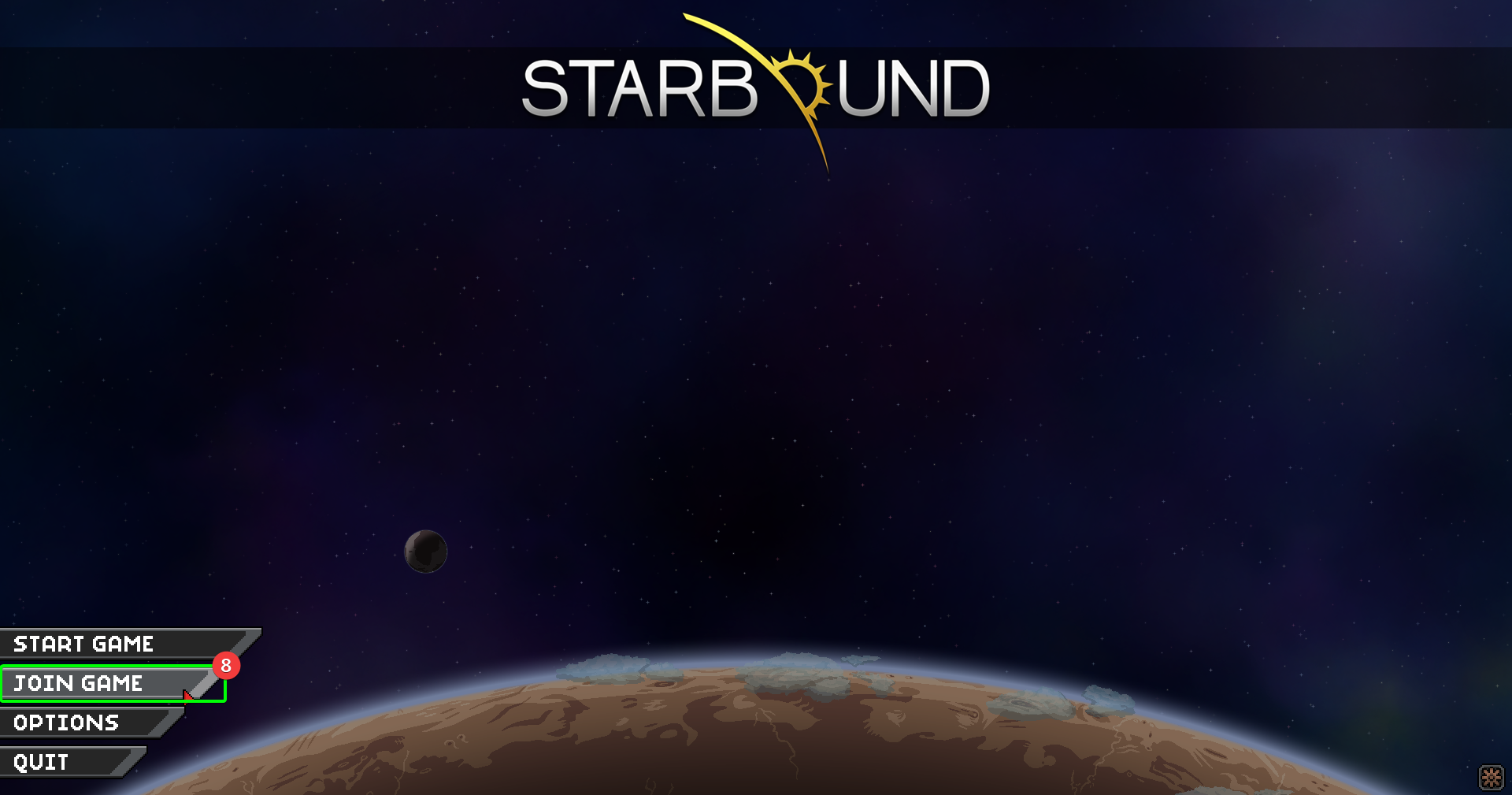
- You should be back at the main menu - select
Join Game.
- Select the character you wish to use on your server.
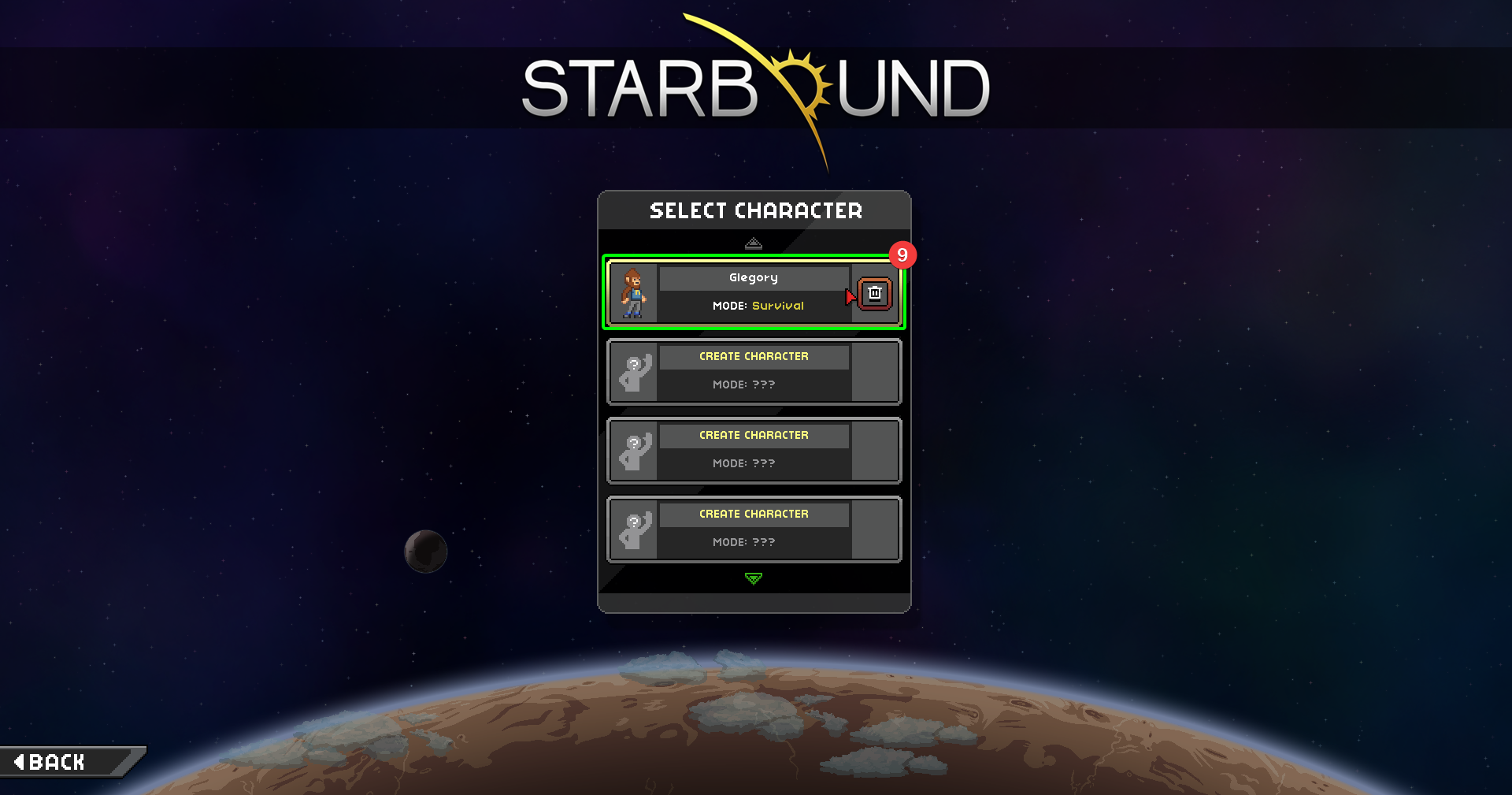
- Enter your server's IP in the
IPfield; if you have changed your port, enter it in thePortfield. - If you have set accounts and passwords up for your server, enter your account details in the appropriate fields.
- Select
Join Server.
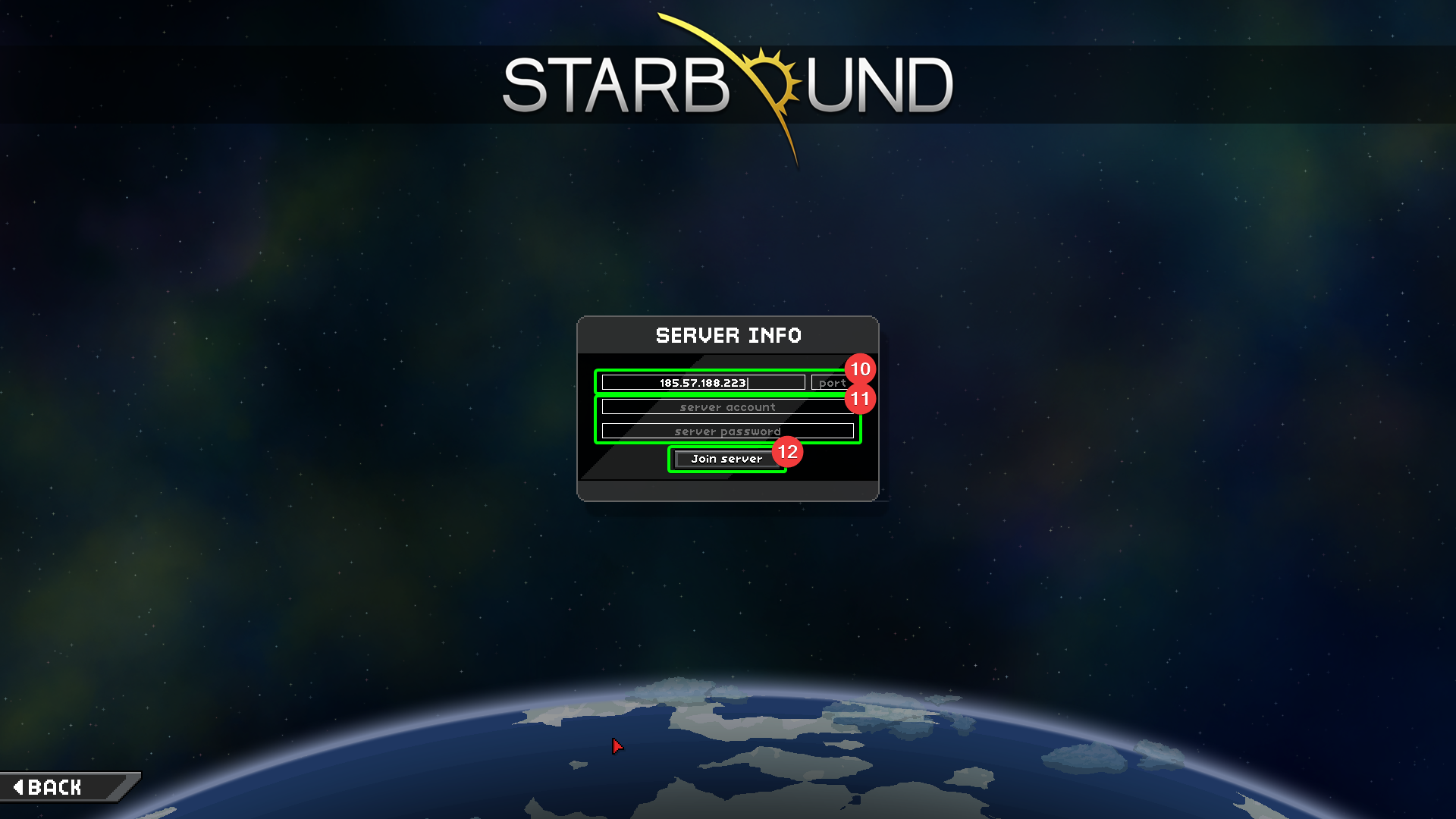
That's it! You should now be connected to your server. Time to explore the cosmos!