How to install MelonLoader into your client
- Make sure Schedule 1 is installed and up to date in Steam.
- Download the MelonLoader installer.
- Run the installer and search for Schedule 1.
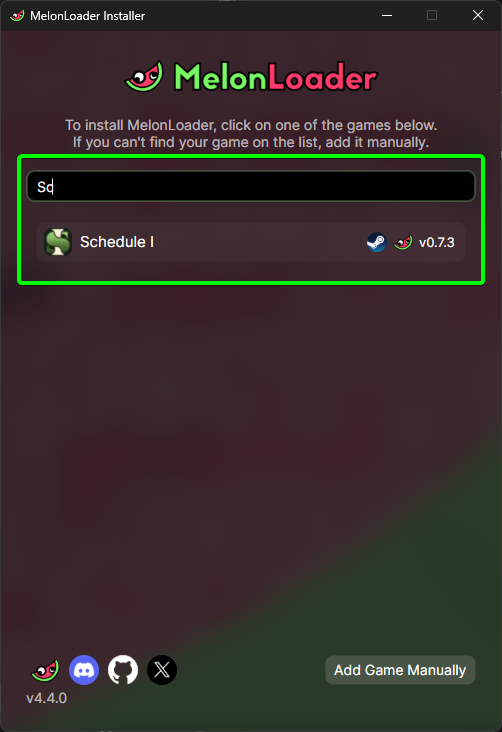
- Click on Schedule 1 and select
Install.
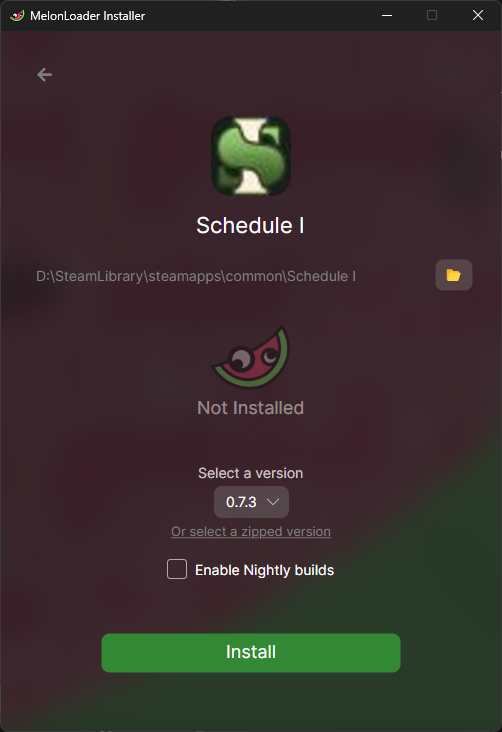
That's it, MelonLoader is now installed, and you can start installing mods into your game.