Installing a custom Workshop collection
If you experience issues such as textures or sounds not working correctly after installing a Workshop collection, you may need to configure the server to tell connecting players to download the Workshop collection you are using. You can follow our Workshop Resources guide if you need assistance.
If you have made or found a Steam Workshop collection you would like to use on your server, you can set the Workshop collection ID in the settings of your server.
How to get the Workshop ID
Before you can use your chosen Workshop collection on your server, you will first need to find the Workshop ID of the collection.
-
Go to the Workshop collection you want to use. In your browser's URL bar, you will see a link similar to
https://steamcommunity.com/Workshop/filedetails/?id=1865845871. The number after the?id=is the Workshop ID. -
Copy and paste the Workshop ID somewhere safe; we'll need it again in a moment.
Setting the Workshop ID on your server
- Click on
Garry's Modin the sidebar.
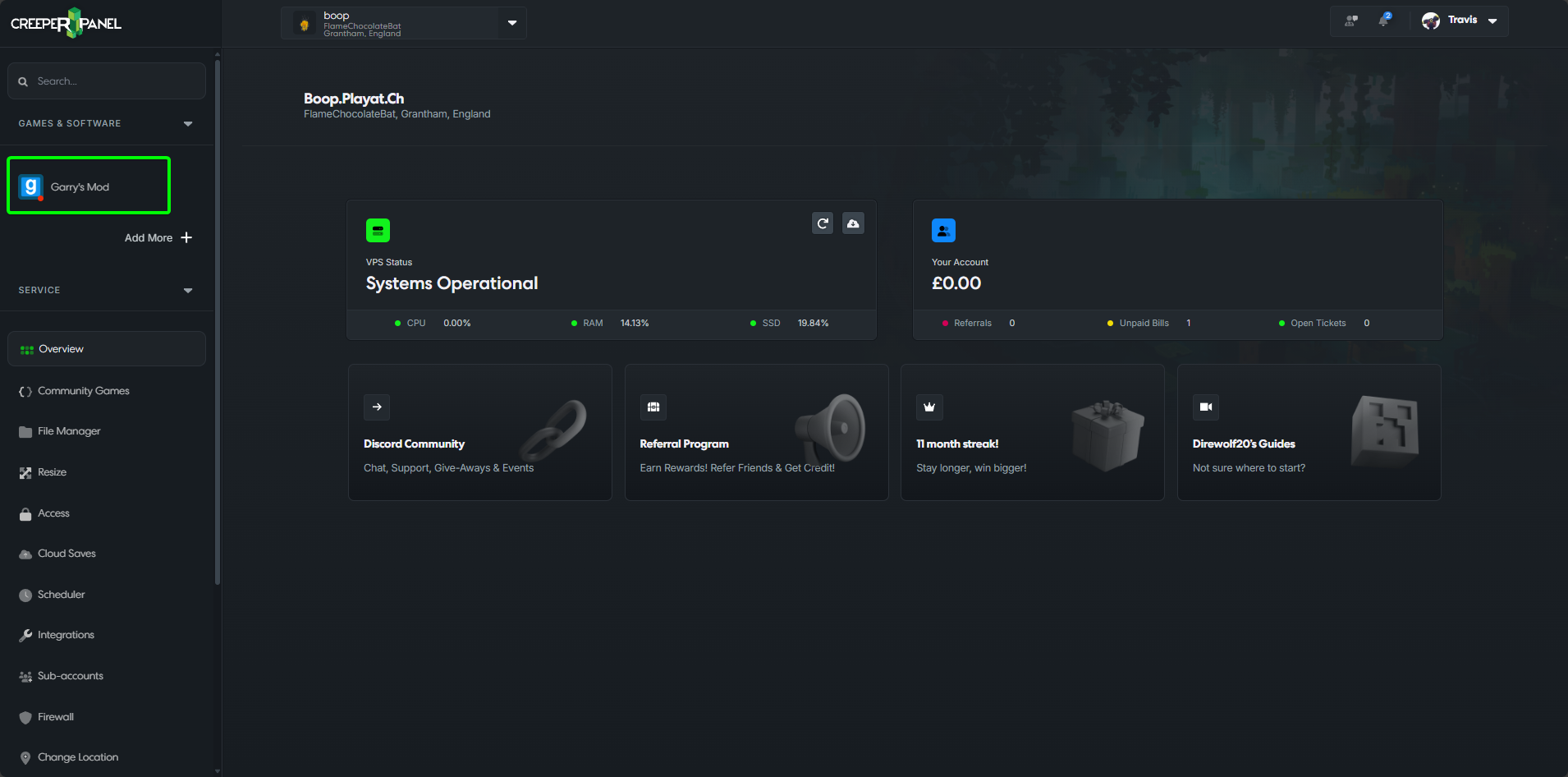
- Click on
Settings.
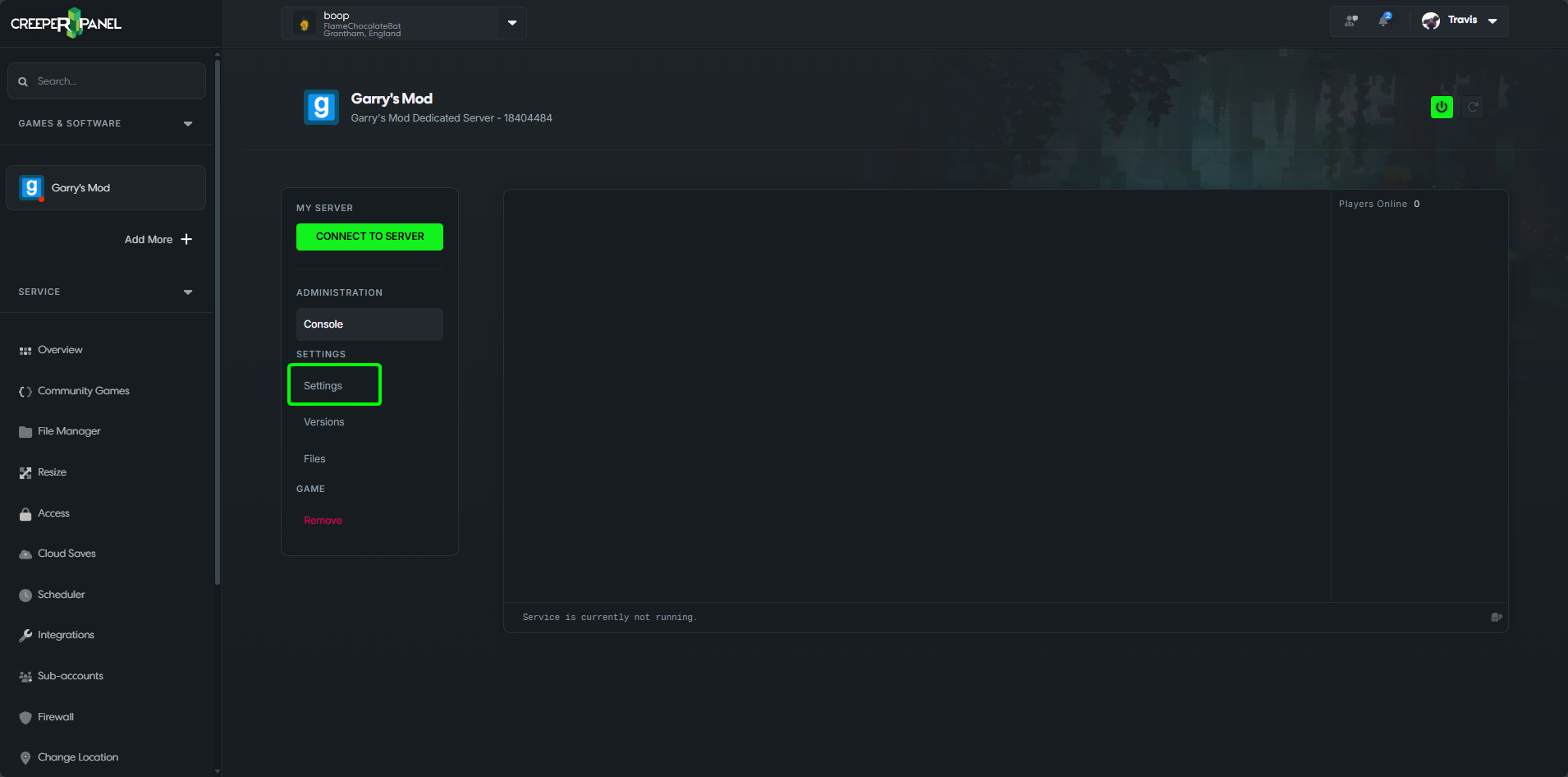
- Scroll down on the Settings page until you find
Workshop collection ID.
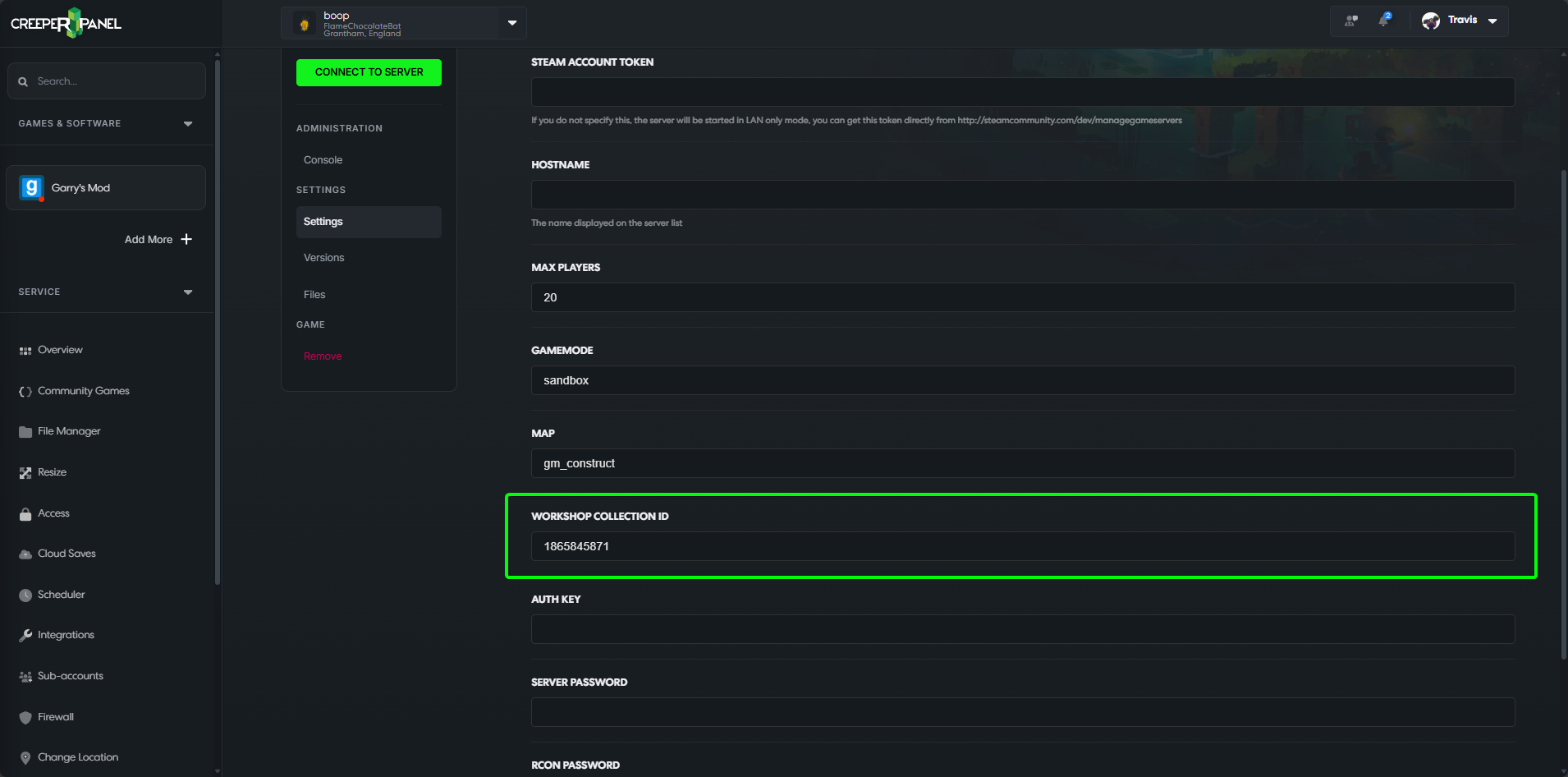
- In the
Workshop Collection IDfield, paste the Workshop ID you copied, then selectSaveat the bottom of the Settings page.