Managing Your DayZ Server Settings
warning
Before changing any settings on your DayZ server, make sure it is switched OFF first.
You may want to add a password, or change your player settings for the server. To start changing settings:
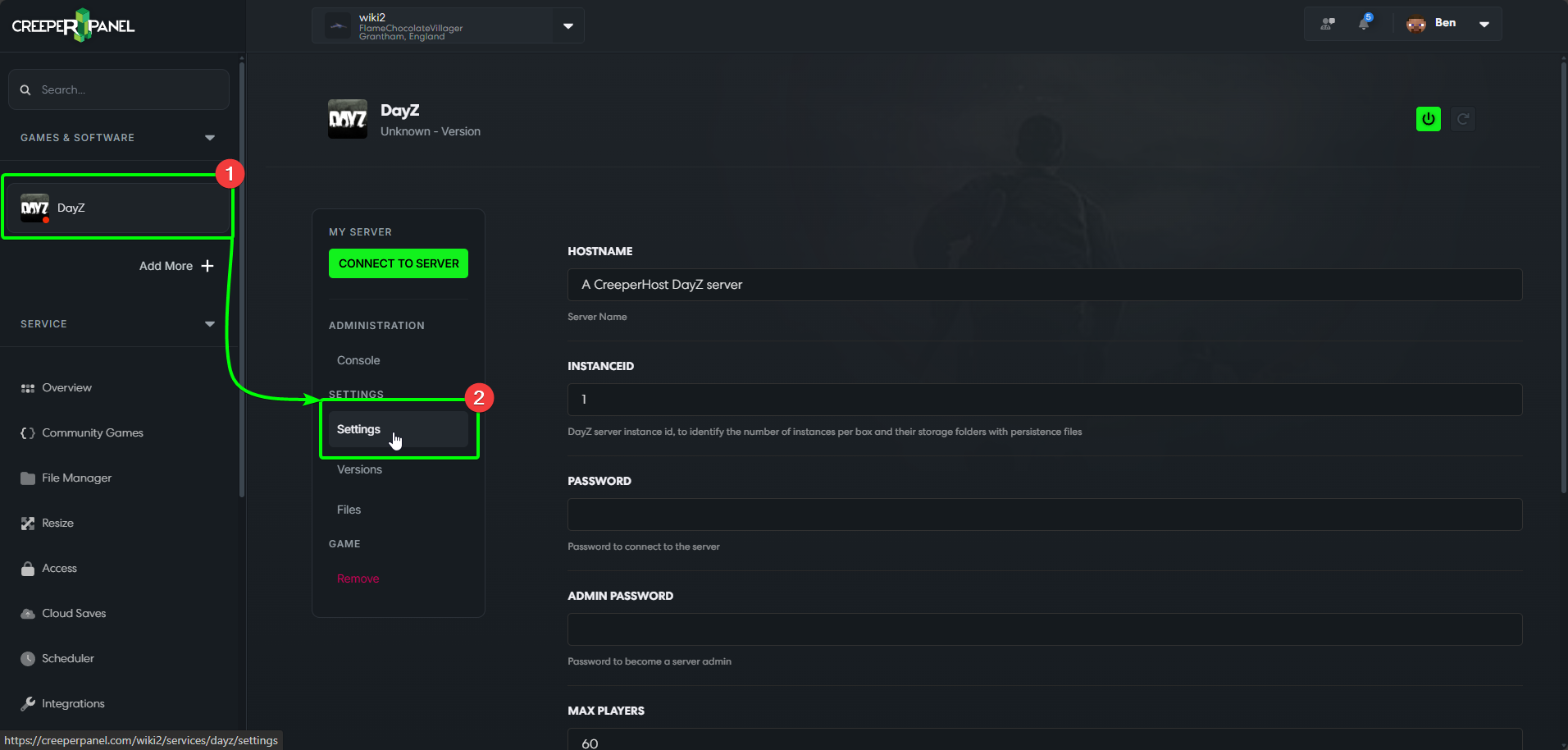
- Navigate to your DayZ instance.
- Select
Settingsunder theSettingsheader on the instance's sub-menu.
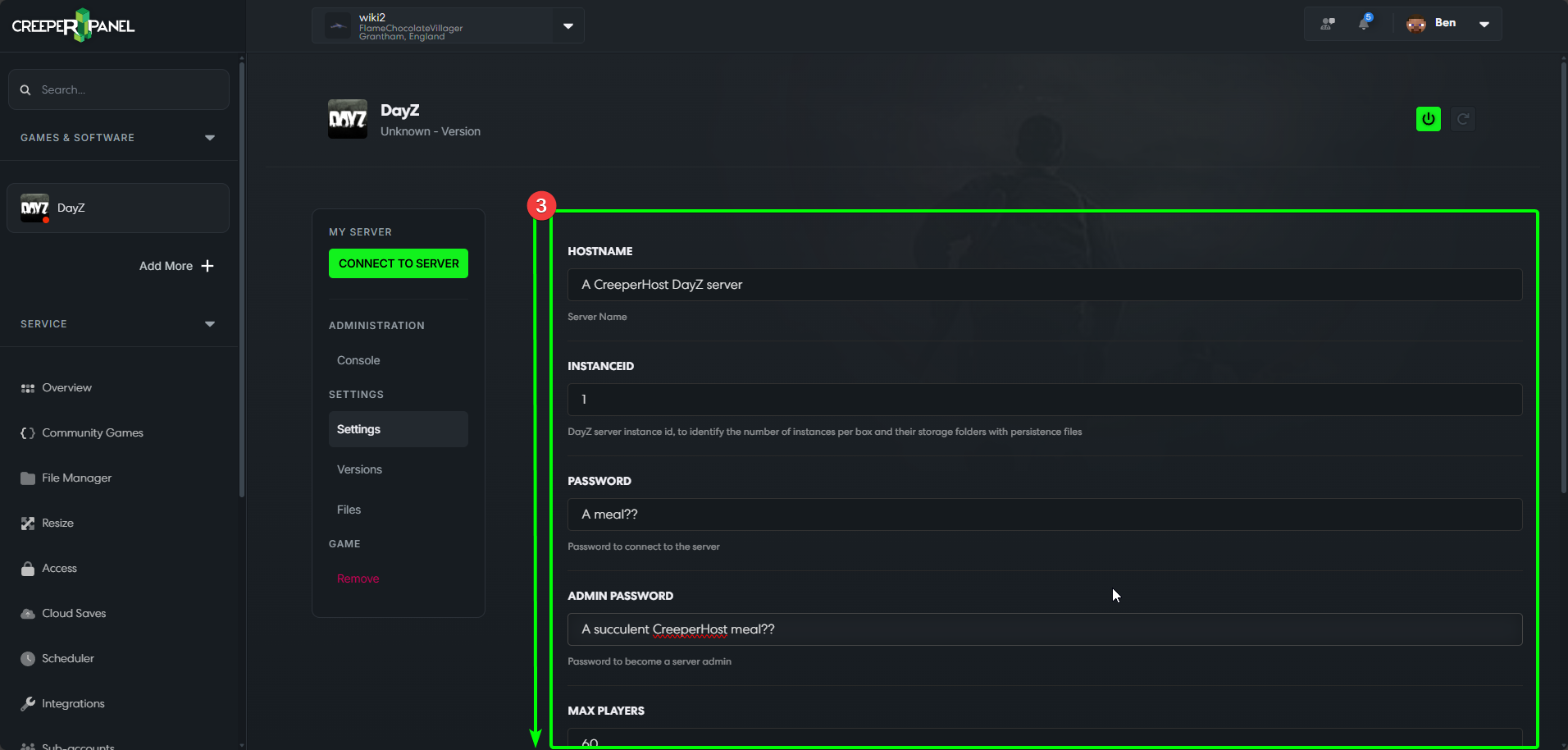
- You'll now see a selection of settings you can change. Scroll down to find the setting(s) you would like to change.
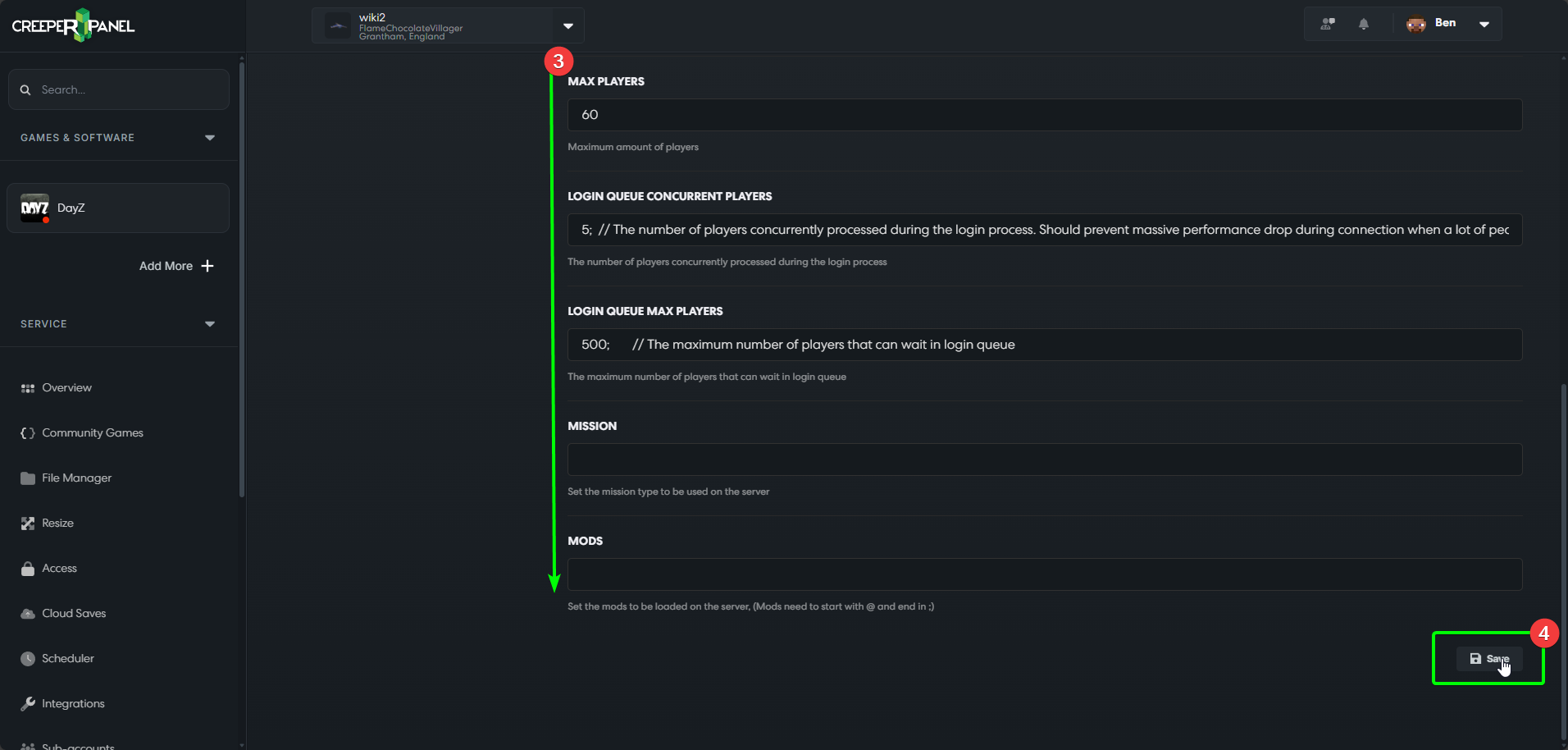
- Once you have altered your settings, scroll down to the bottom and click the
Saveicon. Ensure you save your changes before navigating away from the Settings page!