Creating Your DayZ Server
The installation process for DayZ works the same as any other software or game on the Panel. To begin:
- Navigate to the main page for your service, and select
Add More +under the "Games & Software" tab.
In compact navigation, use the + button.
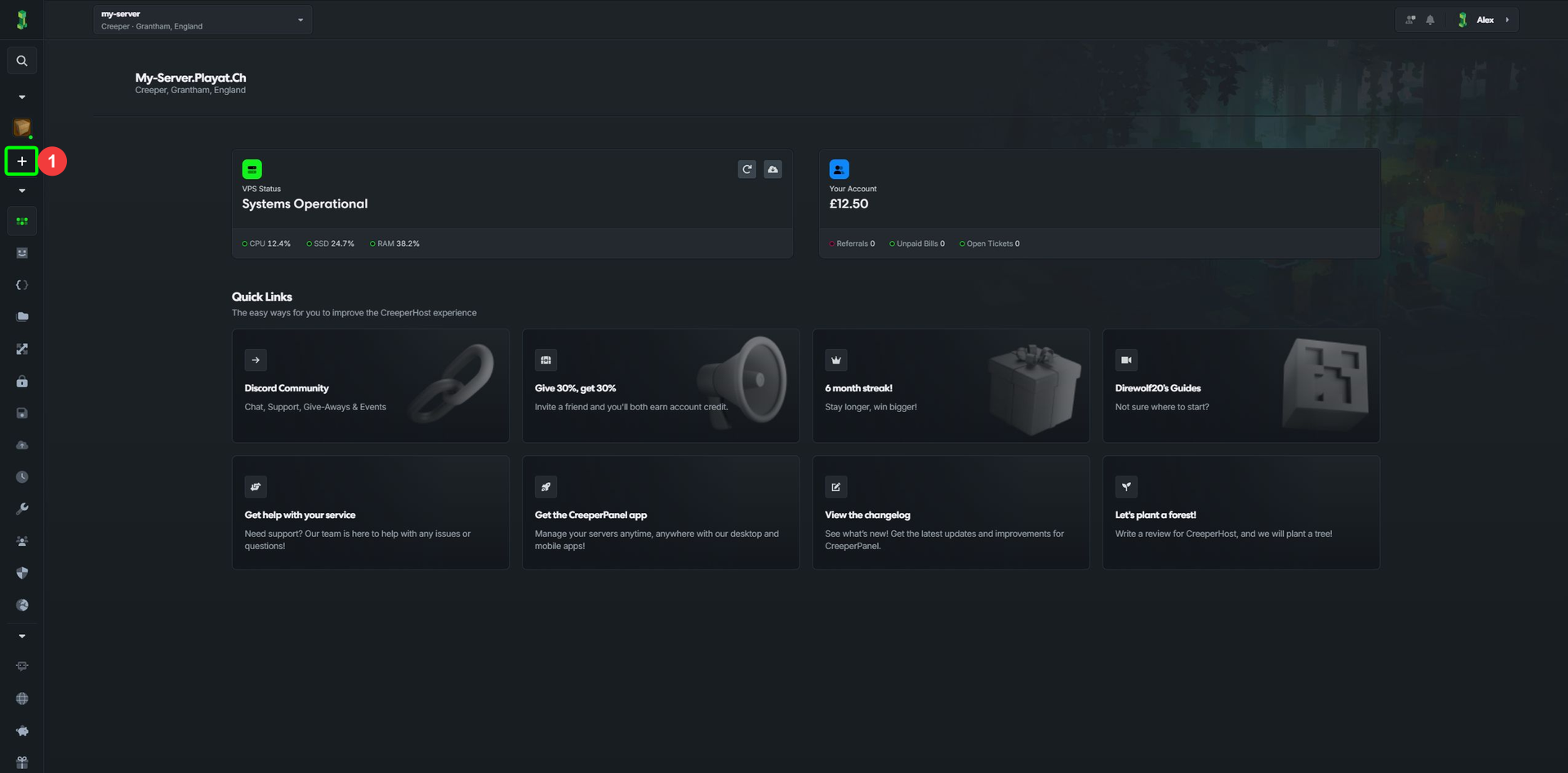
- Select
Install something new. - Select
Next.
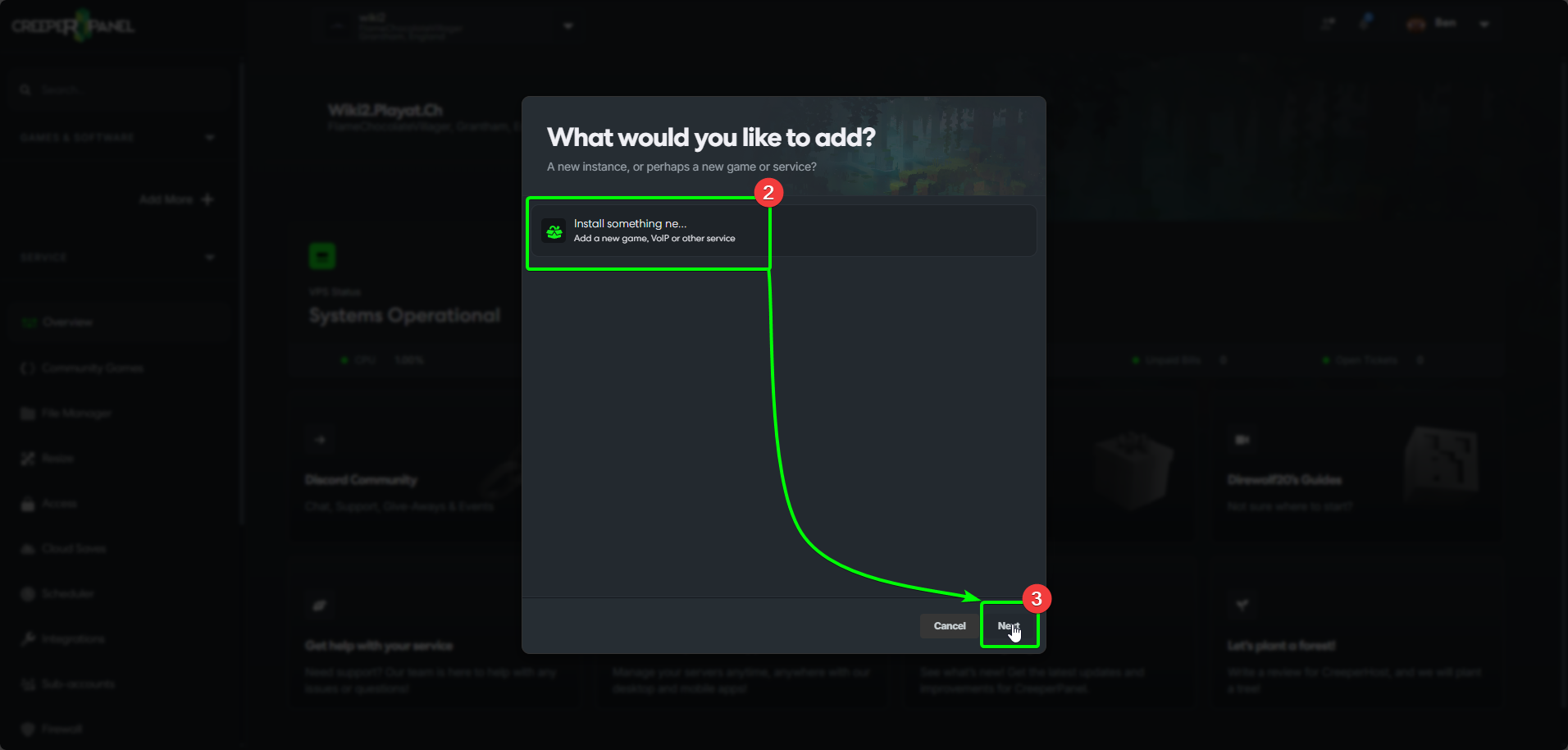
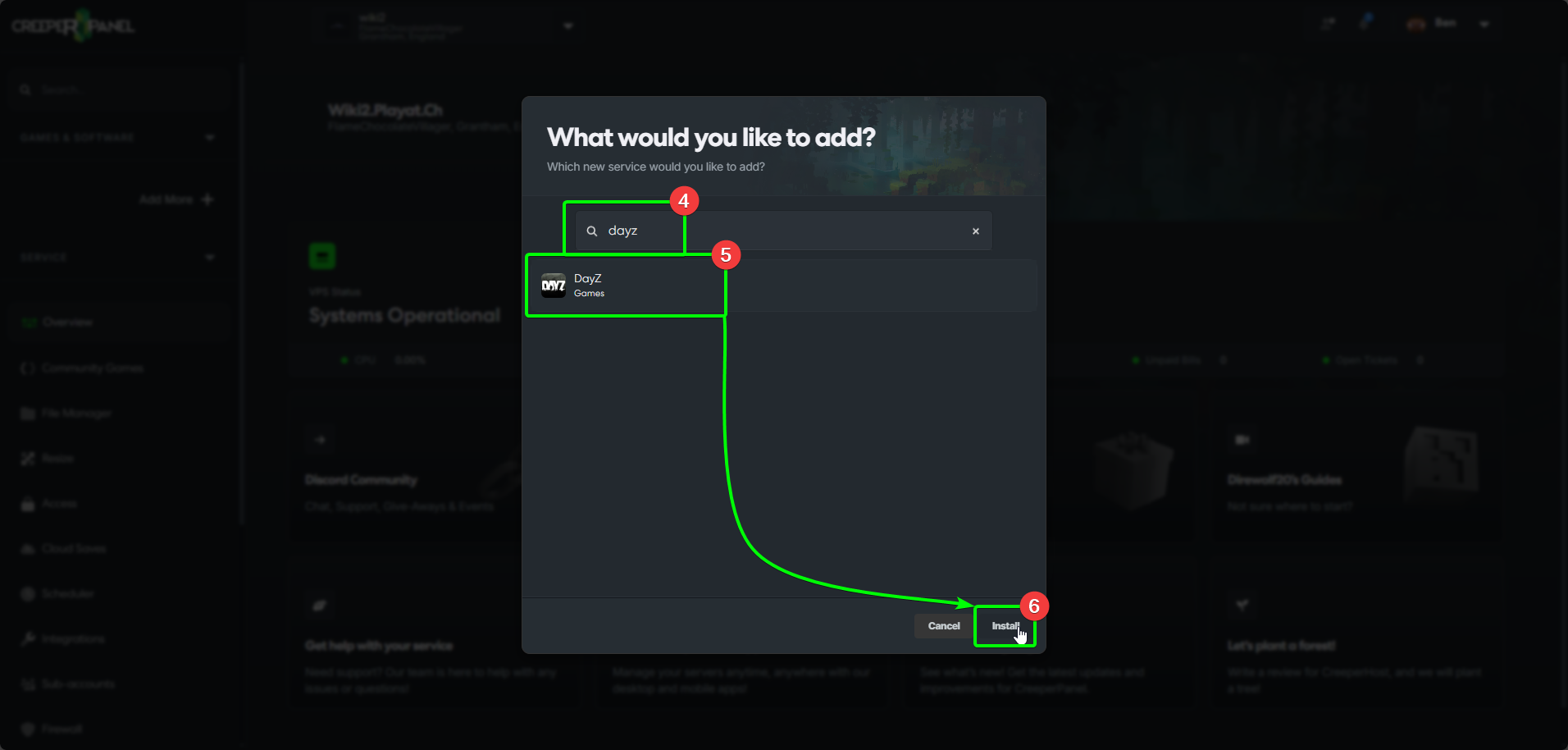
- In the next window, search for
DayZ- the search results will update as you type. - Select
DayZfrom the list. - Select
Next.
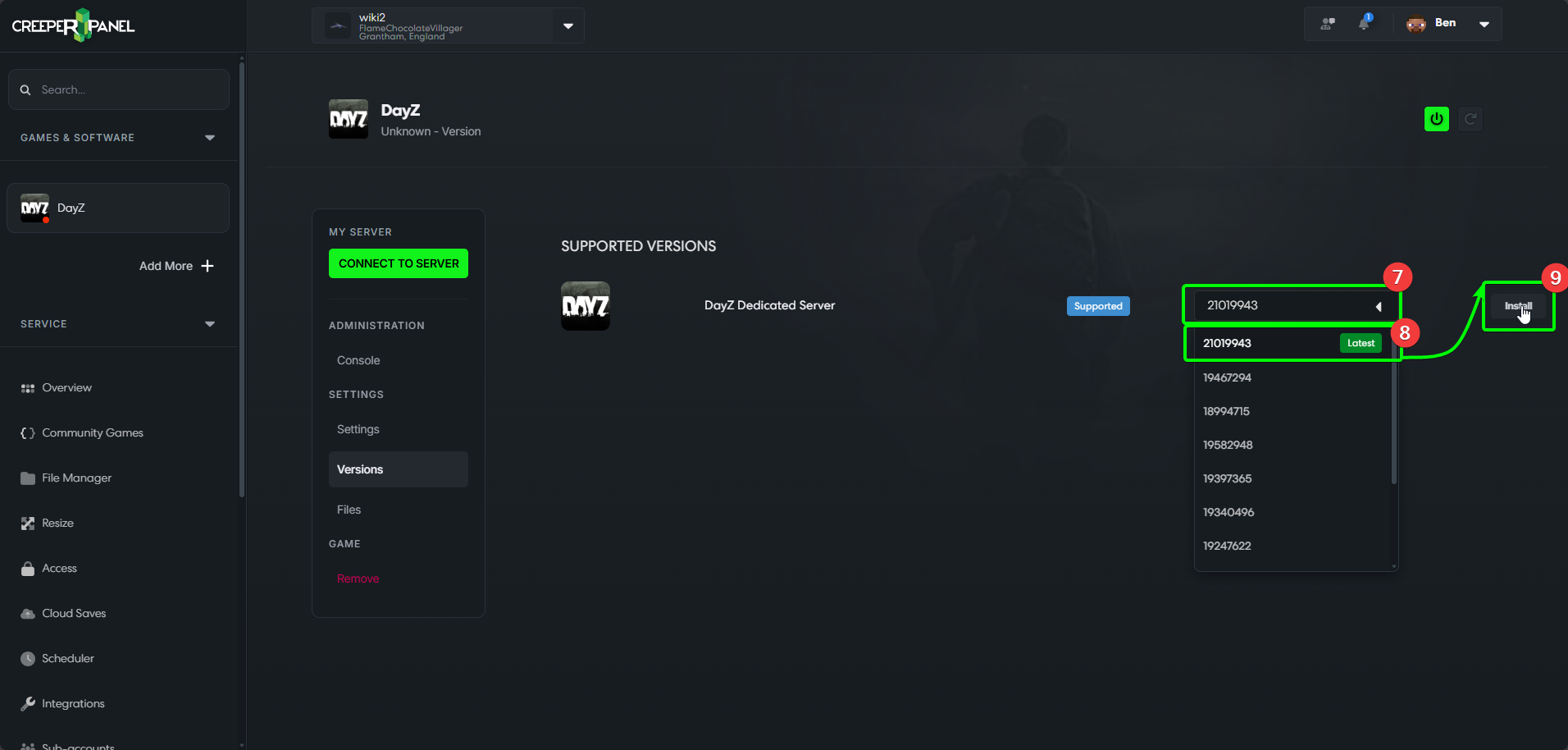
- Open the versions drop-down menu to choose a version to install.
- Select the version you wish to use from the drop-down menu.
- Select
Install.
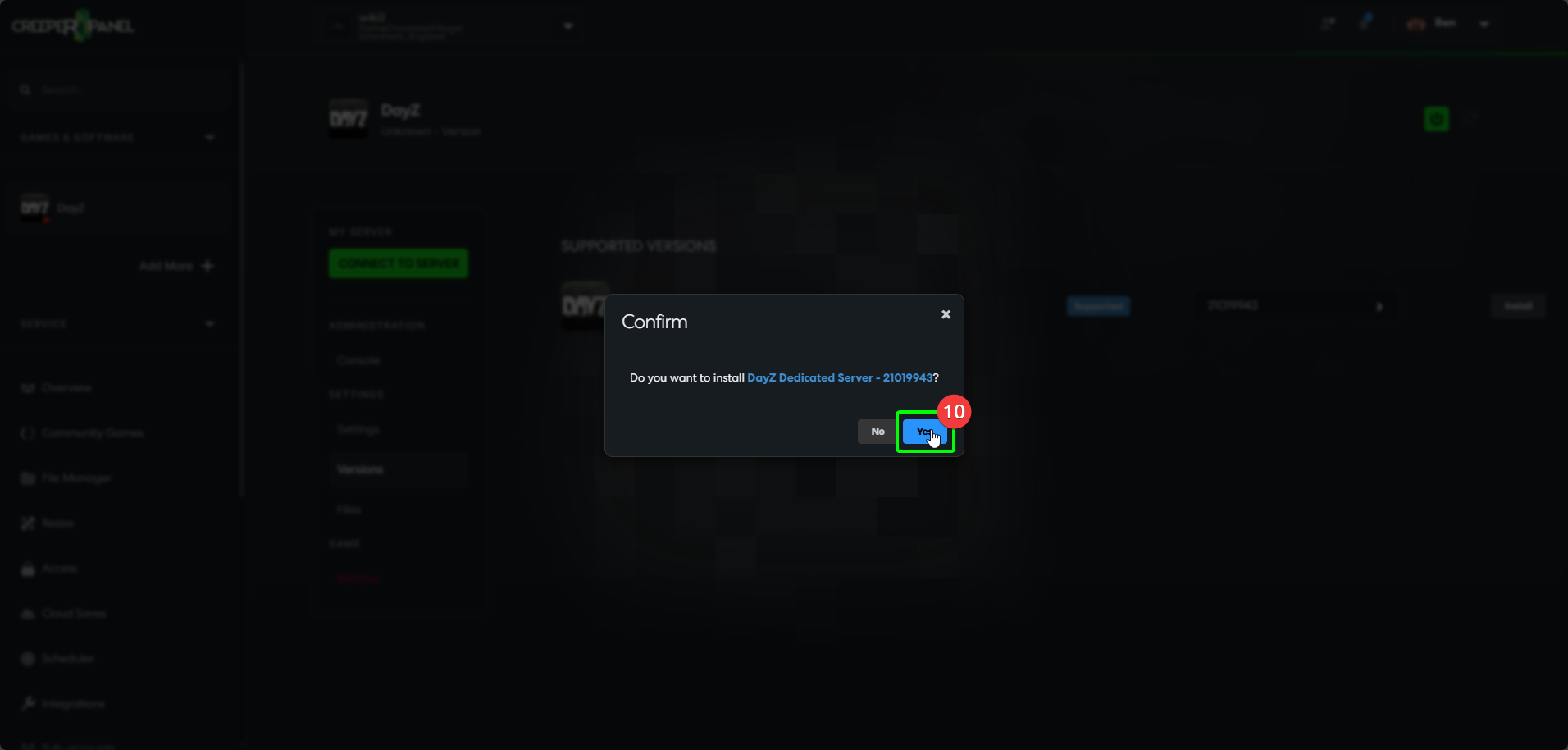
- You'll be asked to confirm your installation; if you're happy with your selected version, click
Yes.
Now, you just need to wait for the installation to complete. You'll be able to see the console for your DayZ instance when it's finished. Next step, configuring!