Changing Settings for your Sunkenland Instance
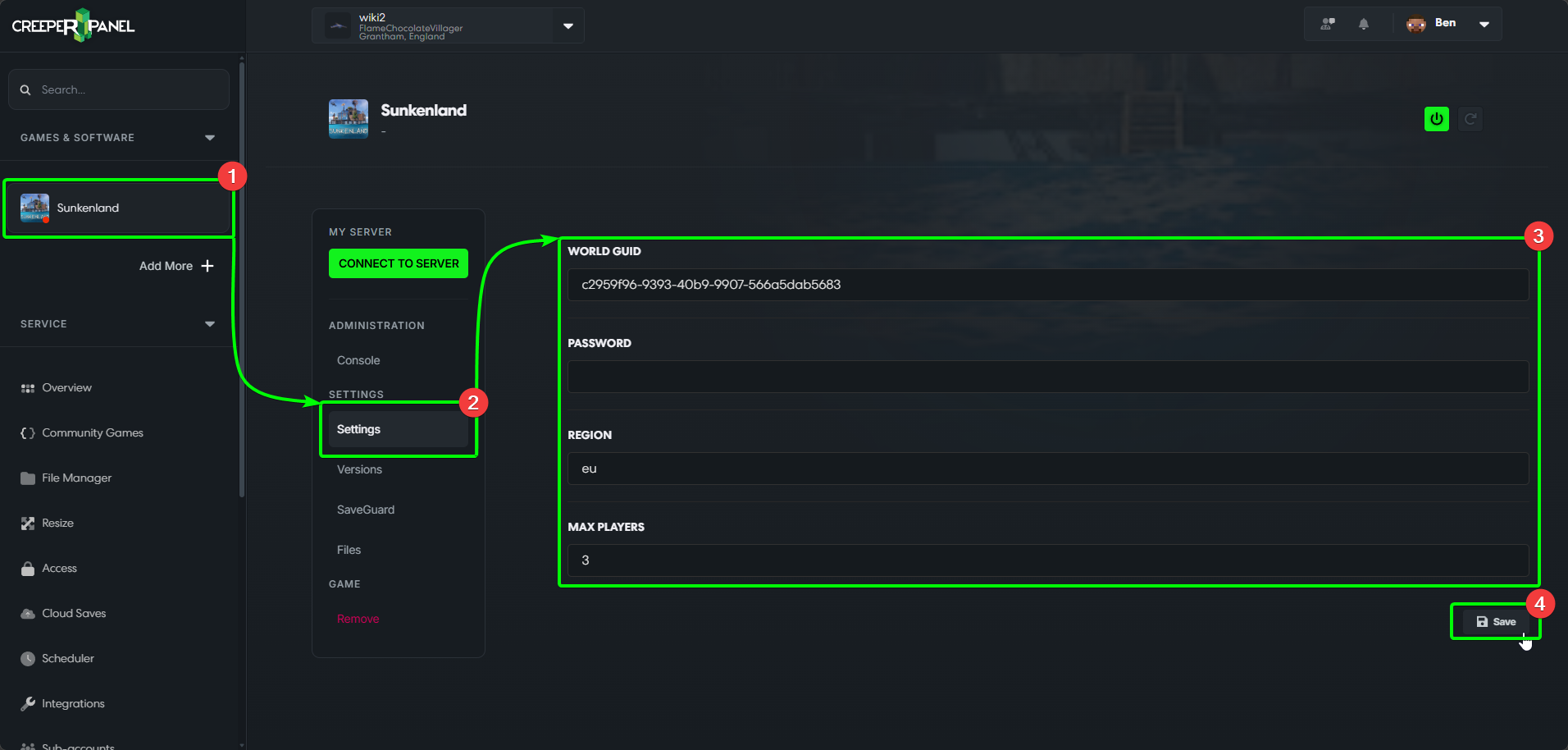
To find and edit your Sunkenland Instance settings, you'll need to:
- Head to your Sunkenland instance in the side-bar on the CreeperPanel, and
- Select
Settings, found under settings in the sub-menu. Then - You'll see your available settings in the main window. Game configuration takes place before uploading the world, so there aren't many settings to change.
- Before exiting the page, select the
Saveicon in the bottom right to confirm your changes.