Connecting to your Space Engineers instance
To get started connecting to your Space Engineers instance:
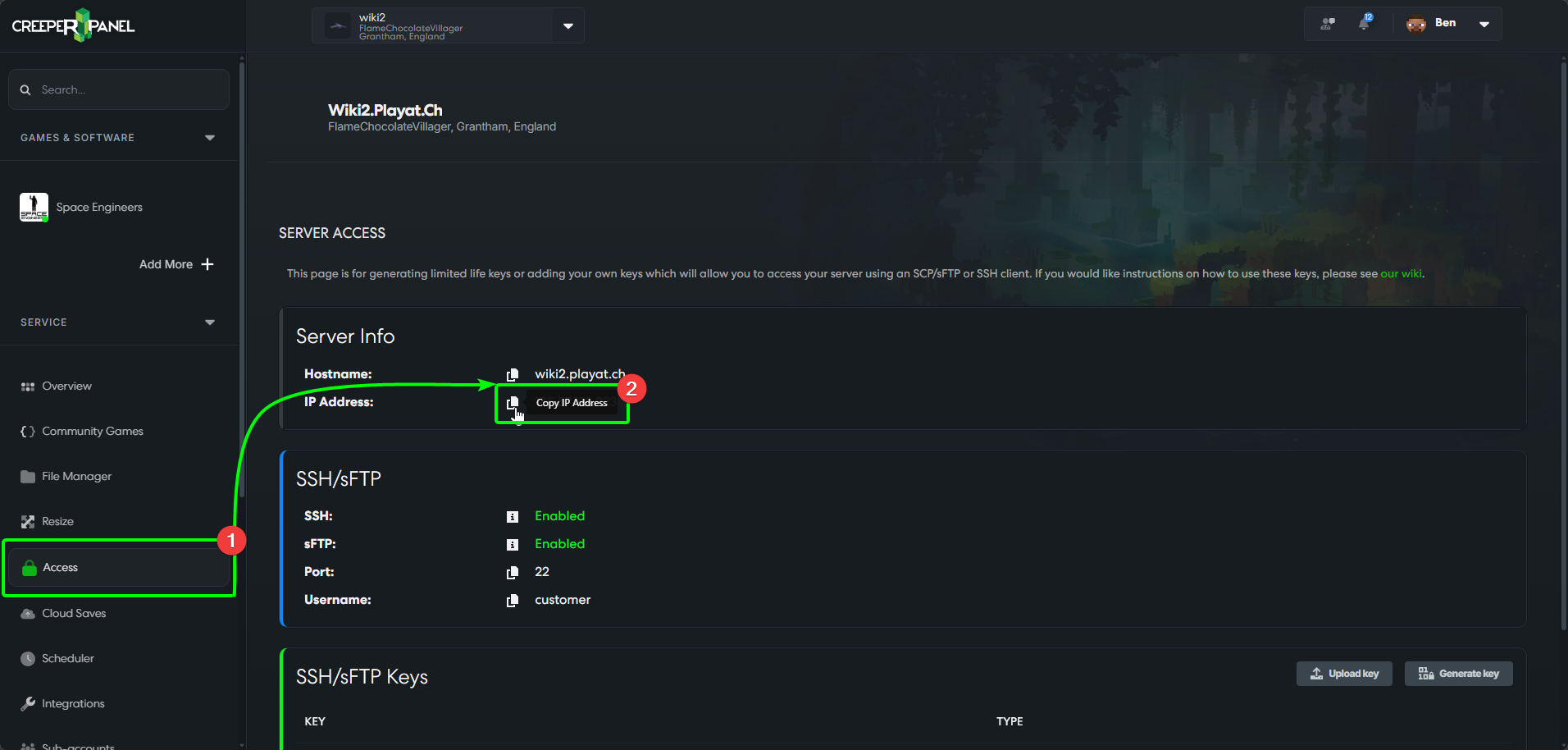
- Head the the CreeperPanel; select
Accessfrom the side-bar. - You'll see your IP address in the main window - click the clipboard icon to copy the IP address.
Now, head to Space Engineers on your client machine, then
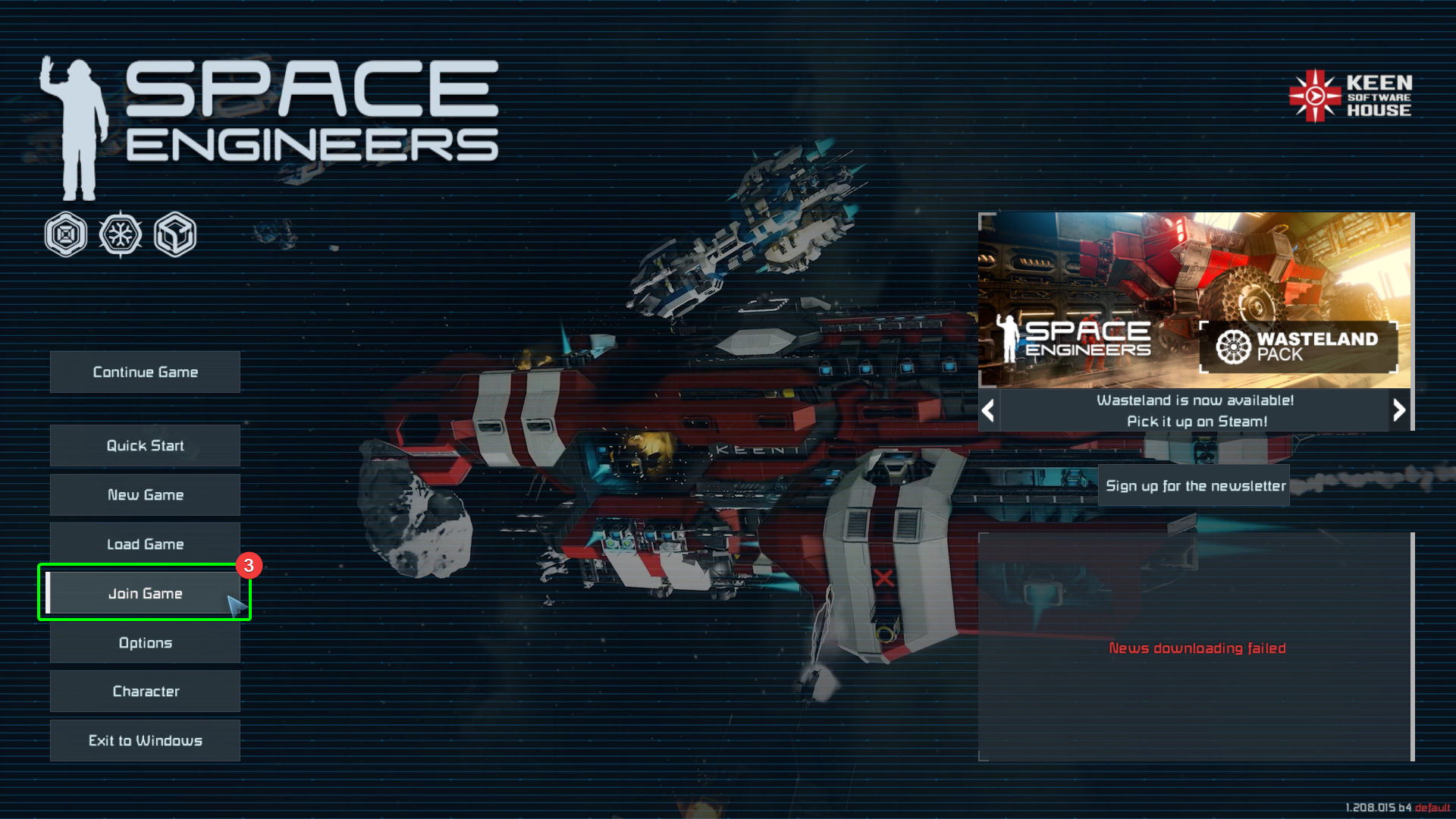
- Select
Join Gameat the main menu.
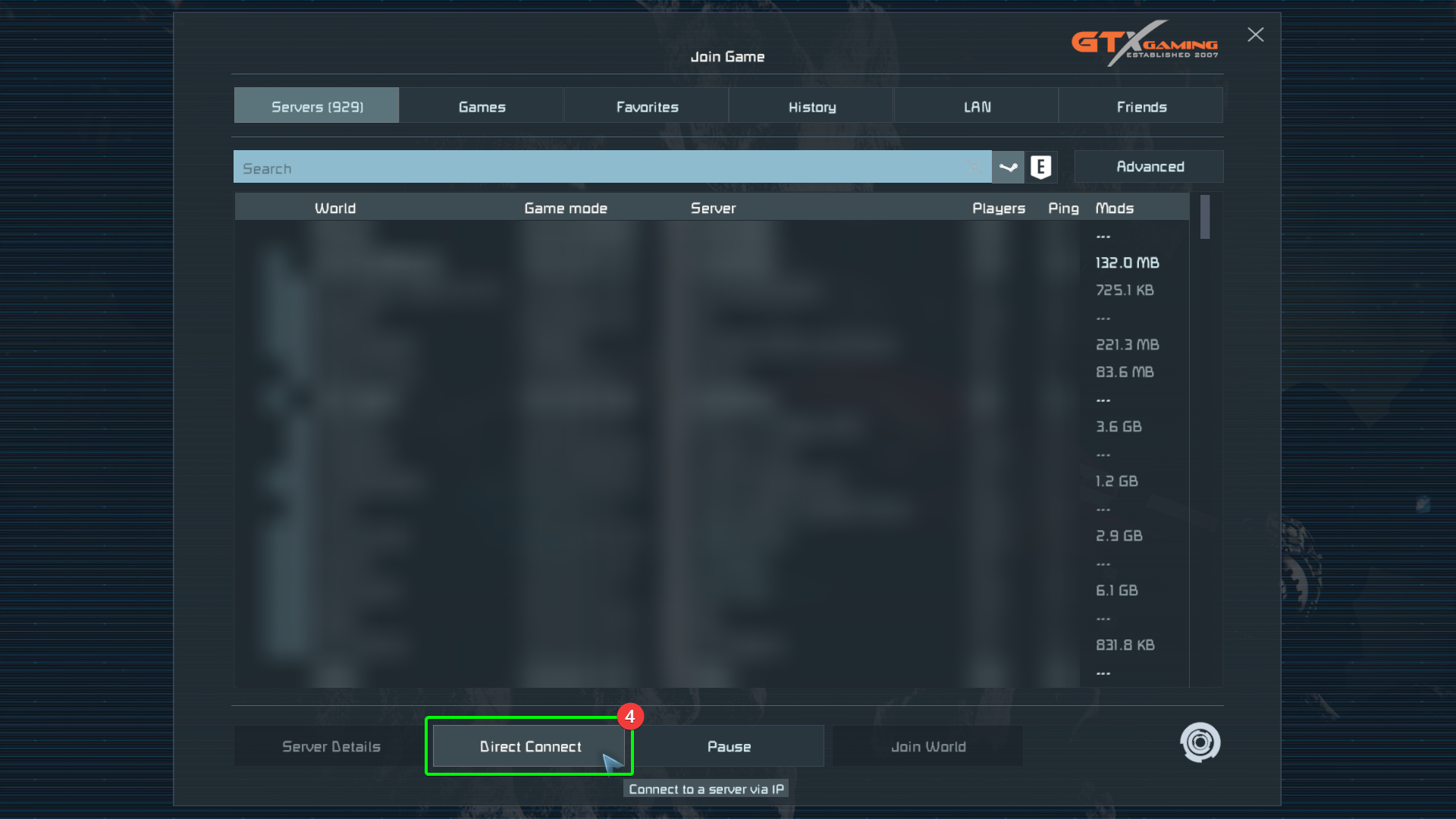
- In the server browser, select
Direct Connect.
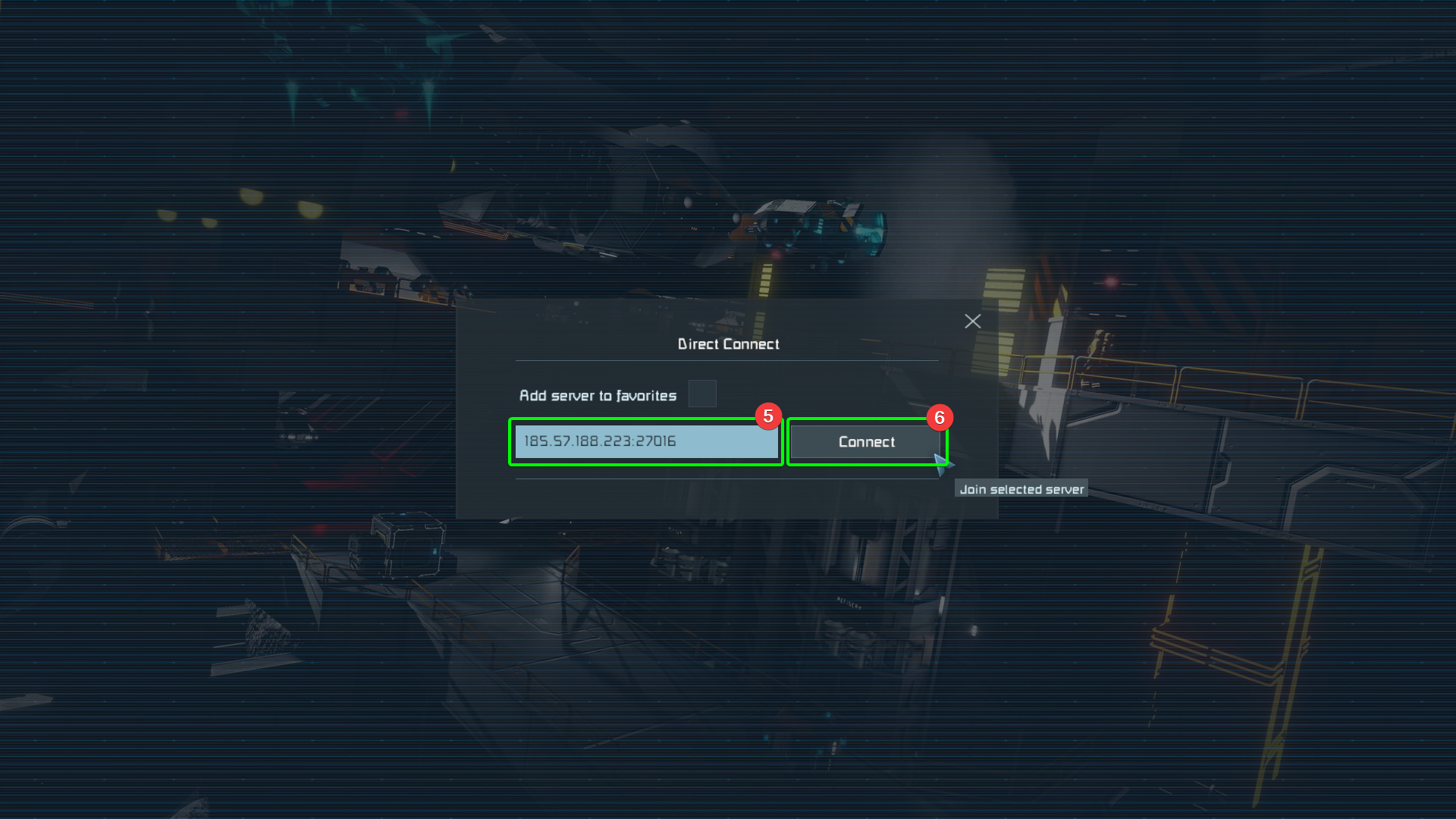
- Space Engineers will open an in-game window; paste your copied IP address, followed by the default port
27016. It should look like123.456.7.890:27016. - Confirm the IP address and port are correct, then select
Connect.
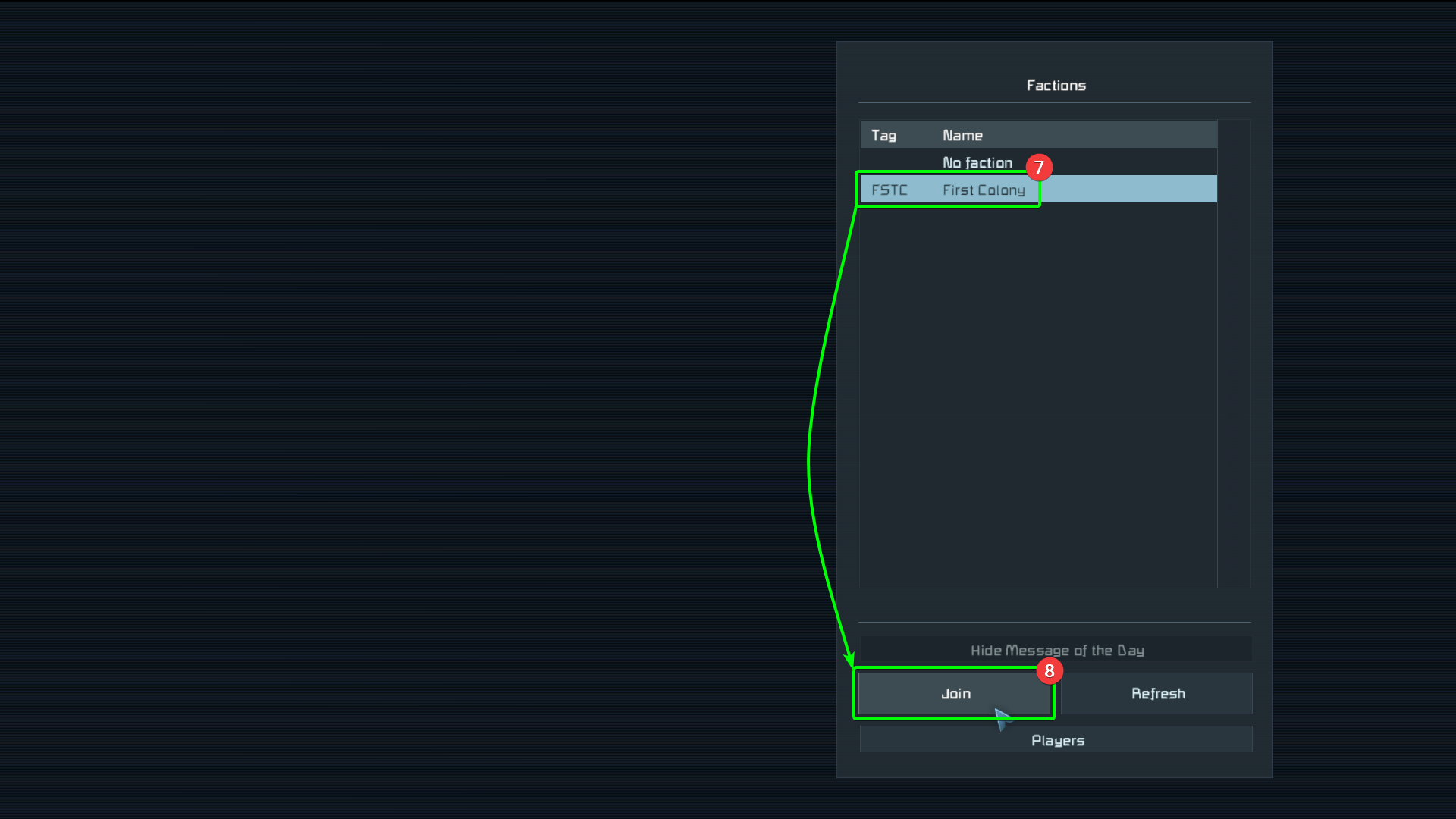
- Select an existing or create a new faction, then
- Select
Join.
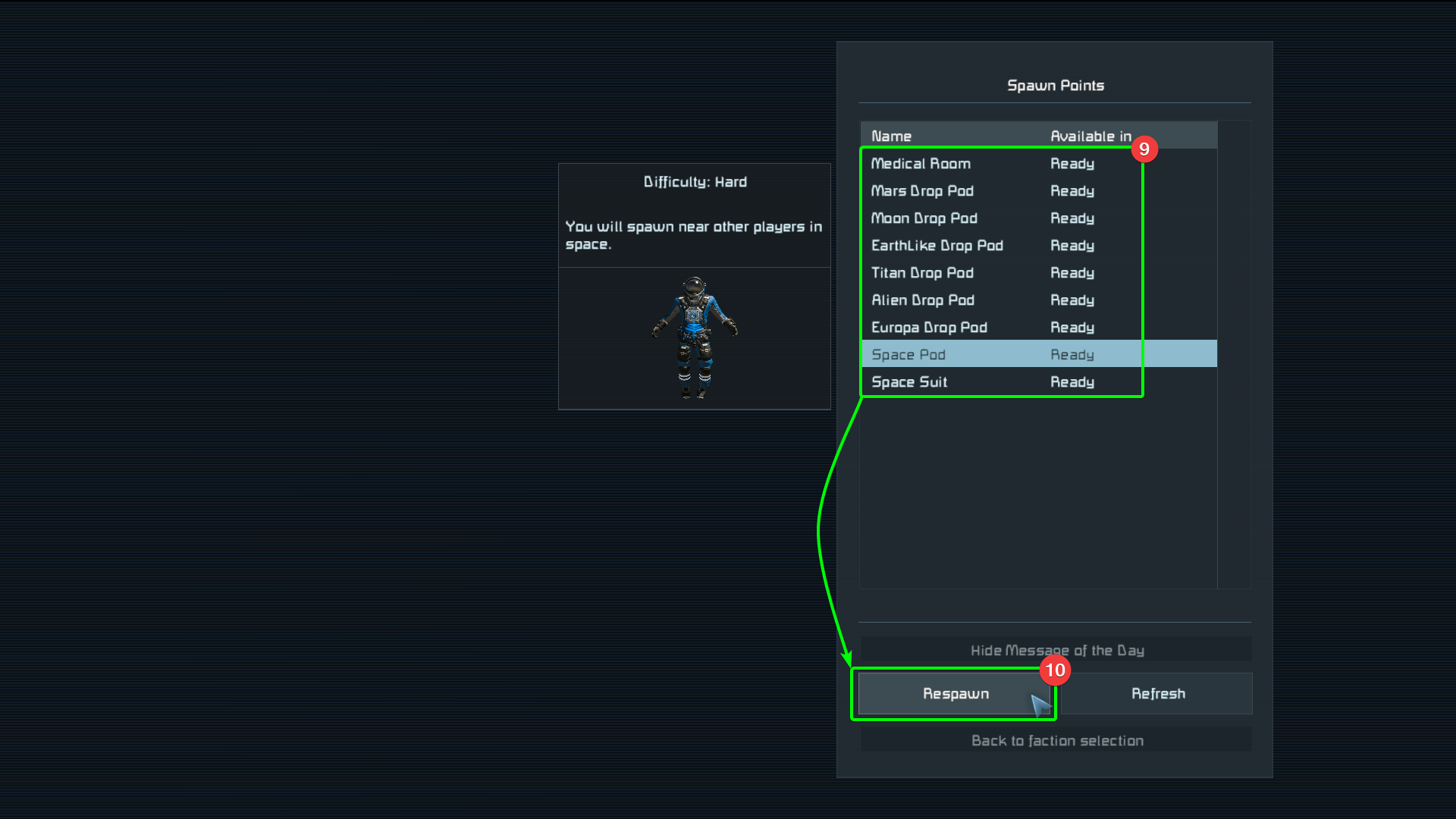
- Select your spawn point, then
- Finally, select
Respawnto spawn in.
That's it! You should now be free to explore the depths of space.