Creating an API key for Pterodactyl
-
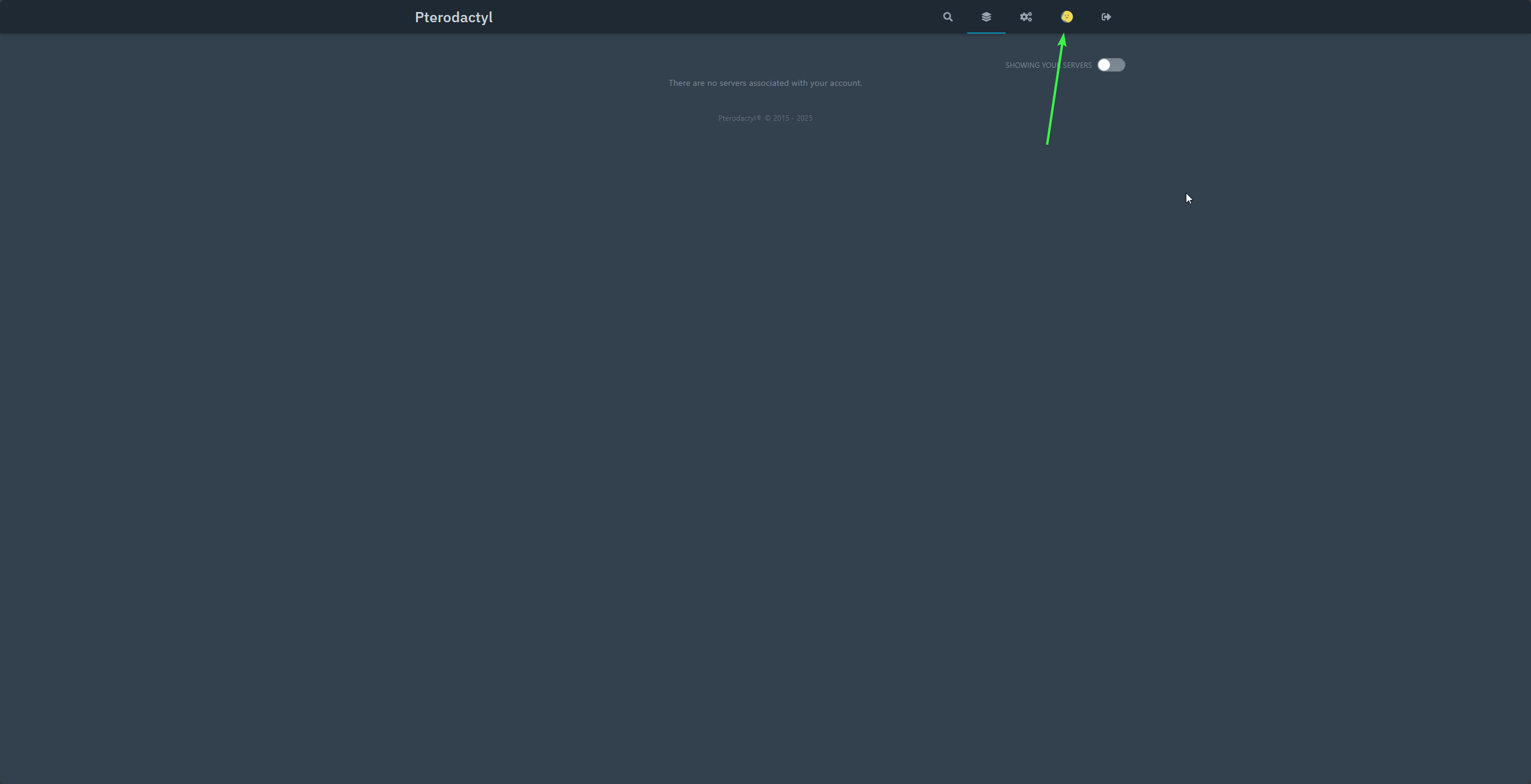
Select Your account profile in the top right of the panel
-
Select
API Credentials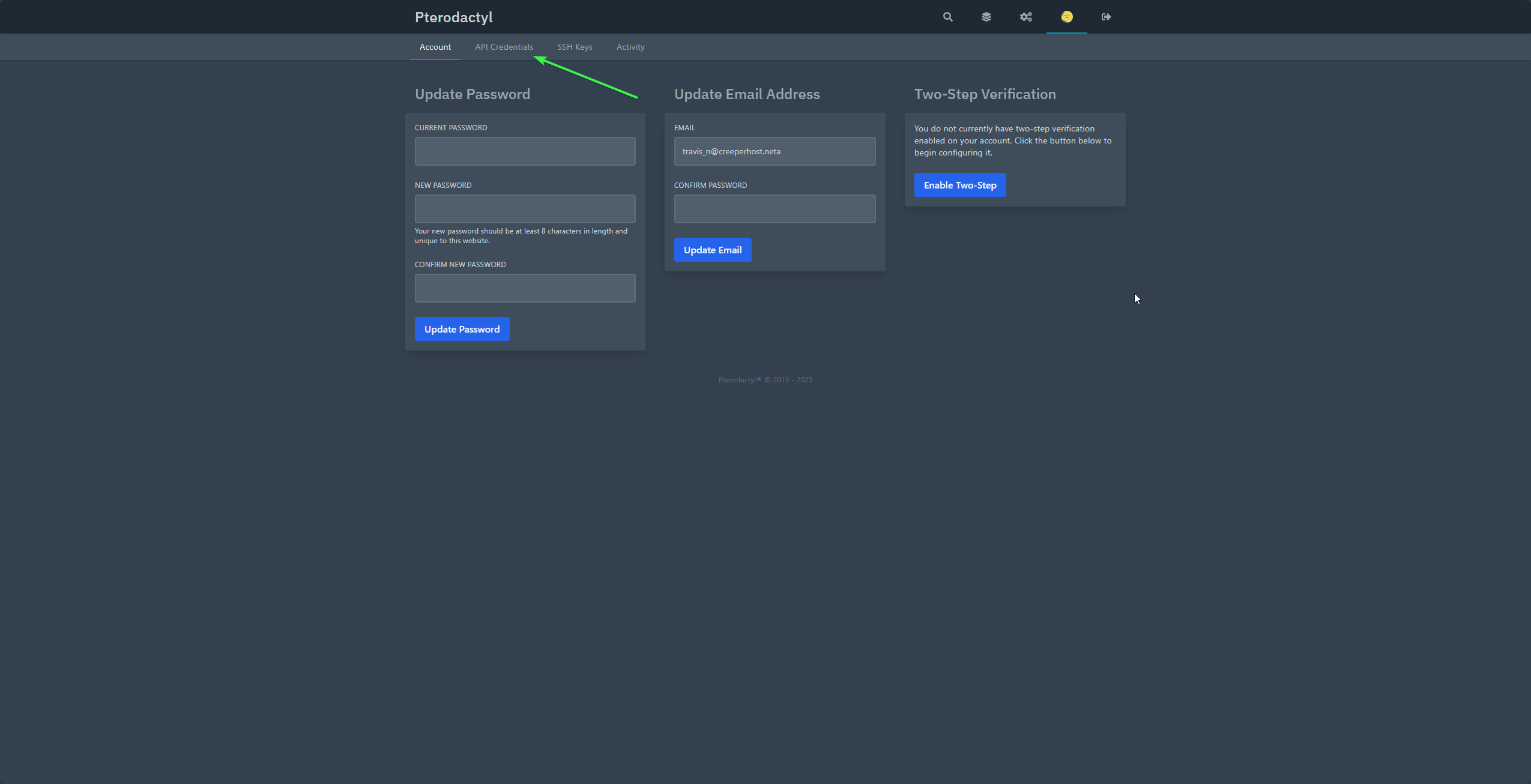
-
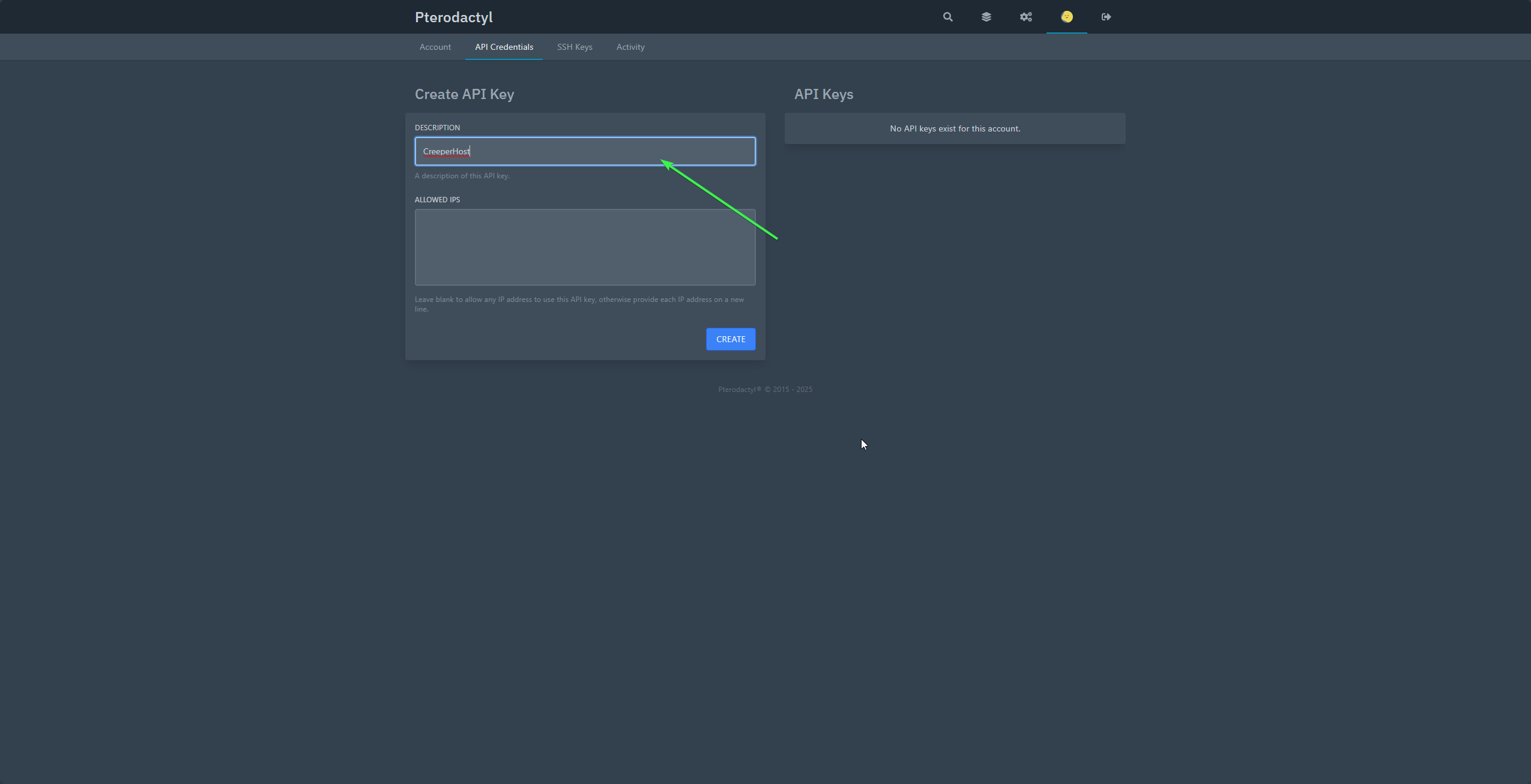
Name your API key (This can be called what ever you want)
-
Click on
Create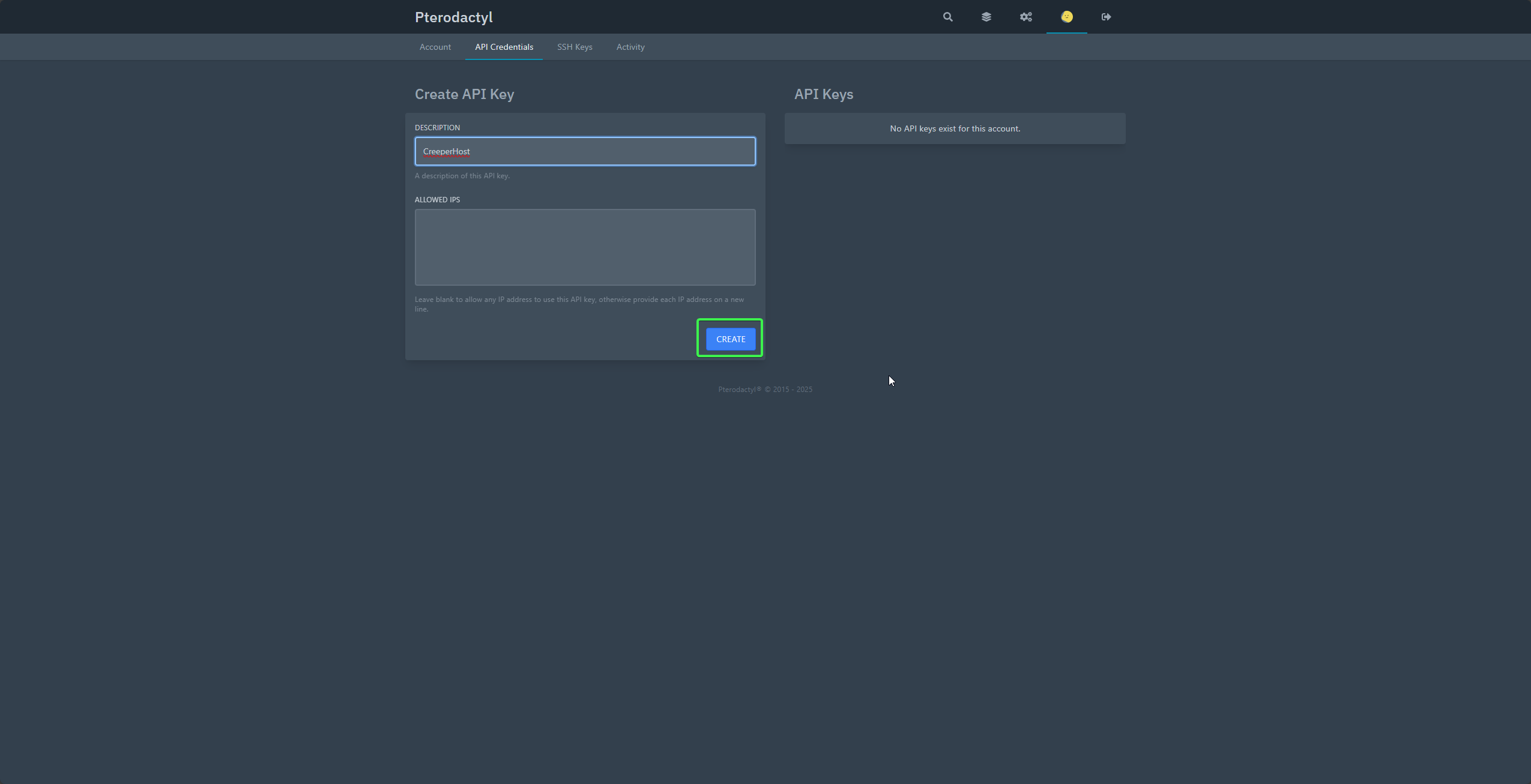
-
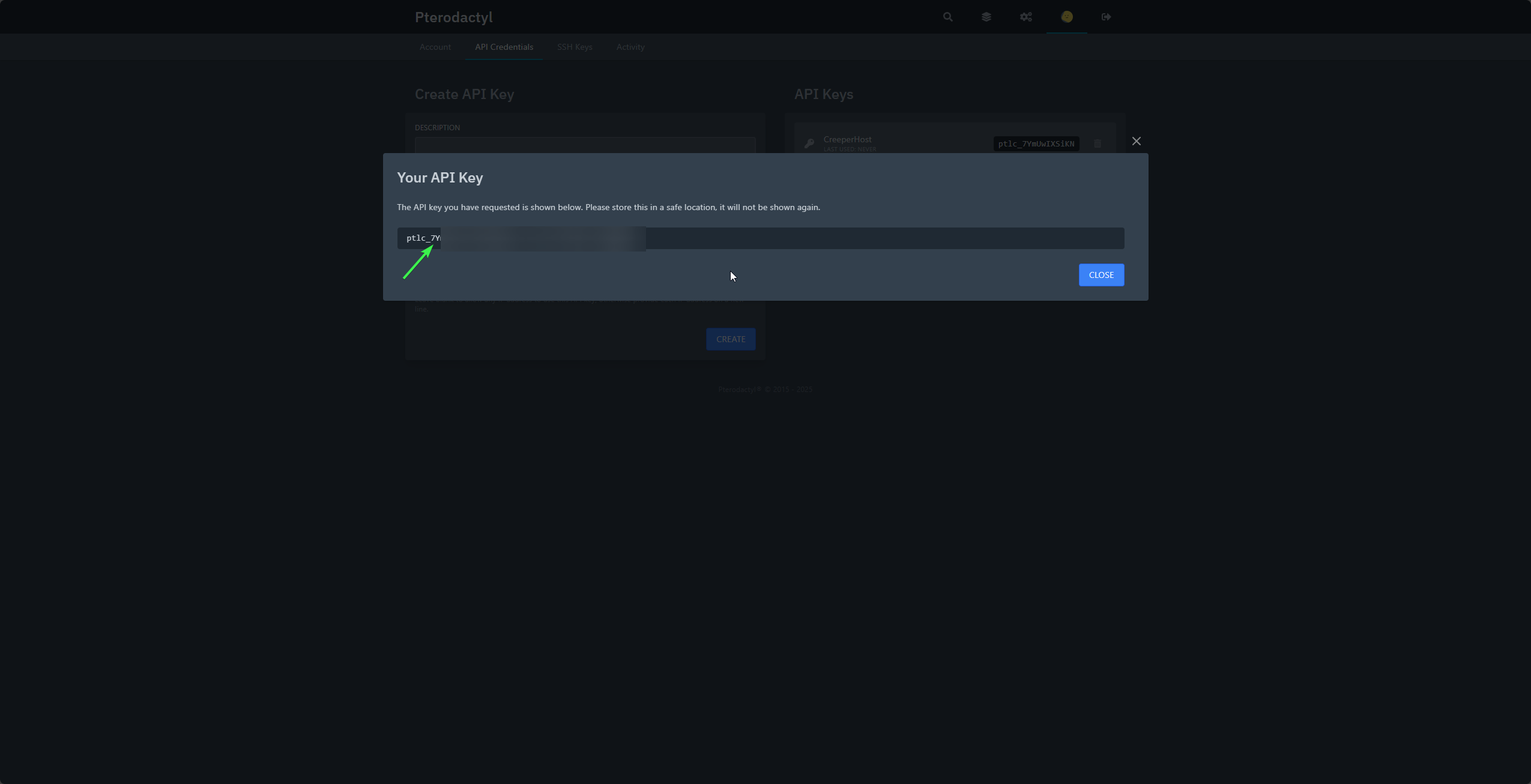
Click on the generated key to copy it to your clipboard then click on close
warning
Once this page is closed you will no longer be able to see/copy the entire key again
That's it, Your API key for Pterodactyl has been created