How to install The Lord of the Rings: Return to Moria Dedicated Server
CreeperPanel
- Select
Add More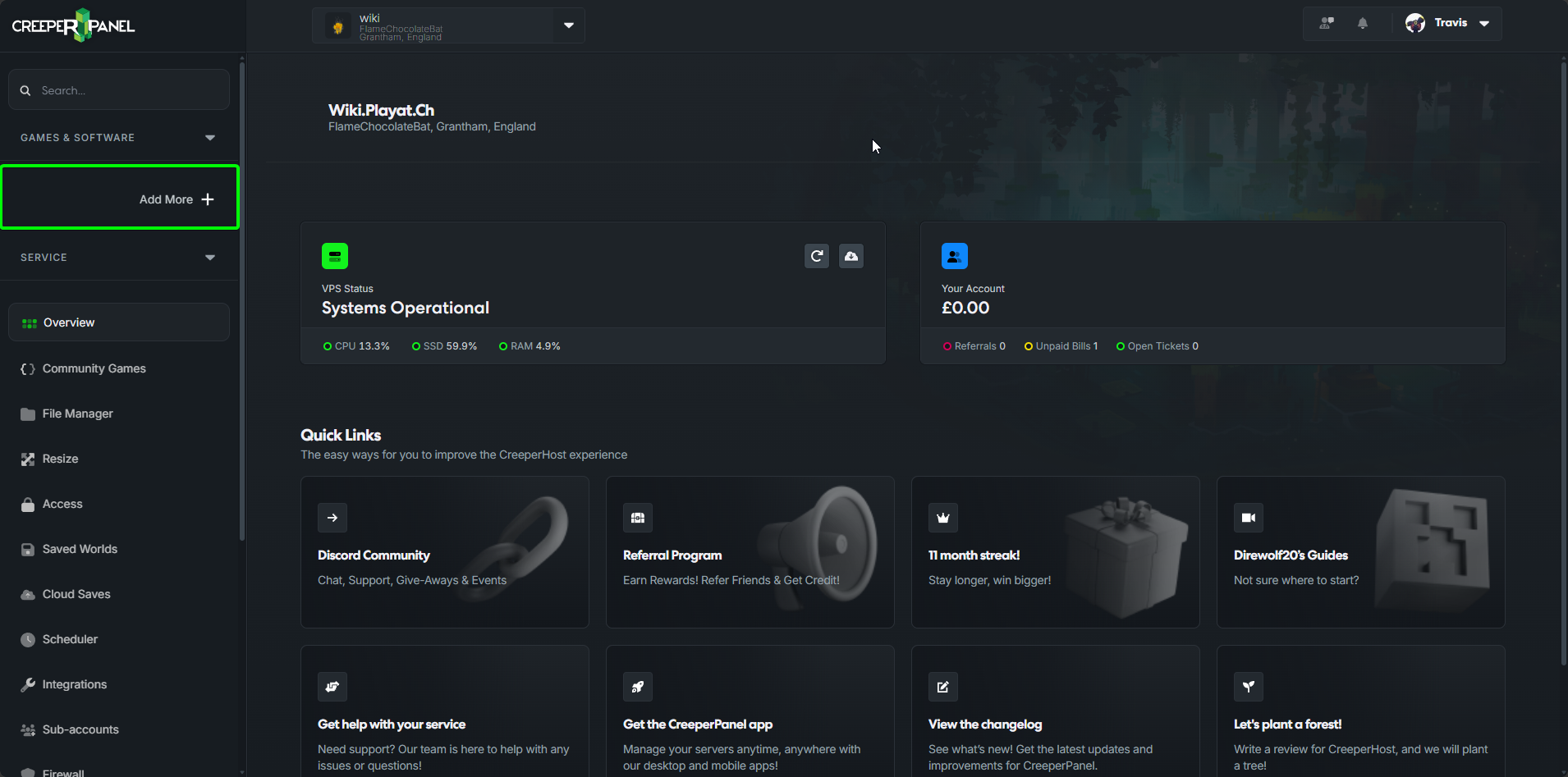
- Select
Install Something new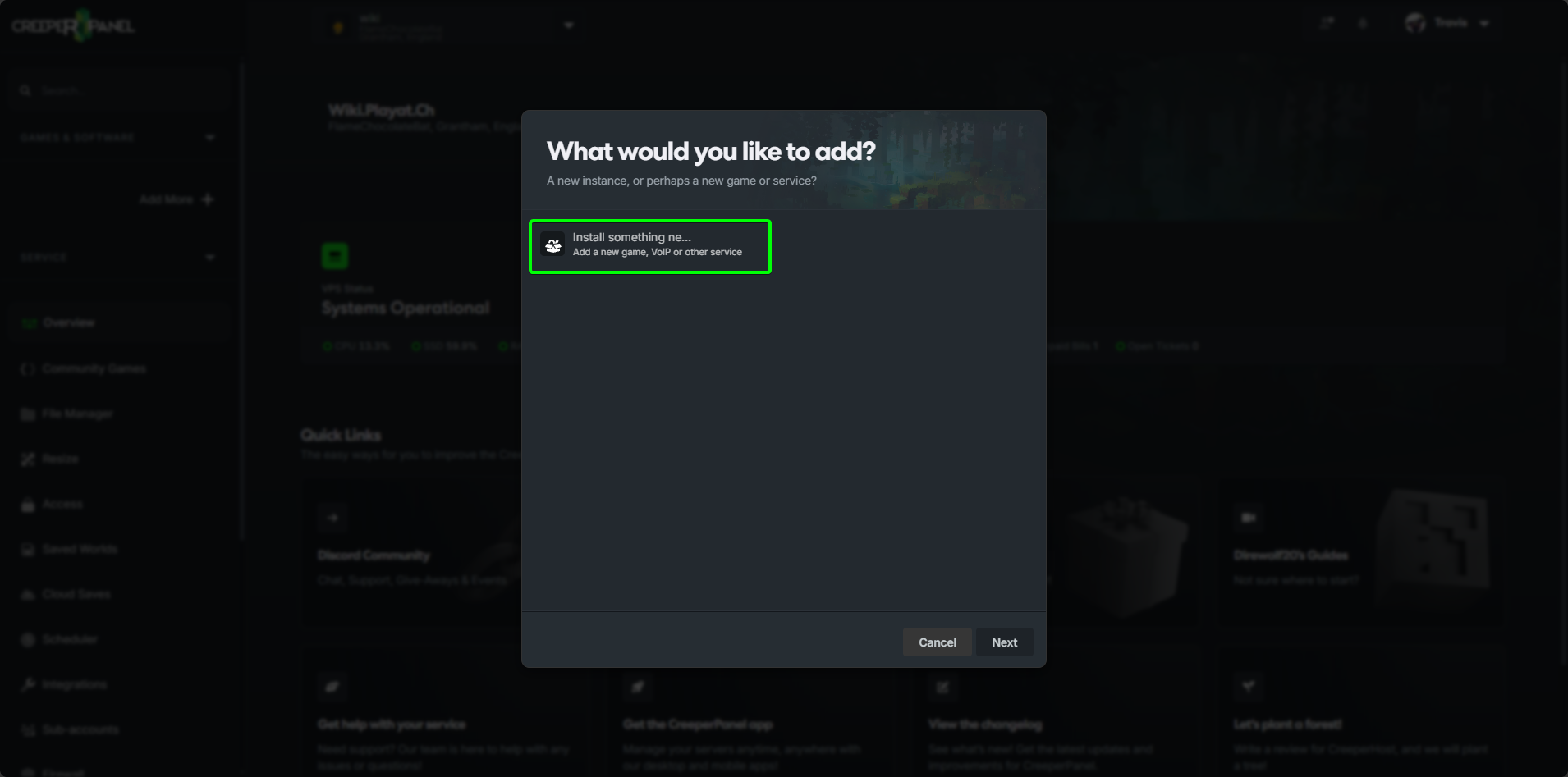
- Search for
Return to Moriaand click onInstall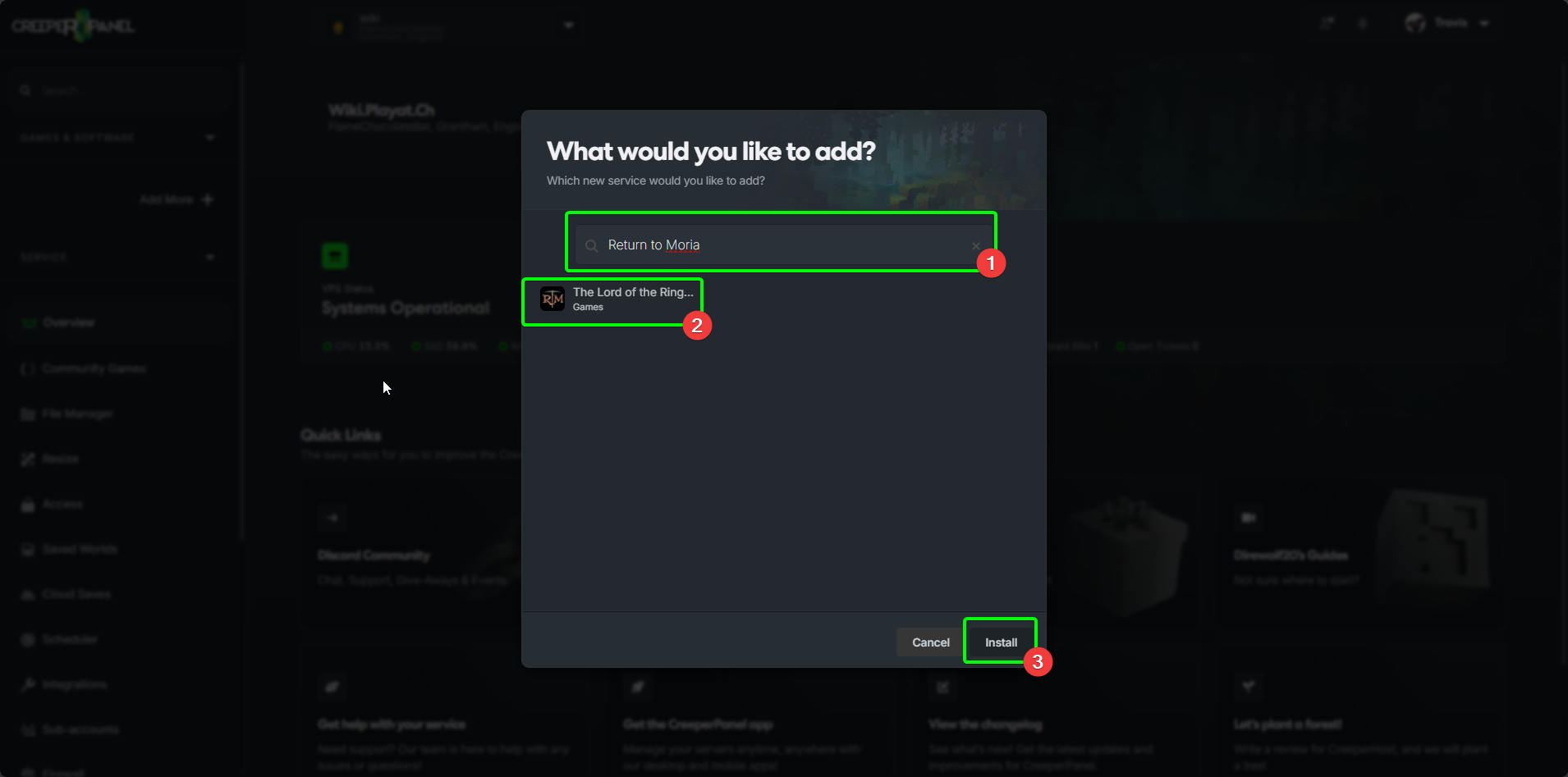
- Select the version of the game you wish to install
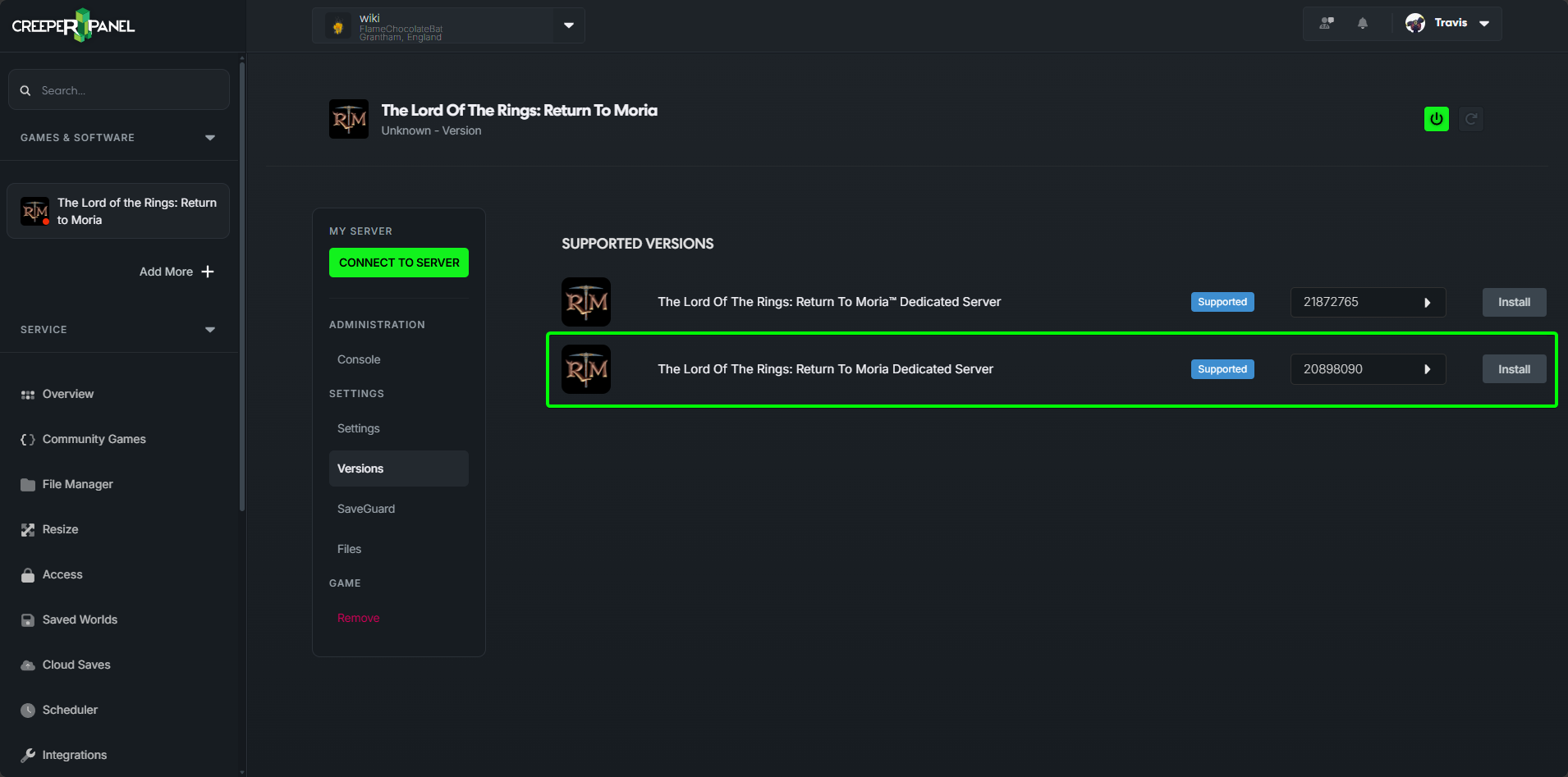
That's it, The Lord of the Rings: Return to Moria is now installed
Manual
Windows
- Open Steam
- Search for Return to Moria Dedicated Server
- Click on Install
- Start the server
It's just that easy
Linux
warning
This game does not support Linux so you will need to run the game under WINE
info
You will need to install dxvk into your wine prefix or the game will crash on startup
- Ensure SteamCMD is installed, How to install CMD
- Download the server files, This can be done by using via SteamCMD using the command
steamcmd +login anonymous +@sSteamCmdForcePlatformType windows +force_install_dir . +app_update 3349480 validate +quit
- Once the game is downloaded you will need to run
MoriaServer.exevia your wine installation
wine MoriaServer.exe