Connecting to your server
To get connected to your CoreKeeper server:
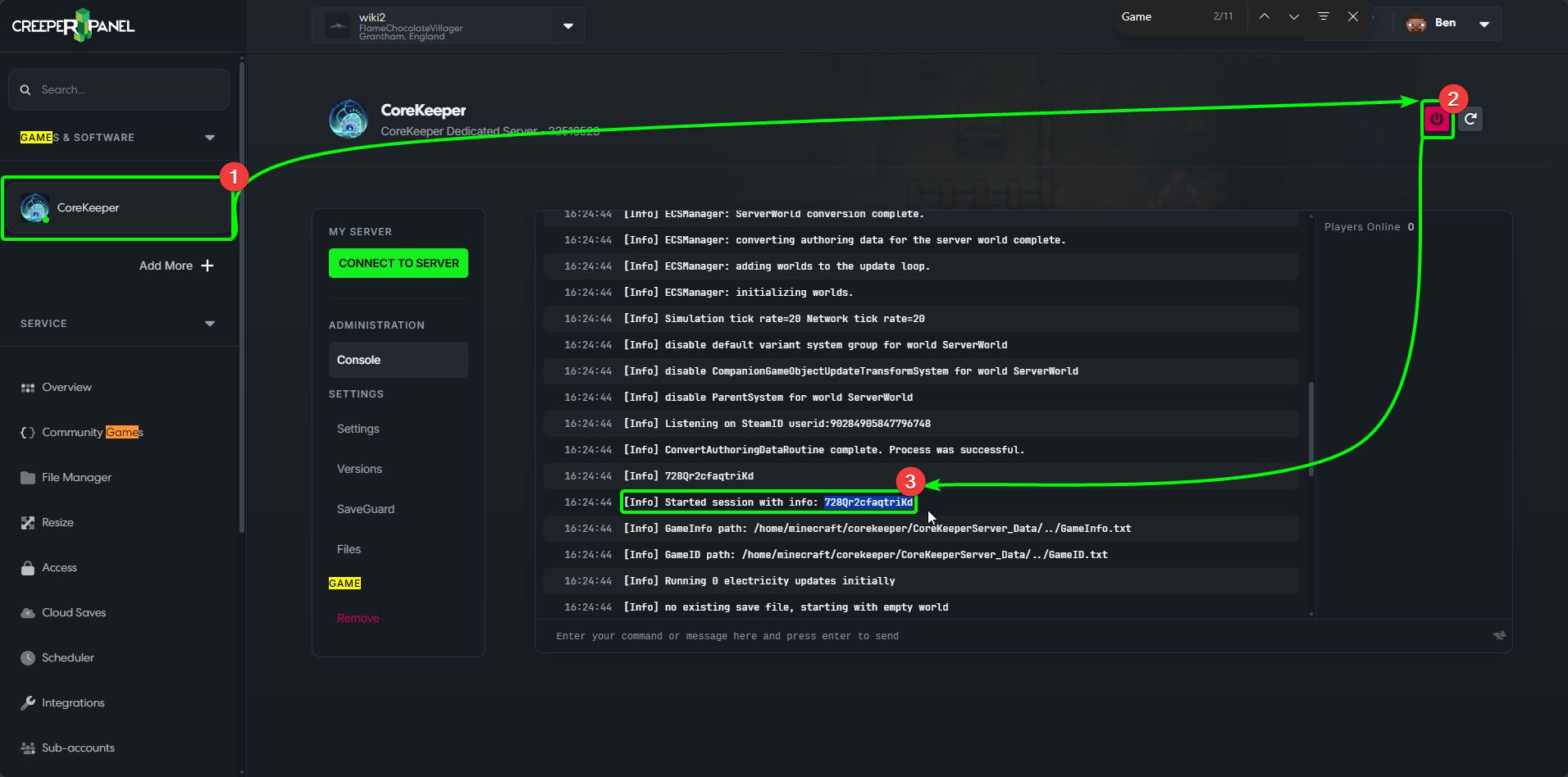
- Navigate to your
CoreKeeperinstance, under theGames & Softwaretab on the CreeperPanel's sidebar. - Start your server. Stay on the console page, as you'll need to locate the Game ID in the screenlog.
- You should see a line similar to
[Info] Started session with info: 728Qr2cfaqtriKd. The alphanumeric code is your Game ID. Copy it to your clipboard.
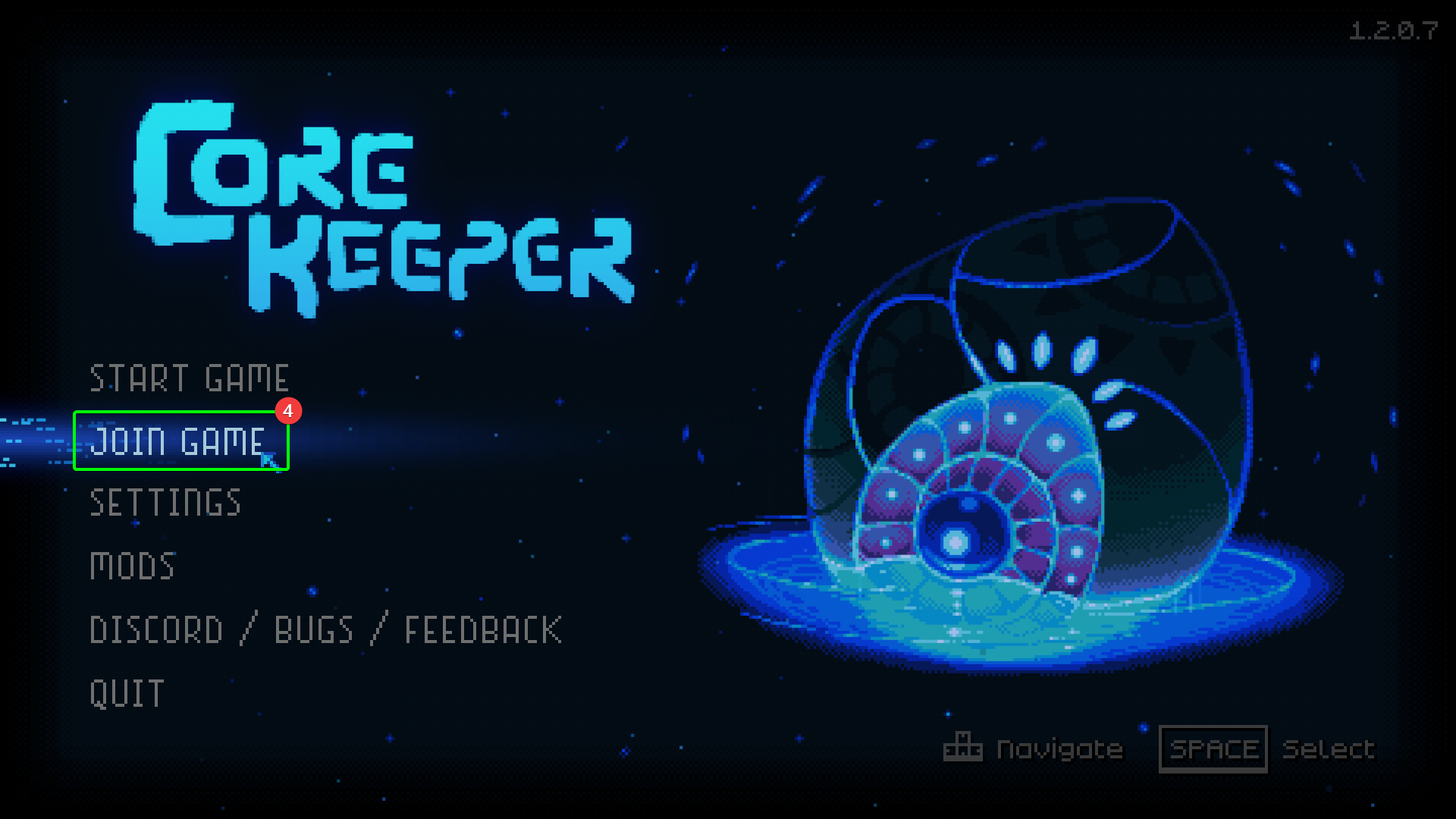
Now you'll need to load CoreKeeper on your PC. At the main menu:
- Select
Join Game.
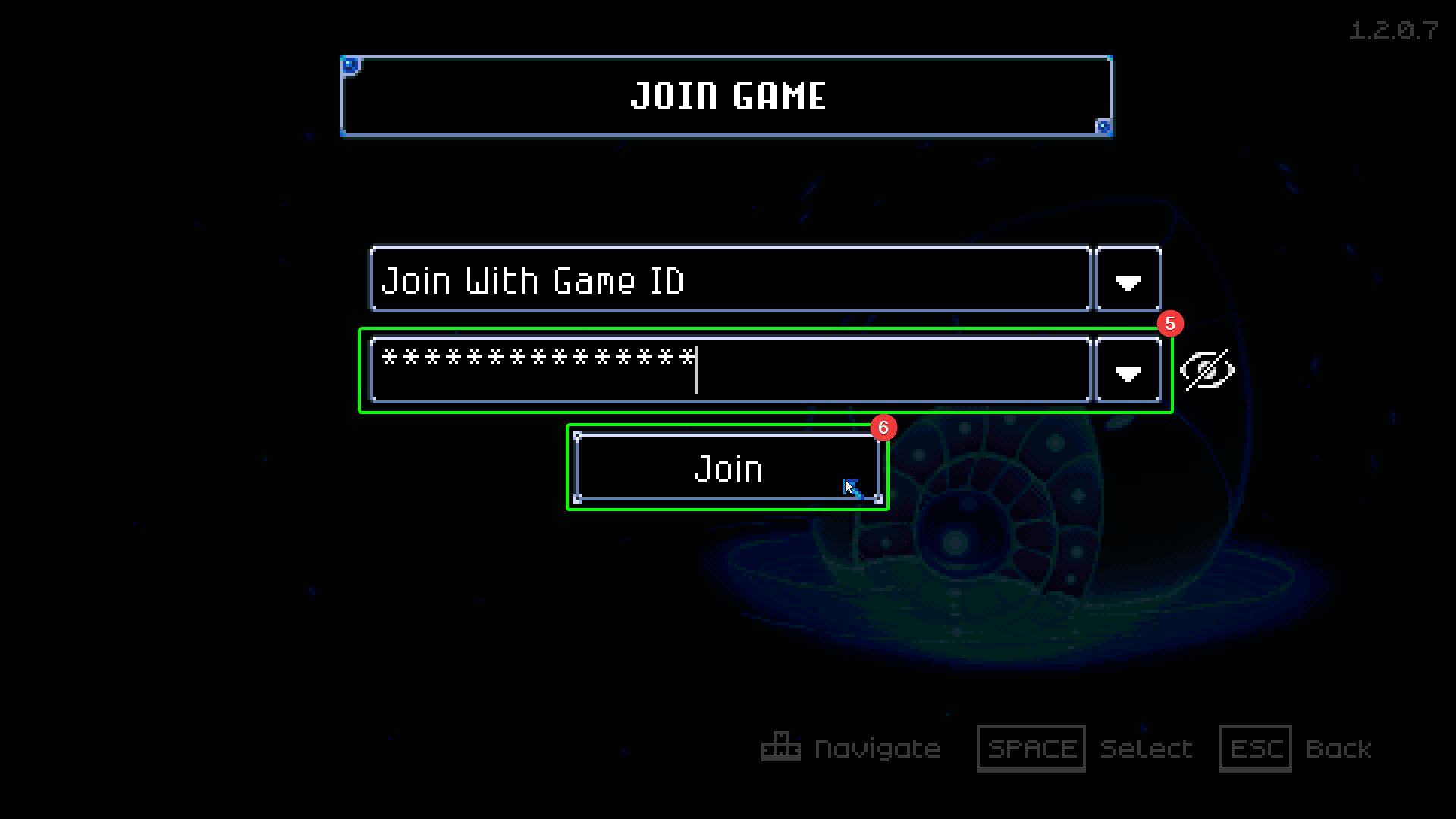
- Ensure
Join With Game IDis selected as the connection method. - Enter your
Game IDinto the respective field.
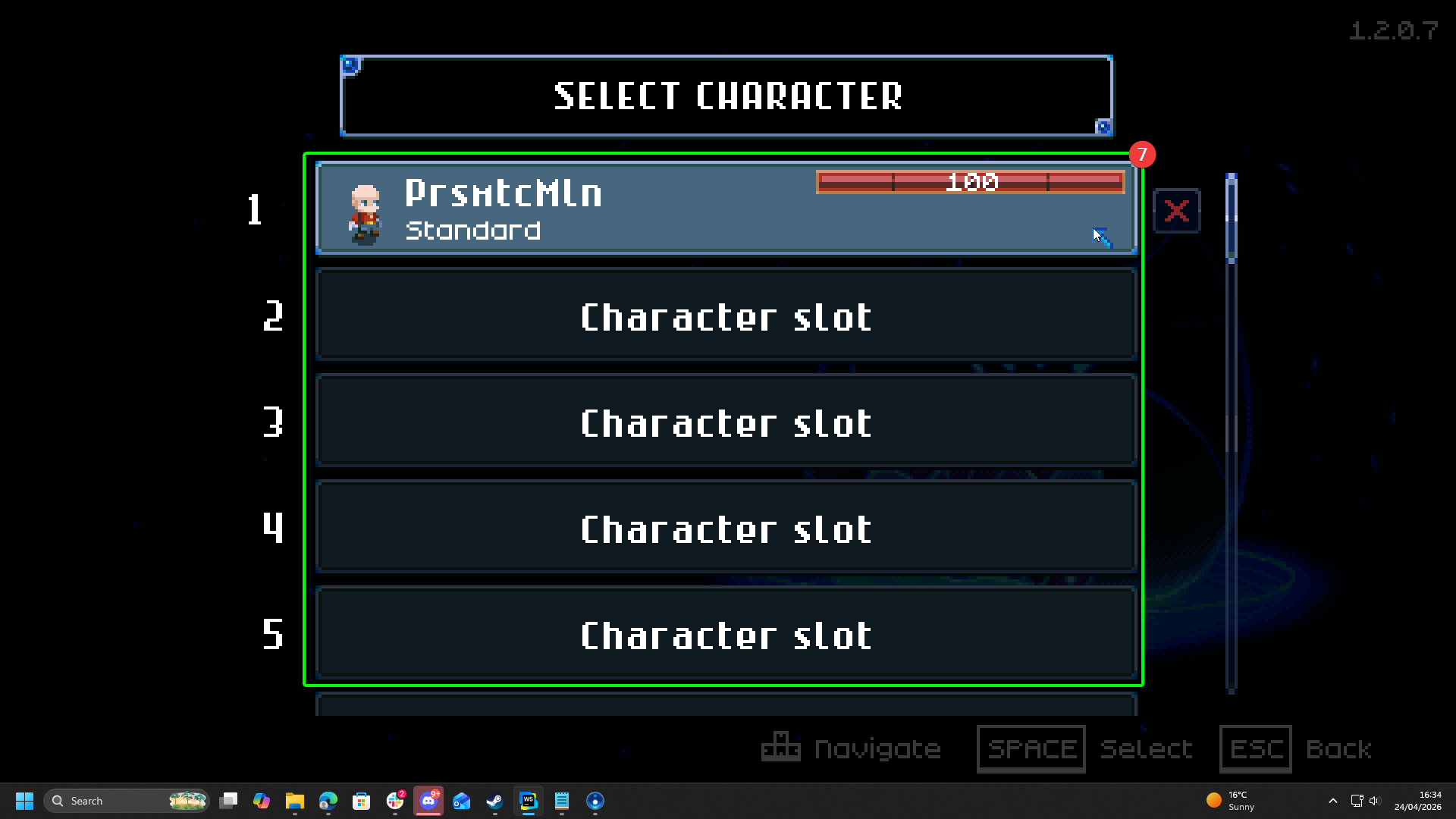
- Either select an existing character, or create a new one. Once you select a character or finish creating one, you'll begin to load into your server.
That's it! Now it's time to explore the caverns and build your adventure!