Connecting to your Stardew Valley Server
Now you've created your Stardew Valley server, it's time to connect. You'll need some details from your server to actually connect, so:
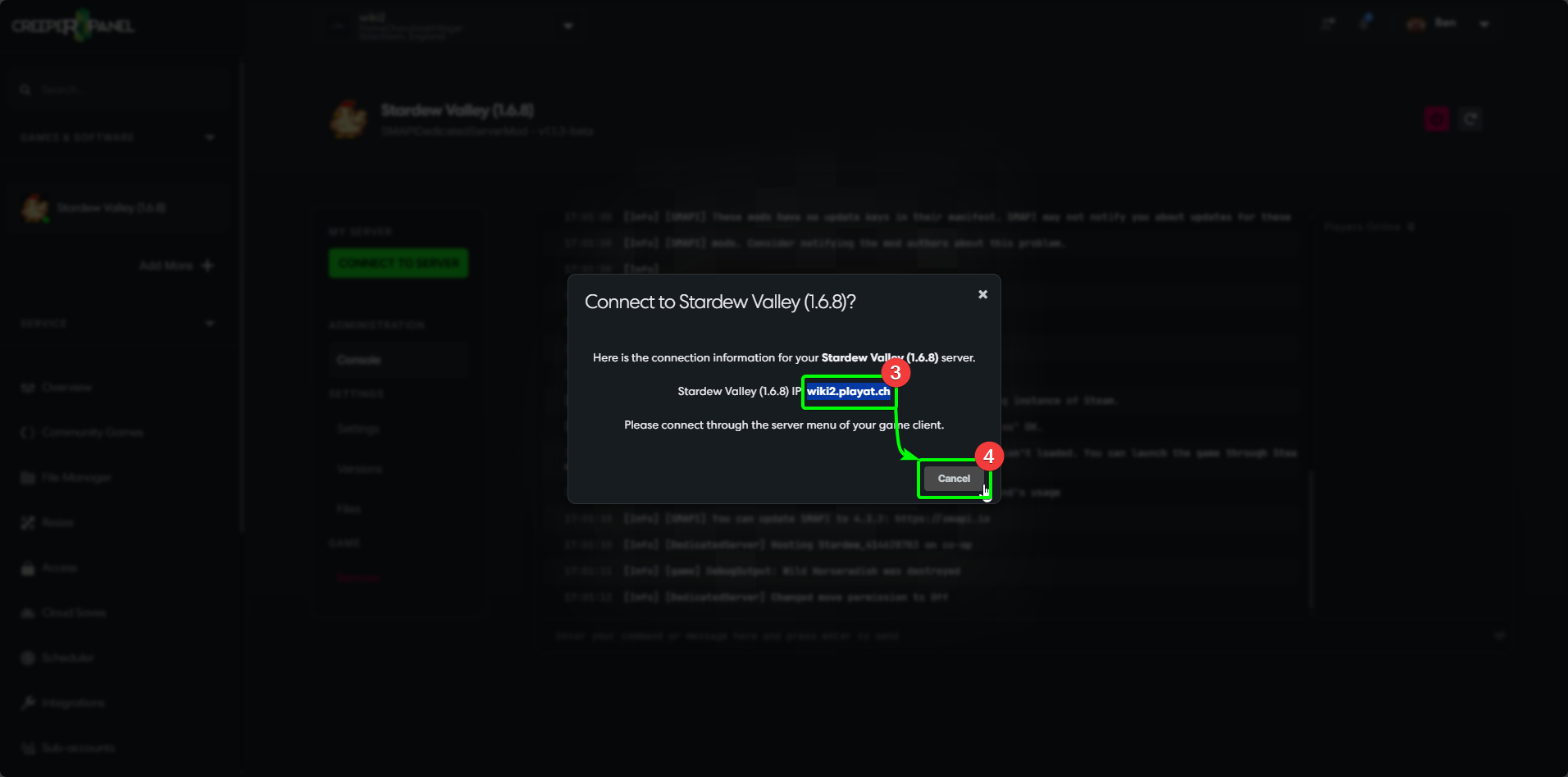
- Log in to the CreeperPanel, and navigate to the console page for Stardew Valley. Make sure your server is on before trying to connect.
- Select the green box labelled
CONNECT TO SERVER. This will open a pop-up in the Panel with your connection information.

- In the pop-up, highlight and copy your connection information, as seen in the image below.
- Once you have copied the information, you can close the pop-up by selecting
Cancel.
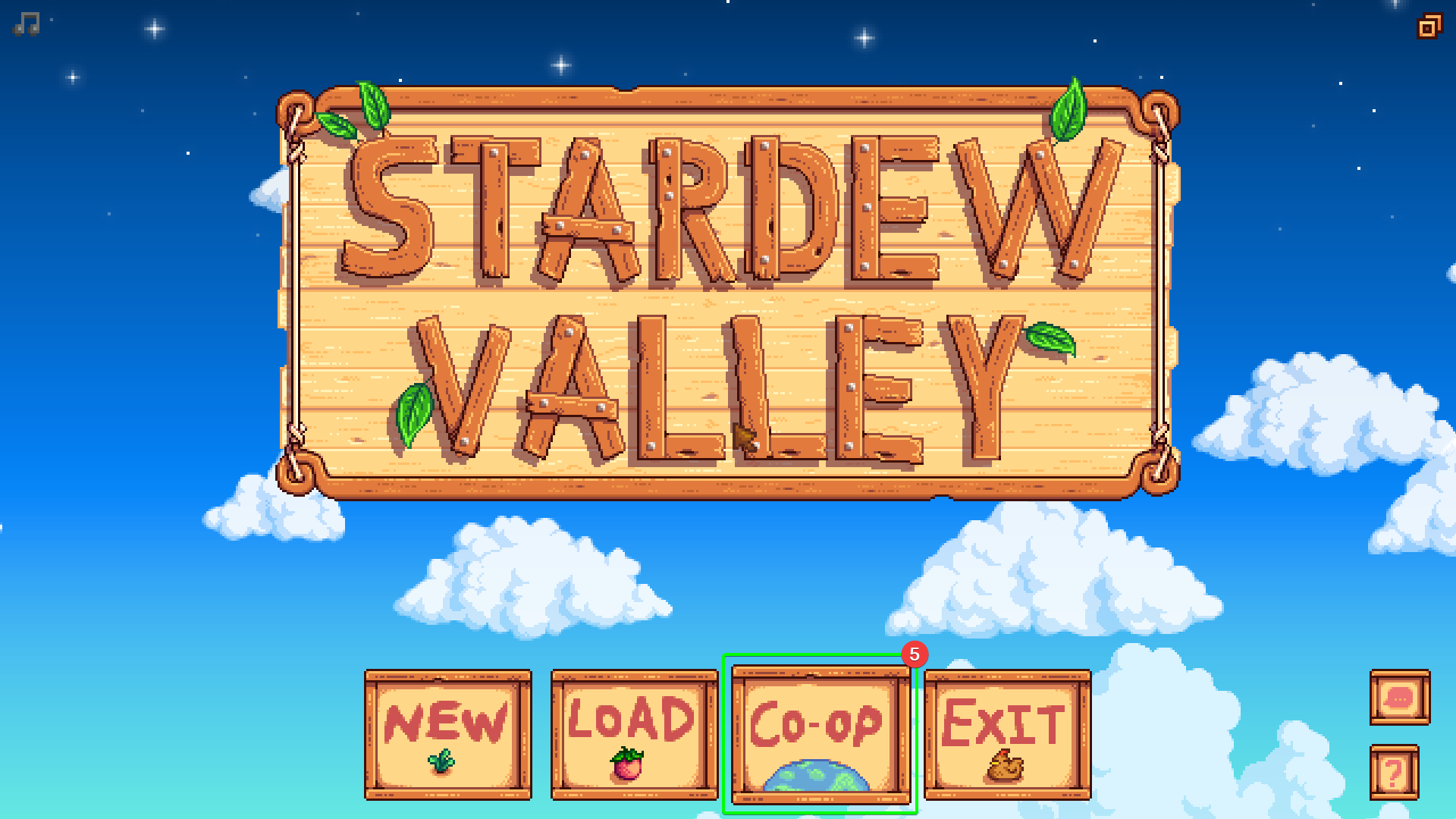
- Next, open Stardew Valley on your client machine. From the main menu, select the
Co-Opoption at the bottom.
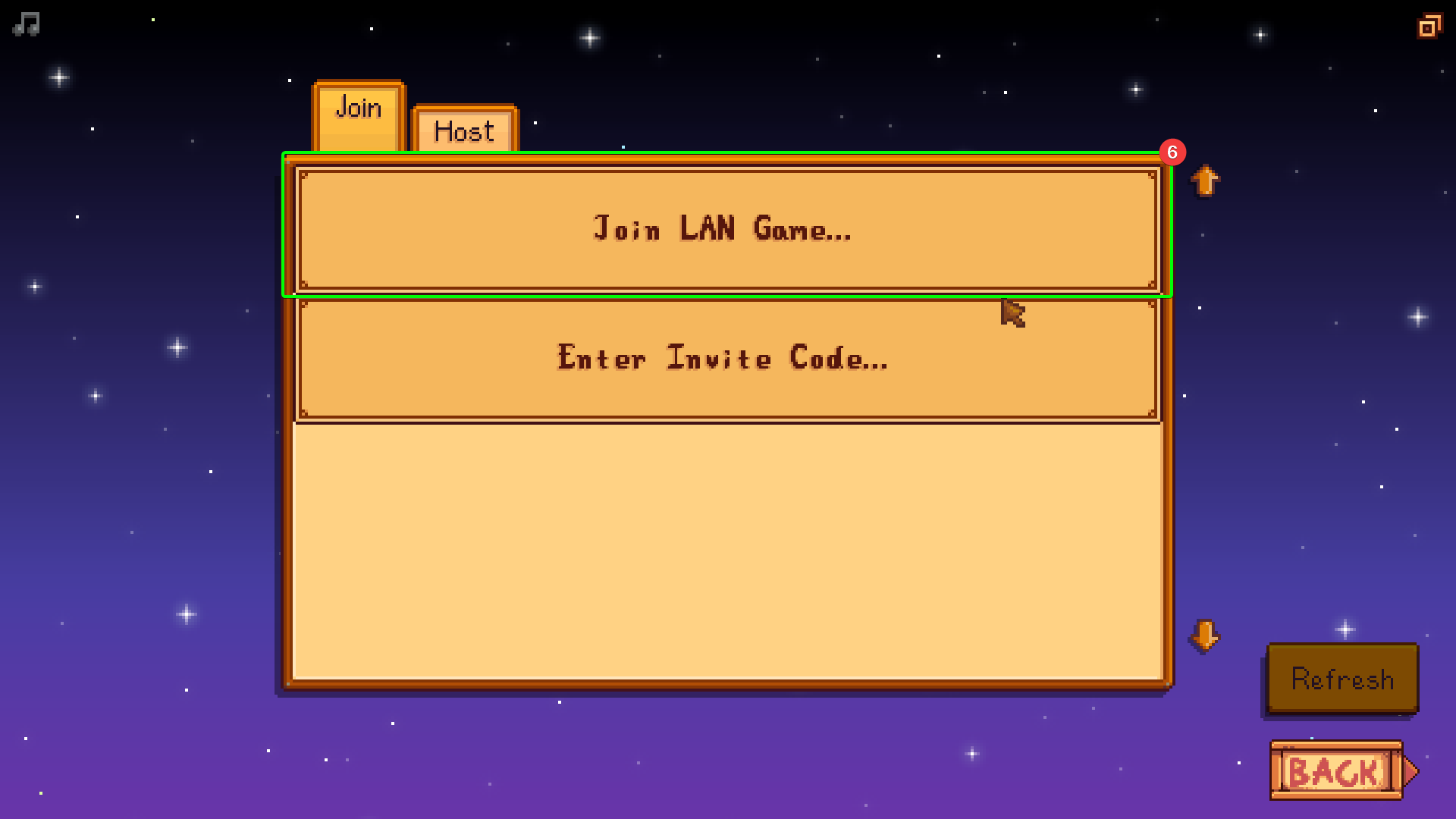
- In the next screen, select
Join LAN Gamefrom the availabe options.
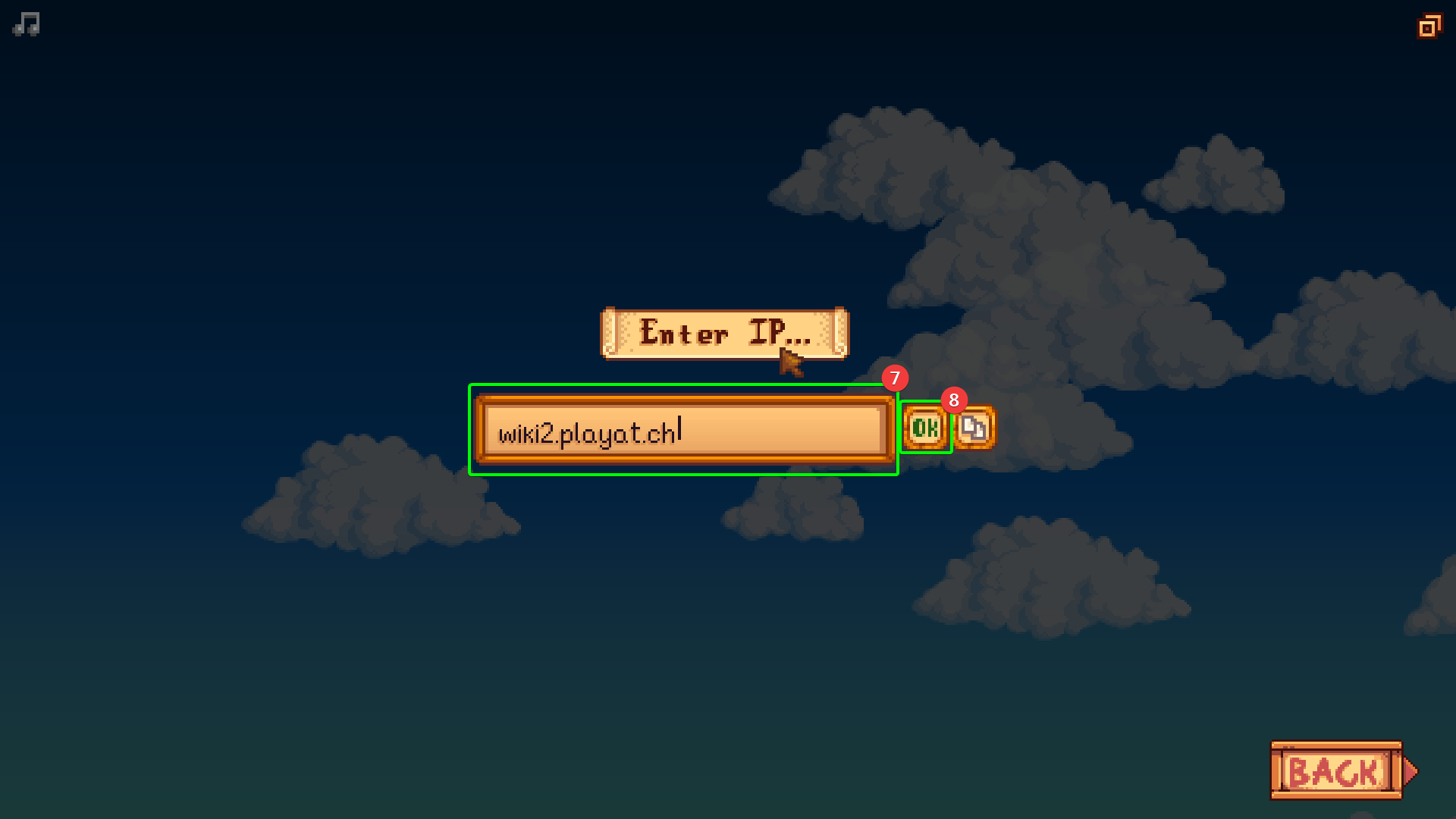
- Next, paste your server's connect details into the box under the
Enter IPmessage. - Double-check your connection information; once you've confirmed it's correct, select
Ok.
- On the next screen, you will see the targeted server's world information - make sure this matches what you would expect, and once you're ready, select the world.
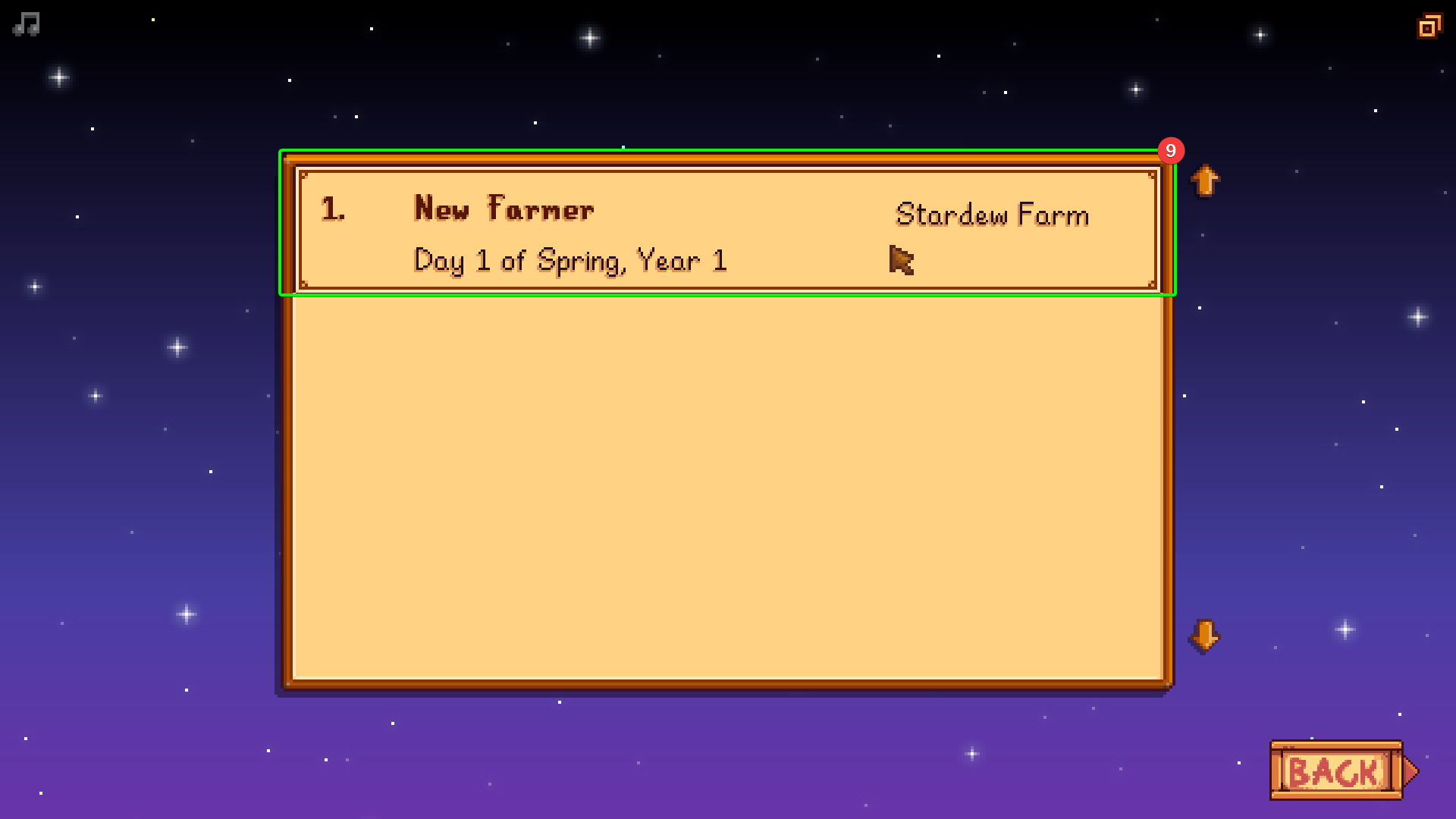
For fresh worlds, you will need to create a new character; once you've made the character you'll be ready to play!